




About Record screen
آواز کے ساتھ گیم ریکارڈ کریں، ریکارڈر کیپچر کریں اور اعلیٰ معیار میں اسکرین شاٹ!
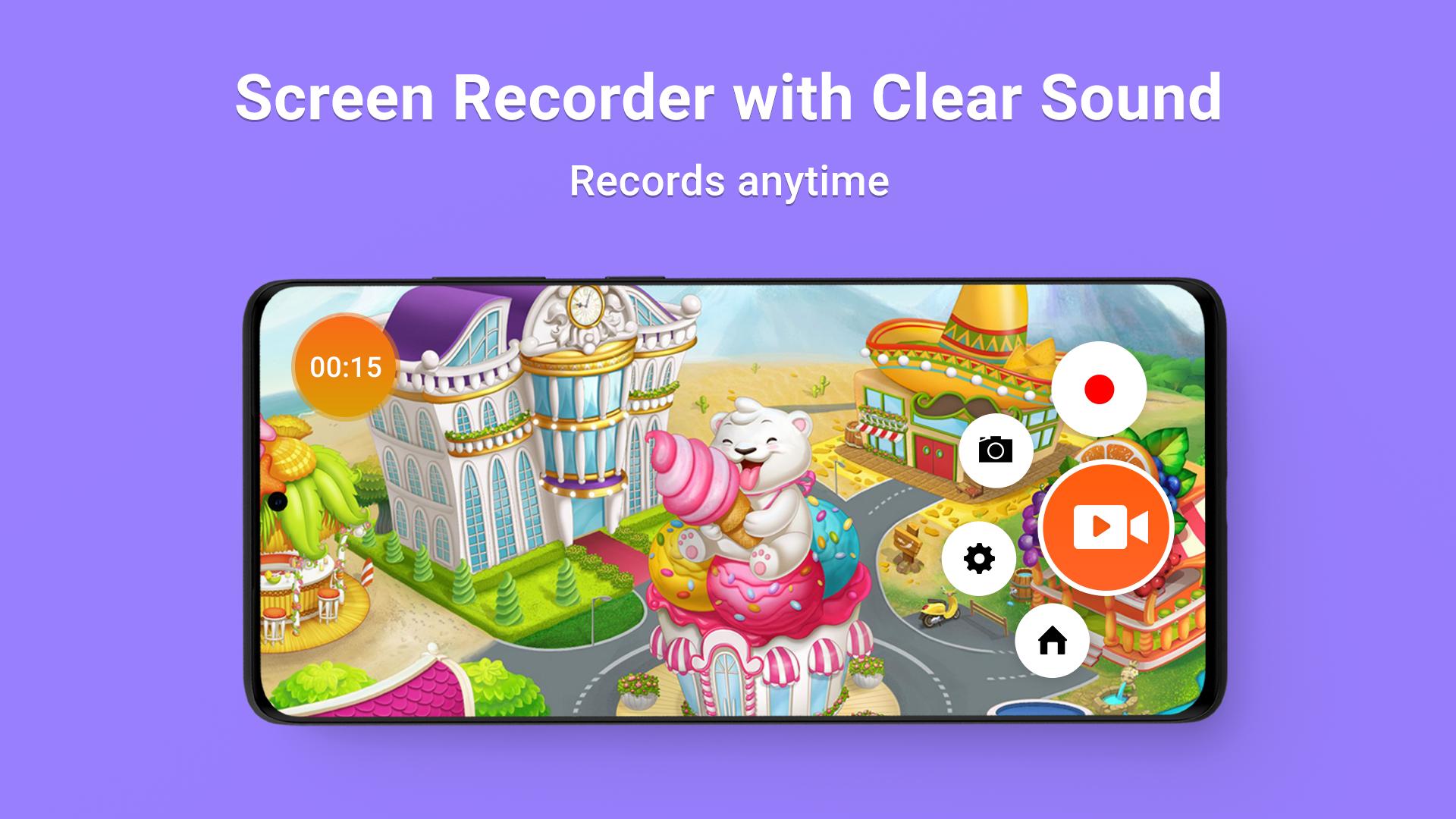
Record Screen is a free screen recorder that enables you to record screen, record video activities without any hassles and save as HD videos. Aside from recording screen, it can also record audio from mic and synchronize.
👍 Key features:
- Record Screen Free supports recording screen with audio of internal sound via phone speaker which makes it easy to make instructional vidyo screen recorder or add commentary to gameplay recording
- Besides recording or screencast-o-matic phone screen, it can also record your front camera, which will be very useful in adding your face to game recordings
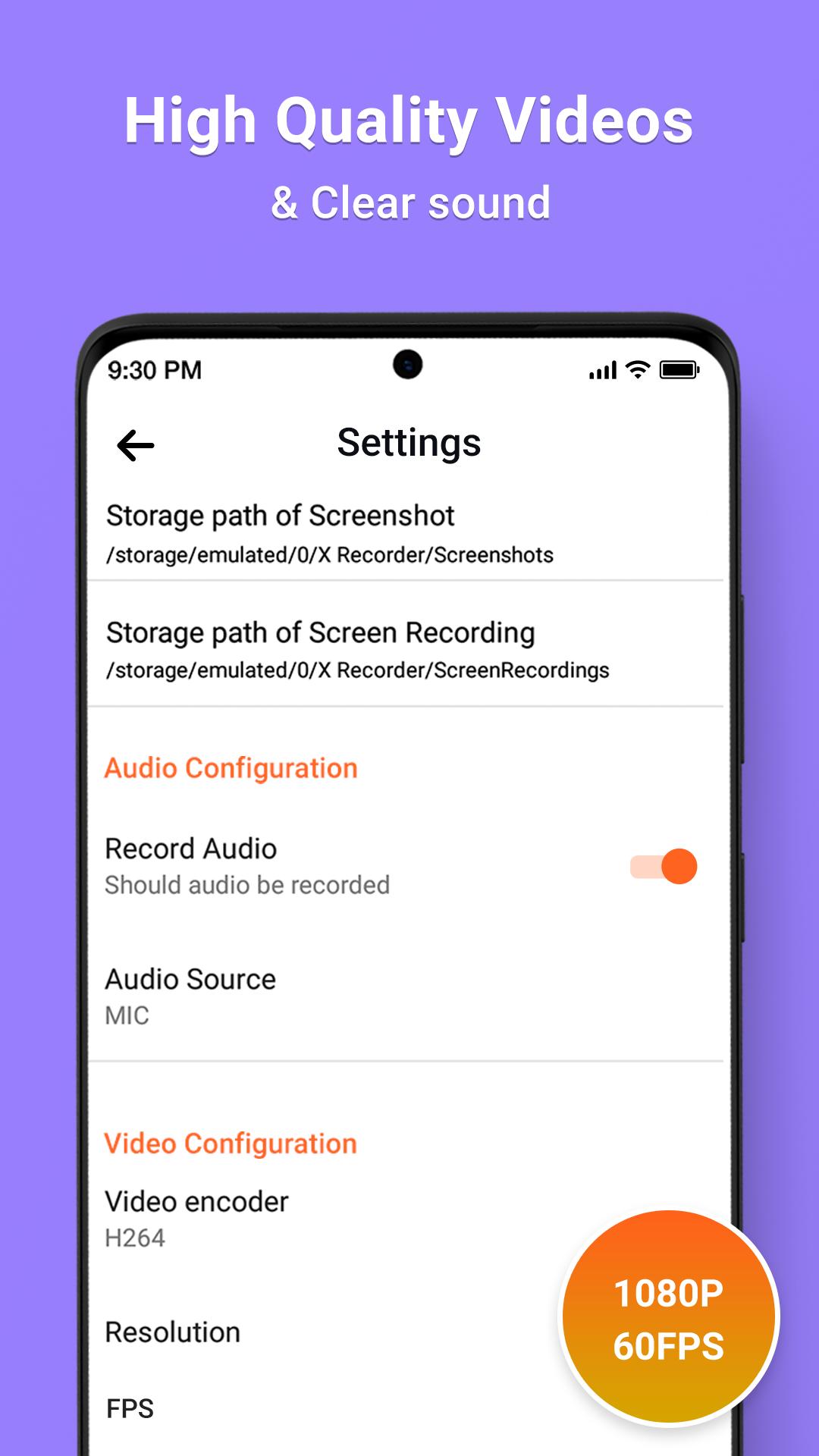
- Create high quality 📺 videos with Full HD graphics in 240p to 1080p, 60FPS, 12Mbps
- Totally free & no time limit for screen record
- Floating Controls!
- Storage location 💾 Record long time videos with SD card (External Memory)
- Video Editor: Trim video and change the speed
- Add frames and stickers, also support adding local images and custom watermark to your videos
- Camera overlay for screen voice recorder
- Screen Capture : My Recorder is not only a screen recorder, but also an app to capture screenshots
- Screen record with audio support internal audio recording
- X Recorder also provides special features like shake to stop and one tap to hide recording window
- Crop and rotate image: can be cut into rectangular, round, star, triangle and other shapes
- Large picture can be directly annotated and do not have to be cropped first
- Painting on the screenshot : Screen recorder free
- DU recorder support portrait, landscape and auto screen record mode
- Change speed, adjust video speed of different sections
- Drag the floating window to the bottom to close it
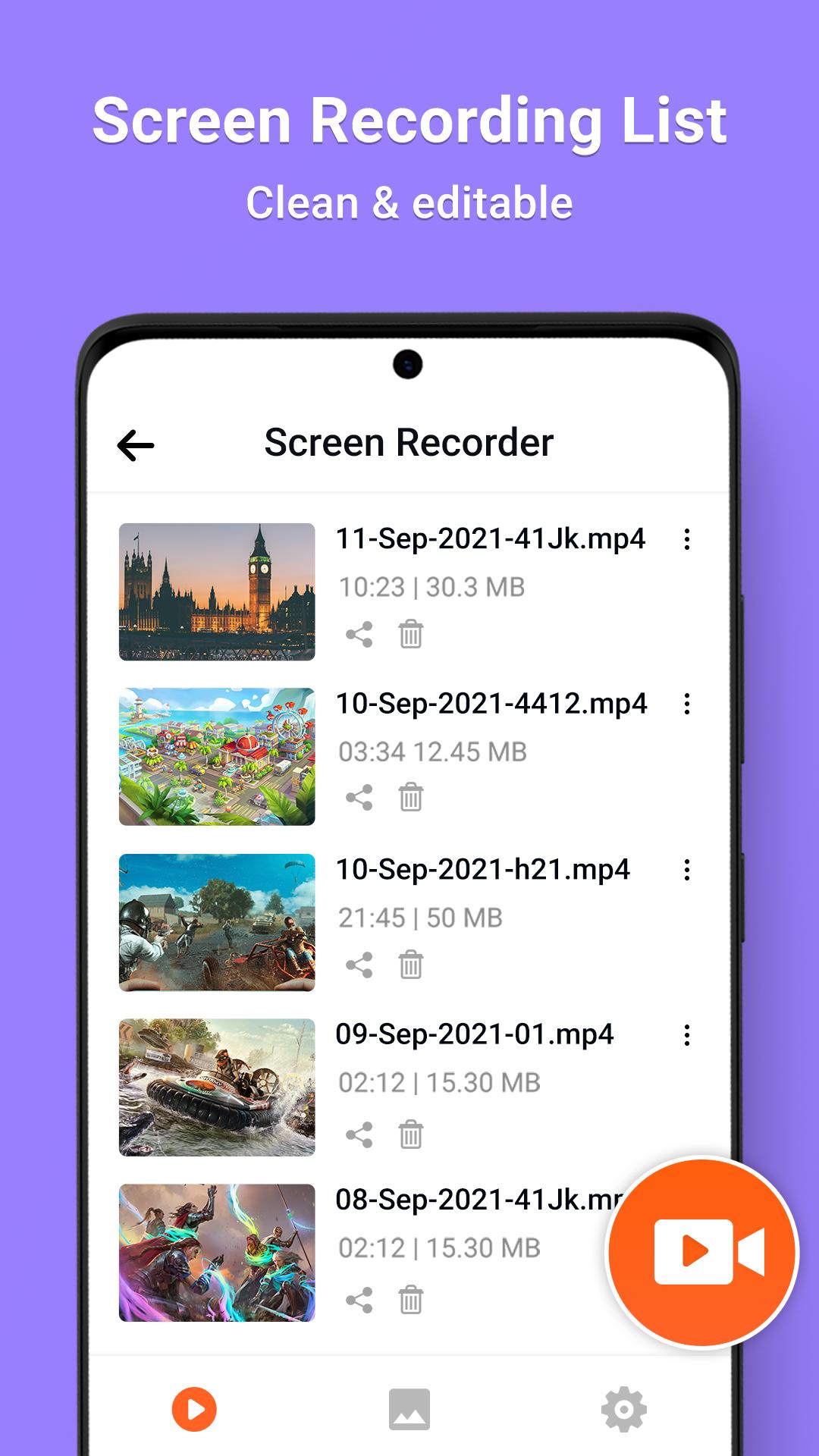
- Share, edit, delete & select all pictures
Video recording app is the best offline HD screen recorder. Du screen recorder is mobile recorder for recording your smartphone's screen. Xrecorder support record screen video with sound, capture recorder and live screen recorder.
This record screen app will help you keep every moment. Your video call moments with friends and families are not going to be lost anymore, you can just capture and store as videos.
With samsung record screen user can record videos with bubble recording[Floating Recording button], the floating button always staying on top and will let you snap at the exact moment on any screen.
Record screen android can be used to record screen activities of android smart phones. You can record your screen videos, games, chats, video callings, movies, and many more.
Screen Recorder & Video Editor lets you record your screen to HD and Full HD videos and screen recorder with audio is the only screencast app in the app market that can be paused and resumed while recording.
Screen recording is available with sound or without sound so you can screen record with voice and without voice.
Once you’ve completed your recording, you can use Super Video Recorder’s video editor to trim, merge videos, add music, rotate the video... basically create a custom video tailored to your needs. In screen recorder lite you can record everything on your screen and create the perfect video with super screen recorder.
While you're recording you can activate both the front and the rear cameras and the view will appear in a corner of the screen. In the setup options you can also adjust the resolution, FPS, and bitrate for the recording.
Video Record - Record Anywhere
With samsung galaxy record screen for Online Meeting and Live Streaming, you can record the screen of your phone from other recording apps directly.
UI is very simple and intuitive, pause and continue recording as much as you want. Stop and resume button will take away the chaos of recording and give you a seamless experience.
This screen capture tool supports any video format you like ans record my desktop. Full HD format is the most preferred format for sure. With full HD recording, you will get ultra-clear video and audio screen recorder with facecam.
معلومات ایپ اضافی
تازہ ترین ورژن
1.1اپ لوڈ کردہ
Kamell Krimo
Android درکار ہے
Android 5.0+
مواد کی درجہ بندی
Everyone
رپورٹ کریں
فلیگ غیر موزوں ہےمیں نیا کیا ہے 1.1 تازہ ترین ورژن
Last updated on Aug 6, 2022
اس ورژن میں معمولی بگ فکسز اور عمومی بہتریاں شامل ہیں۔ بہترین تجربے کے لیے تازہ ترین ورژن پر اپ ڈیٹ کریں۔
Record screen اسکرین شاٹس





متعلقہ ٹیگز



پچھلے 24 گھنٹوں میں مشہور مضامین
- Как скачать последнюю версию Plants vs Zombies Fusion Edition APK 4.0 для Android 2026
- EA SPORTS FC MOBILE 27: canjear códigos para reclamar recompensas gratis, septiembre de 2026
- Cómo descargar la última versión de Plants vs Zombies Fusion Edition APK 4.0 para Android 2026
- كيفية تنزيل Minecraft 1.21.30 APK





Record screen کے لیے ریویو چھوڑیں
جائزے شامل کریں