



About PC Usage
What is PC Usage?
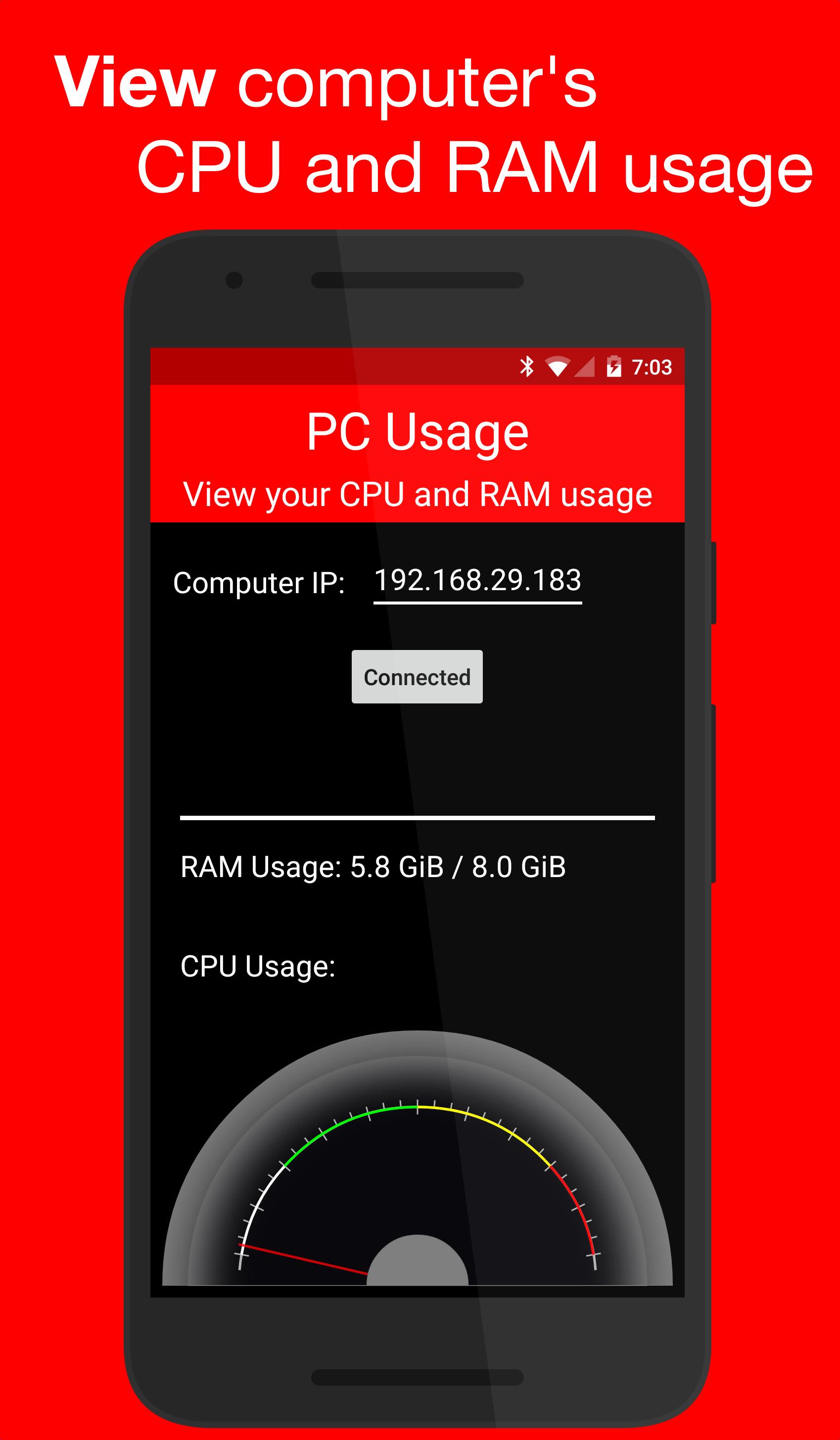
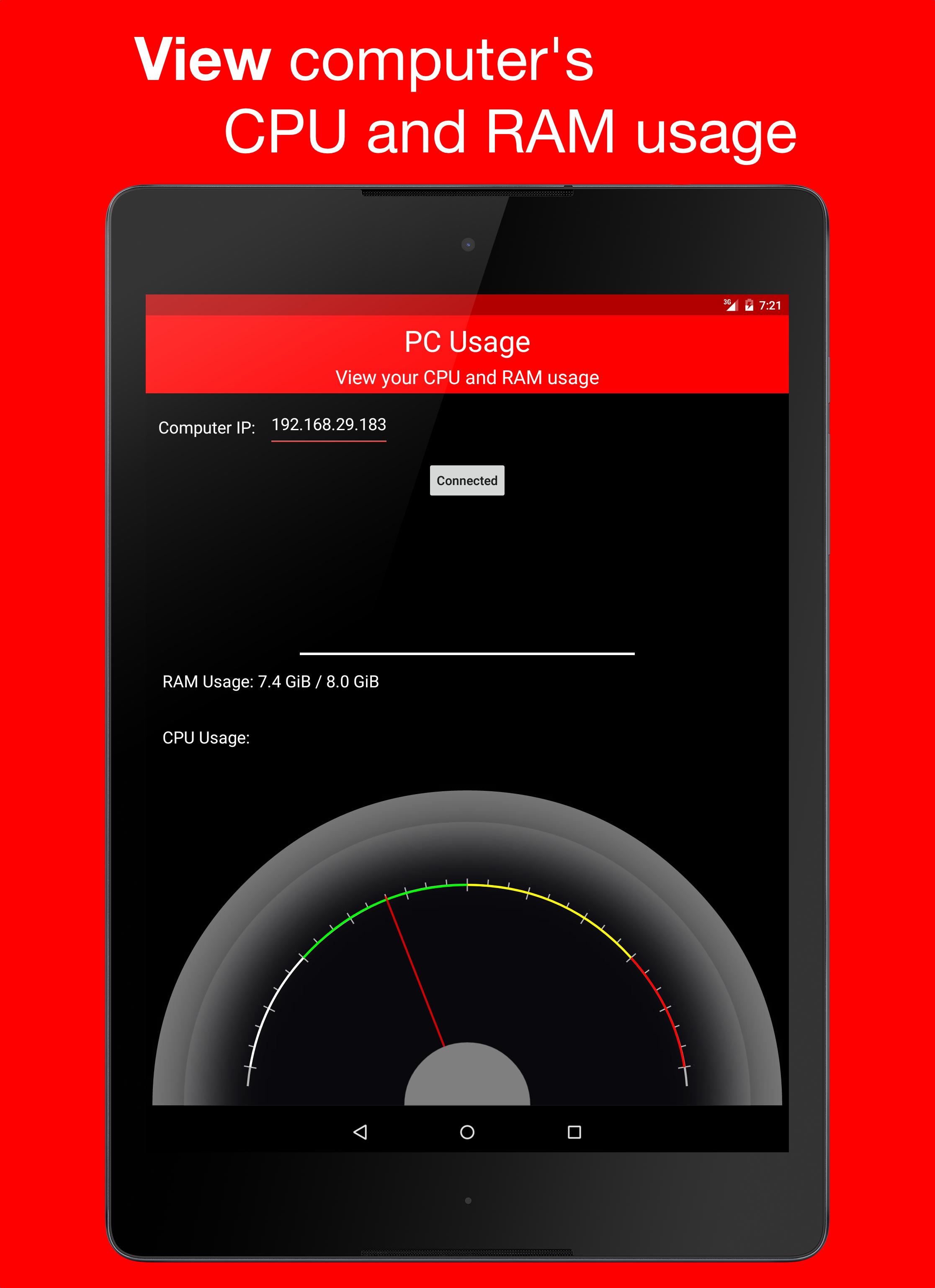
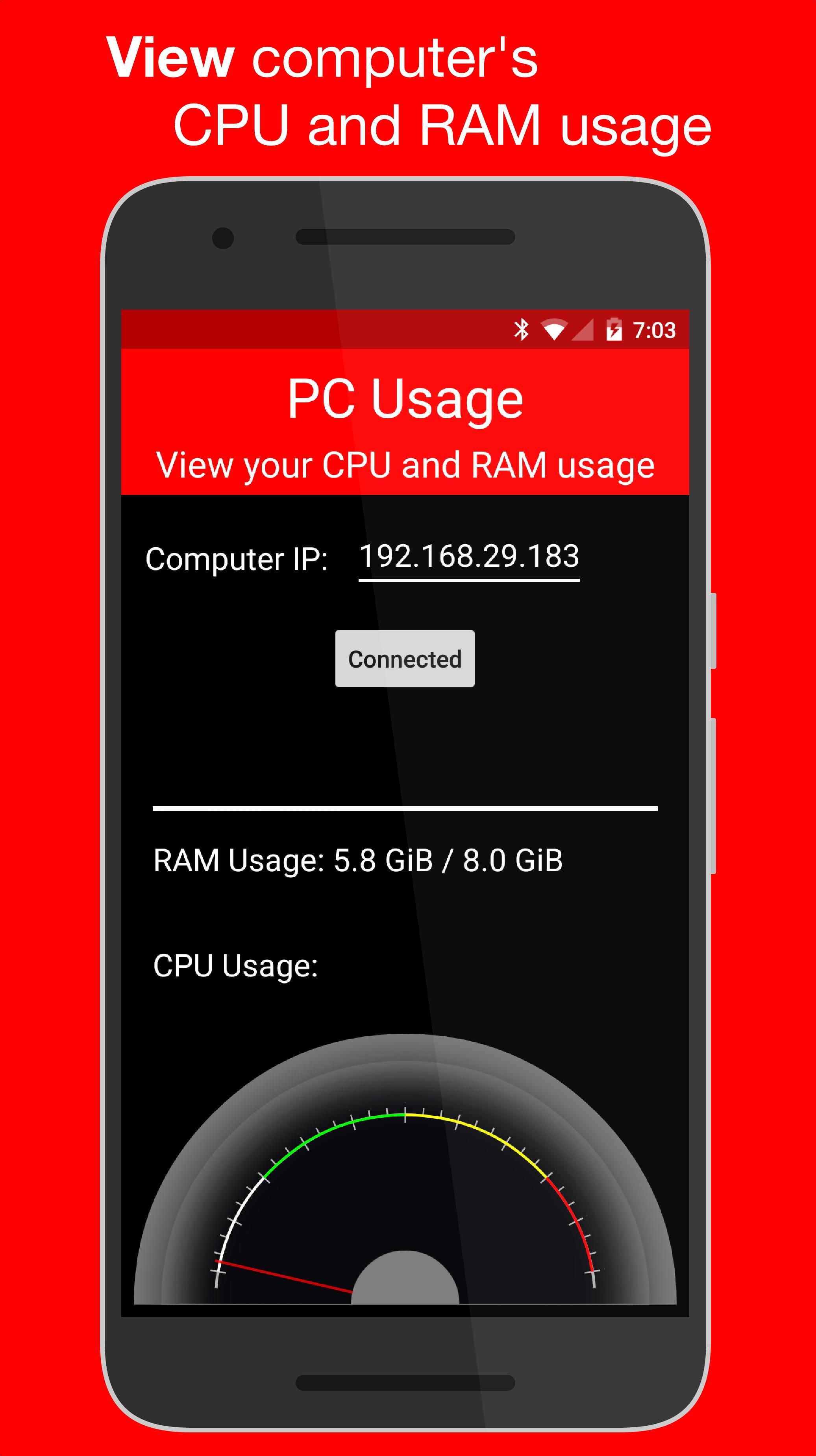
PC Usage is an Android app that allows you to view your computer's CPU and RAM usage.
How it Works
PC Usage detects your computer's CPU and RAM usage, then sends them to the Android device over Wi-Fi and displays them.
Computer Setup
1. Download the computer program:
Windows: https://goo.gl/CS6D5v
Mac / Linux: https://goo.gl/lCwQGL
2. Launch it and start the server.
3. Note your displayed computer's IP address.
Android Device Setup
1. Open the app on your Android device and input the computer's IP address.
2. Press the connect button!
3. If everything was done correctly, a CPU usage gauge and a RAM usage bar should be displayed.
معلومات ایپ اضافی
تازہ ترین ورژن
1.0Android درکار ہے
4.0 and up
کٹیگری
مفت ٹولز ایپمواد کی درجہ بندی
Everyone
رپورٹ کریں
فلیگ غیر موزوں ہےمیں نیا کیا ہے 1.0 تازہ ترین ورژن
Last updated on Dec 29, 2015
Minor bug fixes and improvements. Install or update to the newest version to check it out!
PC Usage اسکرین شاٹس

متعلقہ ٹیگز









پچھلے 24 گھنٹوں میں مشہور مضامین
- Как скачать последнюю версию Plants vs Zombies Fusion Edition APK 3.8.1 для Android 2026
- How to Download Google Play Store APK Latest Version for Android 2026
- Cómo descargar la última versión de Plants vs Zombies Fusion Edition APK 3.8.1 para Android 2026
- How to Download APKPure APK Latest Version 3.20.75 for Android 2026




