Scan Date:Jul 6, 2024
Show More
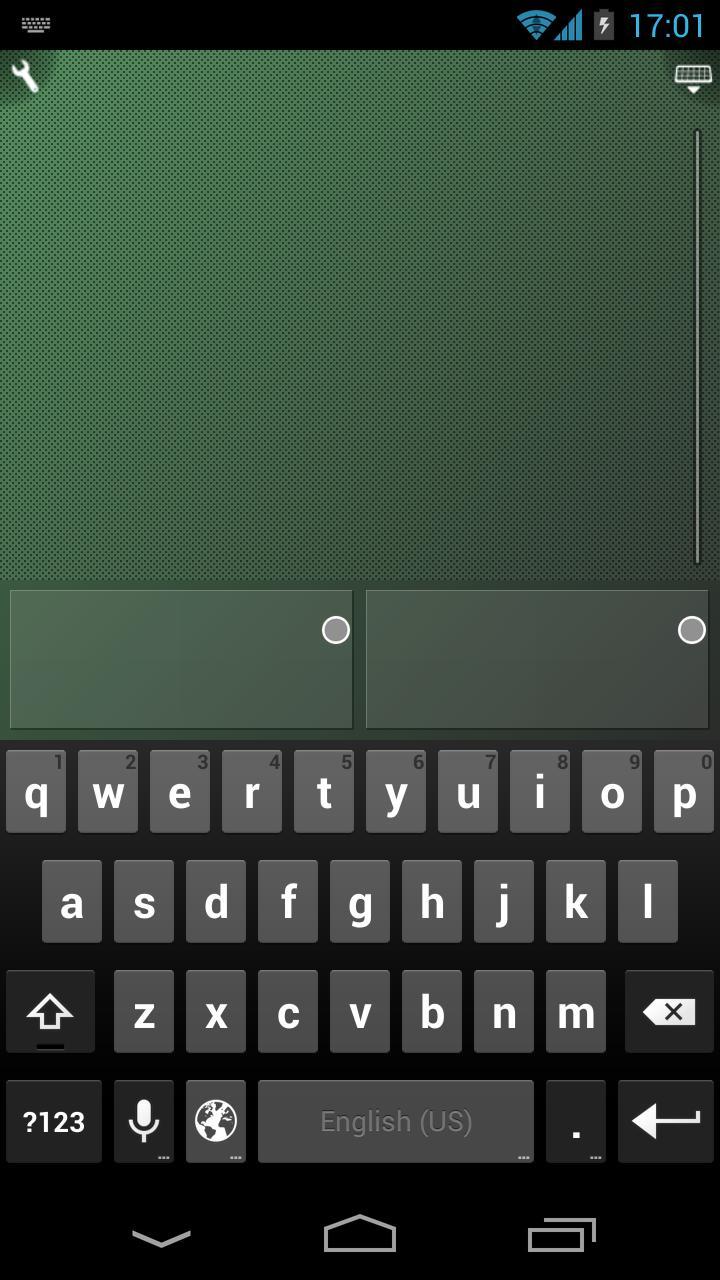
The BEST way to take control of your computer's mouse and keyboard wirelessly through wifi or bluetooth. Install the Ultimate Control Receiver program on your computer (PC, Mac or Linux) and select it from the list displayed on your phone.
In the "touch mode" the screen works as a touchpad. And thanks to the built in gestures, you can scroll, click by tapping or right-click performing a long press.
The "pointer mode" allows you to move your mouse by moving your phones in the air, similar to the Wii remote. This option is only available for phones with gyroscope capabilities (nexus s, galaxy S2, galaxy nexus, optimus 2x...)
Enjoy the Ultimate Control experience!
*download the receiver program from "www.negusoft.com/ucontrol"
**This is the ad supported versión of the "Ultimate Mouse" app
Latest Version
2.7.0Uploaded by
Afnan Khan
Requires Android
Android 5.0+
Category
Free Tools AppContent Rating
Everyone
Security Report
Report
Flag as inappropriateLast updated on Dec 2, 2023
- Updated UI




APKPure - A multi-platform app store primarily focused on Android, providing extensive app-related content. Discover the app you want easier, faster, and safer, with quick and efficient downloads and installations.