

關於Toggle Bluetooth
切換藍牙與一個單一的點擊。
Use this simple application to quickly toggle your Bluetooth on/off (from on to off and back again). It is particularly useful for those android phones with no quick settings bar on the notifications pull down, such as some HTC devices.
Put the widget on your home screen and tap it to toggle your Bluetooth setting. The widget indicates the current Bluetooth setting by the colour of the Bluetooth icon as follows:
- Green: Bluetooth is on
- Red: Bluetooth is off
Note that the widget colour also updates if the Bluetooth setting is changed by some other means (such as from the system settings), unlike some of the other toggle widgets available, so you always know the Bluetooth status state from the widget colour.
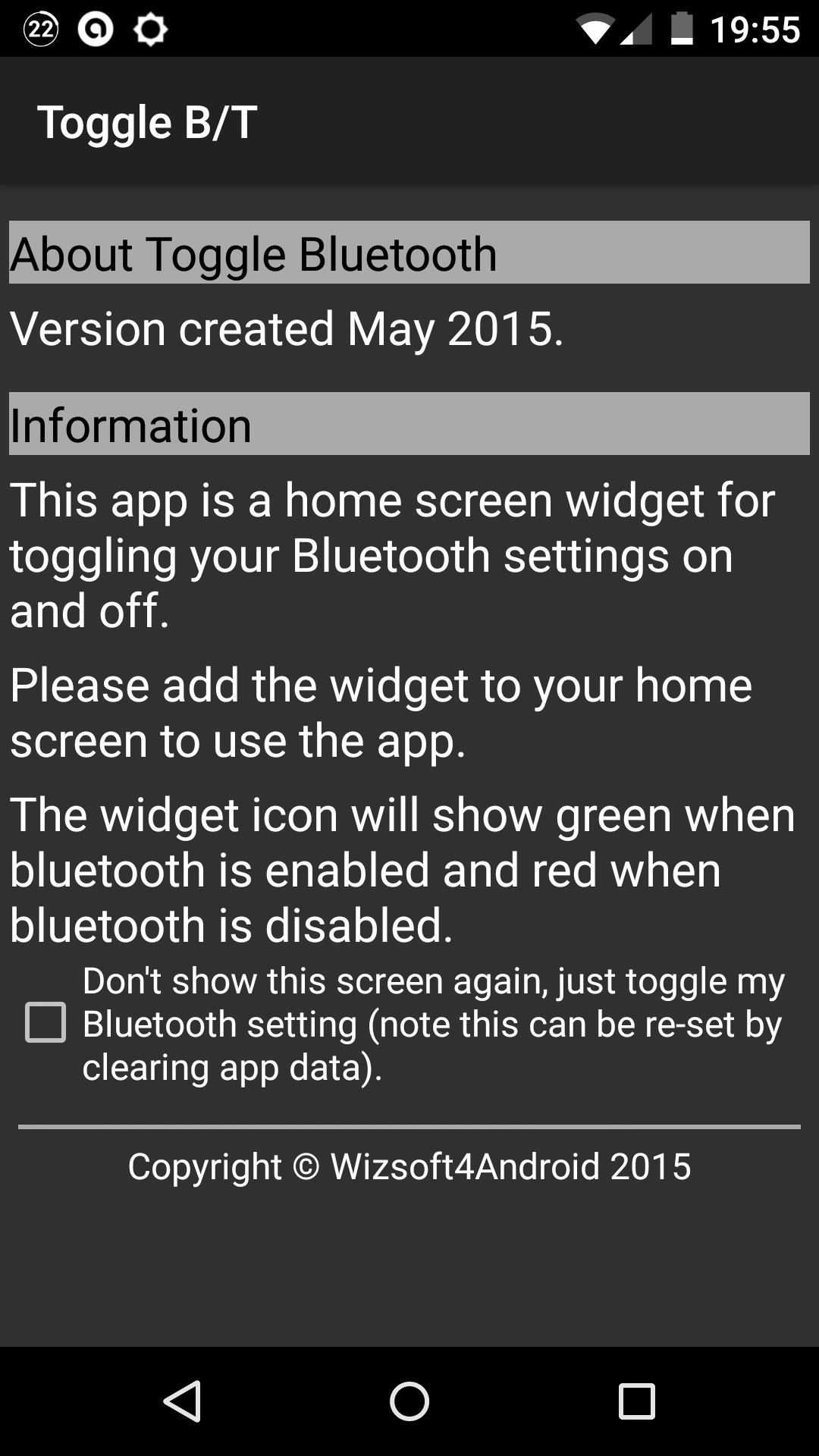
Alternatively, use the app to toggle your Bluetooth setting, by selecting the checkbox in the app. When using the app, an on screen message will be displayed informing you of whether you have turned Bluetooth on or off.
最新版本0.5更新日誌
Last updated on 2015年10月20日
Added option at customer request to allow the app to toggle the bluetooth setting as per a previous version (achieved by selecting the "don't show this screen again, just toggle my bluetooth" checkbox on the app screen).
Toggle Bluetooth 螢幕截圖




Toggle Bluetooth歷史版本
78.2 KB2015年10月20日