關於Share2any
這是一種從Android發送或獲取文件到附近任何PC的簡單方法
It's an easy way to send or get files, documents, or pictures from your Android to any PC nearby. Data cable is not required. You need just an internet connection and WiFi.
* Simple and easy, just scan QR-code via this app.
* Send and receive files, documents, pictures
* Once installed app - transfer files to anyone
* No USB cable
* No login and passwords during transferring
* No required to configure
* No required extra programs on PC
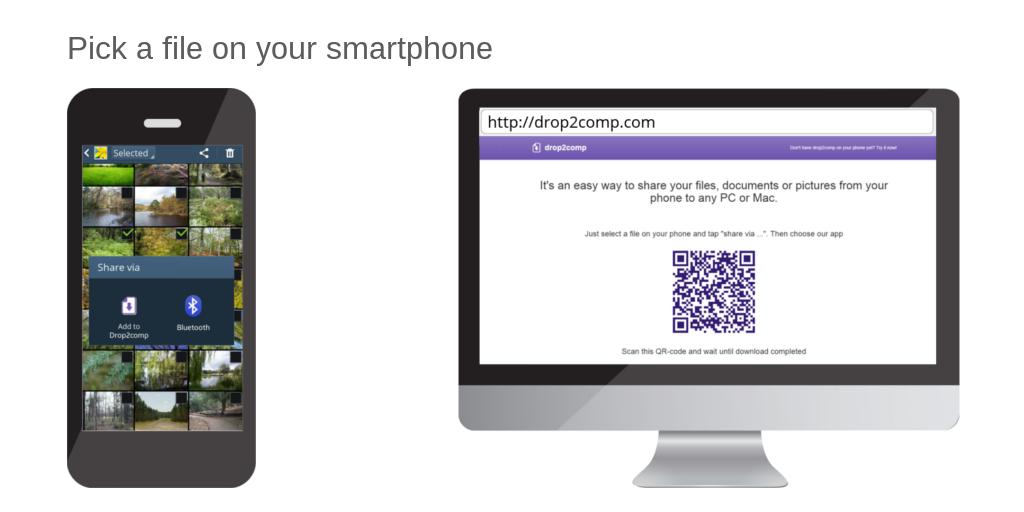
Launch an internet browser on your computer and open share2any.com
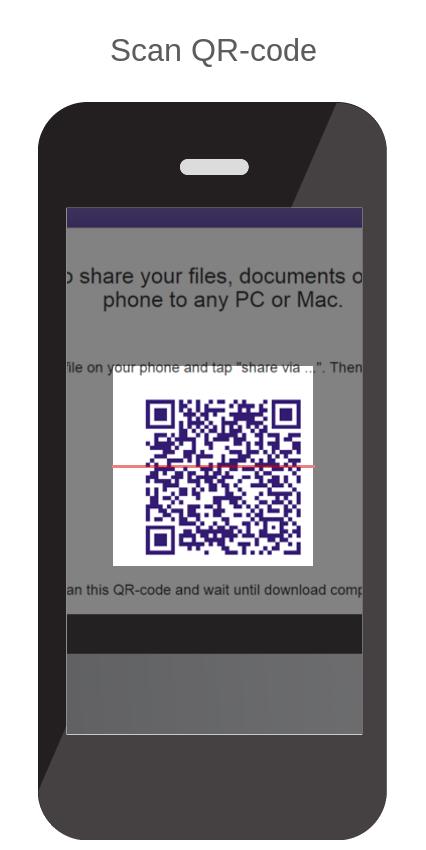
Then choose a file on your phone in any convenient way (using gallery or file manager) and tap on "Share via …". Choose "Share2any" in the opened list. Then scan QR-code from the web page you have opened yet. Wait until download will complete.
Or, launch app Share2any, tap on the "browse" button, and choose the file. Scan QR-code and wait until download will complete.
Similarly, you can get any file from your computer.
If your phone and computer included in the same local network then the size of transferring files not taken into account.
最新版本2.1.9更新日誌
Last updated on 2020年07月14日
Changed main site address
Share2any 螢幕截圖