
關於Settings Extended
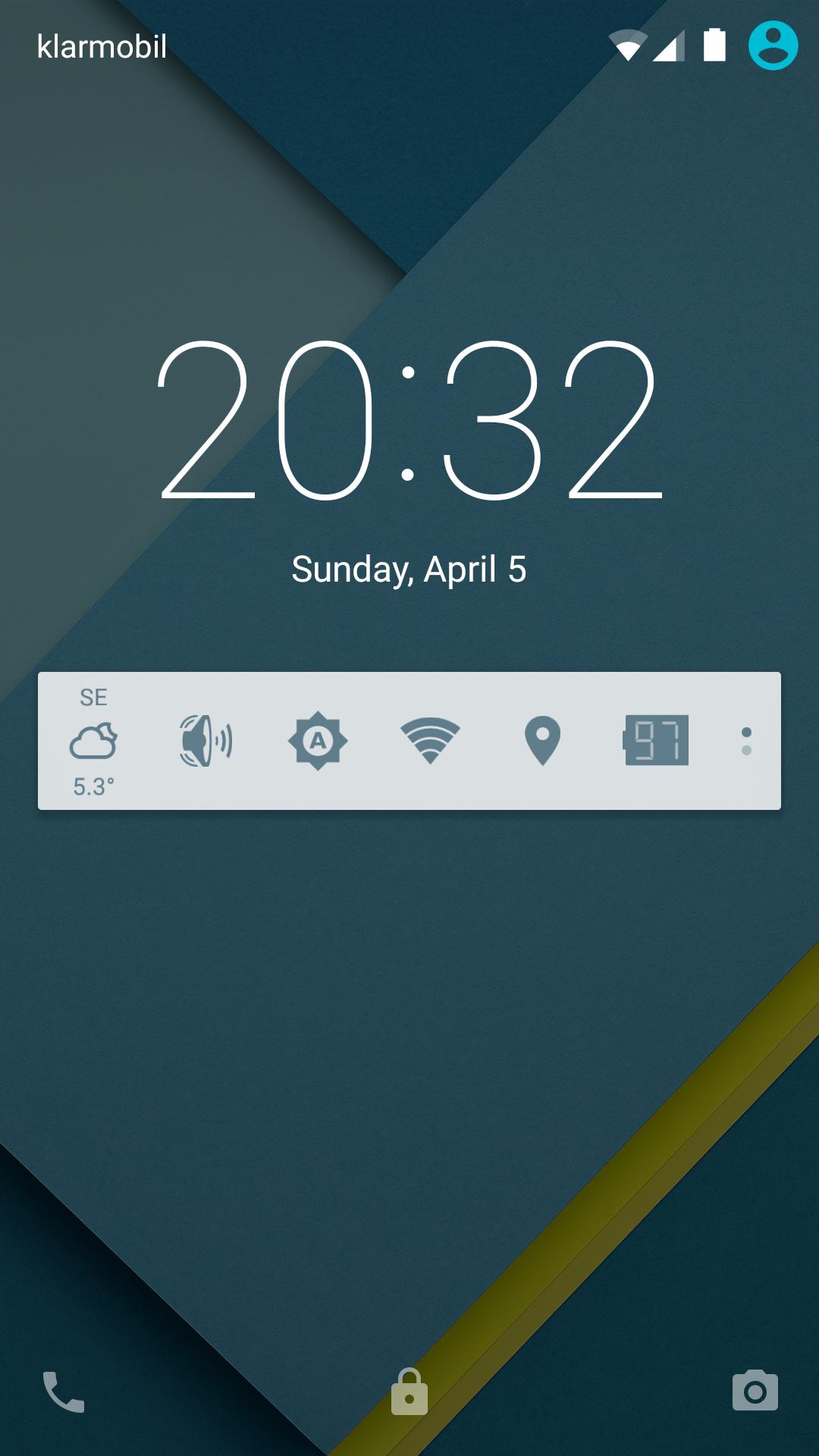
更改Android的設置和權從通知開始你喜歡的應用程序。
NEW: Weather tile. Now you can see weather conditions at a selected location.
Settings Extended puts your favorite settings or application shortcuts to the notification area and lets you access them quickly. You can instantly adjust Android settings even without leaving an application you use. Settings Extended will save your time to do better things.
Join our Google+ community: http://goo.gl/QGiMg
Or Beta Testing community: http://goo.gl/7uA19p
FAQ:
* Hide from Lock screen. In the System settings "Sound & notification" - "When device is locked" - "Hide sensitive notification" and then "Security" - "Screen Lock" - "Pattern". Of curse, "Preferences" - "Hide lock screen notification" must be ON.
* Expand / collapse notification: http://goo.gl/hO96Mo (video tutorial)
* Prio instead of Silent. This is forced by priorities Google introduced in Android 5.0. Apps can only put phone in Priority mode now. This mode is effectively *same as* Silent, if no priority notifications were defined, which is the default case. Priority mode has more options. Pure Silent mode can be enabled via pressing volume rocket and choosing None option only.
* Experimental Mobile Data switch can only be a shortcut to system settings.
* Battery indicator disappears from status bar after an application update. This is standard behaviour of Android. You need to simply launch app once and it will install status bar icon again.
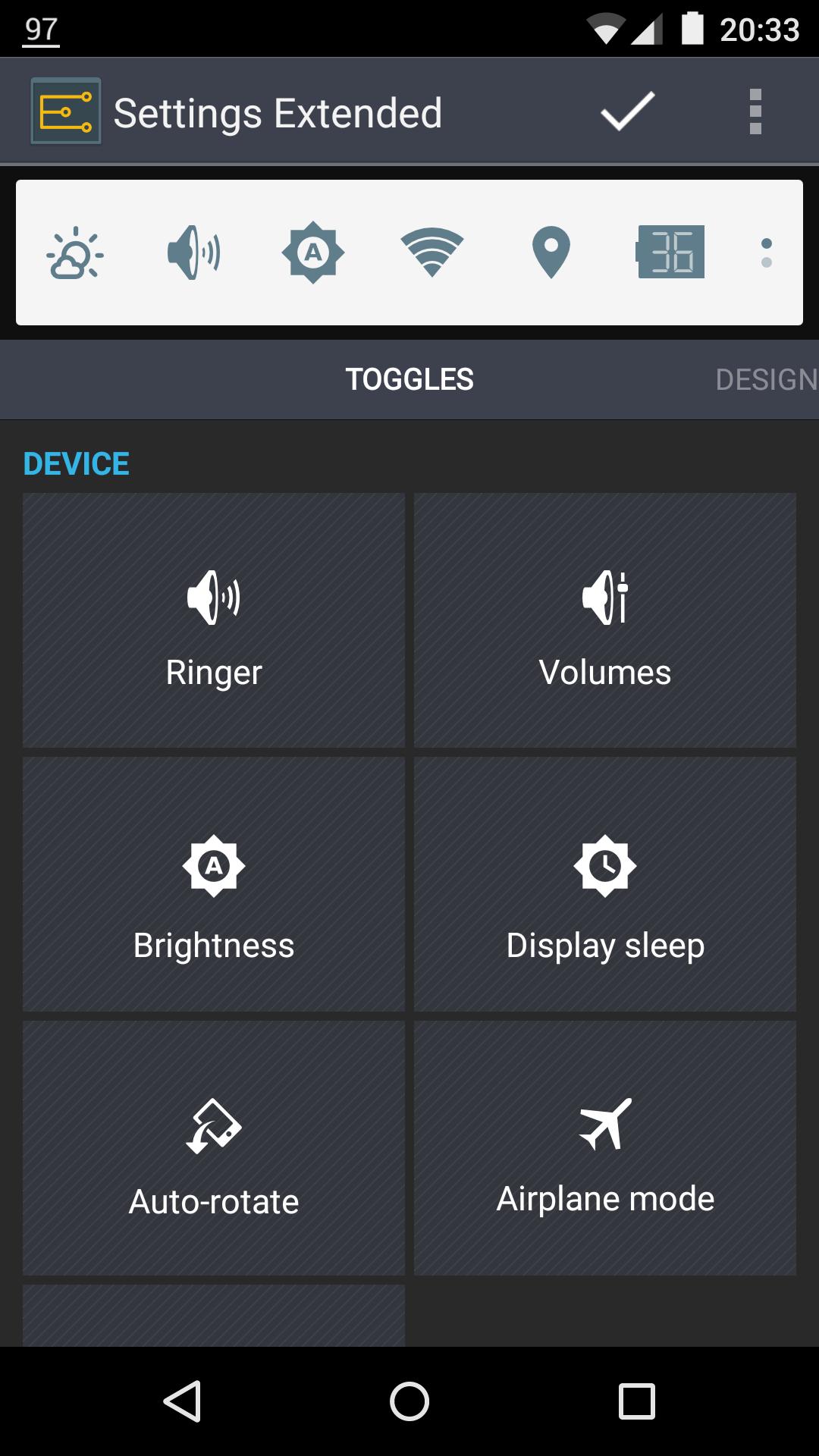
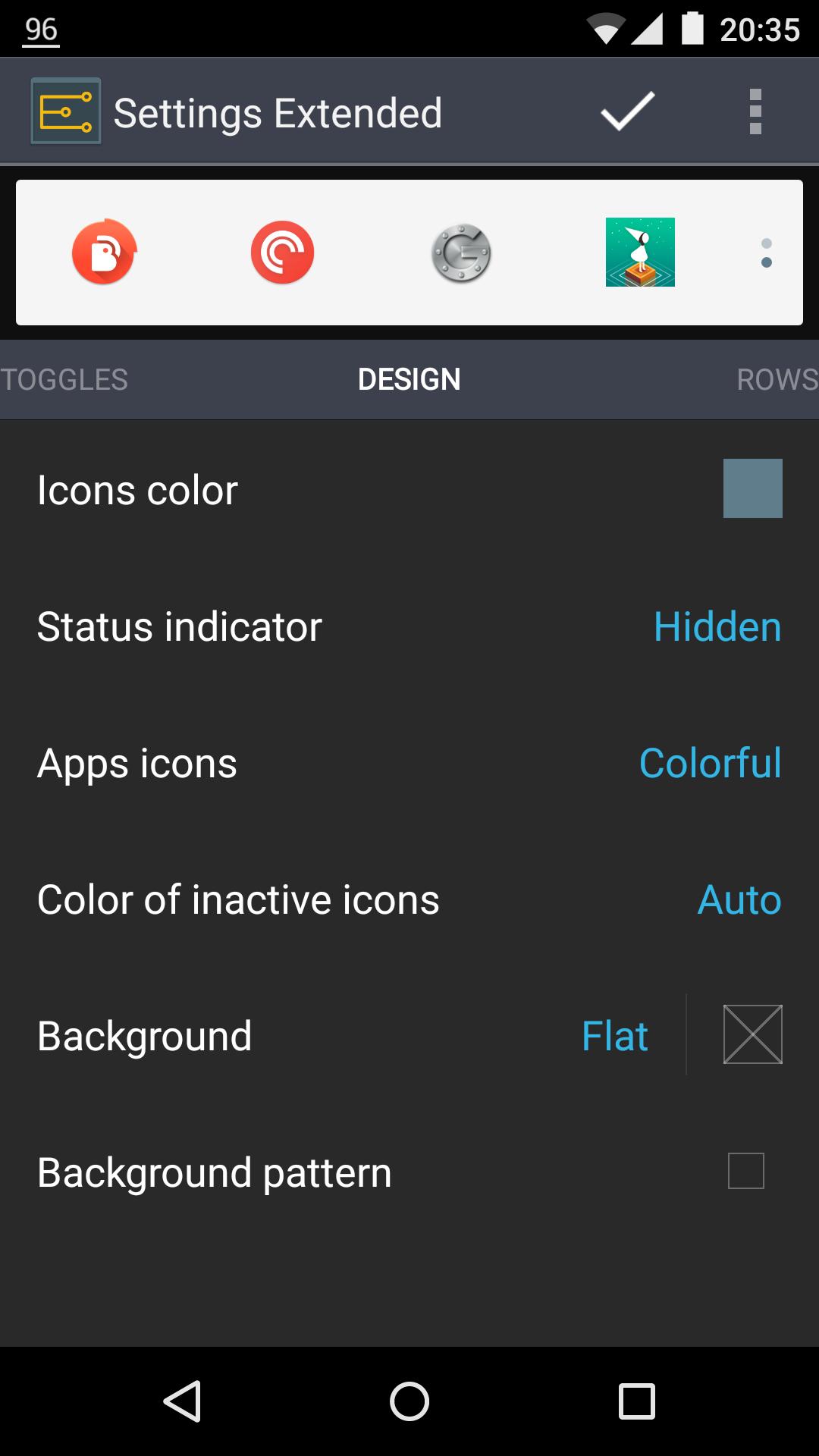
* How do I setup a widget? Launch app. At the top of the screen you'll see a widget preview area with toggles your widget already has. Drag and drop a toggle to rearrange or remove it. Tap a toggle to get more options. Tap an item in the list of available toggles to add it.
* My extension is not active after update. What should I do? Make sure a) you have a SINGLE user account in Google Play application - Menu - Accounts, and b) this is the account you used to purchase the extension.
* Why there is no direct switches for every setting? It's because some settings are secured by Android. You can change these settings via system settings menu only.
* What is an experimental option? A) It won't work on some devices; B) It can stop working after every new Android update; C) No fixes are possible for it. Use them at your own risk.
* Can I hide the status bar icon? Yes for JellyBeans, no for ICS. ICS does not support this option properly. Sometimes ICS leaves a black gap (empty space) instead of an icon in status bar. To avoid this ugly behavior we decided to disable "hidden" option for ICS.
* Can I hide status bar icon and keep widget at the top in Android 4.1? No, due to new Android 4.1 notification priorities. Lowest priority hides the icon but moves the widget to the bottom at the same time.
* Can I have separate sliders for Ringer and Notifications? This option is enabled automatically if your device supports it.
* Why do not allow separate Ringer and Notifications sliders for all phones? Because since ICS, official Android distribution links these two volumes and always changes them together. If you want to change this please vote for this option at Google bugs site. Click the star icon in the top-left corner: http://goo.gl/15KMi
* Is this a home screen widget? No, this is a status bar widget only.
PERMISSIONS:
Settings Extended uses permissions listed below for the mentioned purposes only.
1) "GPS location", "control NFC", "Bluetooth", "Network connectivity", "Wi-Fi", "System Settings", "Toggle sync", "Read sync settings" for getting status and changing corresponding settings on and off upon user request.
2) "Take picture and videos" for LED flashlight only.
3) "Directly call phone numbers" for a "direct call" system shortcut.
4) "Billing" for extensions.
5) "Vibration", "Run at startup" for vibration and launch after reboot.
6) "Expand/collaps status bar" for collapsing status bar after changing a setting.
7) "Writing Secure Settings" for GPS in-place switch on rooted devices.
Terms of use: http://goo.gl/2dIkG
更多應用信息
最新版本8.4.2更新日誌
Last updated on 2016年08月08日
v8.4.2 (842)
* fixed couple app crashes
v8.4.1 (841)
* new min/max daily temperature
* new wind warning indicator
* simplified weather card design
* free toggle number increased to 12
* removed some unused resources
v8.3.1 (831)
* new option to share weather data log-file
v8.3 (816)
* fixed force close on Android 6.0
* fixed sporadic force close in weather pane
v8.2 (815)
This is a required update for Extended Weather subscribers. Please update and report issues, if any.
Settings Extended 螢幕截圖