

關於Screenshot Button
Screenshot Button gives you the easiest way to capture screenshot
Screenshot Button gives you the easiest way to capture, edit and share your device's screen with friends.
➤ Notification icon click
➤ Touching the shot icon to take screenshot (only support on rooted phones and OS 2.3)
➤ Choose the folders which the screenshots will be saved as images.
➤ Preview the screenshot
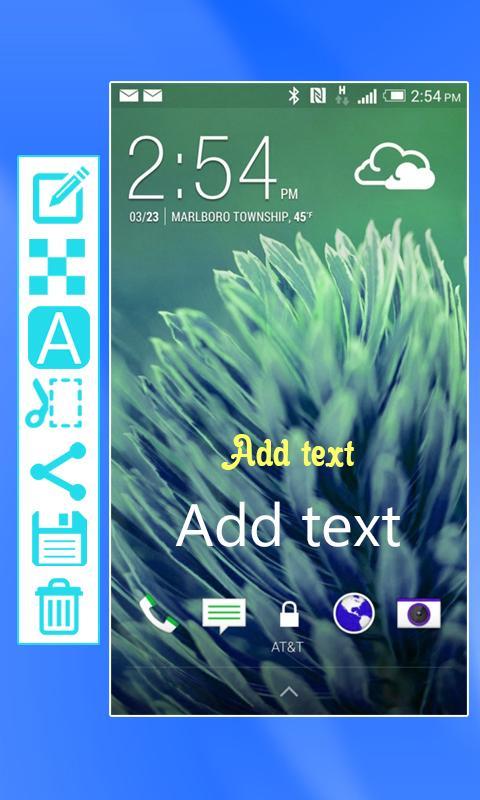
➤ Croping any part of the screenshot.
➤ Drawing on the screenshot.
➤ Text on the screenshot.
➤ Sharing the screenshot
➤ May require a rooted phone, but this application also works on some unrooted phones.
Please leave your comment and review if you like Screenshot Button, it will help us so much in improving and enhancing the quality of products in the next version! Thanks you.
最新版本1.0更新日誌
Last updated on 2016年11月19日
此版本包含小幅錯誤修正和一般改善。請更新至最新版本,以獲得最佳體驗。
Screenshot Button 螢幕截圖



Screenshot Button歷史版本
1.4 MB2016年11月19日