

關於QR Code Generator & Scanner
掃描,解碼,創造,分享與QR發生器和掃描儀!
SCAN, DECODE, CREATE, SHARE with QR GENERATOR & SCANNER!
QR Code Generator & Scanner is completely free. Change your smartphone into a powerful QR Code, Barcode, and Data Matrix scanning and generating utility. Open the app, point the camera at the code, or just type your text, and you're done!
By using the phone's camera, QR Code Generator & Scanner will quickly scan and recognize the information of barcode.
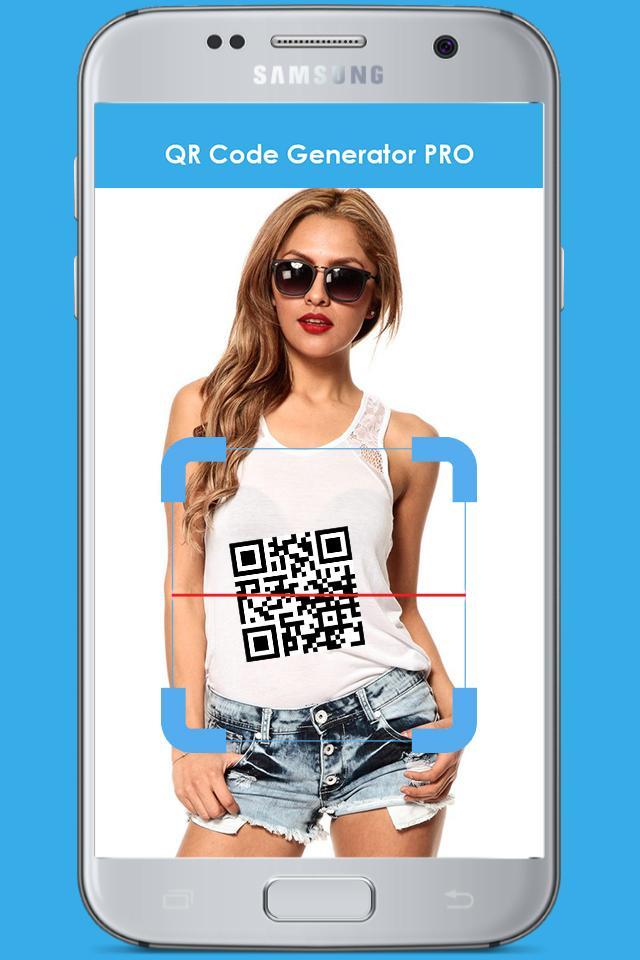
When scanning a QR Code, if the code contains a website URL, you'll automatically be taken to the site. If the code just contains text, you'll immediately see it.
QR Code Generator & Scanner now reads regular barcodes—UPC, EAN, and ISBN—and gathers information about the products you scan, allowing you to research and find places to purchase the products you love.
You can DECODE text, urls, ISBN, email, contacts information, calendar events and much more with a single click using your smartphone camera, image files, online codes.
After decoding you will be redirected to webpage links, books review, multimedia and calendar online informations.
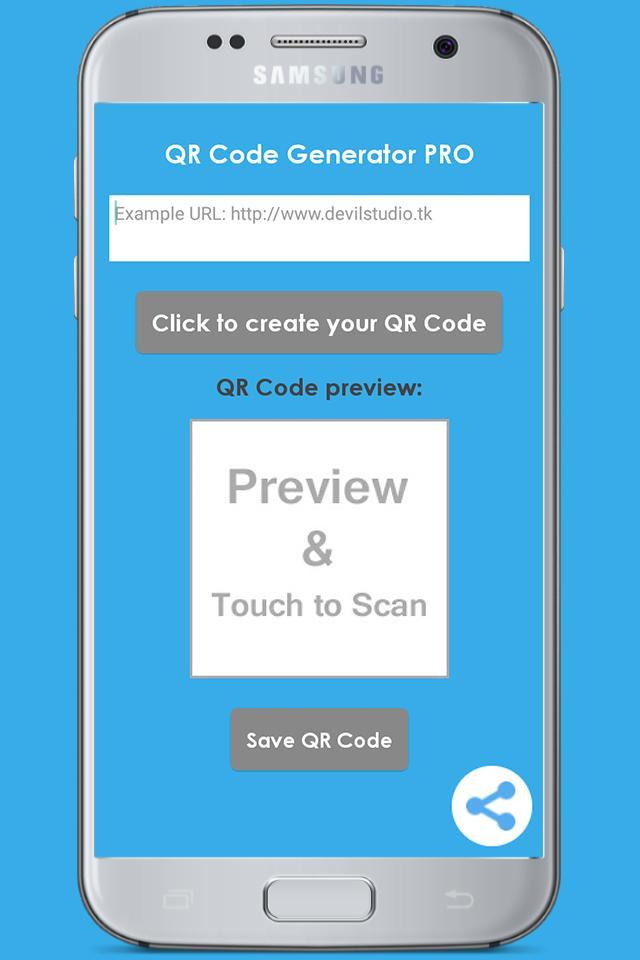
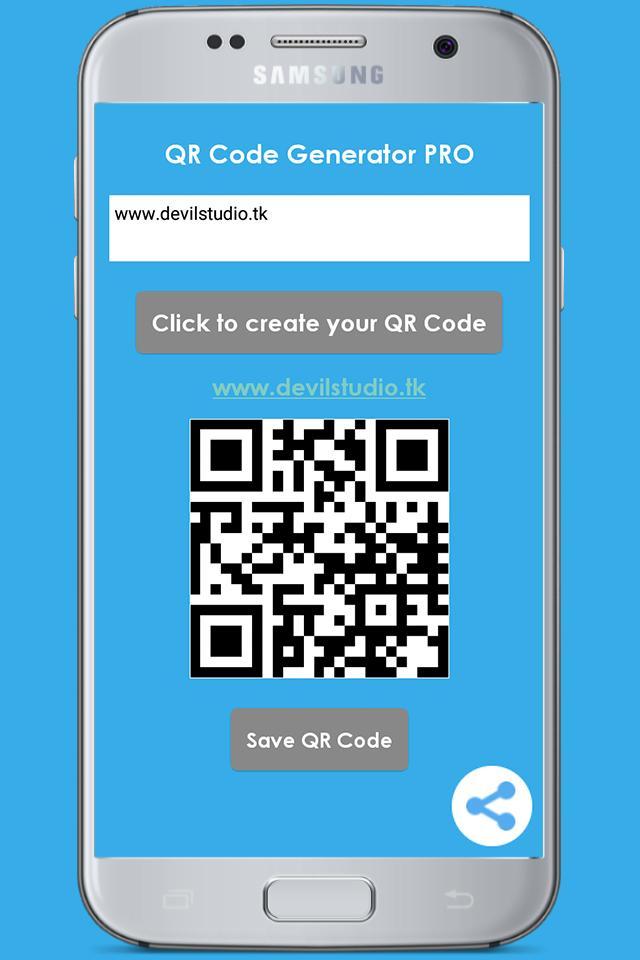
You can CREATE YOUR OWN QR Codes and Barcodes very fast!
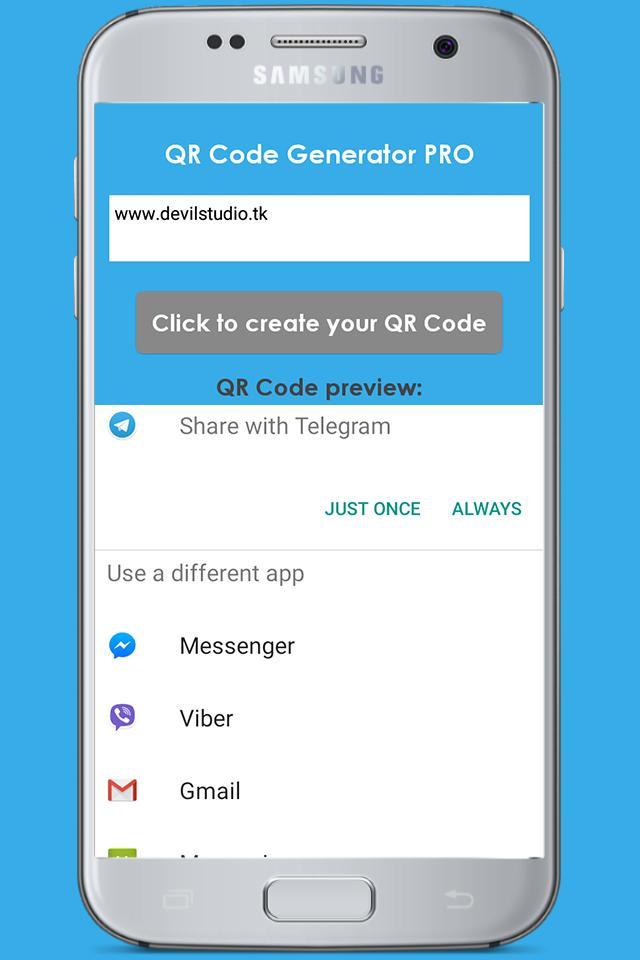
SHARE them with your friends through apps, social networks, email, text messages, save them for later use or print.
Key Features:
- Fast and easy SCAN QR CODES AND BARCODES from CAMERA
- CREATE your own QR CODES encoding:Applications, Email Addresses, Phone Numbers, Contacts Informations, Bookmark, Clipboard
- SHARE your QR CODES through: Email, SOCIAL NETWORKS , TEXT MESSAGES
- Jump directly to WEB ADDRESSES decoded
Notes:
In order to use Scan, your device must have a built-in camera. When scanning codes that redirect to online content (such as websites), you will need Internet connectivity. To scan product barcodes, your device must have autofocus.
ADDITIONAL FEATURES
• Toggle your front or rear camera for scanning
• A switch to turn on your device’s light (if it has one) for scanning in low-light circumstances
DEDICATED TO PERFECTION
Our goal is to make our app the best scanning app in the store. We can’t do this without you. We are dedicated to your satisfaction and need to hear feedback from you. If you have an issue with the app, please do not write a review of the app saying "it didn't work." This does not help us make things better for you. Instead, please contact us at devilstudio400@gmail.com and we'll do our best to help.
REQUIREMENTS
In order to use the app, your device must have a built-in camera. When scanning codes that redirect to online content, such as websites, or just want to generate the QR Code, you will need Internet connectivity.
最新版本5.1更新日誌
Last updated on 2017年12月02日
此版本包含小幅錯誤修正和一般改善。請更新至最新版本,以獲得最佳體驗。
QR Code Generator & Scanner 螢幕截圖
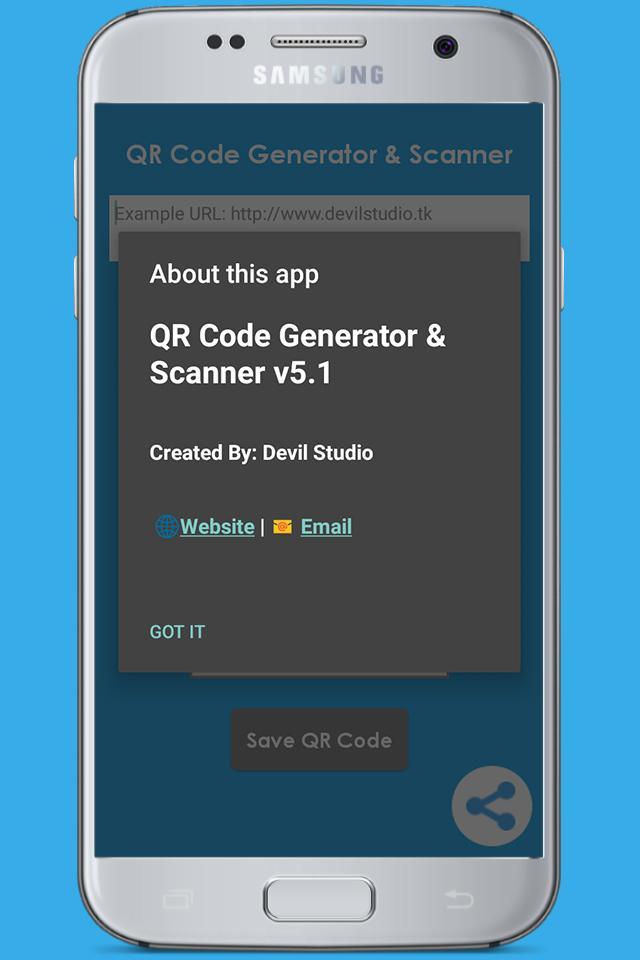
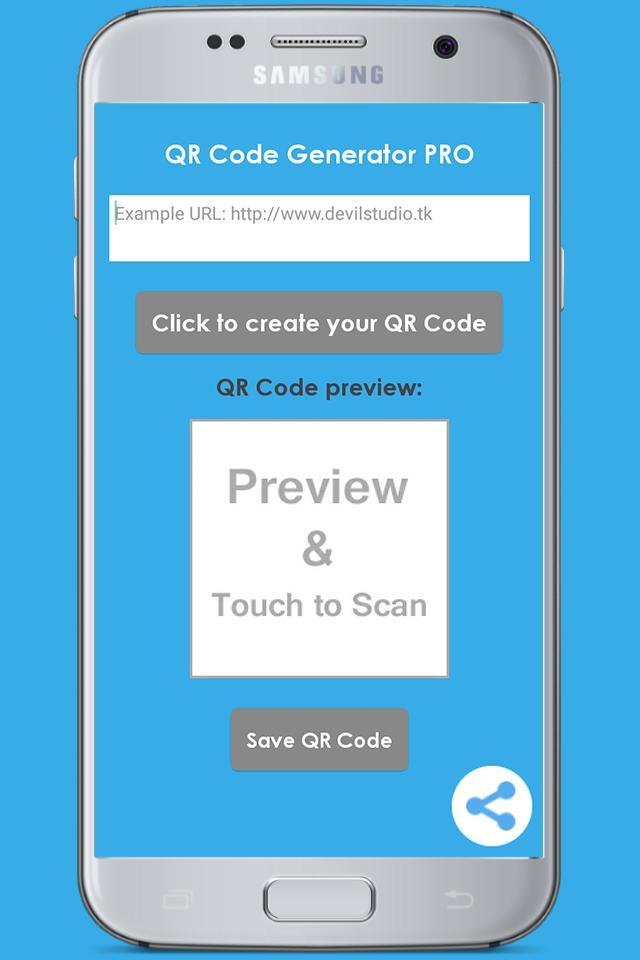
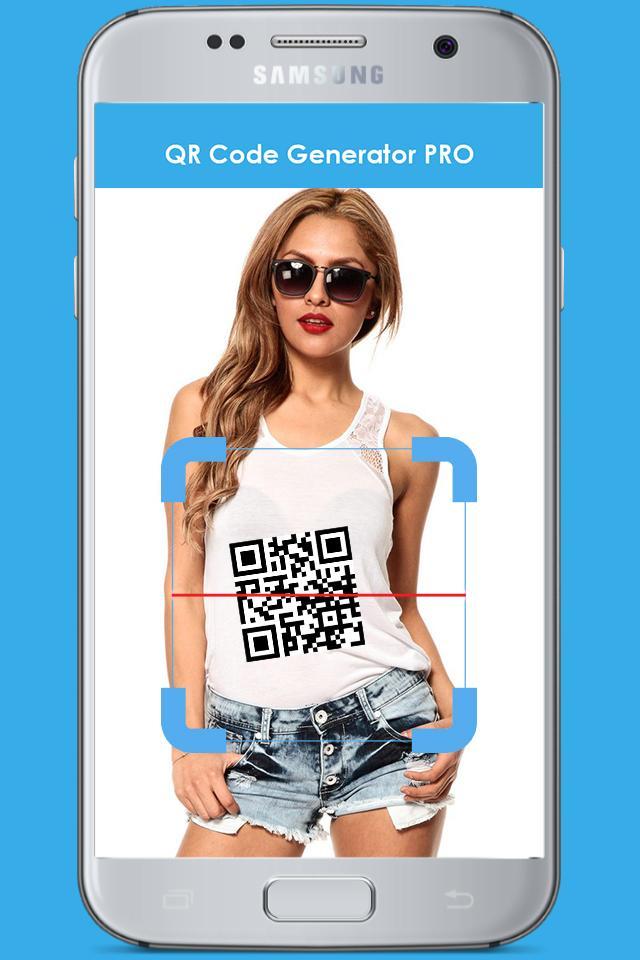
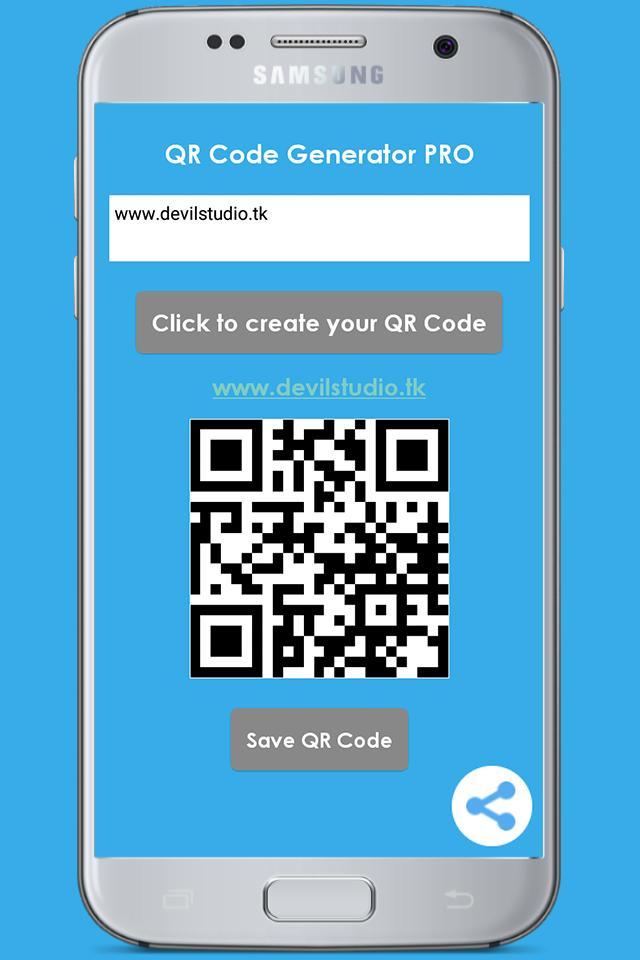
QR Code Generator & Scanner歷史版本
3.5 MB2017年12月02日