
關於MT Manager
FIND THINGS IMMEDIATELY
FIND THINGS IMMEDIATELY
Use the Search and Recents features to find exactly what you're looking for, in an instant. Looking for a file you just downloaded? Open File Manager, tap Recents, and it'll be the first item, ready to be opened, moved, copied, sent, or viewed. Looking for a particular file? Use the search feature to find files by name, type, size, and kind, or any combination thereof.
LIKE YOUR COMPUTER'S FILE MANAGER...
...combined with all those utilities you've installed there to go along with it. File Manager can copy, move, send, delete, rename files and folders just like your desktop PC. But it can also edit text files, create and open Zip files, or even create encrypted Zips. There's a built in audio player, movie player, image viewer, and text file viewer.
IT'S ALL ABOUT THE UI
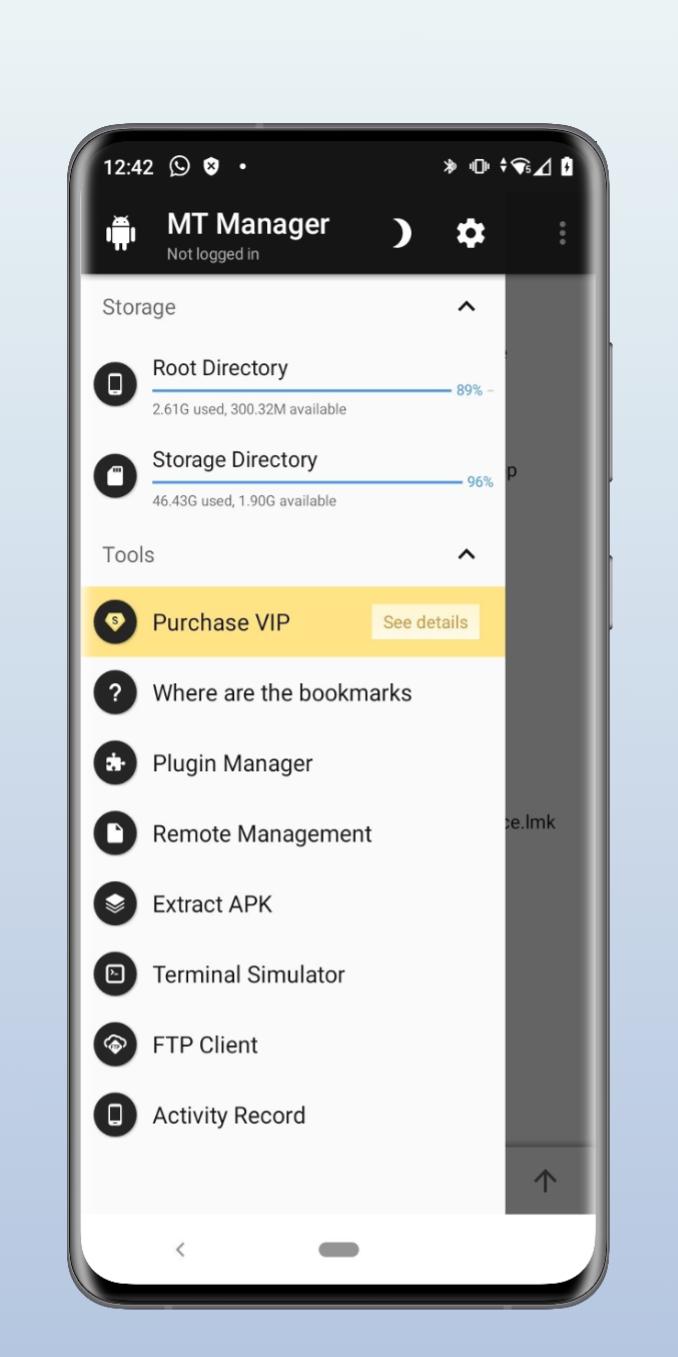
When you open File Manager, you'll see the "home screen" where every aspect of your device's storage is neatly categorized. You can open multiple windows without limitation, and view two at the same time with split-view mode.
The home screen can be customized, and numerous light and dark themes are built-in. The built-in icon theme supports color and shape customization, and alternative icon packs are available.
EVEN MORE POWERFUL WITH File Manager PLUS
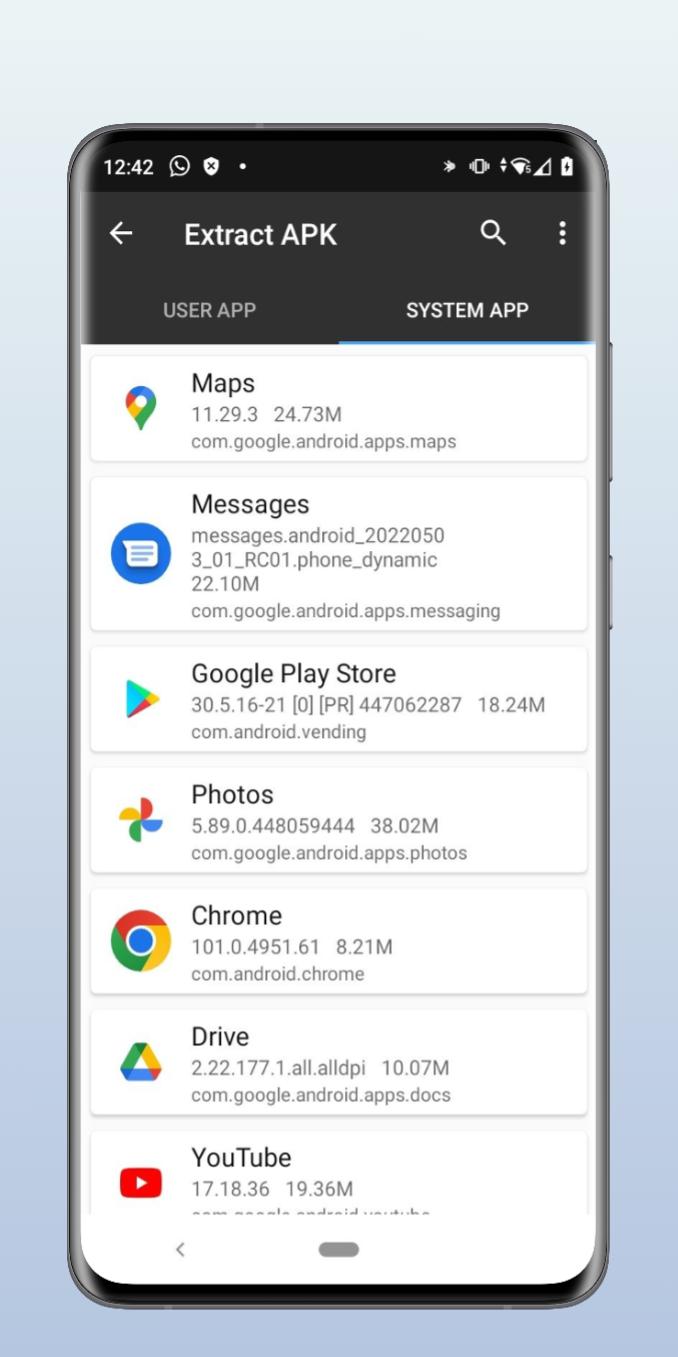
The optional File Manager Plus upgrade adds network and cloud access capabilities, image and video galleries, a music/audio browser, web access via Wi-Fi, device-to-device file sharing without using your data plan, and app management.
更多應用信息
最新版本1.0更新日誌
Last updated on 2022年11月09日
此版本包含小幅錯誤修正和一般改善。請更新至最新版本,以獲得最佳體驗。
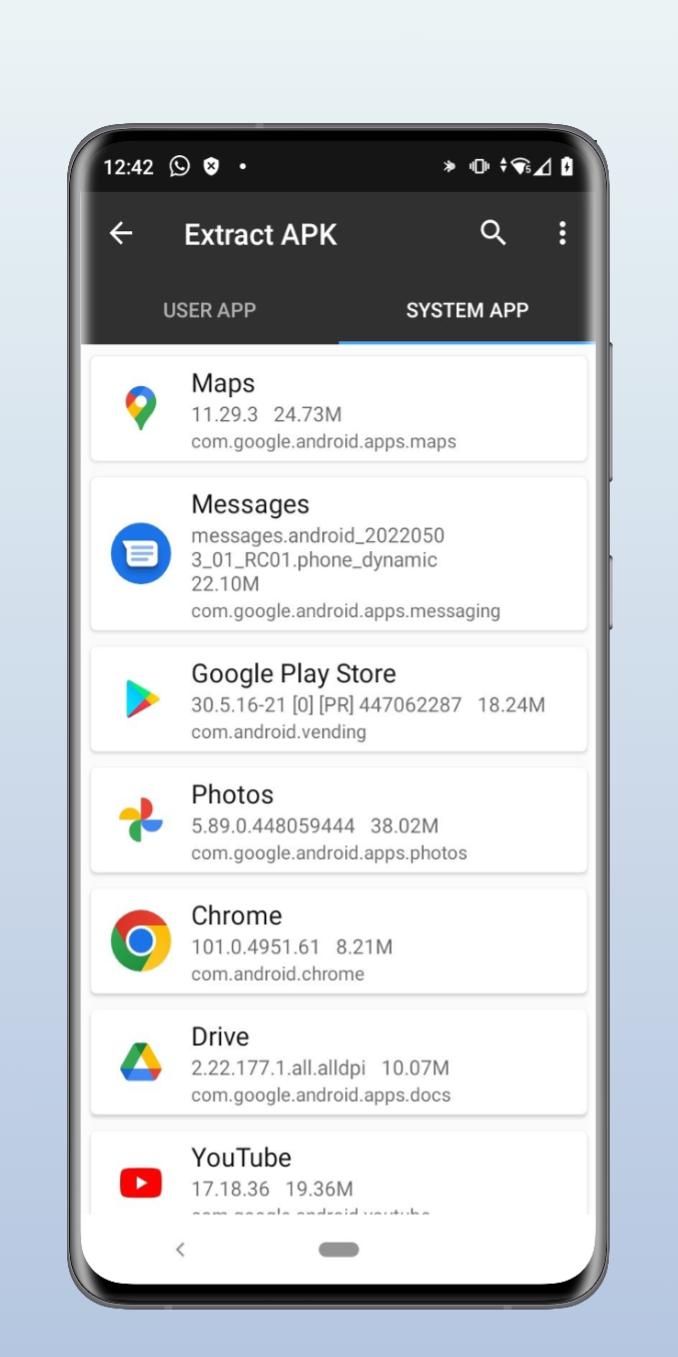
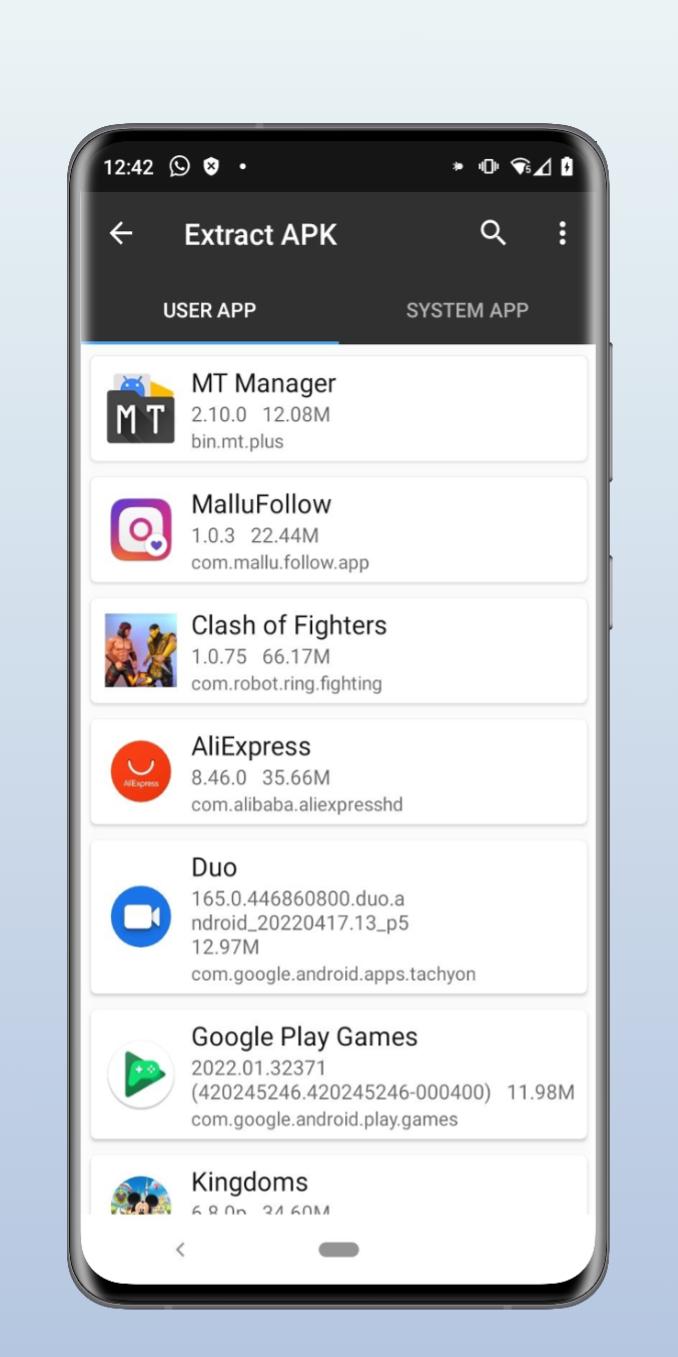
MT Manager 螢幕截圖

MT Manager歷史版本
6.2 MB2022年11月09日