




關於Memo - Quick notes free, Sticky notes widget
保留便箋可用於快速便箋和便箋小部件
Memo - Quick notes free, Sticky notes widget. Keep your sticky notes is a simple and awesome notepad app. It gives you a quick and simple note editing experience when you write notes, memo, e-mails, messages, shopping lists and to-do lists. Taking notes with Quick Notes is easier than any other notepad or memo pad app.
*Memo - Quick notes free, Sticky notes widget app description *
A simple sticky notes and drawing memo app and memo widget for home screen.
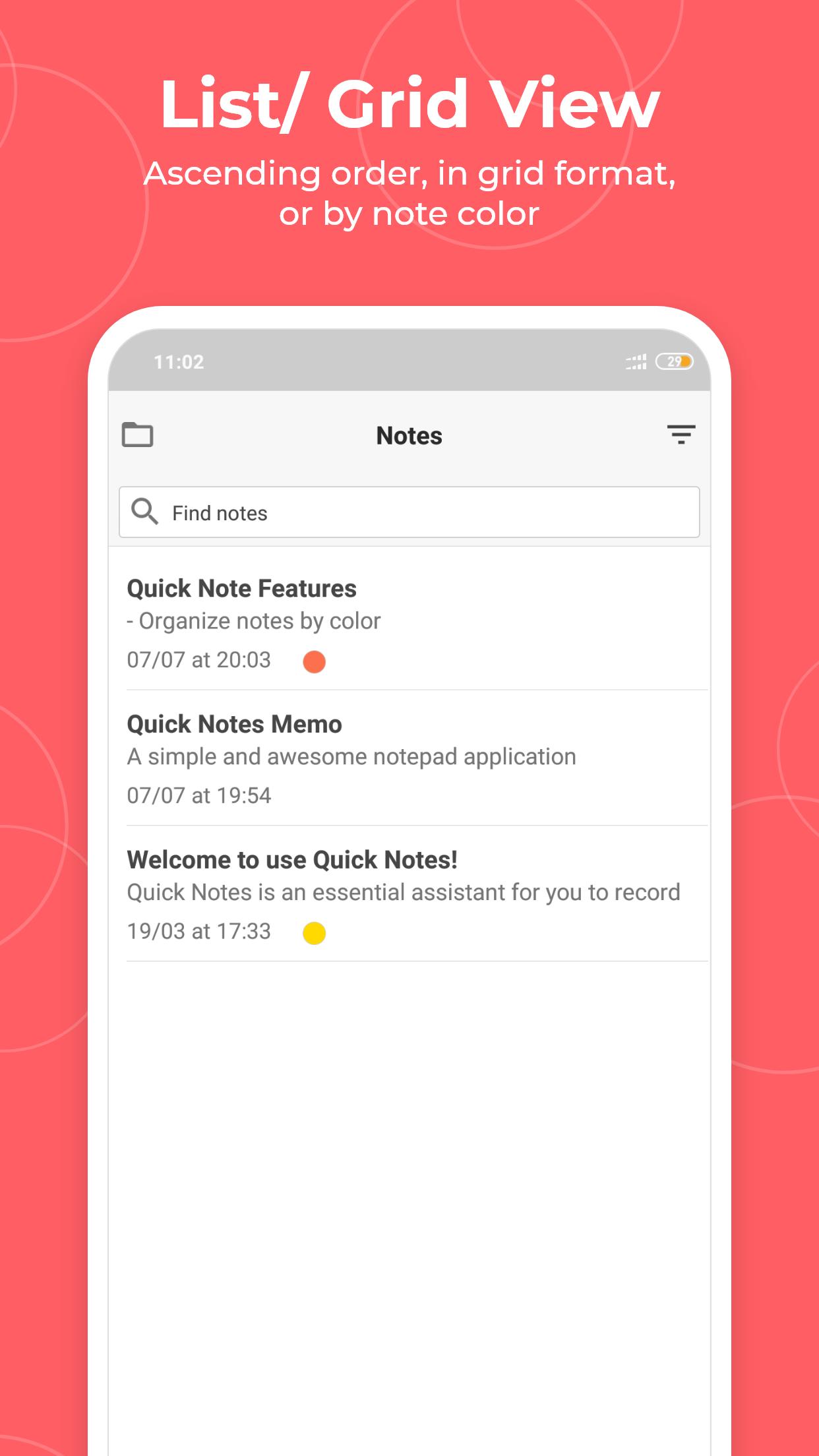
Memo Quick Notes features two basic note taking formats, a lined-paper styled text option, and a checklist option. Add as many as you want to your master list, which appears on the app's home screen each time the program opens. This list may be viewed in traditional ascending order, in grid format, or by note color.
This free memo android app is the ultimate application to create sticky notes and reminders on your cell phone or Tab device and with the new reminder feature, you will never forget a task. Searching through your sticky notes is quick and easy faster than ever as all the notes are visible like real-world stick notes.
- Taking a quick note free -
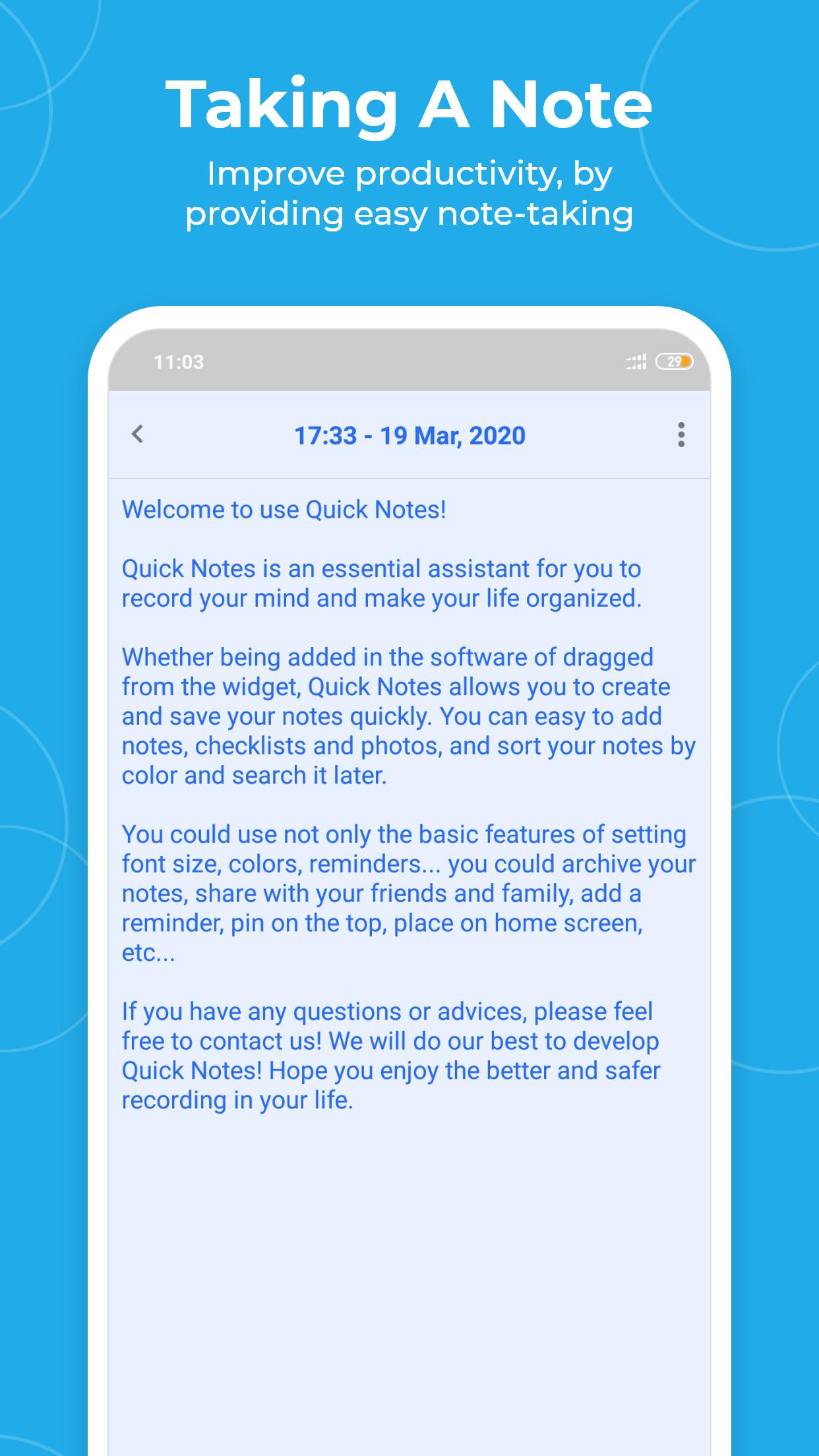
Serving as a simple word processing program, the text option allows for as many characters as you're willing to type. Once saved, you can edit, share, set a reminder, or check off or delete the note through your device's menu button. When checking off a text note, the app places a slash through the list's title, and this will be displayed on the main menu.
- Making Quick List or Shopping List -
In the checklist mode, you can add as many items as you'd like and arrange their order with drag buttons activated in the edit mode. After the list is finished and saved, you may check or uncheck each line on your list with a quick tap, which will toggle a line slash. If all items have been checked, then the list's title is slashed as well.
* Features *
- Organize memo notes by color (color notebook)
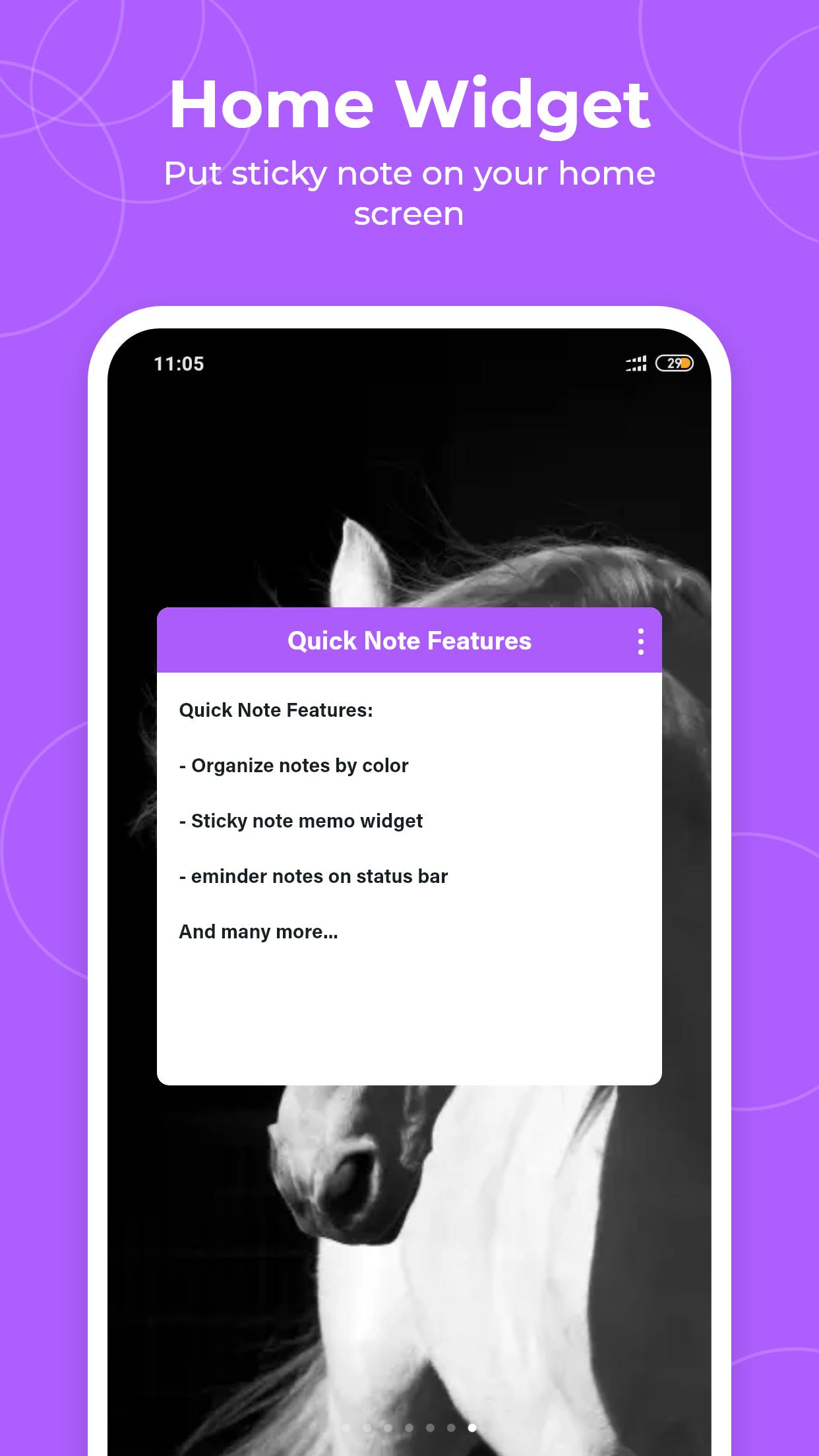
- Sticky note memo widget (Put your notes on your home screen)
- Checklist notes for To do list & Shopping list. (Quick and simple list maker)
- Checklist notepad to get things done (GTD)
- Organize your schedule by note in calendar
- Secured backup notepads to SD storage
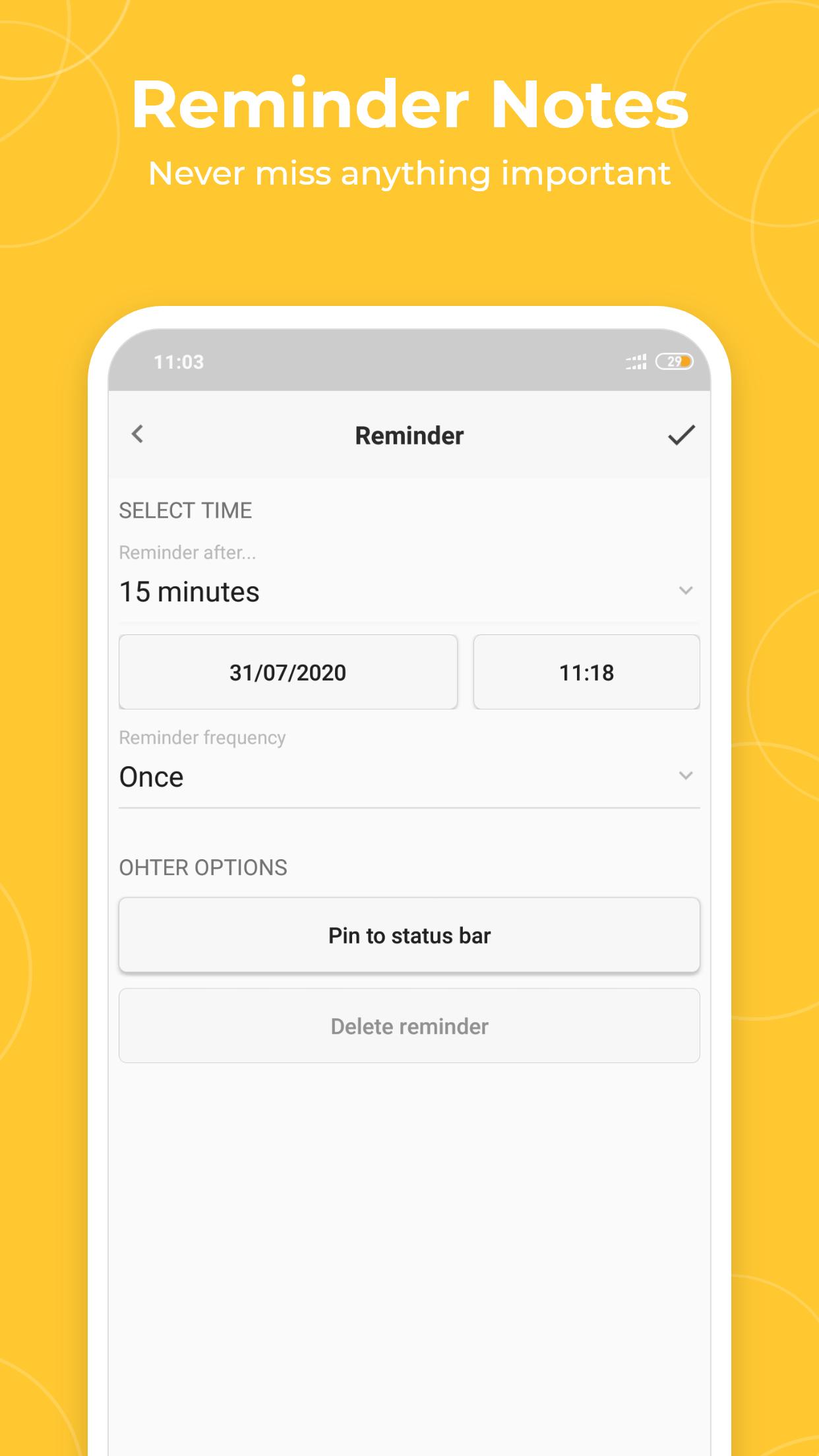
- Reminder notes on status bar
- View notes as List/Grid
- Search notes quickly
- Quick memo/notes
- Share your notes via SMS, e-mail or Twitter
Note: To put a sticky note on your home screen as a memo widget, go to your home screen, tap and hold a free space, and select widget option.
More advanced features, please download the Memo - Quick notes free, Sticky notes widget!
更多應用信息
最新版本1.8.0更新日誌
Last updated on 2021年06月02日
Minor bugs fixed
Memo - Quick notes free, Sticky notes widget 螢幕截圖
Memo - Quick notes free, Sticky notes widget歷史版本
所有版本
相關標籤













為 Memo - Quick notes free, Sticky notes widget 留下評論
新增評論