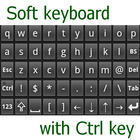

關於Keyboard with Ctrl key
這不適用於Windows,而是適用於通過ConnectBot的類Unix操作系統。
不適用於Windows
但是對於類似Unix的OS通過ConnectBot。
輕鬆輸入Ctrl鍵。
每把鑰匙都很小,但鑰匙很多。
如何開始使用
1.安裝此應用程序
2.打開“設置”
3.點擊“[個人]語言和輸入”
#{
4.點擊“[鍵盤和輸入法]當前鍵盤”
5.點擊“選擇鍵盤”或“選擇更多”
# } 要么 {
4.點擊“虛擬鍵盤”
5.點擊“管理鍵盤”
#}
6.設置此應用程序以啟用鍵盤
發布源代碼
http://code.google.com/p/ctrlkeyboard/
最新版本1.9.3更新日誌
Last updated on 2015年08月13日
1.8: be able to repeatable on long press key. set on/off in Setting menu
1.9: be able to resize key height. be able to use vx-ConnectBot. be able to select code of Backspace and Delete key.
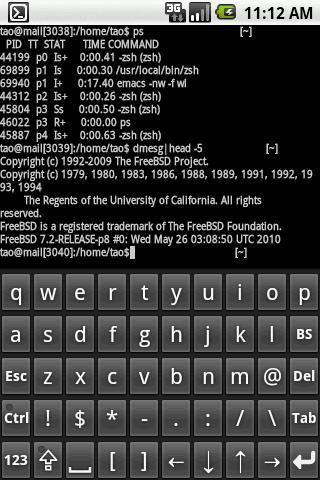
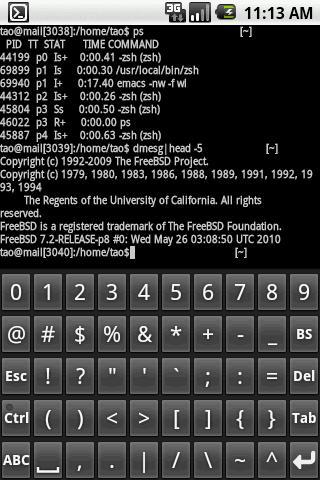
Keyboard with Ctrl key 螢幕截圖
Keyboard with Ctrl key歷史版本
280.5 KB2015年08月13日