
關於iZap
快速的文件共享
Transfer files between two devices quickly using iZap
It`s an app based on WiFi technology designed to speed up your file transfers.
iZap is way more faster that the traditional BT transfers.
How to use it:
1. Install the App on both devices
2. Make sure there is a WiFi connection between the devices (on the same WiFi router or hotspot. You can also start the portable hotspot feature on one device and connect the other)
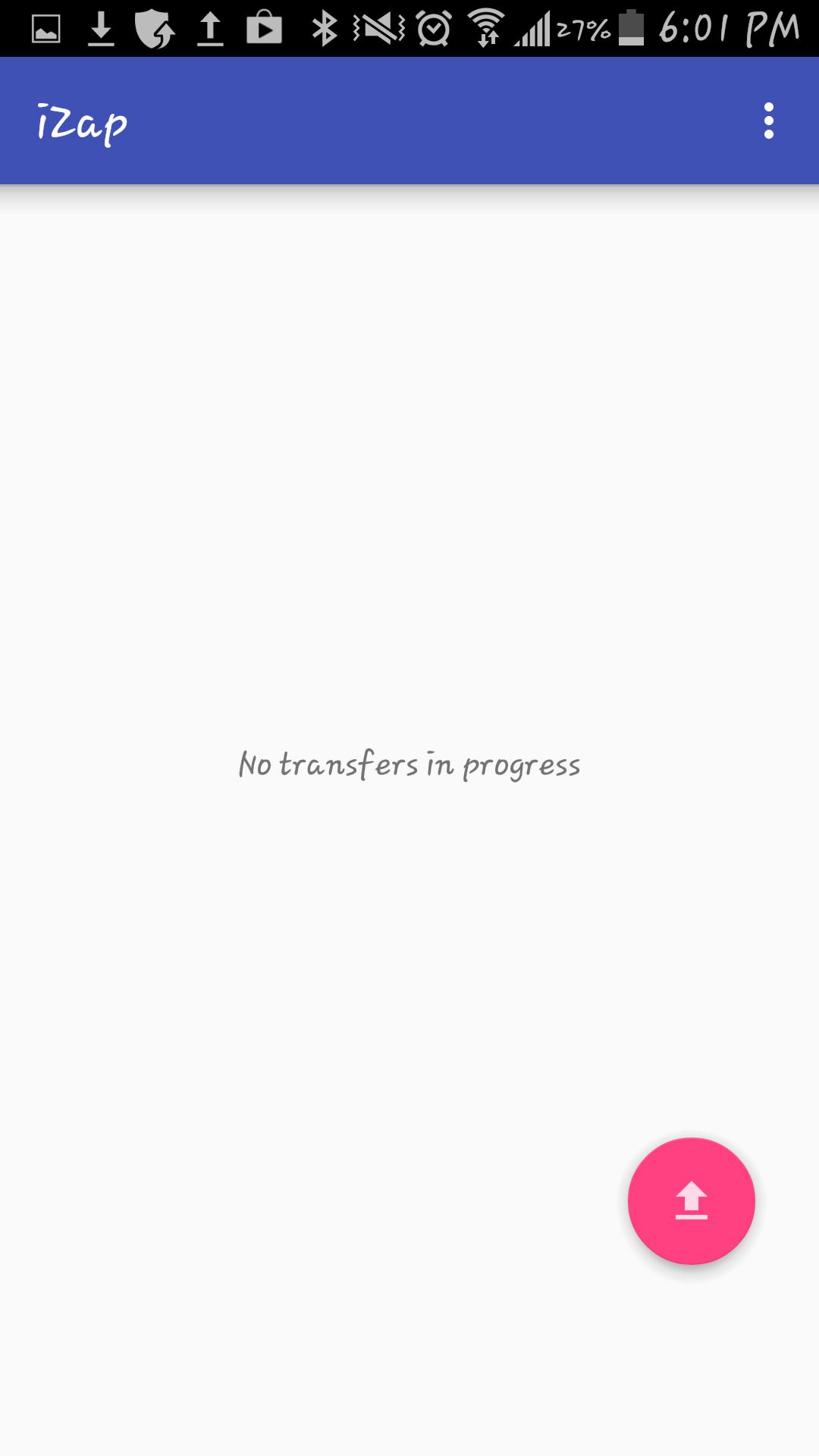
3. Click on the pink "upload" button.
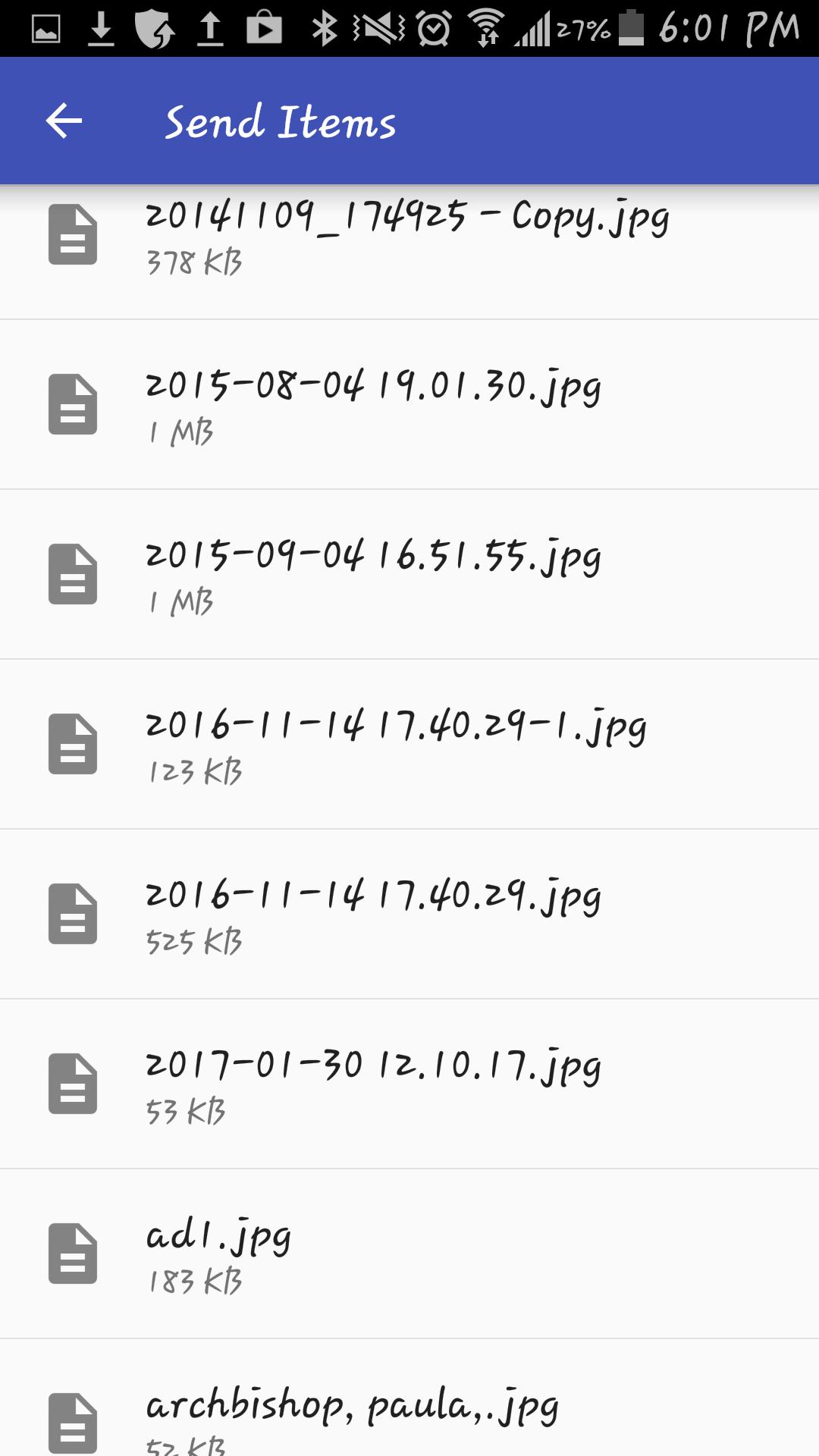
4. Select the file(s) you wish to transfer.
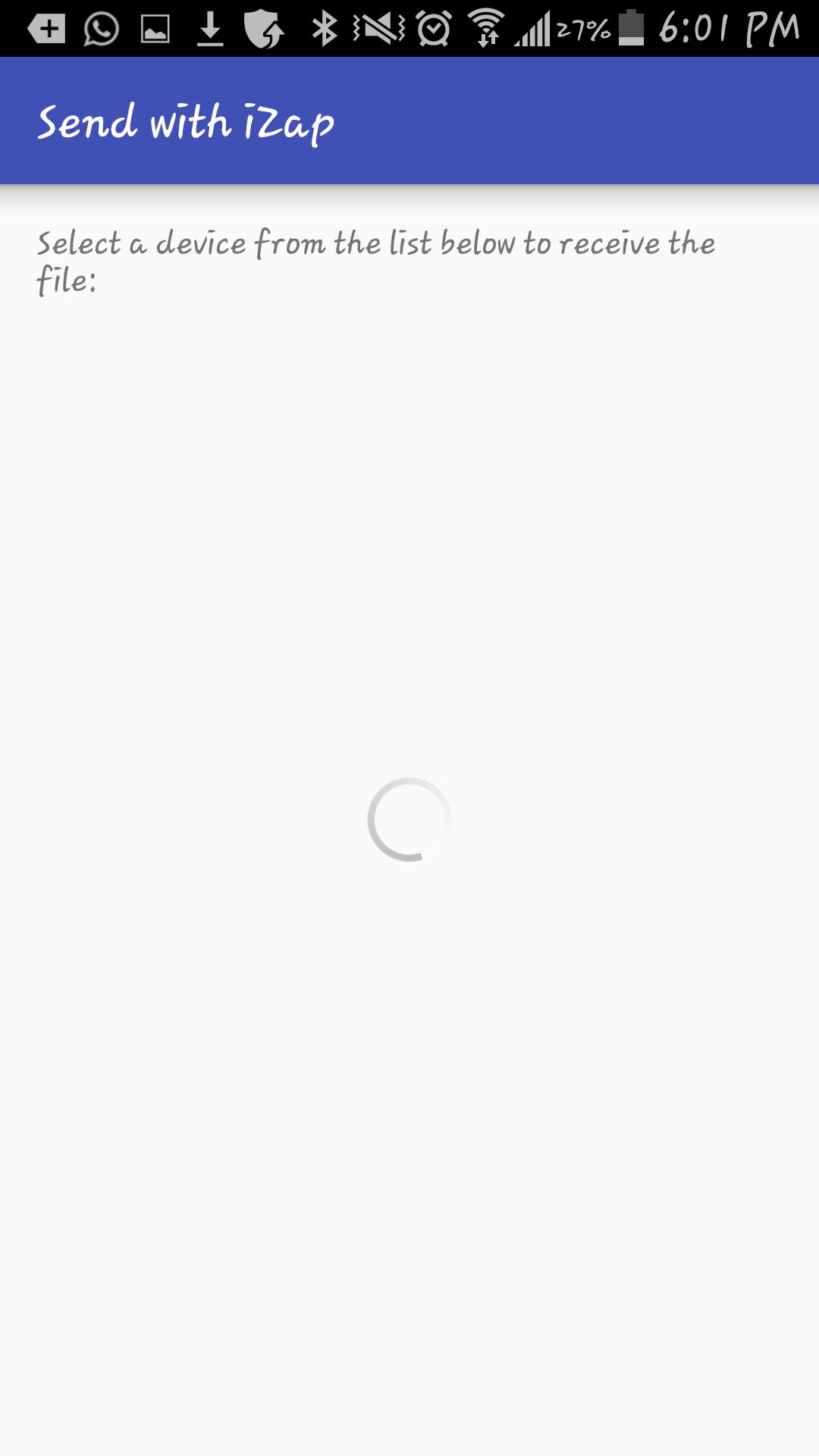
5. Select the device which you want to transfer the files to.
6. Share!
iZap is free and will always be.
Get it today for free!
9e2a93208e
最新版本1更新日誌
Last updated on 2018年01月12日
此版本包含小幅錯誤修正和一般改善。請更新至最新版本,以獲得最佳體驗。
iZap 螢幕截圖