
關於Guide For Fix Android No Command Error
修復android手機“ NO命令”錯誤!
NOTE!:
It is suggested to take out SIM card and memory card from your phone before
going to any process.
You can see the below mentioned errors on your phone:
* "No Command” Screen/Message
* Exclamation Point in Triangle or Dead Android Robot (icon)
* Phone not Rebooting/Restarting During Update
Now if you see a robot with an exclamation mark in triangle then ensure you are in Recovery Mode.
And finally, its time to follow the steps to get out of the error immediately by reading further.
REMEMBER:
When your device is in Recovery mode, only physical keys will be accessed, so try to use Volume
Up and Down keys to move up and down and Power button to confirm a command.
are you among the android users who need to know how to fix this issue!
if so,our article explains how to solve it.
Along with some Android USSD code, you can reset your mobile.
Some mobile codes may not work.
Our app is not an official app. This is simply a guide.
Which will try to solve your problem.
thank you!
最新版本1.0更新日誌
Last updated on 2020年06月29日
Minor bug fixes and improvements. Install or update to the newest version to check it out!
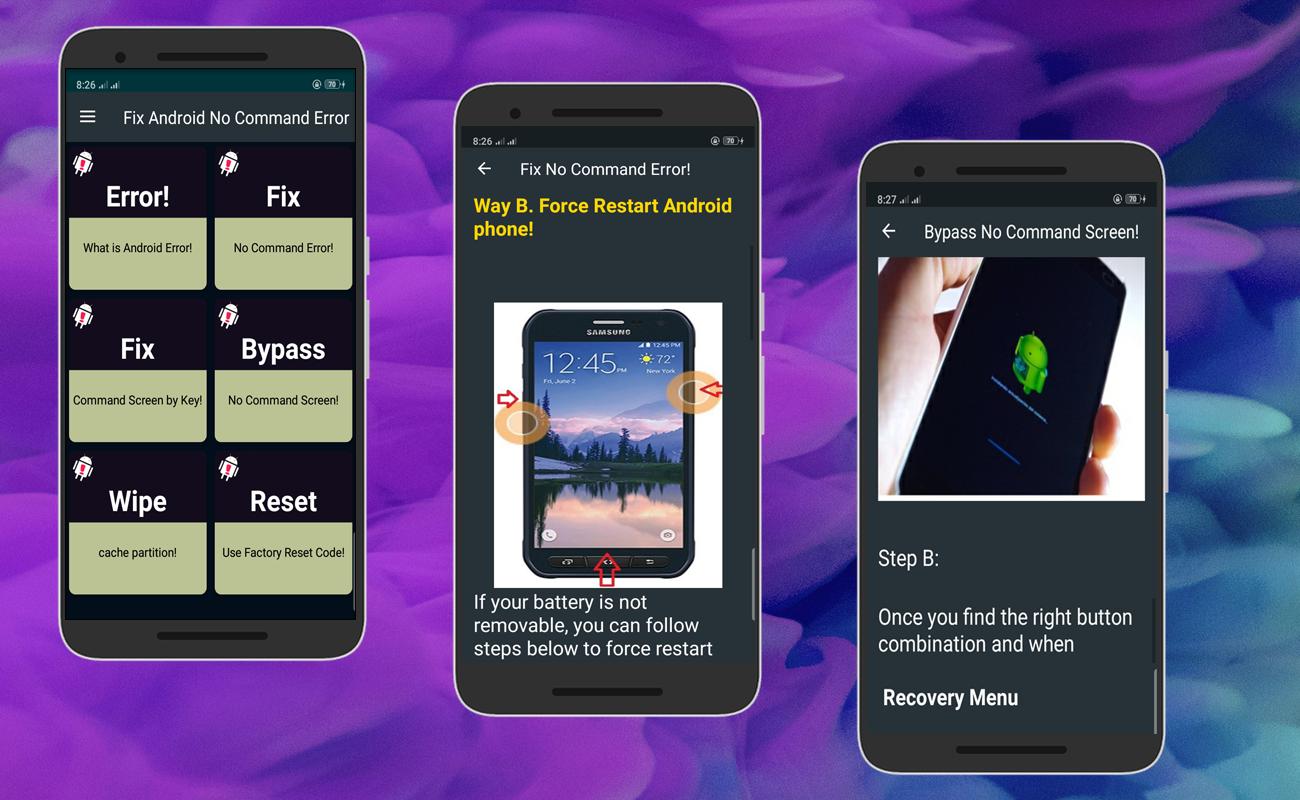
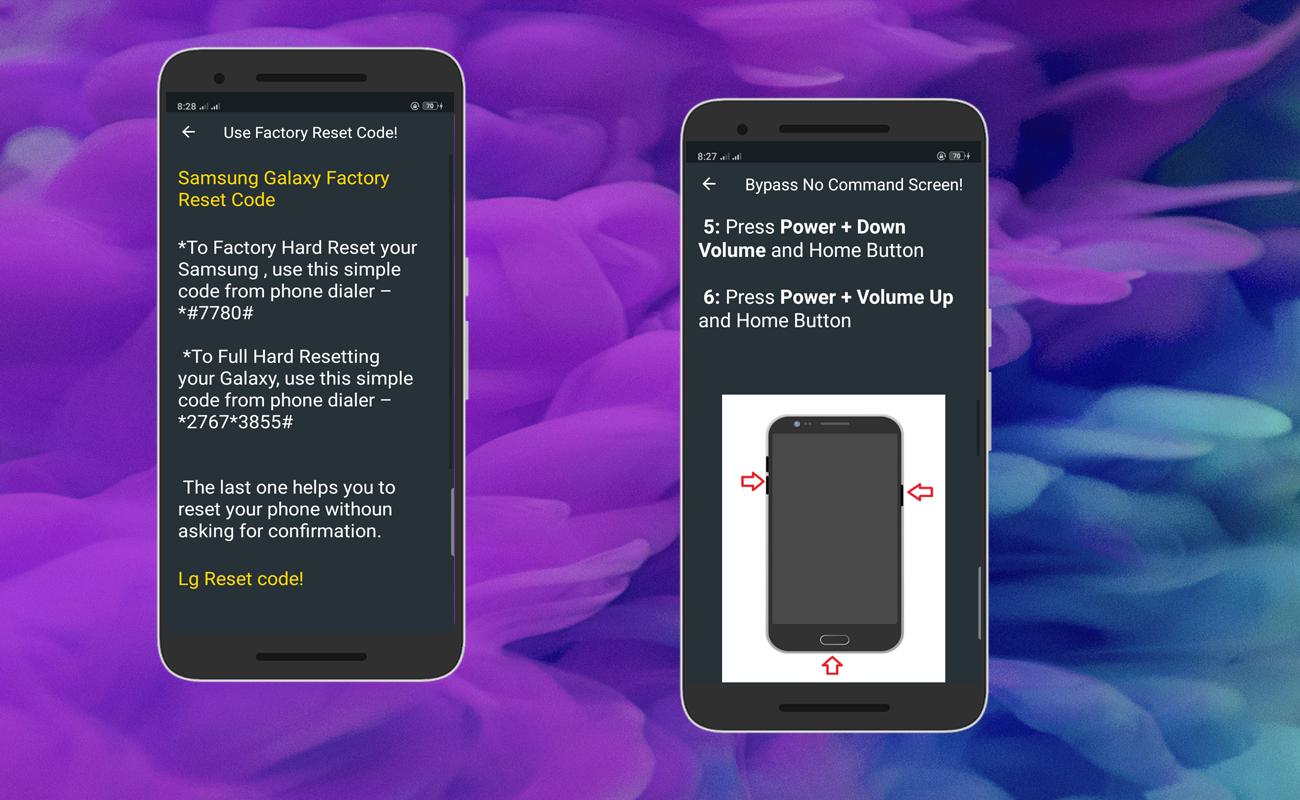
Guide For Fix Android No Command Error 螢幕截圖
Guide For Fix Android No Command Error歷史版本
4.6 MB2020年06月29日