
關於Gestures
Draw personal gestures to visit websites - a new way of browsing experience!
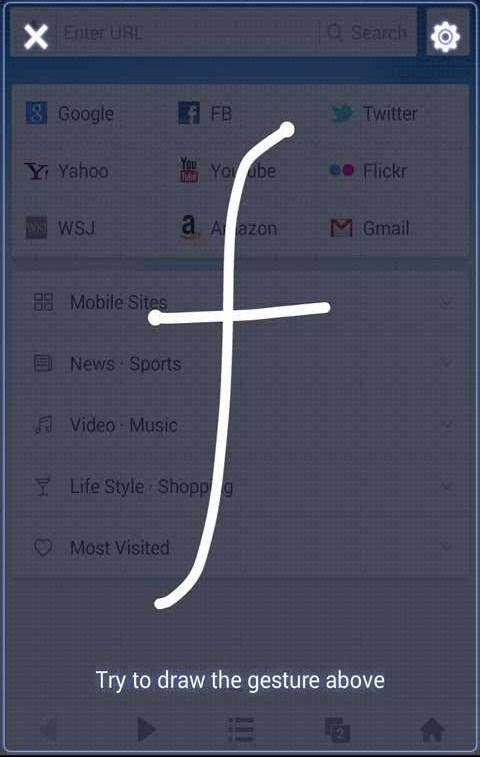
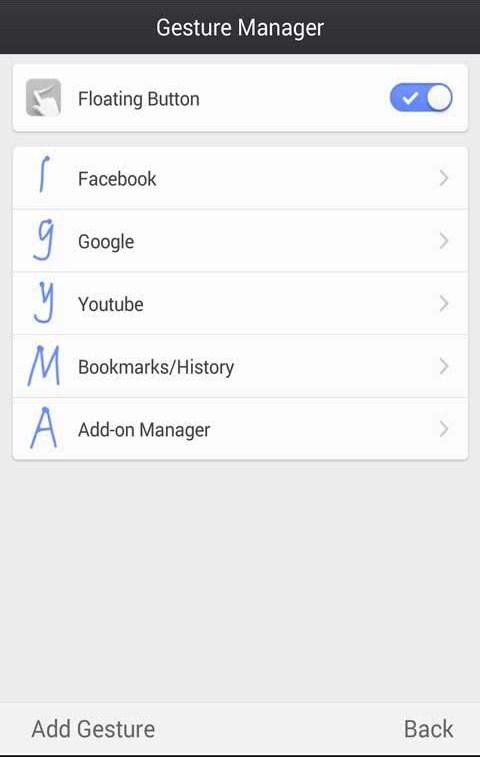
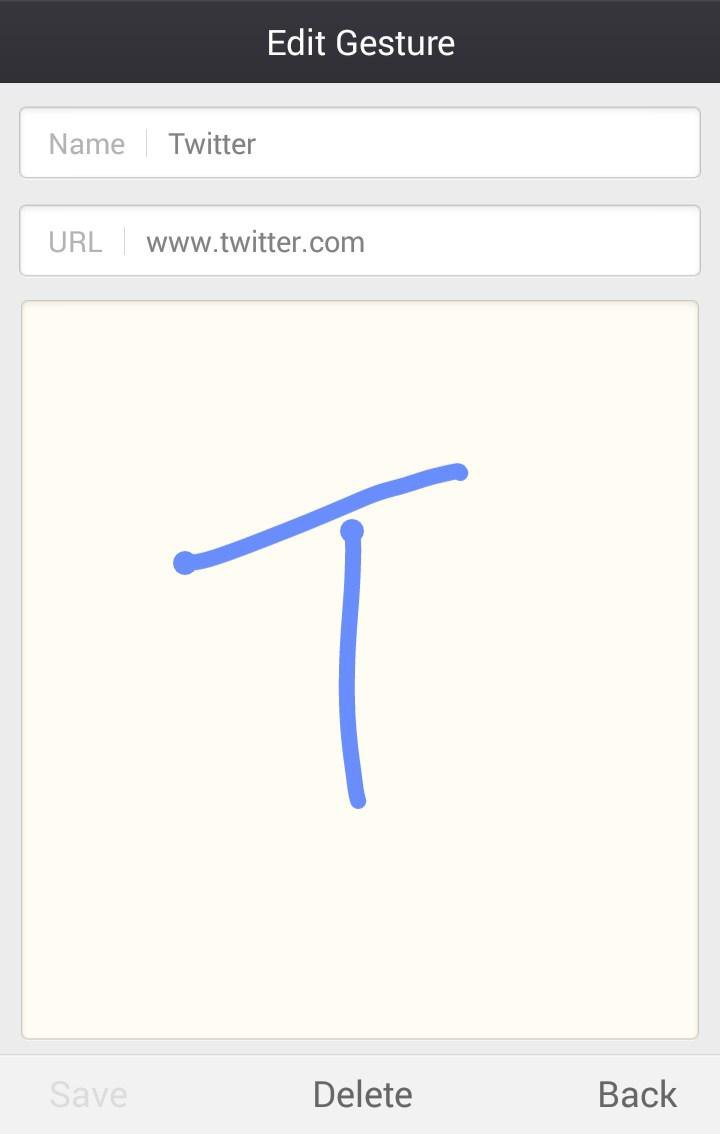
Gestures is an add-on of UC Browser that allows you to visit websites by drawing gestures on the screen. Simply add your favorite site addresses as gestures and draw these gestures to visit the sites instantly. Just like magic!
How to Use:
1. Click the Gestures icon in the add-on panel, or click the floating button at the bottom right corner of the browser to enter the gestures panel;
2. Use your finger to draw a gesture, and let the magic begin!
Important:
• Gestures is an add-on of UC Browser. For better experience, please download the latest version of UC Browser here.
• UC Browser is a fast and smart browser that gives you excellent browsing experience and helps to reduce your data cost. UC Browser is currently used and recommended by 400,000,000 users worldwide.
Other popular add-ons by UC Browser:
• Photo Uploader for Facebook
• Translator by UC Browser
• Web To PDF by UC Browser
• Unzip by UC Browser
• QR Code Generator - UC Browser
• Private Bookmarks - UC Browser
• Auto Reload by UC Browser
• Save page by UC Browser
• Speed Mode by UC Browser
• Auto Pager by UC Browser
• Adblock by UC Browser
• Screen Shot by UC Browser
• Clipboard by UC Browser
• QR Scanner by UC Browser
• Share by UC Browser
• and more!
更多應用信息
最新版本1.0.3.0更新日誌
Last updated on 2015年08月05日
此版本包含小幅錯誤修正和一般改善。請更新至最新版本,以獲得最佳體驗。
Gestures 螢幕截圖
Gestures歷史版本
357.9 KB2015年08月05日