




關於File Manager
具有云存儲、FTP 服務器、WiFi、RAM 和垃圾清理器的強大文件管理器
🔥 File Manager Explorer 🔥 : Cloud Storage, FTP Server, WiFi Share, Cast Queue, RAM Cleaner, is a full-featured file manager simple user interface, easy and powerful for android devices.
Helps to browse and manage files and folders on your mobile device, and cloud storage.
File Manager Explorer allows you to manage the content on your SD card more easily and create directories, rename, copy, move, and delete files.
You may explore the internals of the device, and if you're a power user and have your device rooted, you can make changes to system data - backup files, remove unwanted applications, etc.
👉 Let's take a look at the attractive features of File Manager Explorer:
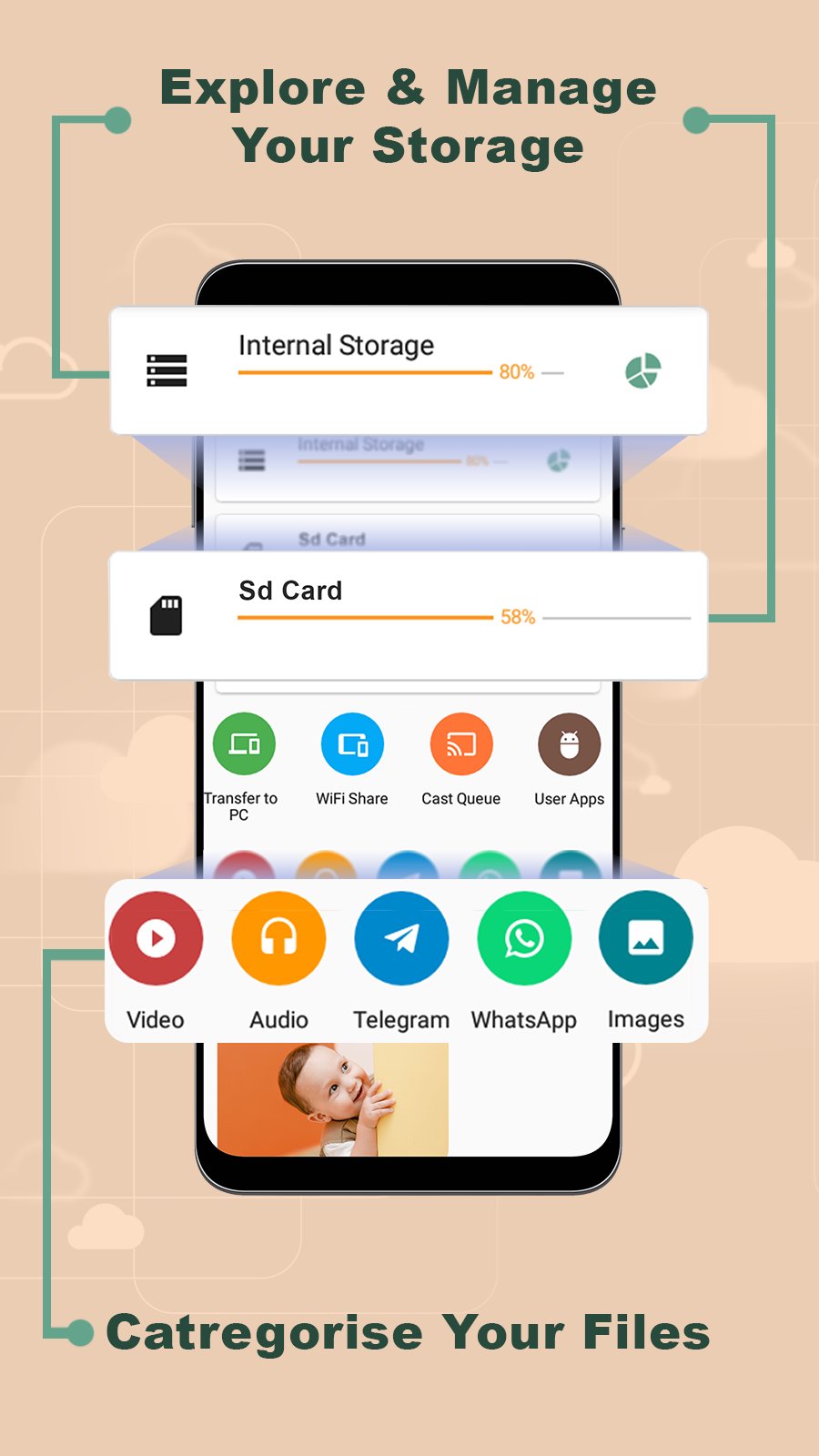
✅ Explore & manage your storage and categories your files:
You can access local files easily because they are no longer hidden in the mobile system. File manager Explorer will help you find and categorize your files easily. It supports all cool features like global search, moving, deleting, opening, and sharing files, as well as renaming, unzipping, and copy-pasting.
You can also know the storage of your phone, how much used and how much unused.
All media (video, pictures, music, photos, audio, PDF...) are classified automatically, you can find them easily. Click on the entry of the home page to find them by category.
✅ Manage Process and Cleanup RAM:
Clean up application and system junk files in one go to free up storage space. Accelerate and Speed up your phone's performance by completely freeing up the phone's RAM.
✅ FTP Server - Transfer files to pc:
File Manager Explorer allows you to run FTP Server on your phone and help your friend or you to access/share files over the Internet.
It also helps you not to use the USB port of the device to increase its lifetime.
✅ Root Explorer:
File Explorer Root browser capability lets you browse, modify and delete files in data and system folders. It also comes with a handy root checker utility to verify root access.
✅ Wi-Fi Share - Receive and transfer files easily :
You can easily share your files as well as your Wi-Fi connection or access point without giving your password! The connection can be shared by scanning the QR code or simply shaking your phone!
✅ Cast Queue - Easy cat to TV:
This Great File Manager lets you cast all your local videos, songs, and images to many devices as well as connected TVs. Cast to the TV and enjoy your movies now!
✅ Advanced Settings:
You can access the app theme style and choose light or dark mode, as well as change the primary and accent color. File Manager allows you to protect your app by giving security to your files and asking you for confirmation of the password or pattern when you browse the folders. This will make your files protected...
✅ Added to the features described above, there are some other features not mentioned, waiting for your discovery.
If you have any propositions or comments about our file manager, please don't hesitate to contact us by email. We will respond to all emails as soon as possible.
Finaly, If you are looking for a file manager app with a simple and elegant interface with full functionality and full features, File Manager: Full-Featured File Explorer should be your best choice.
更多應用信息
最新版本4.2.0更新日誌
Last updated on 2022年04月13日
此版本包含小幅錯誤修正和一般改善。請更新至最新版本,以獲得最佳體驗。
File Manager 螢幕截圖


File Manager歷史版本
9.8 MB2022年04月13日

相關標籤








為 File Manager - Cloud Explorer 留下評論
新增評論