




About Trip Computer
A simple mileage expense tracking app with battery saving features.
FREE. No ads. No in-app purchases. No feature restrictions.
• Displays time, distance, cost and many more facts about your journey.
• BATTERY SAVER MODE (optional) can dramatically increase battery life while tracking.
• AUTO START / STOP (optional) based on your activity for simple journey recording.
• Choose your own mileage expense rate, or simply set it to zero to turn this feature off.
• Measure distances in miles, kilometres or even meters.
• Simple layout plus daytime and night-time themes for drivers.
• Supports Android Wear smart-watches.
• Suitable for business, sport and leisure use.
Trip Computer's optional battery-savier setting means it's the only mileage expense tracking tracking app that can last all day. With the battery saver feature turned on, Trip Computer doesn't need your GPS to figure out your location, it can use the cellphone network to triangulate your position instead.
Trip Computer's simple layout has themes for both daytime and night-time use. Distances can be measured in Miles, Kilometres or Meters and any change in your preferences will take immediate effect (so you can even switch mid journey if you like). Journey recording runs in the background so you can get on with other things. Your last trip is automatically stored and is reloaded whenever you restart the App.
Trip Computer uses your local currency when calculating the mileage expense cost of a journey. A default mileage expense rate of 0.45 per mile has been pre-set, but you can change the rate to suit you.
Frameworks and Libraries.
Trip Computer is totally free and uses many popular open-source Android development frameworks and libraries including:-
• Google Play Services, Support v4, Appcompat v7, GSON and Guava by Google Inc.
• EventBus by Green Robot
• Floating Action Button by GetBase
• ShowcaseView by Amlcurran
• Mockito by Mockito.
Permissions.
Trip Computer asks for the following permissions when you install from the play store. Trip Computer neither collects nor shares or stores any data that can be used to identify you as a user.
• LOCATION - required for location tracking purposes so that distances etc. can be calculated
• INTERNET - required for place-name lookup, location tracking and analytics reporting.
• ACTIVITY RECOGNITION - required for auto-start
• BOOT COMPLETED - required so the app restarts after a reboot.
• READ / WRITE STORAGE - required to persistently store your last journey.
Additional APP Information
Latest Version
1.15.00Uploaded by
Khakchang Debbarma
Requires Android
Android 3.0+
Category
Free Auto & Vehicles AppReport
Flag as inappropriateWhat's New in the Latest Version 1.15.00
Last updated on Aug 14, 2015
New! - Android Lollipop support with a new "Material Design" style
New! - Cleaner card views & "USA Yellow" colour scheme
New! - Colour notification icons on Lollipop
New! - Support for Android Wear smart-watches
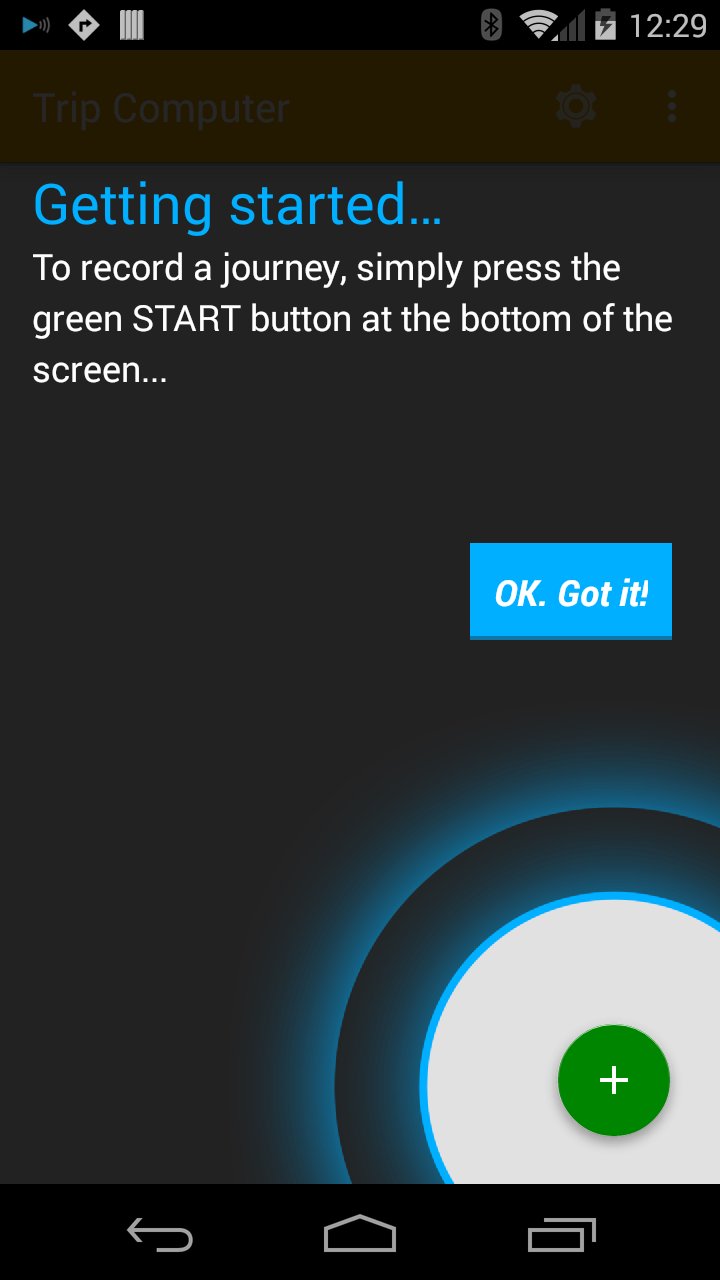
Trip Computer Screenshots


Old Versions of Trip Computer
2.7 MBAug 14, 2015

Related Tags











Leave a review for Trip Computer Mileage Tracker
Add Reviews