
Simple Time Clock hakkında
Çalışanlarınız basit bir şekilde çalışmak kaç saat kontrol edin.
SimpleTimeClock is ideal for employers who just need straight forward info about the hours worked and the earnings employees make.
Constructions workers, temporary handyman jobs, on-call employees are among some of most suitable type of work that SimpleTimeClock will work best. Just know how much you need to pay them in a quick and simple way.
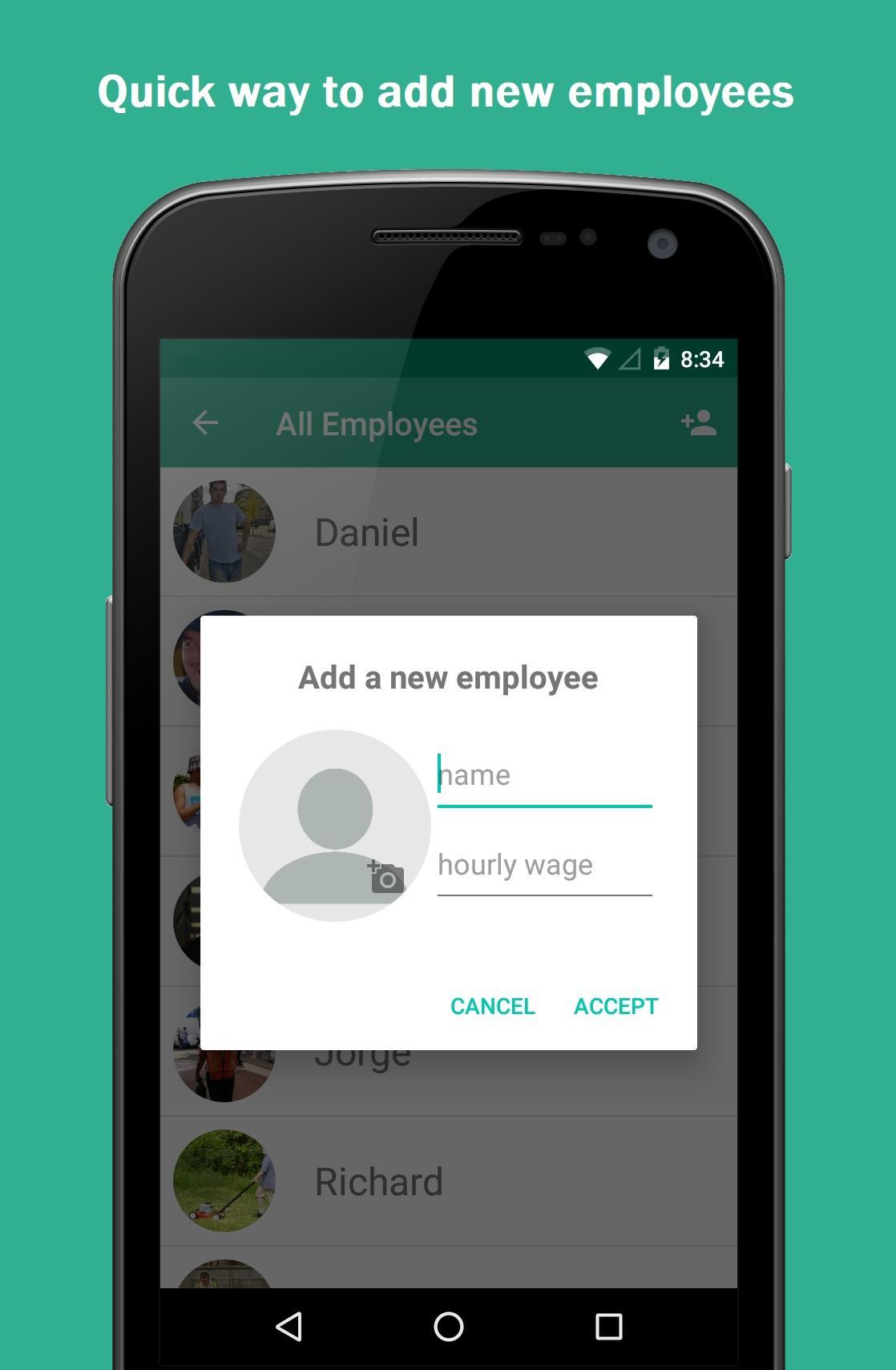
Adding a new employee just requires a name and wage. Optionally, you can add a picture too.
Instructions on how to use the app:
There are a total of 4 screens.
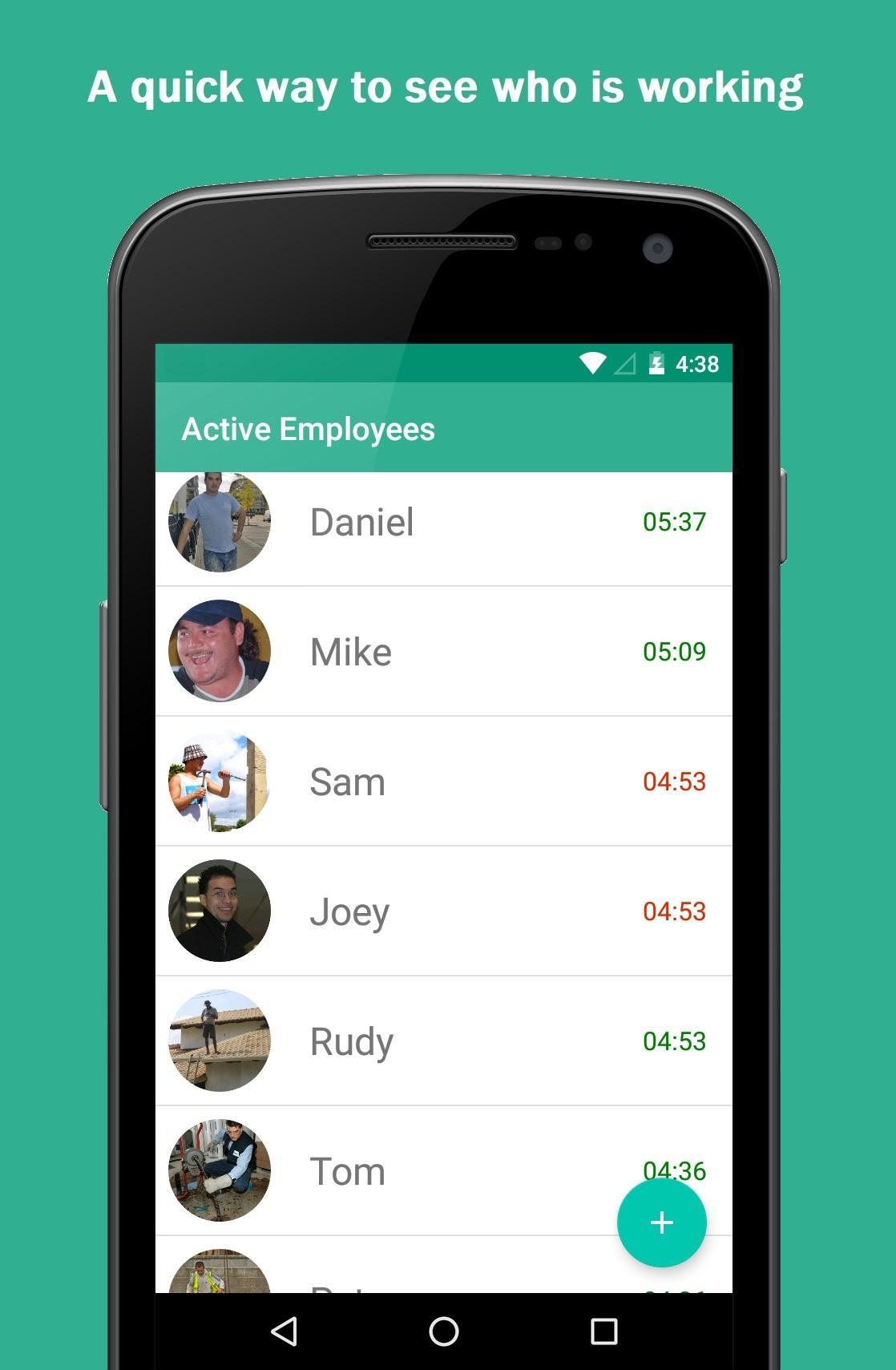
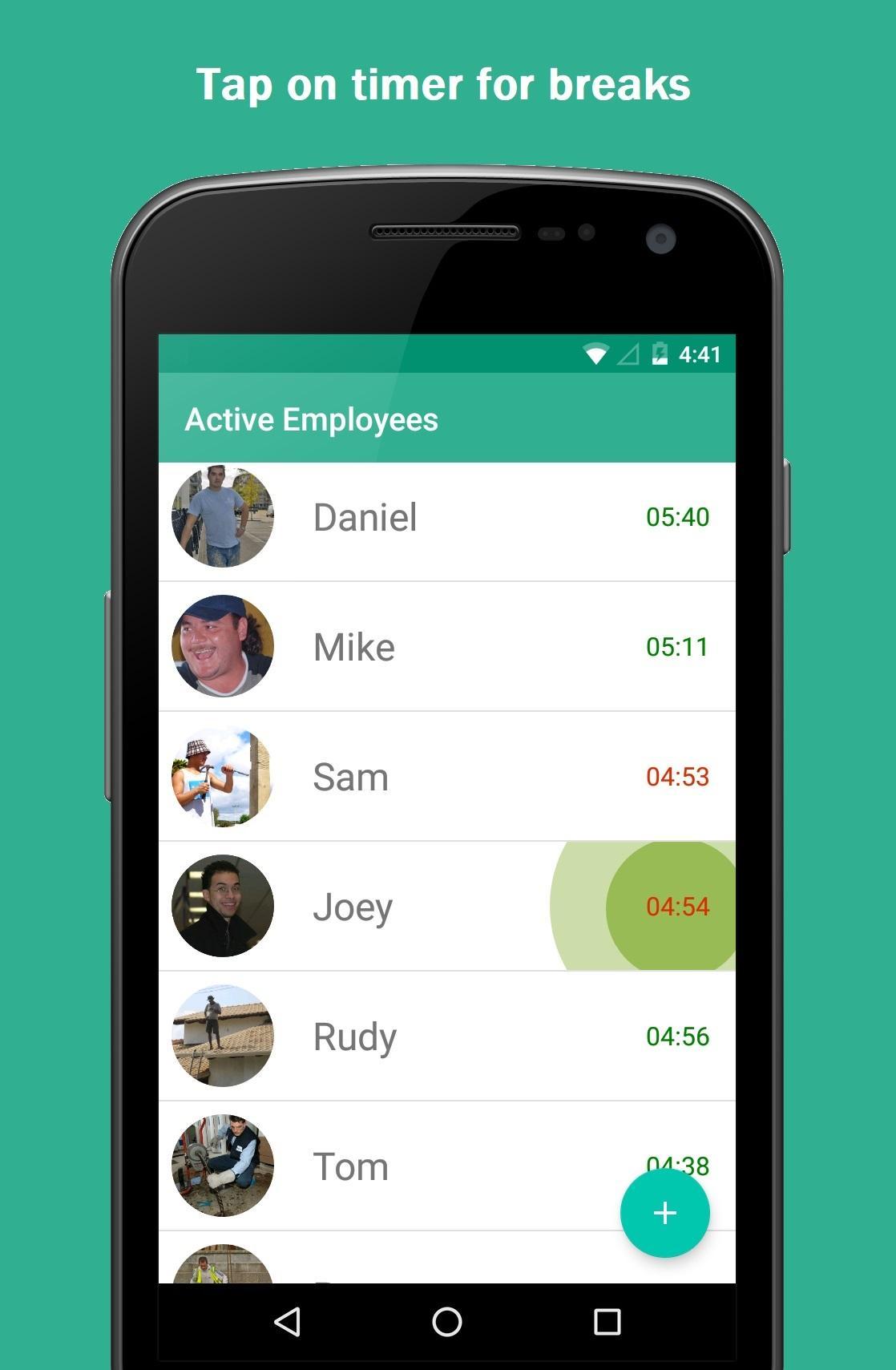
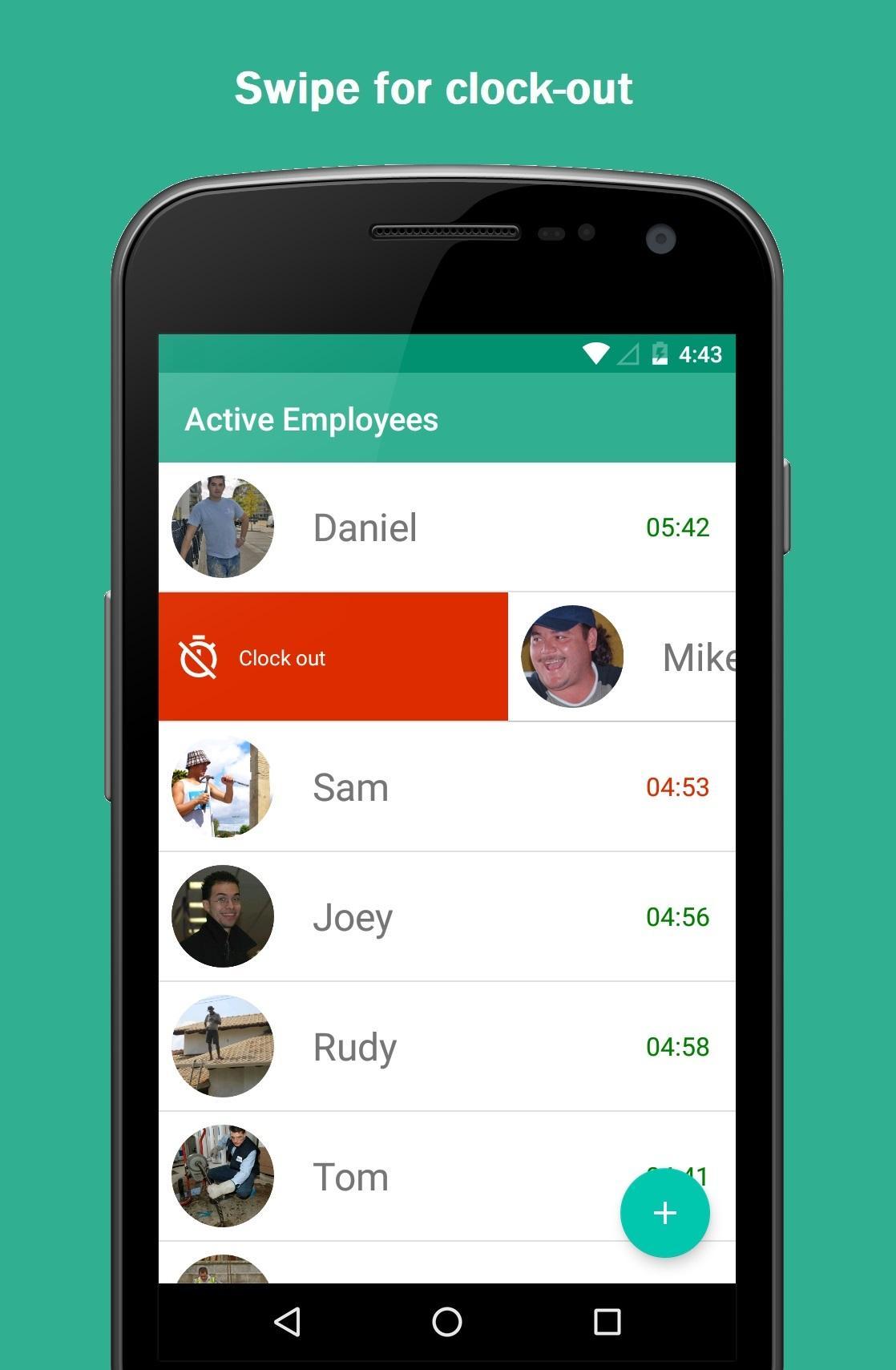
The first screen will display active employees (employees who are currently working). The time starts to run for employees on this list. To remove an employee from this list (clock out), simply swipe right or left, then the time will stop running for that employee. For breaks, tap on the timer of a particular employee, and it will pause/resume the time.
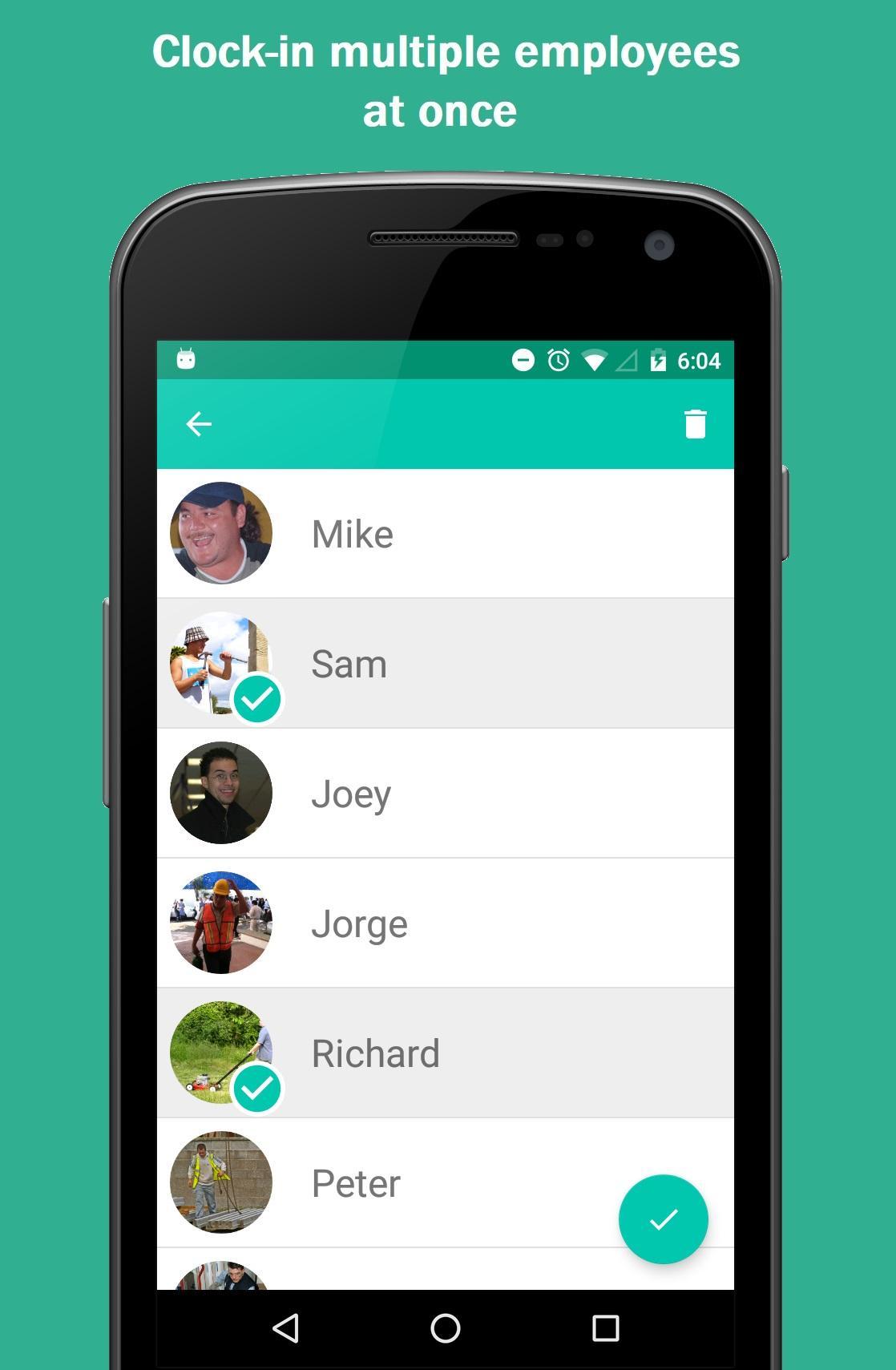
The second screen will display the list of all the employees (either working or not). On this screen you can:
- Add a new employee
- Delete an employee
- Add an existing employee to the active list
To see the delete and adding to active list option, you need to perform a long tap on the list, then these two options will appear. The bin icon on the toolbar is the delete option; the round button on the right-bottom corner of the screen is for adding the selected employees to the active list.
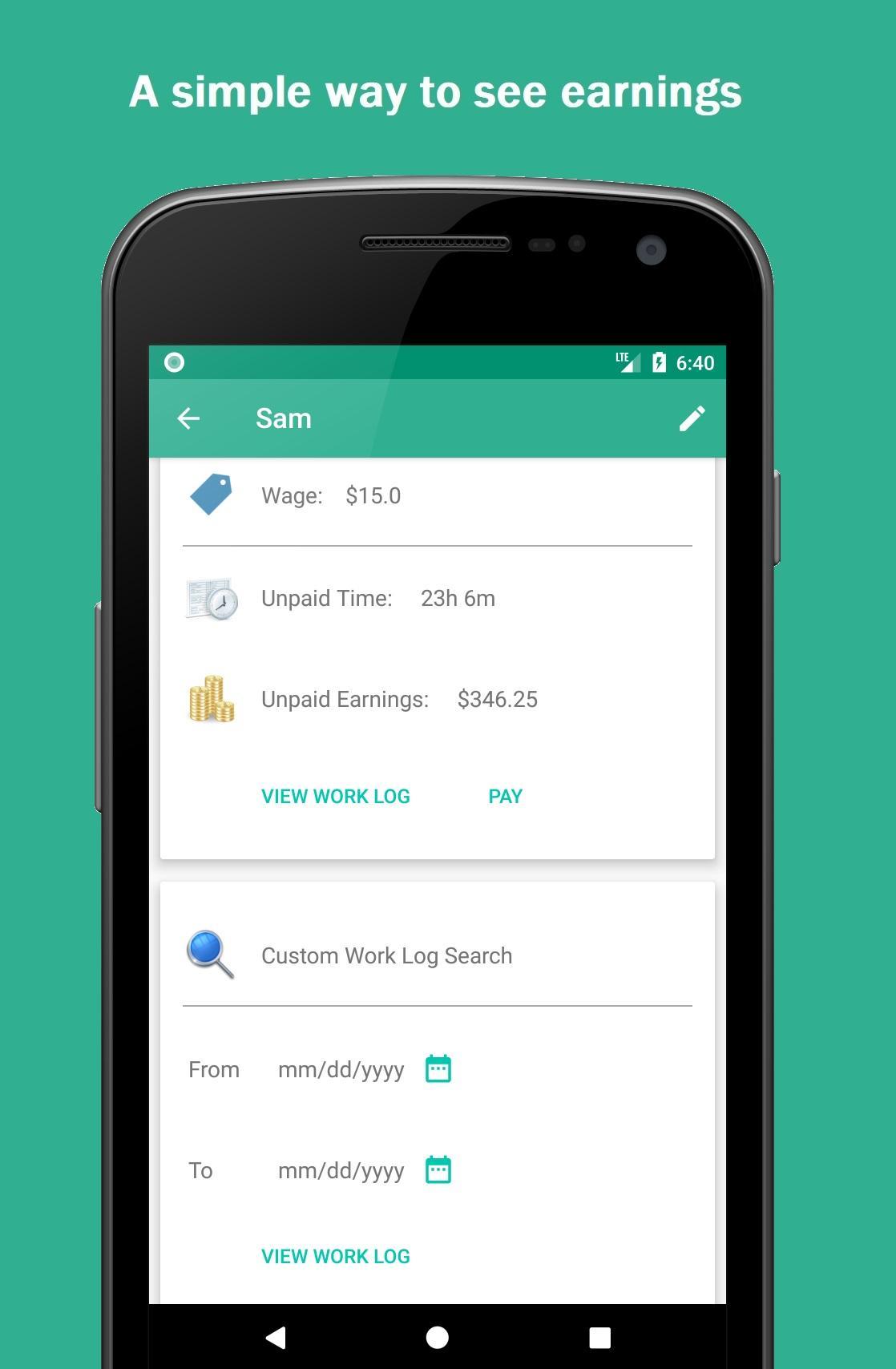
The third screen displays the details of an employee. You can open it from first or second screen by taping on a particular employee. On this screen you can see relevant information such as wage, unpaid worked hours, unpaid work logs, and an option to search past work logs. The pay button (when visible) will mark the unpaid section as paid and reset its info.
The fourth screen is the work log for the selected employee. If you need to edit a particular time on the list, simply tap anywhere on that row and make your corrections as necessary. Additionally, you can export the work log as a CSV file.
Ek UYGULAMA Bilgileri
En Son Sürüm
2.0.0Yükleyen
Trương Đức
Gereken Android sürümü
Android 4.2+
Kategori
Ücretsiz İş UYGULAMAİçerik derecelendirmesi
Everyone
Bildir
Uygunsuz olarak işaretleEn son sürümde yeni olan 2.0.0
Last updated on Nov 10, 2020
* New option to add a job name to each work
* Added option to search / classify worklog by job name
Simple Time Clock Ekran görüntüleri