
Push2Droid hakkında
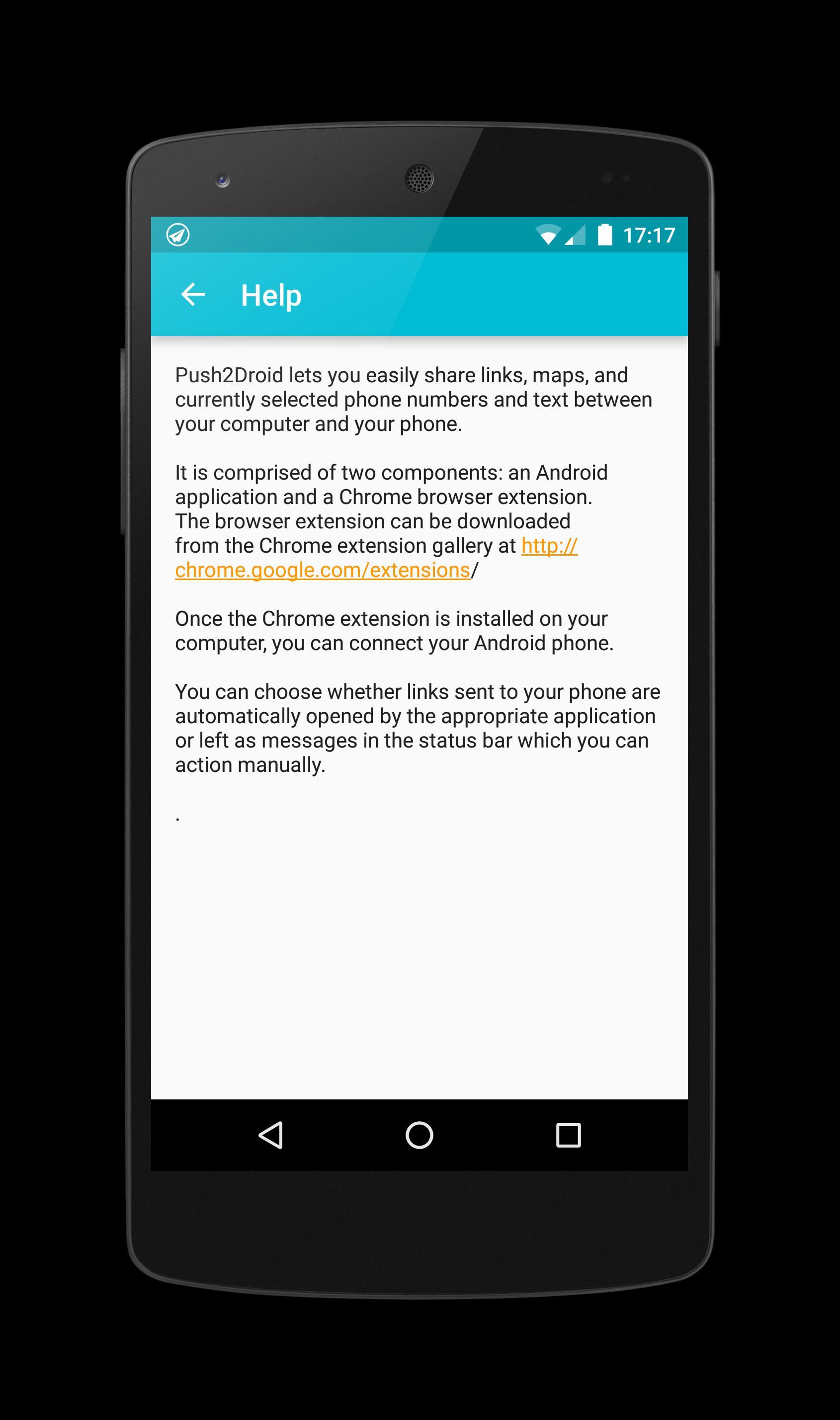
Push2Droid enables you to send links from Chrome to your Android phone or tablet
Push2Droid (Push to Droid) enables you to send links and other information from Chrome to your Android phone or tablet.
Features:
✓ Send browser links from Chrome to your android phone or tablet;
✓ Open Google Maps from Chrome on Android phone;
✓ Launch YouTube from Chrome browser on Android phone;
✓ Select a phone number in browser and launch the dialer on Android phone;
✓ Select text on a Web page and copy the clipboard to Android (long press a text box to paste on Android).
Installation:
1. Install the Push2Droid Android application and complete the simple set-up process;
2. Search for 'Push2Droid' at Chrome Web Store or download it from http://bit.ly/push2droid-ext;
3.Install the Push2Droid Chrome extension and click on the toolbar icon to sign in
4. Click the toolbar icon to send the link or currently selected text to your phone or tablet.
Ek UYGULAMA Bilgileri
En Son Sürüm
1.7.0Yükleyen
Prabh Gill
Gereken Android sürümü
Android 2.3.2+
Kategori
Ücretsiz Araçlar UYGULAMAİçerik derecelendirmesi
Everyone
Bildir
Uygunsuz olarak işaretleEn son sürümde yeni olan 1.7.0
Last updated on Mar 1, 2016
fix crashes on android 2.x
Push2Droid Ekran görüntüleri