

COREDeposit hakkında
Deposit checks into your CORE FCU account using your Smartphone
Core Federal Credit Union
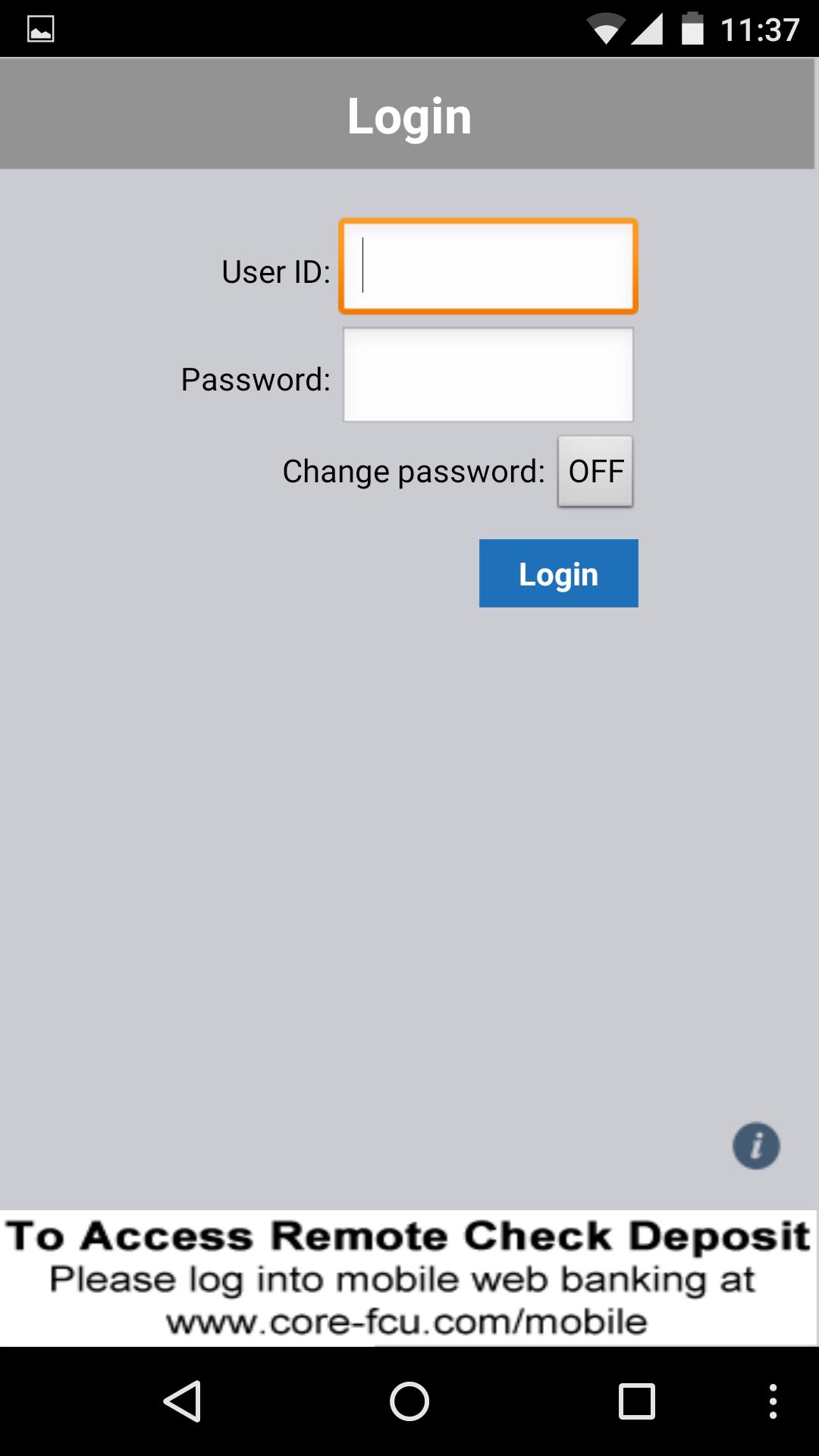
Download our Remote Check Deposit App and you can deposit checks using your Android! It’s as simple as snapping a picture of your check:
1. Open CORE FCU’s Remote Check Deposit App
2. Select “Deposit Check”
3. Take photos of the check, front and back
4. Approve the transaction
5. Get your confirmation and you’re done!
Ready to start? Log into your home banking and click on Remote Deposit Capture
You may be charged for data access by your mobile carrier. Check with your carrier for details on specific fees and charges. Some restrictions apply; not everyone will qualify for enrollment. Please retain check for 90 days before shredding.
Ek UYGULAMA Bilgileri
En Son Sürüm
2.1.6Yükleyen
Yu Nandar Moe Theing
Gereken Android sürümü
Android 2.1+
Kategori
Ücretsiz İş UYGULAMAİçerik derecelendirmesi
Unrated · Warning – content has not yet been rated. Unrated apps may potentially contain content appropriate for mature audiences only.
Bildir
Uygunsuz olarak işaretleEn son sürümde yeni olan 2.1.6
Last updated on Aug 11, 2016
Bu sürümde küçük hata düzeltmeleri ve genel iyileştirmeler bulunur. En iyi deneyim için en yeni sürüme güncelleyin.
COREDeposit Ekran görüntüleri



COREDeposit'in eski sürümleri
802.8 KBAug 11, 2016