
AppCharge hakkında
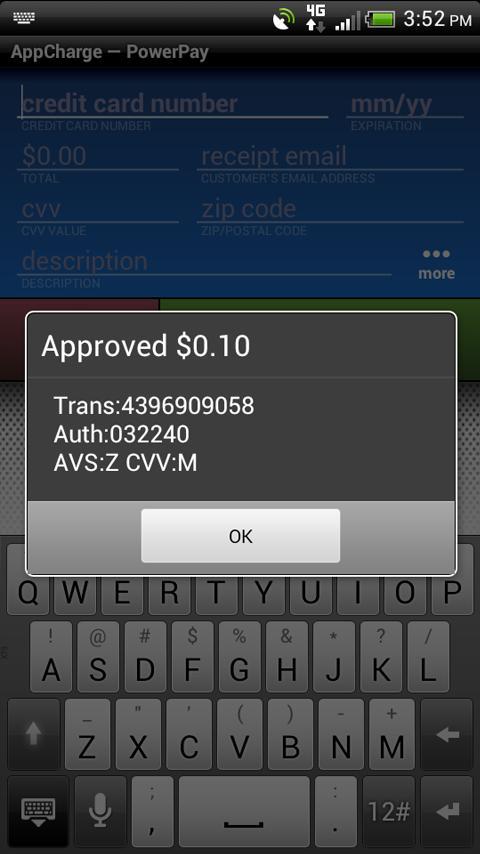
AppCharge kredi kartı terminali haline en Android cihazlar dönüştürebilirsiniz.
Set Up Instructions:
To begin using AppCharge, you will need an AppCharge approved merchant account. Go to www.goappcharge.com or call (877) 775-6900 to apply.
Already have an AppCharge approved merchant account? If so, you will likely have been directed to download this app by a set of instructions that were emailed to you. Once finished with the download, simply follow the rest of those instructions to activate AppCharge and begin accepting payments.
About AppCharge:
AppCharge is designed for businesses on the go. It’s an affordable solution that can transform most Android devices into a credit card terminal, giving merchants the convenience of a mobile merchant account and ability to accept payments, whether in the office or on the road.
Customers can sign for their purchases directly on the mobile device and have the receipt emailed to them with a copy of their signature’s image. Merchants have the ability to process both card-not-present transactions and card-present transactions (when used with our optional card reader- please check www.goappcharge.com for a list of Android devices that are compatible with our card reader).
Benefits of AppCharge:
- Easy to use
- 24/7 Tech Support
- Create an inventory list in order to generate itemized receipts
- Customers can sign for their purchase via touch screen
- Receipts can be e-mailed
Don’t miss another sale!
Ek UYGULAMA Bilgileri
En Son Sürüm
6.16Yükleyen
Avronil Gain
Gereken Android sürümü
Android 2.2+
Kategori
Ücretsiz İş UYGULAMAİçerik derecelendirmesi
Everyone
Bildir
Uygunsuz olarak işaretleEn son sürümde yeni olan 6.16
Last updated on May 29, 2018
Bug fixes
AppCharge Ekran görüntüleri