Adobe Authenticator hakkında
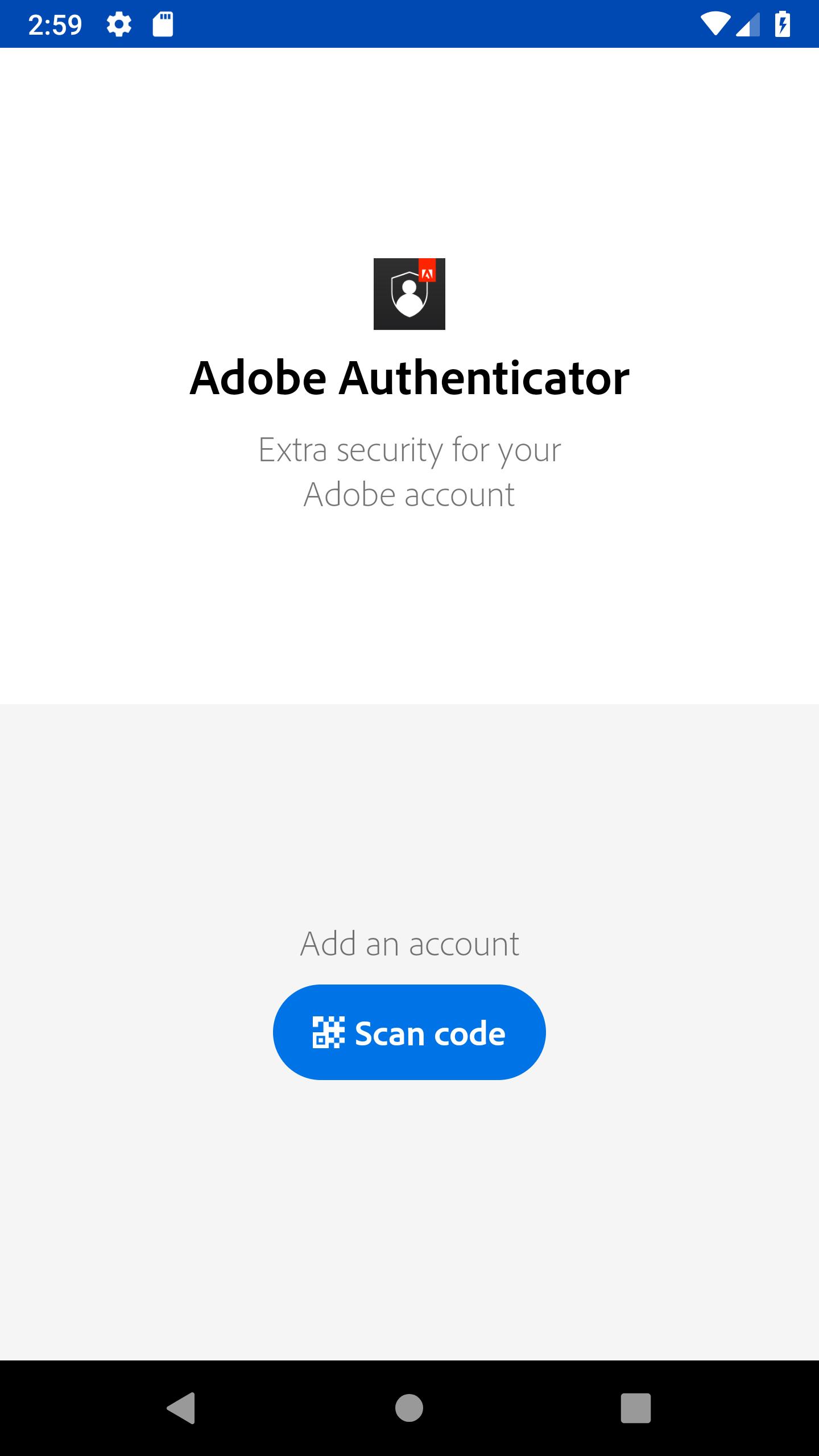
Adobe Şifrematik Adobe hesabı için güçlü güvenlik sağlar.
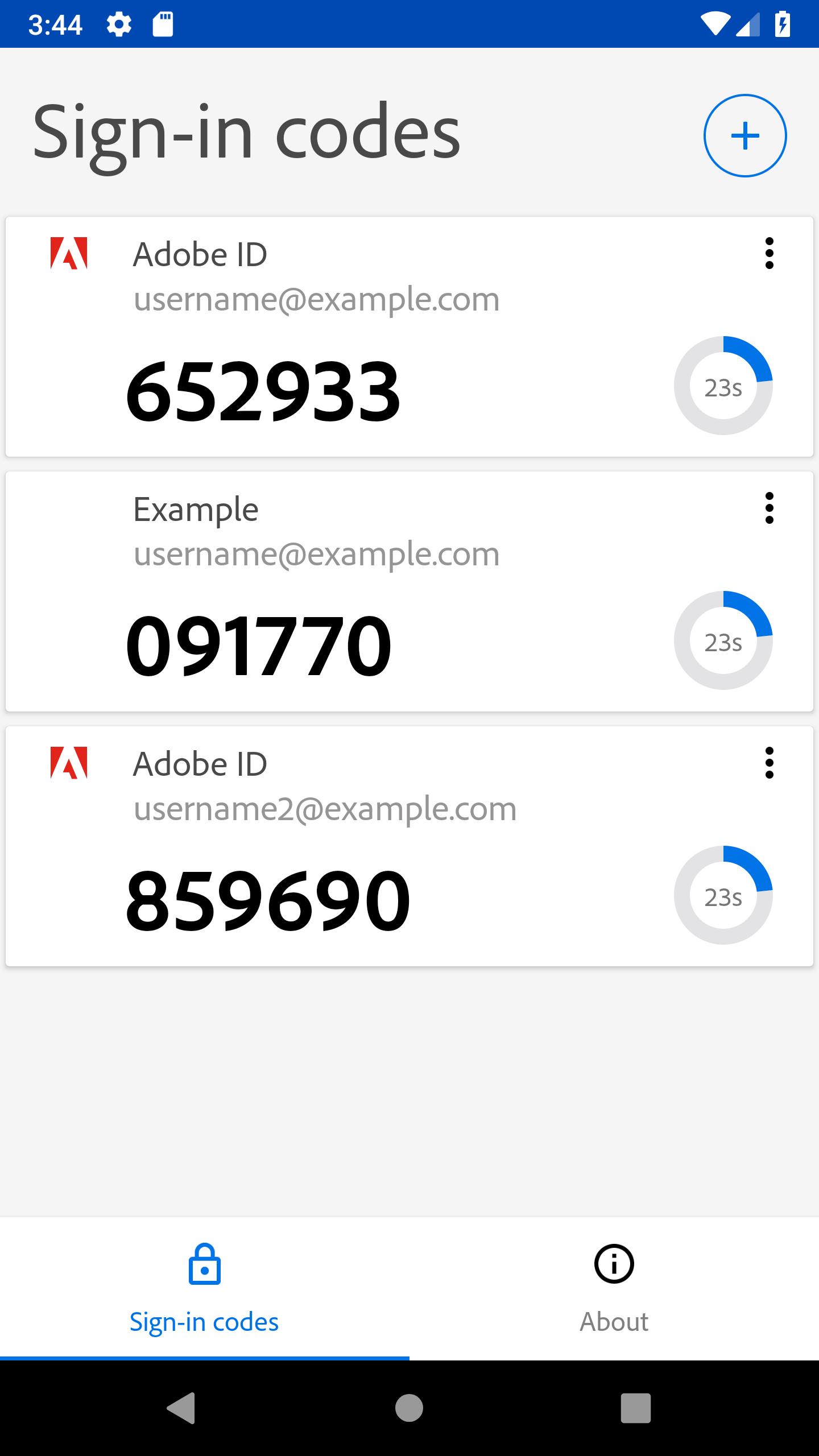
Adobe Authenticator enhances the security of your Adobe account by enabling 2 Factor Authentication through push notifications and verification codes.
Why? Because if someone wants access to you account, then finding out the password won’t be enough. As its name says, 2 Factor Authentication adds an extra layer of security by requiring you not only to enter your password but also to respond to a push notification sent on your phone or, alternatively, type in the verification code generated by the app. Moreover, it is compatible with your Android Wear, so you won’t even have to open your phone. Secure in just one tap!
Features:
- easy sign up by scanning a qr code or opening an otpauth:// uri
- easy sign in by responding to push notification
- verification codes generation without data connection
- manage multiple 2 factor authentication accounts on a single device
- support for Android Wear
In order to enable 2 Factor Authentication and set up your Adobe Authenticator go to https://accounts.adobe.com.
Why? Because if someone wants access to you account, then finding out the password won’t be enough. As its name says, 2 Factor Authentication adds an extra layer of security by requiring you not only to enter your password but also to respond to a push notification sent on your phone or, alternatively, type in the verification code generated by the app. Moreover, it is compatible with your Android Wear, so you won’t even have to open your phone. Secure in just one tap!
Features:
- easy sign up by scanning a qr code or opening an otpauth:// uri
- easy sign in by responding to push notification
- verification codes generation without data connection
- manage multiple 2 factor authentication accounts on a single device
- support for Android Wear
In order to enable 2 Factor Authentication and set up your Adobe Authenticator go to https://accounts.adobe.com.
Ek UYGULAMA Bilgileri
En Son Sürüm
1.1.11Yükleyen
Hiren Vaghela
Gereken Android sürümü
Android 6.0+
Kategori
Ücretsiz Araçlar UYGULAMAİçerik derecelendirmesi
Everyone
Bildir
Uygunsuz olarak işaretleEn son sürümde yeni olan 1.1.11
Last updated on Mar 23, 2020
We are continuously working on improving your experience.
Adobe Authenticator Ekran görüntüleri