
About Time Limit Lock

Reviewed byBernadine WisokyContent Editor
Time Limit Lock is a productivity app that locks your phone for a set period.
Time Limit Lock helps users who want to cut distractions during study, work, or rest. Start a countdown when you need focus, and the app covers the display until the timer ends. During this period, interaction with the device is blocked, so you avoid unplanned use. The lock is designed to resist quick workarounds like shutting down the phone. Users looking for a straightforward setup can install Time Limit Lock APK for consistent screen control.
Time Limit Lock Features
Timed lock sessions
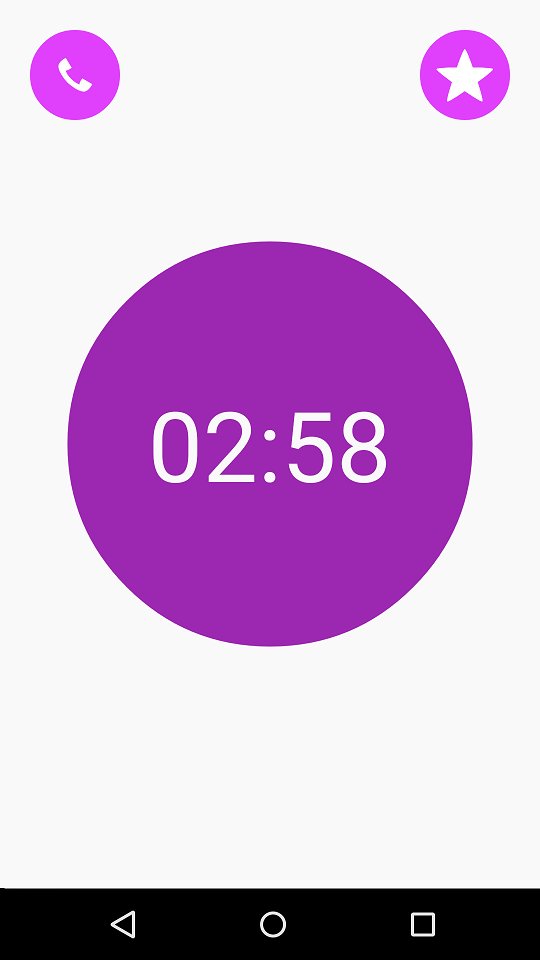
You set a specific duration to restrict device use. Once the session starts, Time Limit Lock places a full screen cover and blocks operations until the countdown reaches zero. Turning the power off does not unlock an active session.
Auto lock at a set time
- Set an alarm at a time you choose.
- When the alarm activates, the screen lock starts automatically.
- You can cancel a scheduled alarm inside the app.
- Restarting the phone cancels only the scheduled alarm and does not bypass a running lock.
Emergency call access
- Place a phone call for emergencies while locked.
- You have up to 10 seconds before the lock state resumes.
- If the lock screen appears during dialing or a call, it is normal and not an error.
Set up your first lock session
Time Limit Lock offers a focused way to pause phone use when you need time away from the screen. Explore manual sessions and scheduled starts, and keep the emergency call option in mind. For the most stable experience, update to the Time Limit Lock latest version before starting longer sessions.
Additional APP Information
Latest Version
1.3Uploaded by
Amir Khoirul Yahya
Requires Android
Android 4.0+
Category
Free Productivity AppContent Rating
Rated for 3+
Report
Flag as inappropriateWhat's New in the Latest Version 1.3
Last updated on Jan 14, 2016
This release includes minor bug fixes and general improvements. Update to the latest version for the best experience.
Time Limit Lock Screenshots