

เกี่ยวกับ Reset-Your-BIOS
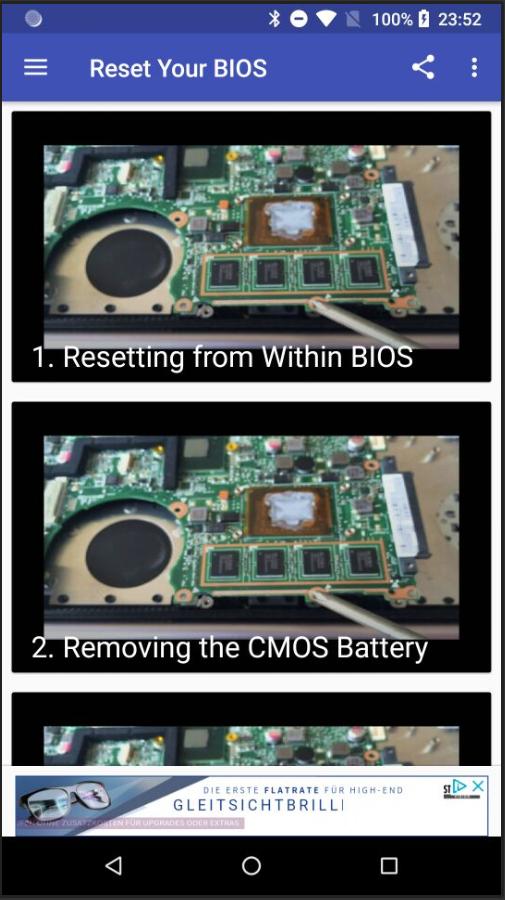
Resetting from Within BIOS, Removing the CMOS Battery, Resetting the Jumper
this app will teach you how to reset your Windows computer's BIOS (short for Basic Input/Output Settings) to factory settings. You can do this on most computers from the BIOS page; however, if you're locked out of your computer's BIOS, you'll need to reset the BIOS by opening your computer's housing and removing the CMOS battery from the motherboard, or--in the case of desktops--resetting the jumper switch on the motherboard.
In some cases, opening your computer's housing will void your warranty, and you run a significant risk of permanently damaging your computer while doing so. If you can't access your BIOS, your best course of action is to take the computer into a tech department instead of doing it yourself.
ข้อมูล แอป เพิ่มเติม
เวอร์ชันล่าสุด
1.1อัปโหลดโดย
Nguyễn Trọng Kha
ต้องใช้ Android
Android 4.0+
Category
ฟรี บันเทิง แอปการจัดประเภทเนื้อหา
Everyone
รายงาน
ปักธงว่าไม่เหมาะสมมีอะไรใหม่ใน 1.1 เวอร์ชันล่าสุด
Last updated on Oct 13, 2018
เวอร์ชันนี้มีการแก้ไขข้อบกพร่องเล็กน้อยและการปรับปรุงทั่วไป อัปเดตเป็นเวอร์ชันล่าสุดเพื่อประสบการณ์ที่ดีที่สุด
Reset-Your-BIOS ภาพหน้าจอ


Reset-Your-BIOS รุ่นเก่า
3.8 MBOct 13, 2018