
เกี่ยวกับ OLED Tools
Tools for testing your OLED display quality.
OLED displays are finally here. Use this toolkit to test your OLED display for burn-in, motion blur, and sample-and-hold effect.
Burn-in Test
Find areas with unevenly bright pixels (burn-in). Blue pixels tend to burn out faster than red or green.
Burn-in Reduce
Attempt to improve pixel uniformity by cycling through pixels at 100% brightness.
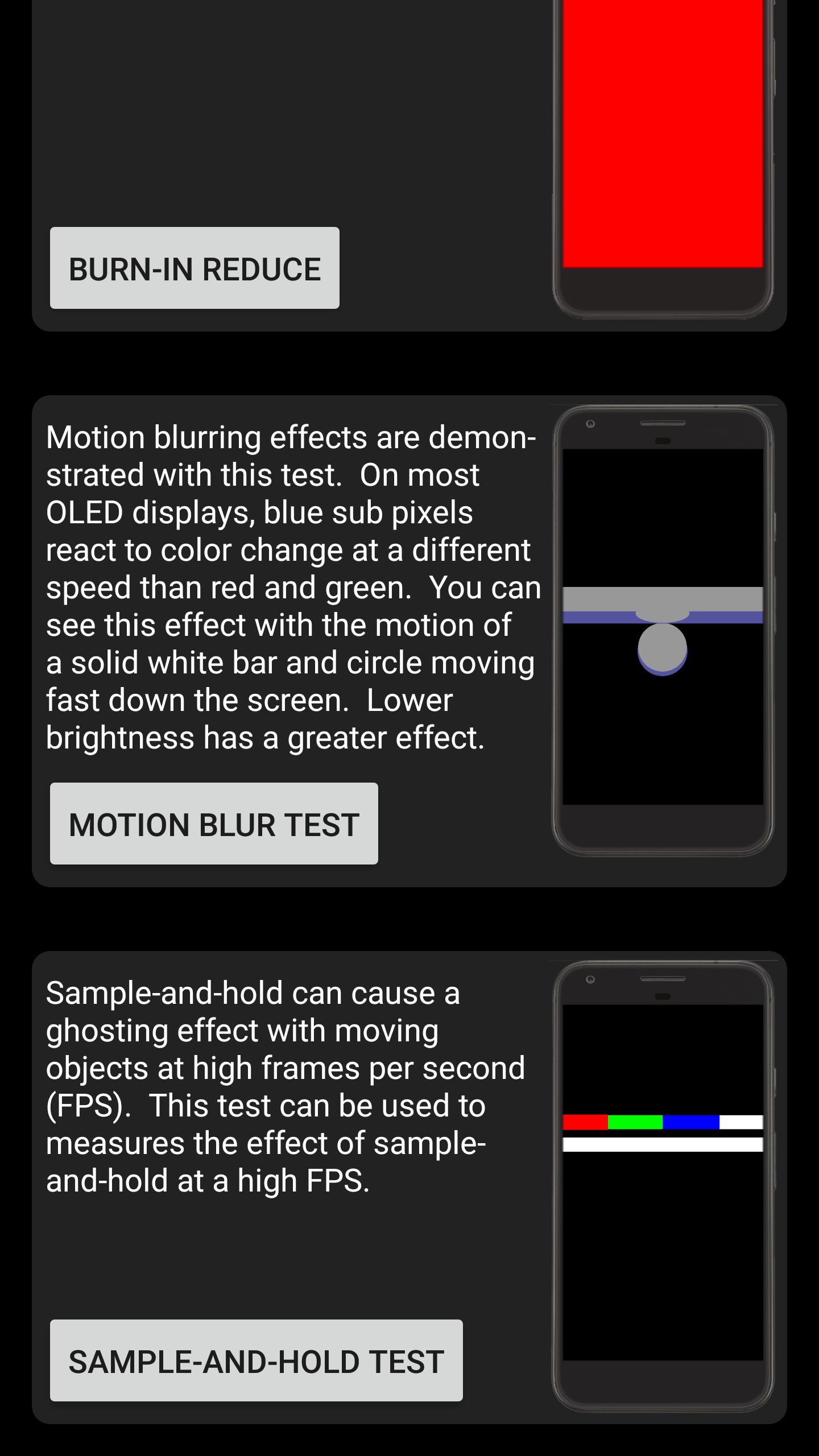
Motion Blur Test
Motion blurring effects are demonstrated with this test. On most OLED displays, blue sub pixels react to color change at a different speed than red and green. You can see this effect with the motion of a solid white bar and circle moving fast down the screen. Lower brightness has a greater effect.
Sample-and-Hold Test
Sample-and-hold can cause a ghosting effect with moving objects at high frames per second (FPS). This test can be used to measures the effect of sample-and-hold at a high FPS.
ข้อมูล แอป เพิ่มเติม
เวอร์ชันล่าสุด
1.3อัปโหลดโดย
พิ้' โอ๊ต' นี่'หว่า'า.
ต้องใช้ Android
Android 6.0+
Category
ฟรี เครื่องมือ แอปการจัดประเภทเนื้อหา
Everyone
รายงาน
ปักธงว่าไม่เหมาะสมมีอะไรใหม่ใน 1.3 เวอร์ชันล่าสุด
Last updated on Dec 10, 2017
Multi-language support added
OLED Tools ภาพหน้าจอ

OLED Tools รุ่นเก่า
1.5 MBDec 10, 2017