

เกี่ยวกับ InfoSms
InfoSms sends verbally difficult to communicate information easily via sms.
The information you send could be your email address, website address or even GPS location, all with the tap of a button.
When speaking send a virtual business card containing your information to the caller by simply pushing the InfoSms icon on your call screen.
The following items can be sent:
• Name and Surname
• Address
• Email Address
• Additional mobile numbers
• Landline numbers
• Fax number
• Website address
• General Information - Such as postal address or abstract information
• GPS Coordinates
Setting up a "Virtual Business Card"
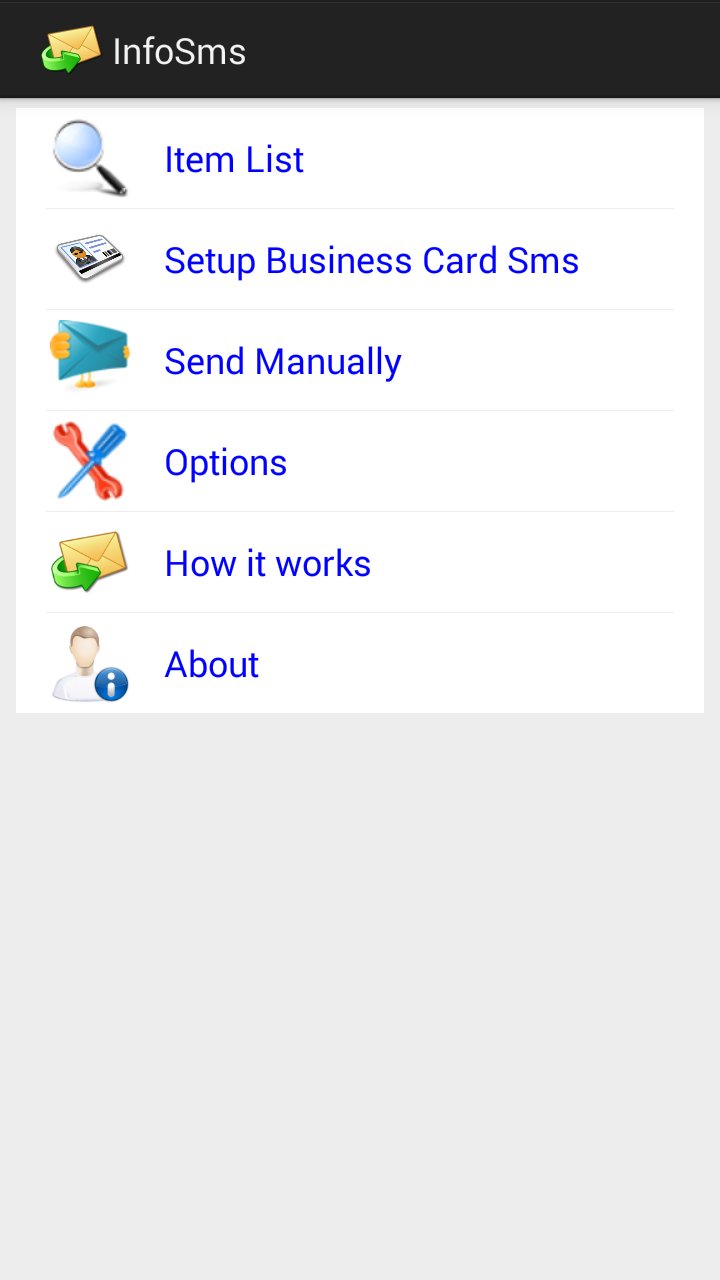
First you need to add items to your Item List, these are your information details. Then open Setup Business Card Sms and choose which items you would like to load into your business card.
Then during a call you will notice the InfoSms envelope on your screen. By pressing on this icon your Business Card will be automatically sent to the other person on the line. If you prefer to send only your email address or only your GPS location you can do so after the call and selecting the individual item on the pop up screen.
ข้อมูล แอป เพิ่มเติม
เวอร์ชันล่าสุด
1.1อัปโหลดโดย
Hein Lin Aung
ต้องใช้ Android
Android 4.0+
Category
ฟรี การสื่อสาร แอปการจัดประเภทเนื้อหา
Everyone
รายงาน
ปักธงว่าไม่เหมาะสมมีอะไรใหม่ใน 1.1 เวอร์ชันล่าสุด
Last updated on Feb 22, 2016
Fixed Google Maps bug.
InfoSms ภาพหน้าจอ


InfoSms รุ่นเก่า
2.1 MBFeb 22, 2016