Package Name:com.dyer.secvpn
SHA-256:b2acf3feb43a71c48e863ec0e414f871d7a85545c84bc6060c133ebf794ff70f
Show More


SecVPN helps when you need a private connection on the go, such as at a cafe or on mobile data. It keeps your traffic encrypted and routes it through remote servers so sites and apps see a different IP. Moreover, it can reach content that is blocked in your region while keeping your activity out of sight. If you prefer a quick setup, SecVPN APK uses a simple tap to connect and keeps the connection stable.
Free forever and unlimited usage
SecVPN offers access to all available servers without time or bandwidth limits. You can connect as often as needed and keep the VPN running while you browse or stream. This removes the hassle of quotas or locked regions.
No logs with AES 128 bit encryption
SecVPN states it does not record connection or activity logs. Traffic is protected with AES 128 bit encryption and privately developed UDP, TCP, and SSL protocols, which helps mask identity details. Additionally, the tunnel secures public networks, so data sent over cafe or airport WiFi stays private.
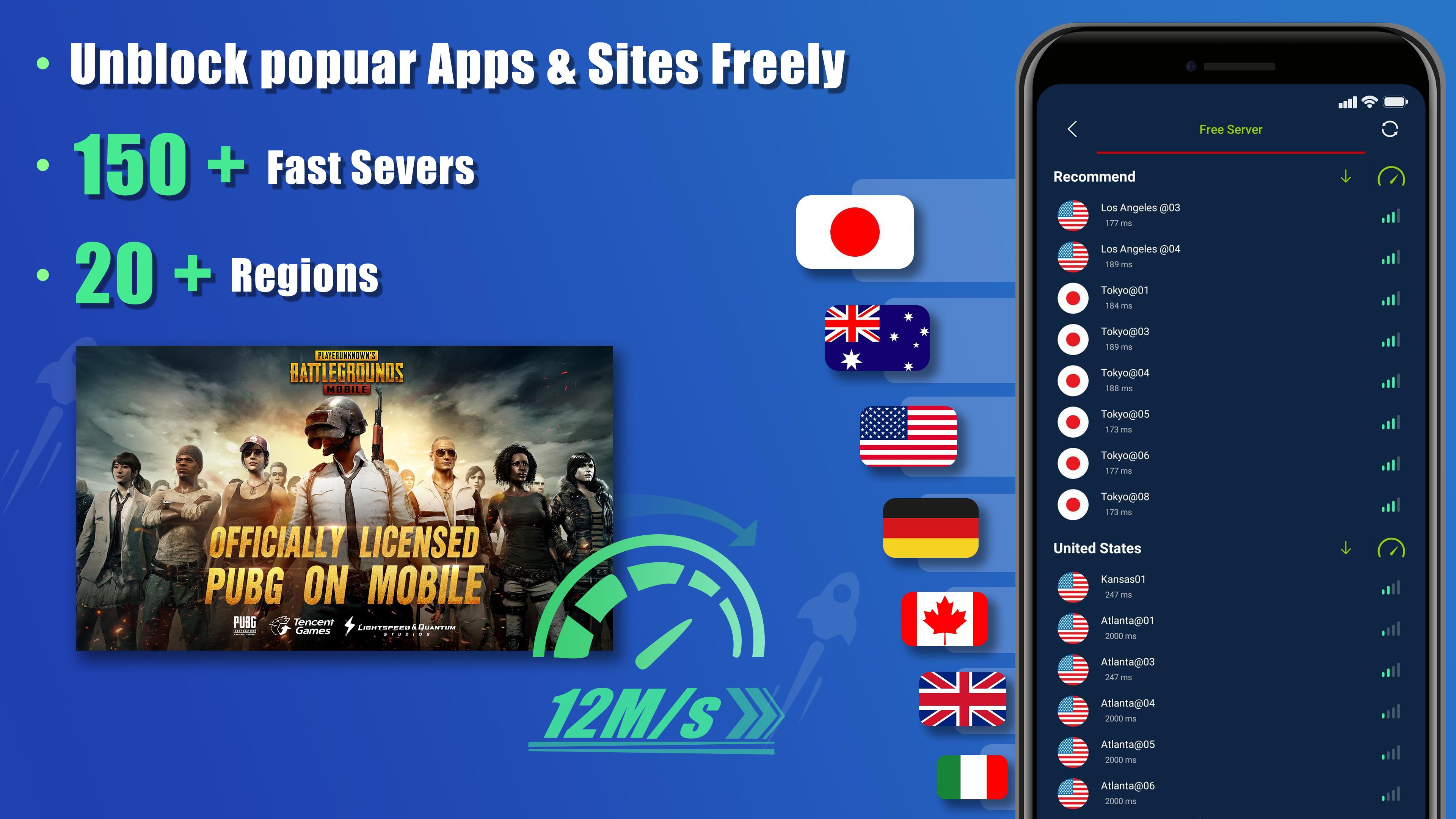
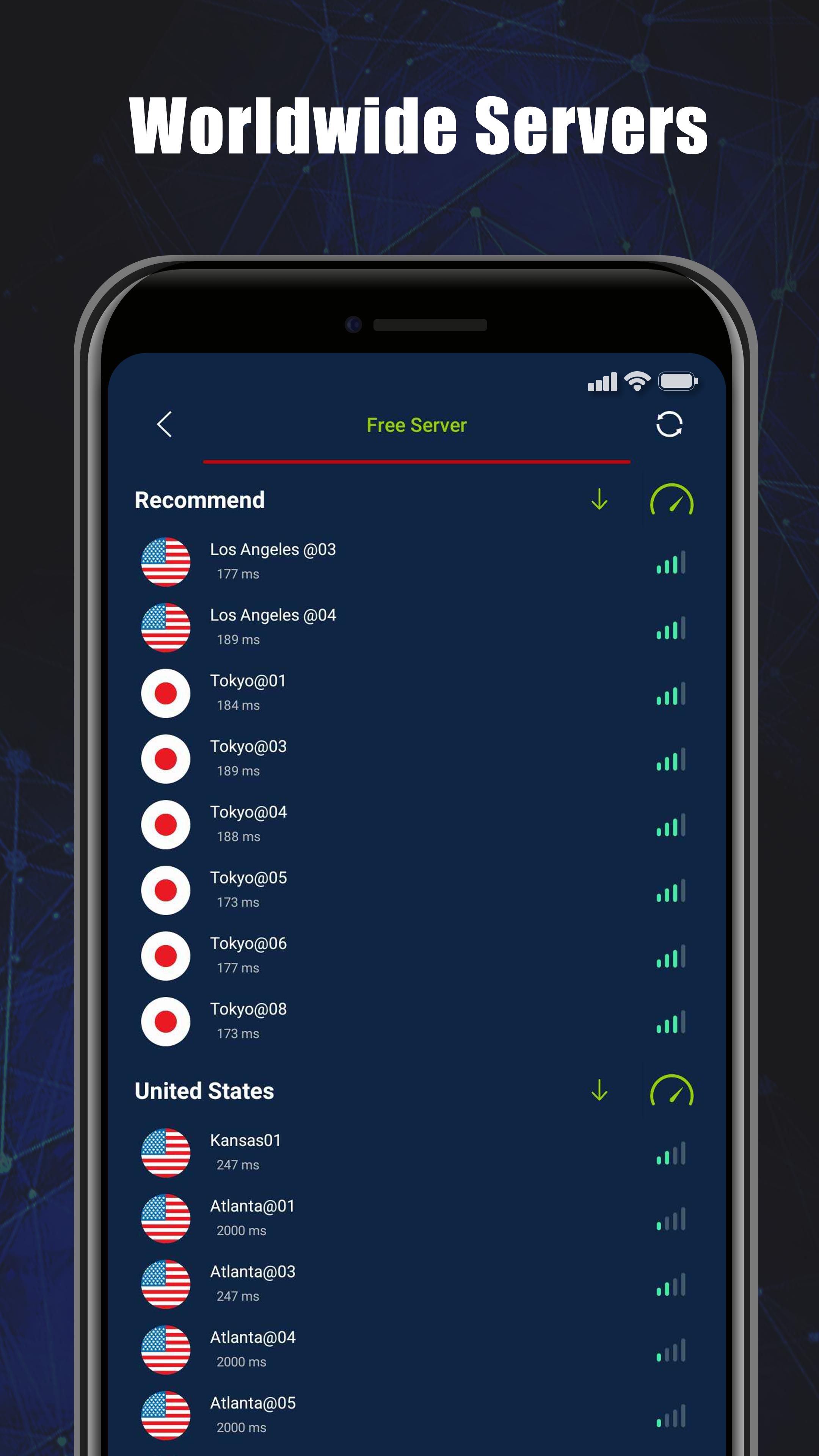
Fast coverage across 50 plus global servers
SecVPN uses intelligent server selection to match you with a stable location. With one tap connect, you can switch between more than 50 global servers to find a faster route. As conditions change, the app helps you maintain consistent speeds for everyday use.
Streaming access with fewer interruptions
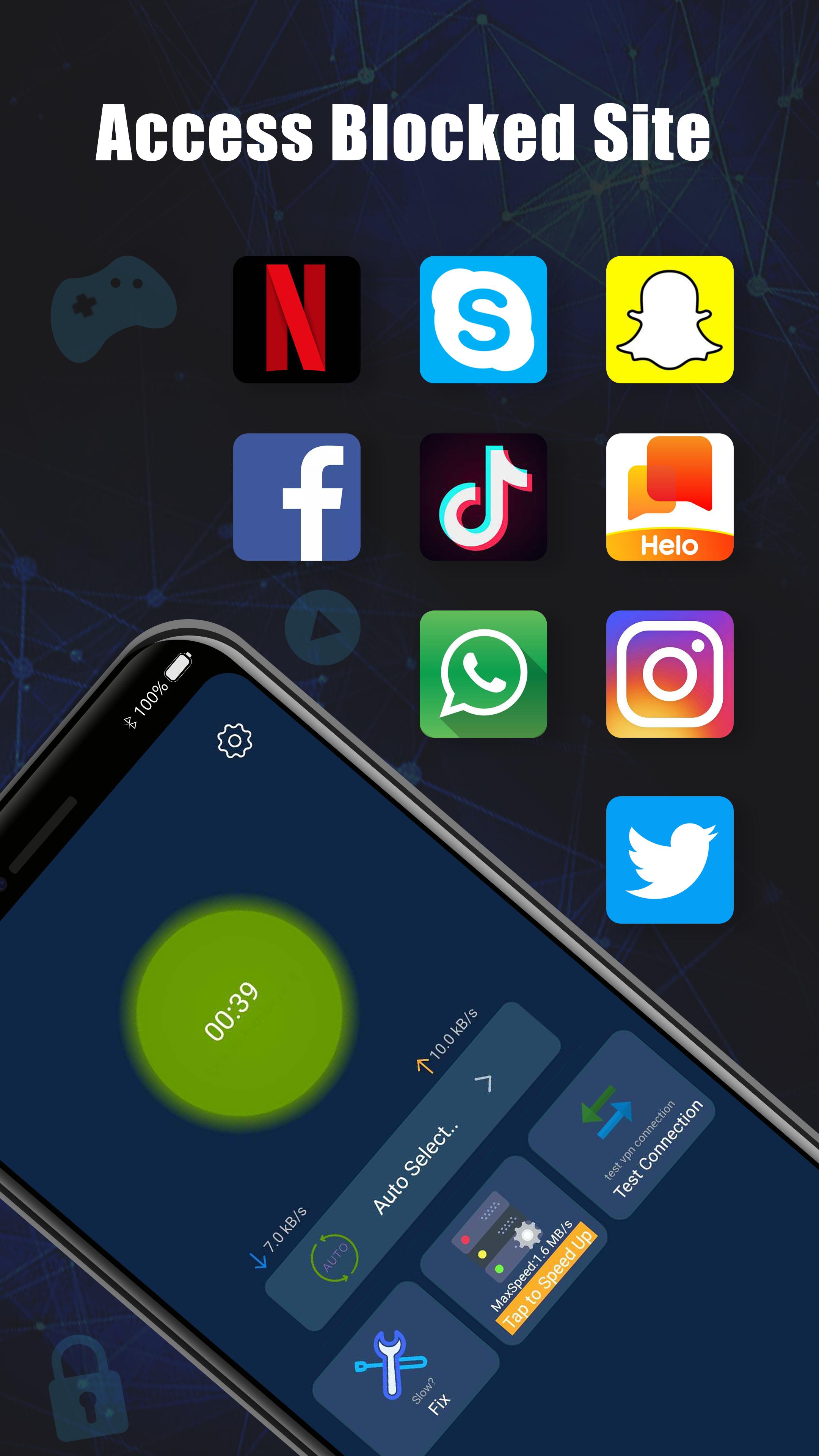
You can use SecVPN to reach video platforms that restrict content by location. By routing through another region, many users experience smoother playback and reduced buffering. For steady results, change servers when a platform is busy or quality drops.
Game acceleration for lower latency
SecVPN can improve network paths for certain titles and reduce ping spikes. It works over WiFi, LTE, 3G, and with all carriers, so you can try different servers to find a responsive route. When matches feel laggy, switching locations often helps stabilize gameplay.
SecVPN is developed by Hongkong Daayou Technology Limited. The service presents itself as a free VPN with no usage limits and privacy protection. For official details, visit the website listed below or contact the team by email. This context can help you evaluate whether a SecVPN download aligns with your needs.
Actual speed and availability can vary by region, time of day, and the server you choose. Some websites and streaming platforms may change their policies and restrict traffic from certain VPN locations. If a page fails to load or a stream buffers, switch to another server or wait briefly before reconnecting. These behaviors are common with most VPN services.
Encryption and protocols protect data in transit, but apps and sites may still see account activity when you sign in. For better privacy, avoid sharing sensitive information over unknown networks and keep your device OS and apps updated. SecVPN Proxy Tool provides a tunnel, and your overall security also depends on how you use each service.
Getting started is straightforward on most Android phones. After you download SecVPN and open it, the app guides you to create a secure tunnel. The process is quick and relies on a simple tap to connect.
SecVPN offers a simple way to protect traffic, reach region locked content, and stabilize gaming routes. If you want a quick setup on mobile, consider the SecVPN latest version for the most stable experience.
For support and official resources, use the links below.
Latest Version
6.0.077-RELEASEUploaded by
Zaka Multan
Requires Android
Android 5.0+
Category
Free Tools AppContent Rating
Everyone
Security Report
Check Now
Report
Flag as inappropriateLast updated on Sep 8, 2023
fix webview crash.



APKPure - A multi-platform app store primarily focused on Android, providing extensive app-related content. Discover the app you want easier, faster, and safer, with quick and efficient downloads and installations.