
About SecurityLogAgent Disable
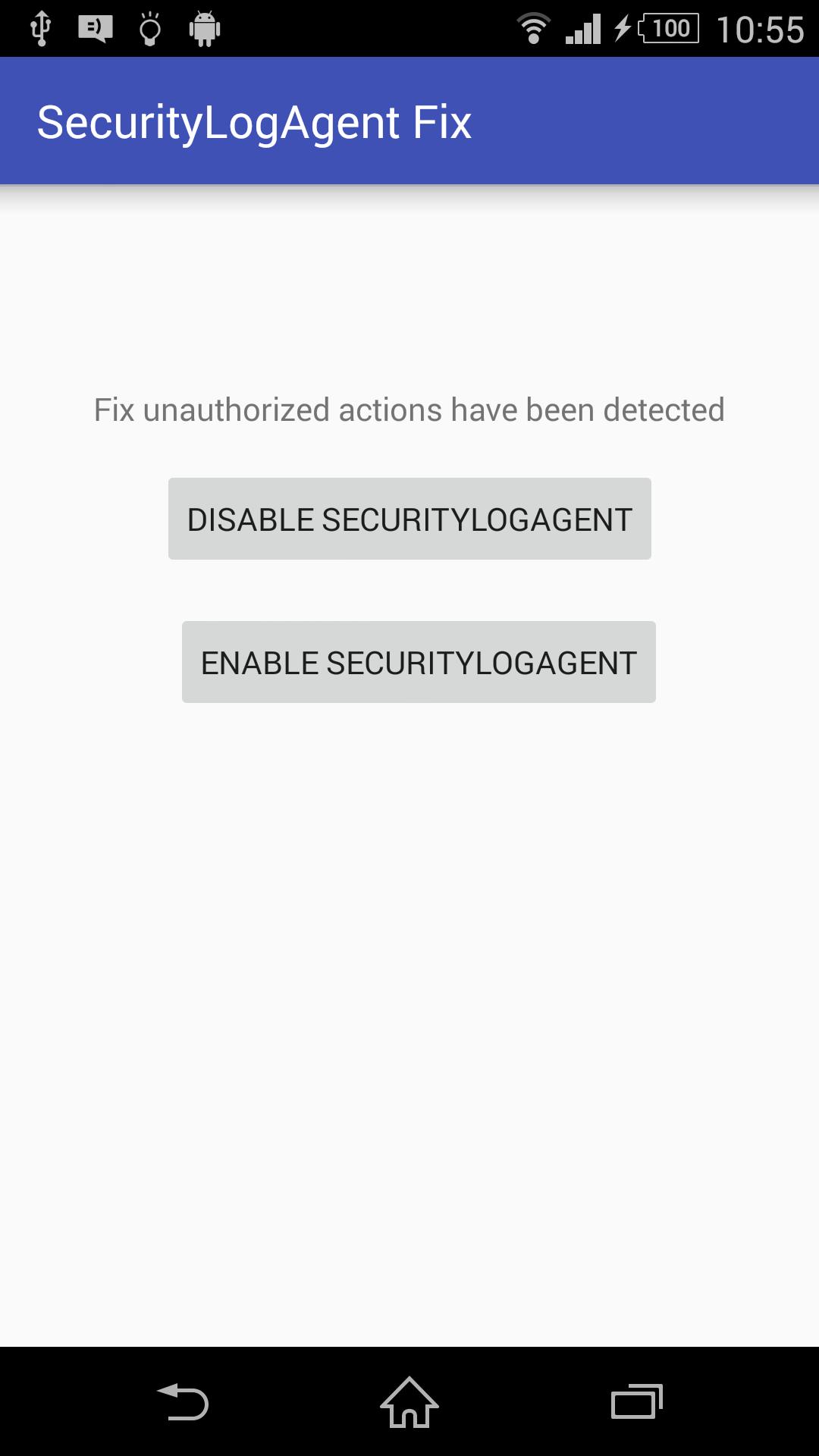
Hides "Unauthorized actions have been detected" notification
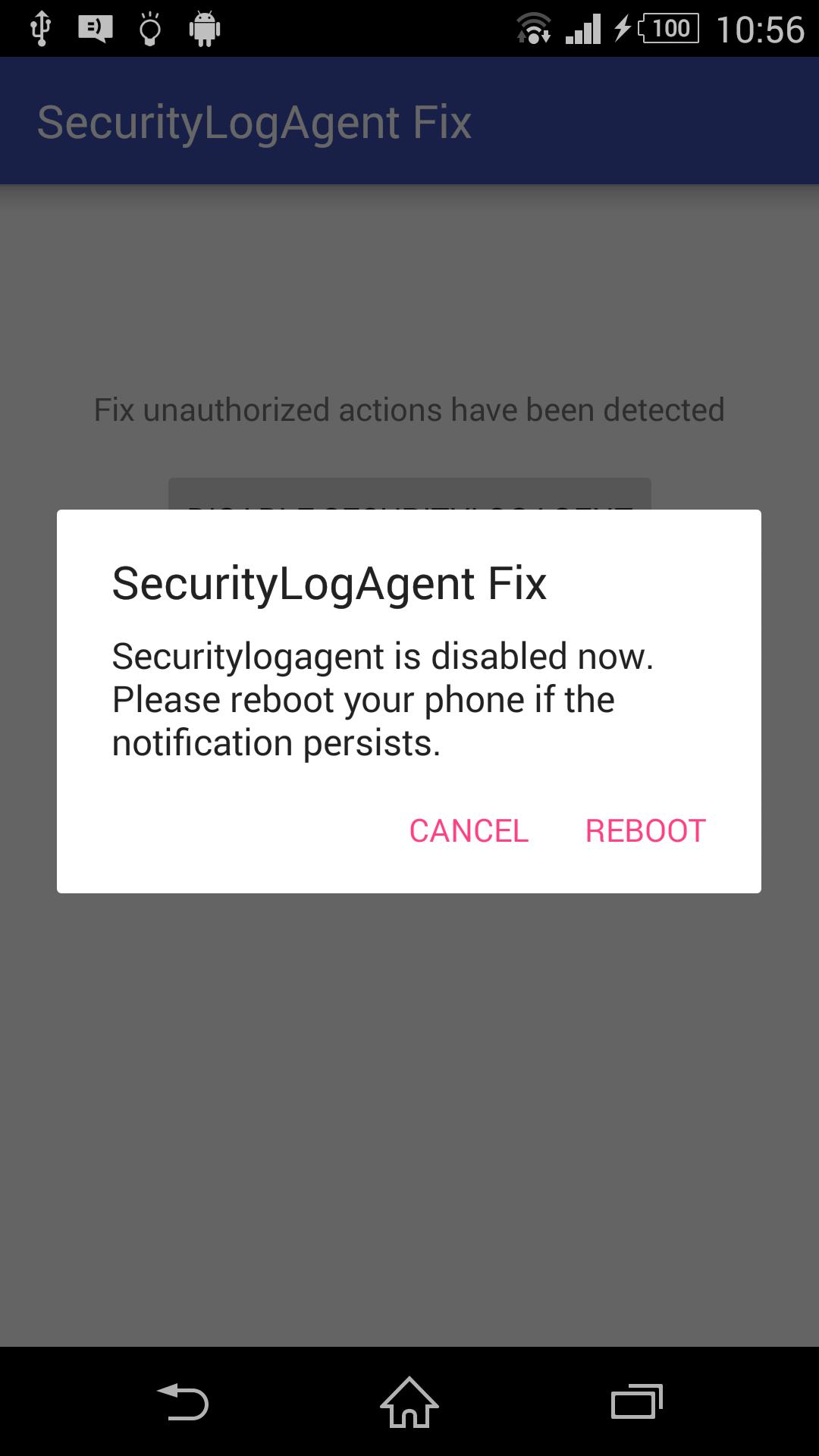
If you have rooted your Samsung, you will see a notification on top "Unauthorized actions have been detected" . This application will hide this notification by disabling securitylogagent.
Source code can be found here:
https://github.com/kakopappa/SecurityLogAgentFix.git
Additional APP Information
Latest Version
2.0Uploaded by
Shazad Gbg
Requires Android
Android 4.0.3+
Category
Free Tools AppContent Rating
Everyone
Report
Flag as inappropriateWhat's New in the Latest Version 2.0
Last updated on Jul 20, 2017
Logo updated
SecurityLogAgent Disable Screenshots