

About Screen Shift

Reviewed byBernadine WisokyContent Editor
Screen Shift is a display customization app that changes resolution, overscan, and density.
Screen Shift helps when your default display settings do not fit testing or gaming needs. It focuses on adjusting visual parameters to suit each task, which can make layouts easier to verify and gameplay smoother. Additionally, it can apply changes based on the app in use. Root access is required on Android 4.3 and above, and built in fallbacks reduce lockout risk. To get started, locate the Screen Shift APK and follow the setup prompts inside the app.
Screen Shift Features
Display controls
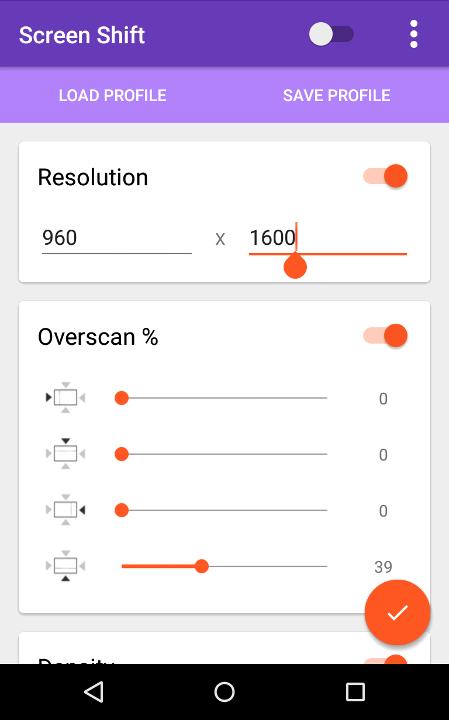
Screen Shift lets you change screen resolution, overscan, and density. These adjustments apply system wide and help you tune visuals for different tasks.
Profiles and app based switching
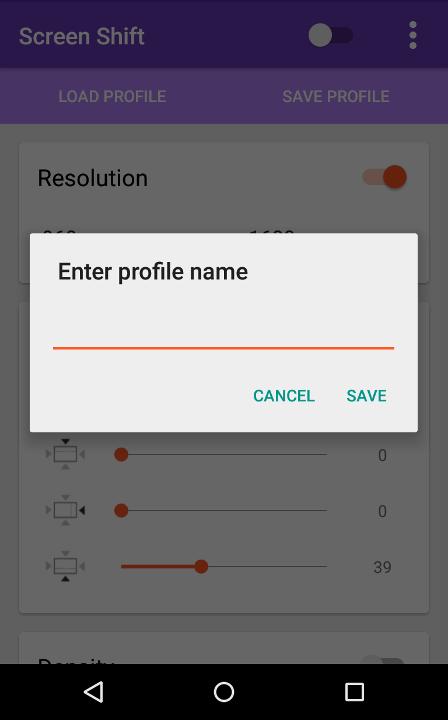
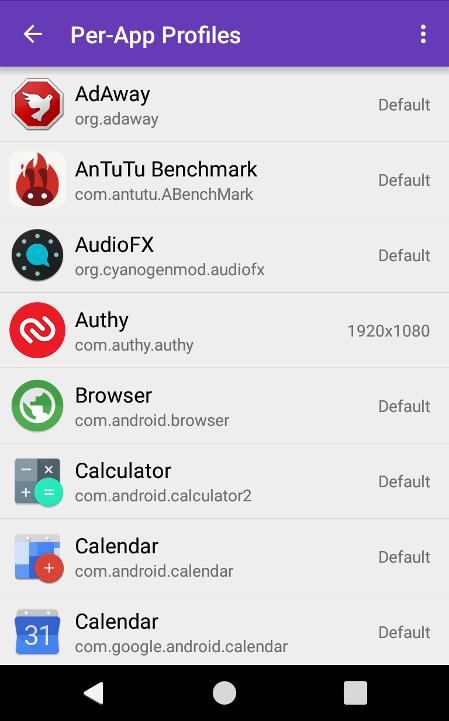
Next, you can save multiple profiles and use device presets that are included by default. Screen Shift can switch resolution and density based on the foreground app to match each use case.
Safety fallbacks and requirements
- Root access is required on Android 4.3 and above.
- If the screen becomes unusable, wait about 15 seconds for auto revert.
- If needed, reboot, wait for the service to start, then reboot again.
- Keep USB debugging on and back up your device before changing settings.
- If system commands fail, settings will not apply.
- Some updates may require granting root permission again.
Start using Screen Shift
Screen Shift offers practical control over display behavior for testing and gaming, including per app switching and saved setups. All features are free and ad free, with optional donation that does not unlock new features. To set it up safely, download Screen Shift and follow the in app prompts.
Additional APP Information
Latest Version
2.1 betaUploaded by
Maulana Arsy
Requires Android
Android 2.3.2+
Category
Free Tools AppContent Rating
Everyone
Report
Flag as inappropriateWhat's New in the Latest Version 2.1 beta
Last updated on Oct 14, 2015
v2.1 beta:
Fixed some bugs with per-app profiles in certain devices with Android 5.1.
v2.0:
Added per-app profiles - You can now set automatic resolution switching based on which app you're using at the moment. Find it under 'Per-app Profiles' in the menu.
Please note that you might have to grant root permissions again after the update.
Screen Shift Screenshots


Old Versions of Screen Shift
2.5 MBOct 14, 2015