Scan Date:Mar 30, 2026
Show More

Screen Lock – Lock Your Screen with a Single Tap
Protect your device’s power button from wear and tear with Screen Lock, a small, fast, and simple app that lets you turn off your screen instantly—without pressing the physical button.
Many devices have power buttons that aren’t designed for heavy use. Constantly pressing them to turn the screen on and off can shorten their lifespan. Screen Lock replaces that with an easy software shortcut, helping extend your button’s life.
The app doesn’t require root access. Instead, it uses Android’s built-in Accessibility feature to work seamlessly.
Features
- Lock the screen with one tap
- Create a shortcut to lock the screen without opening the app
- Automatically follows your system’s light/dark theme
- Lightweight, fast, and simple to use
- No root required
How to Use
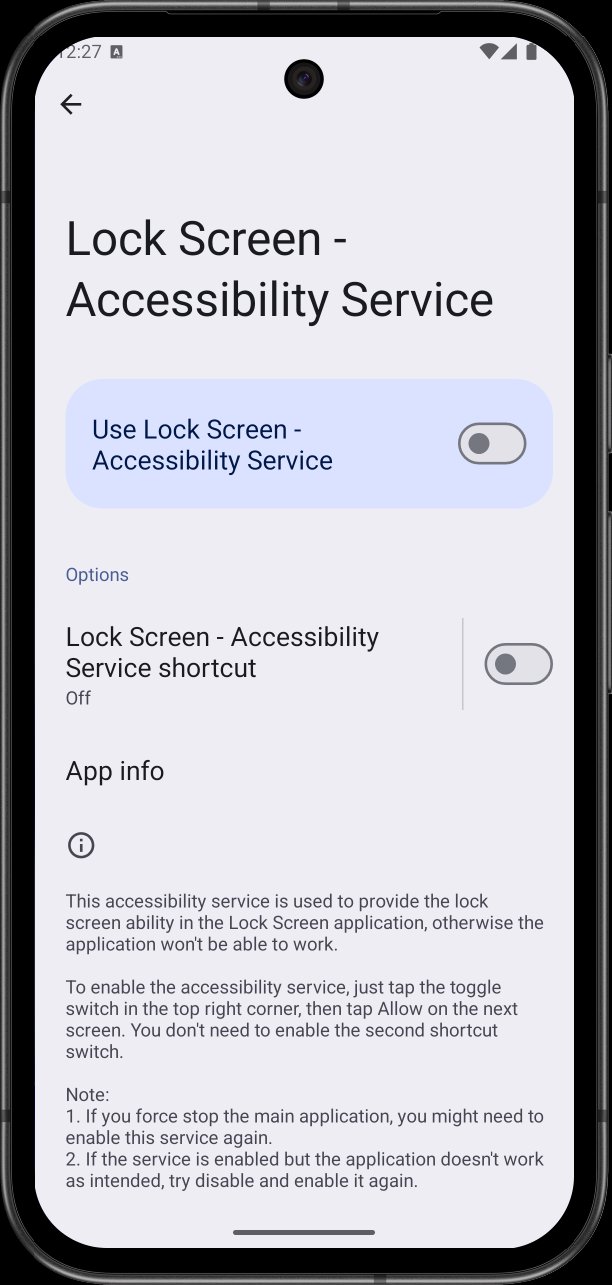
After installing, enable the app’s Accessibility Service as described in the in-app instructions.
Note: If you restart your phone or the app is force-stopped, you’ll need to re-enable the Accessibility Service.
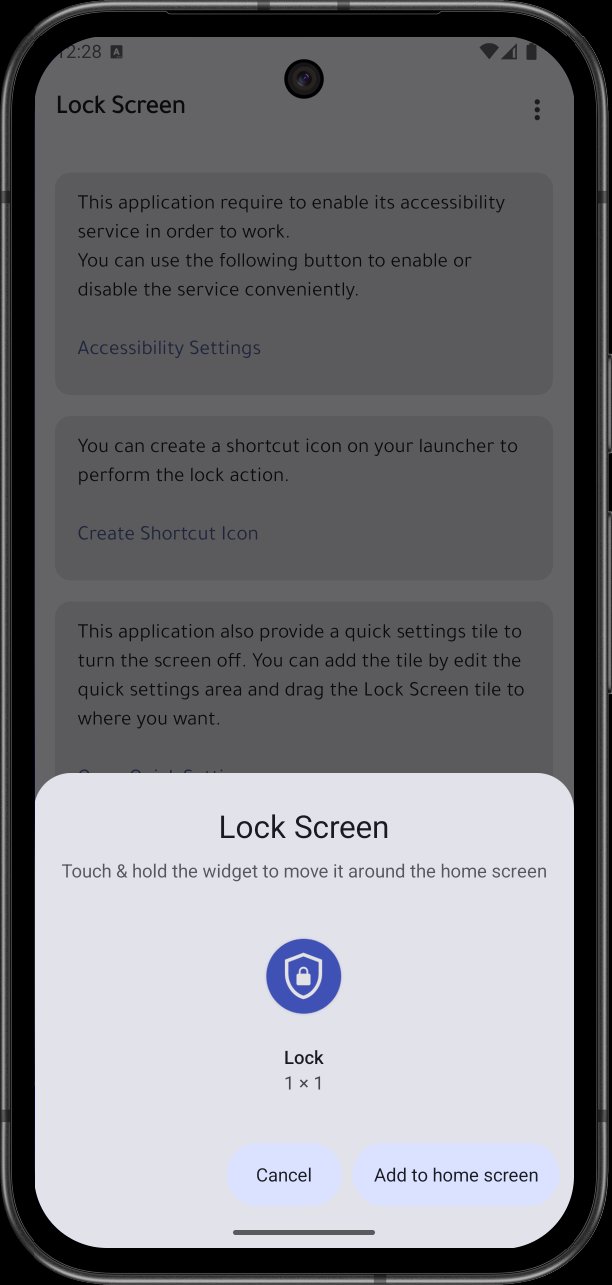
You can also add a shortcut to your home screen for quick access to lock the screen directly. Remove it anytime you no longer need it.
About AccessibilityService API Usage
This app uses the AccessibilityService API solely to lock the screen or open the power menu—its only purpose. It does not collect or use any data for other activities.
Latest Version
2.0.0Uploaded by
โน้ต เกมส์เมอร์ทีวี
Requires Android
Android 9.0+
Category
Free Tools AppContent Rating
Everyone
Security Report
Report
Flag as inappropriateLast updated on Aug 11, 2025
This release includes minor bug fixes and general improvements. Update to the latest version for the best experience.






APKPure - A multi-platform app store primarily focused on Android, providing extensive app-related content. Discover the app you want easier, faster, and safer, with quick and efficient downloads and installations.