
About Remote ADB
Remote ADB , ADB Wifi, ADB TV.
* Use ADB command from phone with AndroidTV.
* View command history
* Run commands from file.
* Show all device application list.
* Delete, freeze apps more easily.
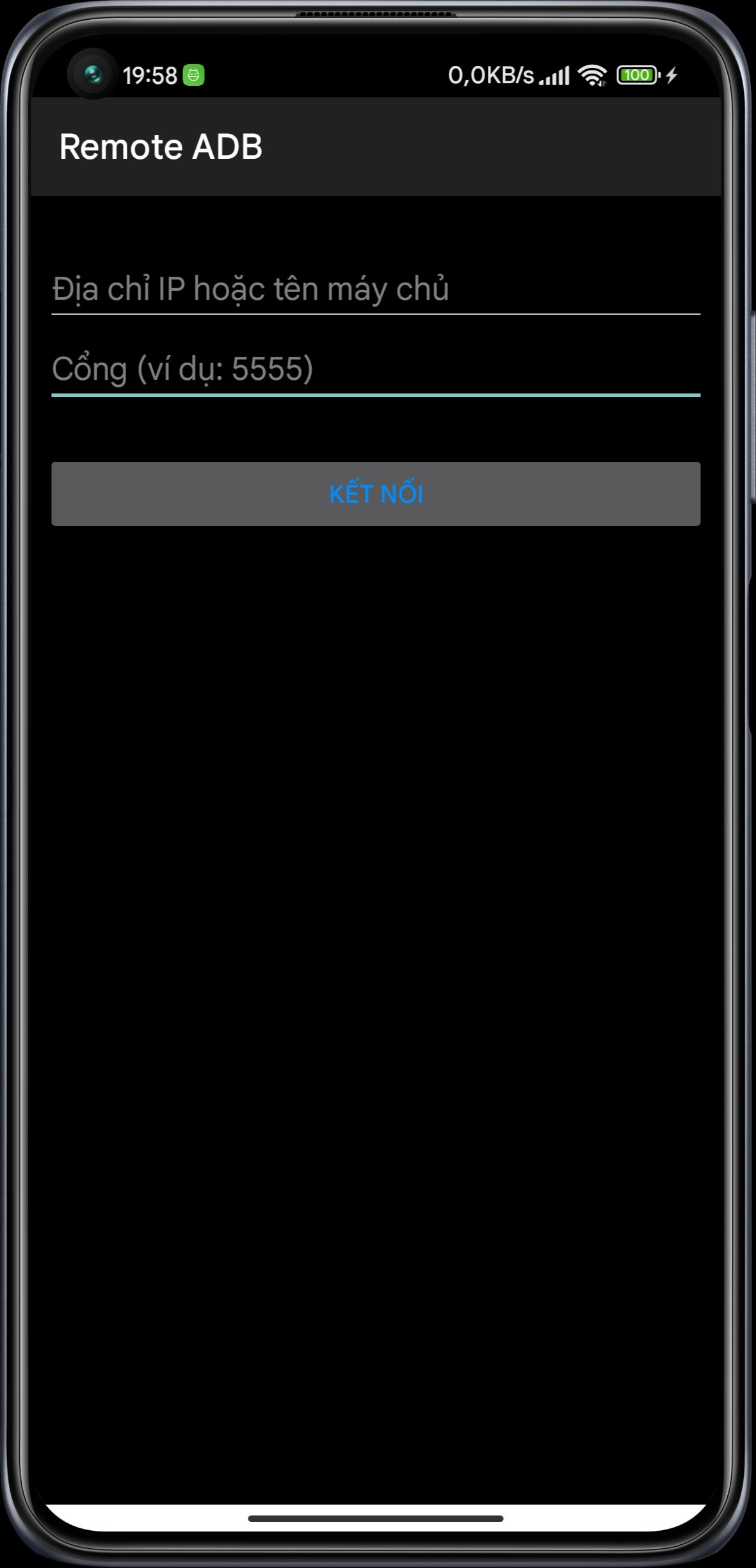
Remote ADB is a terminal app that allows you to connect to the ADB shell service of other Android devices over the network and execute terminal commands.
This can be useful for remotely debugging Android devices (running tools like top, logcat, or dumpsys).
It supports multiple simultaneous connections to different devices and keeps these connections alive even when the app is in the background.
This app does not require root on either device, but root may be helpful to configure the target devices.
If the target devices are not rooted, you must use a computer with the Android SDK and Google USB drivers to configure the them (detailed below).
This works in the exact same way that the "adb shell" command works on a computer. Because this app uses a native implementation of the ADB protocol in Java, it does not require root on either device or any 3rd party apps on the target device. The devices simply speak the same protocol to each other that they would to a computer running the ADB client from the Android SDK.
IMPORTANT: Devices running Android 4.2.2 and later use RSA keys to authenticate the ADB connection. In my testing, devices running 4.2.2 will need to be plugged in to a computer the first time you connect to them (from each device with this app installed). This allows them to display the public key acceptance dialog, which you must accept (and check "Always allow from this computer"). Devices running Android 4.3 and 4.4 seem to have no problem displaying the dialog without a connection to a computer, so it looks like this is a workaround specific to Android 4.2.2.
To configure a stock un-rooted target, plug the target device into a computer that has the Android SDK installed and run "adb tcpip 5555" from the Android SDK's platform-tools folder. This will start ADB listening on port 5555 on the target device. The device can then be unplugged and will remain configured properly until reboot.
For devices that are rooted (although it's not required), you can install one of the several "ADB WiFi" apps to enable the ADB server to listen over the network. Devices with a custom ROM may have an option to enable ADB over the network in the Developer Options pane of Settings. Using either of these methods will properly configure ADB for network access with this app.
Redeveloped from the project : https://github.com/cgutman/RemoteAdbShell
Additional APP Information
Latest Version
6.1Uploaded by
น้องเพลง เด็กปั่น
Requires Android
Android 5.0+
Category
Free Tools AppContent Rating
Everyone
Report
Flag as inappropriateWhat's New in the Latest Version 6.1
Last updated on Jul 4, 2025
Update sdk 36
Remote ADB Screenshots





![DL Tivi [IPTV] APK](https://image.winudf.com/v2/image1/Y29tLmRpbmhsYXAudGl2aV9pY29uXzE3MzYxNTUzMTlfMDQy/icon.png?w=102&fakeurl=1)