Package Name:com.quicklaunch.android
SHA-256:b892ca4bd136da1bd29ed6b88a5c266f18a50f5c5968f5bb28682421860bbbd2
Show More

QuickLaunch App enables users to securely access organization-wide applications from a mobile device using a single set of credentials, thereby improving the end user experience and enhancing productivity.
Top Features:
Custom Branding: Change theme color and logo to mirror your organisations’ brand image
Single Sign-On to Apps: Access organization-wide applications, from a single screen on a mobile device, using a single set of credentials to all authorized applications
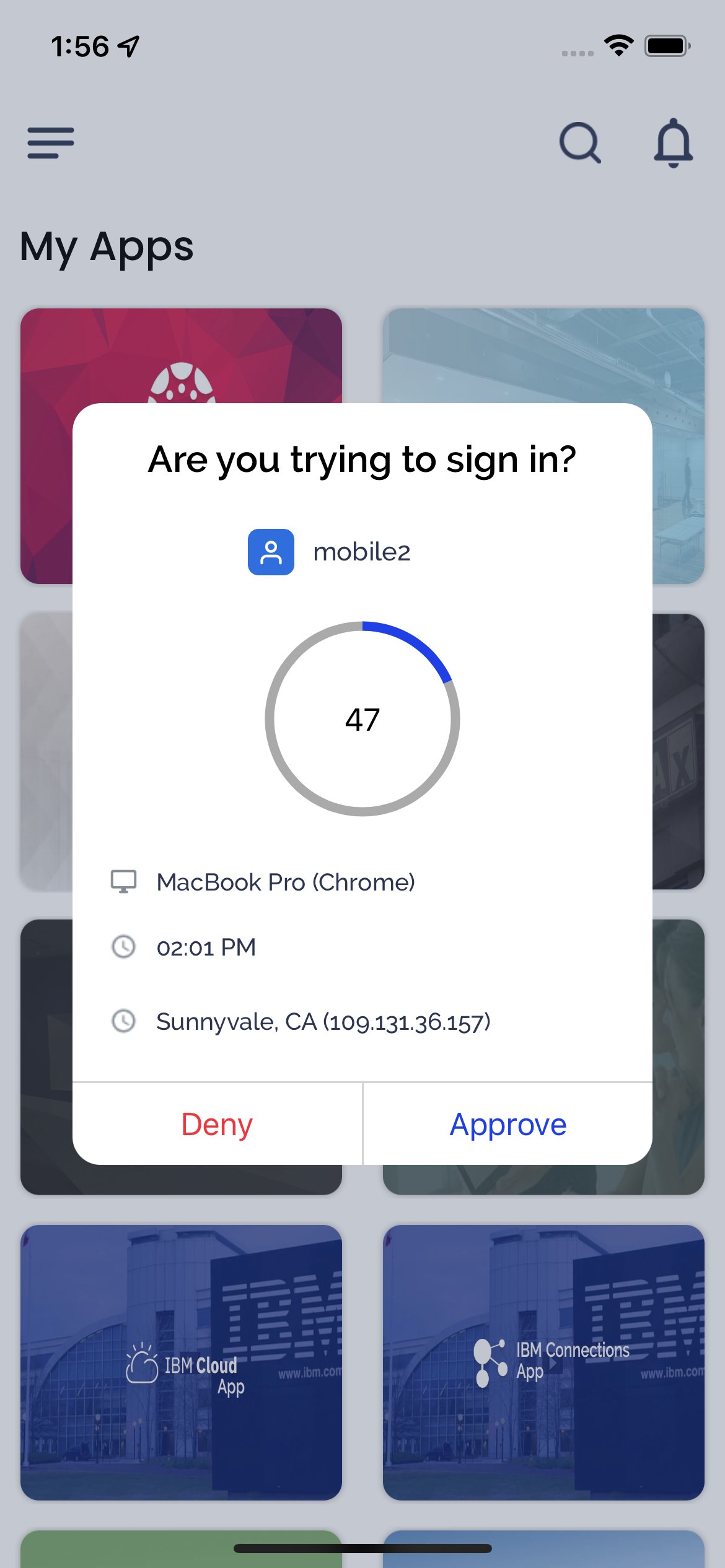
Two-Factor Login: Organization can enable two-factor authentication at the time of login based on predefined policies by the organization
Get Push Notifications: Users receive push notifications displaying custom alerts and password expiry notifications
Prevent False Access: Prevent unauthorized access and protect the organization’s mission-critical applications by verifying identity at the time of login using multiple factors (Security Questions, SMS and Email)
Biometric App Lock: Lower the risk of unwanted breaches by enabling Face ID or Touch ID as one of the app-locking mechanisms
Reset Lost/Forgotten Password from Mobile: Reset lost/forgotten passwords using multiple factors (Security Questions, SMS and Email)
Change Password: Instantly change password on-demand
Forgot Username: Retrieve lost/forgotten usernames using Mobile app
First-Time User Registration: New users to the organization can set up their password instantly
To learn more, visit - https://quicklaunch.io/mobile/
Latest Version
2.4.4Uploaded by
Aye Sandar
Requires Android
Android 8.0+
Category
Free Productivity AppContent Rating
Everyone
Security Report
Check Now
Report
Flag as inappropriateLast updated on Jun 25, 2023
We have introduced a lot of new features in this version and have aimed to provide the user with a completely new experience in both UI design and functionality: -
• Introducing a new "password-less" login experience
• Introducing new MFA factors: "Mobile Push" and "Authenticator" based authentication
• Ability to change the configuration of MFA factors in Settings post login.
• First-time users of Quicklaunch can login into the app using a QR code.
• Bug fixes and improved performance



APKPure - A multi-platform app store primarily focused on Android, providing extensive app-related content. Discover the app you want easier, faster, and safer, with quick and efficient downloads and installations.