
Scan Date:Apr 10, 2025
Show More

Quick Player suits users who already have access to TV channels and movies from a provider and need a simple player to view them. It focuses on playback and navigation, not content distribution, so no playlists or subscriptions are included. Instead, you upload your own list and then browse and watch in a straightforward interface. For flexibility across different devices, the app supports Android TV and Fire Stick as well. If needed, you can find the Quick Player APK through trusted download channels.
Activation and playlist upload
Quick Player starts with a short activation step and then lets you upload your playlist from your provider. After activation, you bring your own list to enable Live TV and on demand content within the app. This approach keeps the app neutral, while you control what appears in your library.
Fast loading and simple navigation
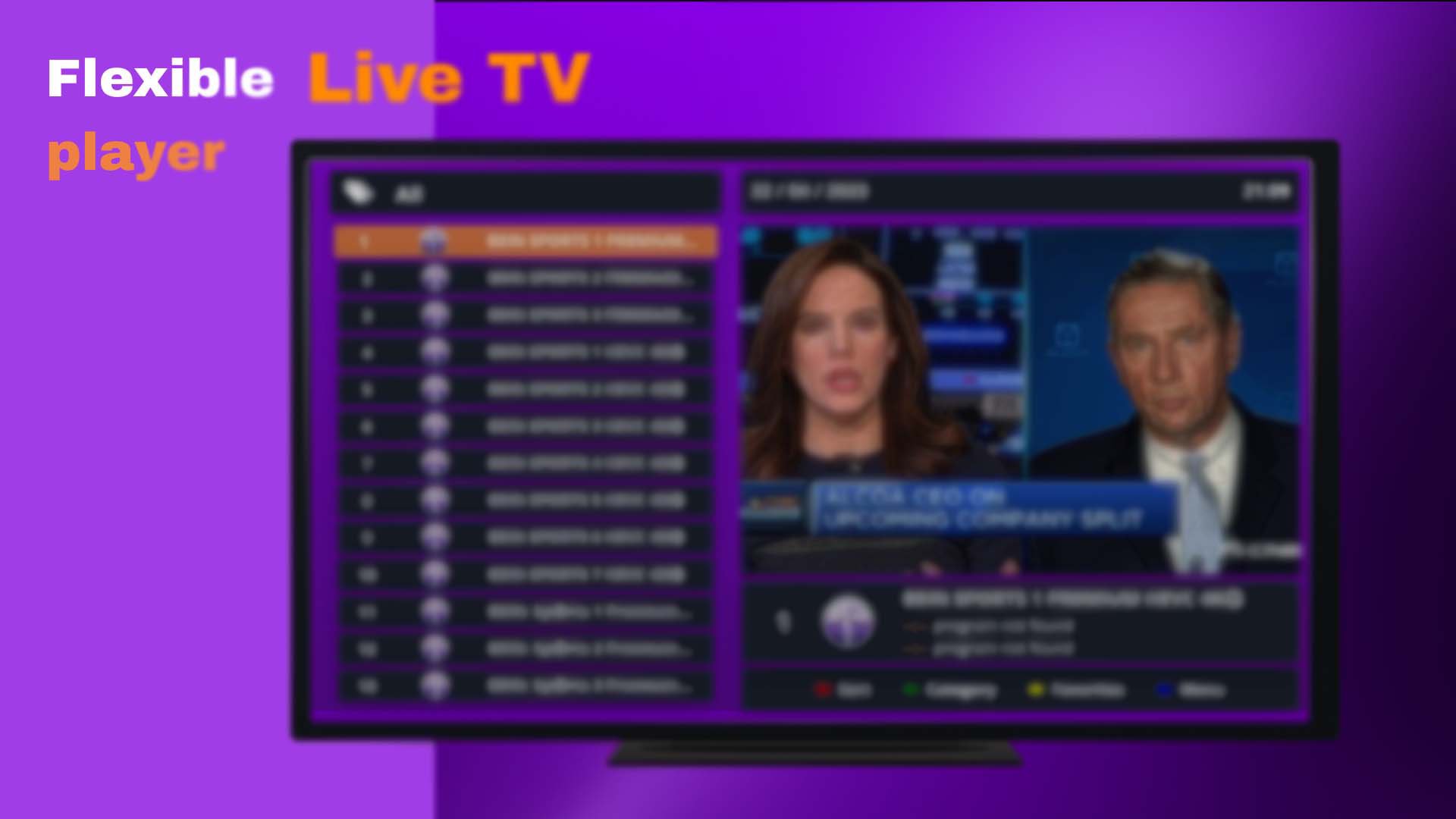
Quick Player focuses on quick access to channels and titles, even with large playlists. The layout keeps sections clear, so you move between Live TV and video on demand without confusion. As a result, scrolling and switching views stays responsive.
Unified search across sections
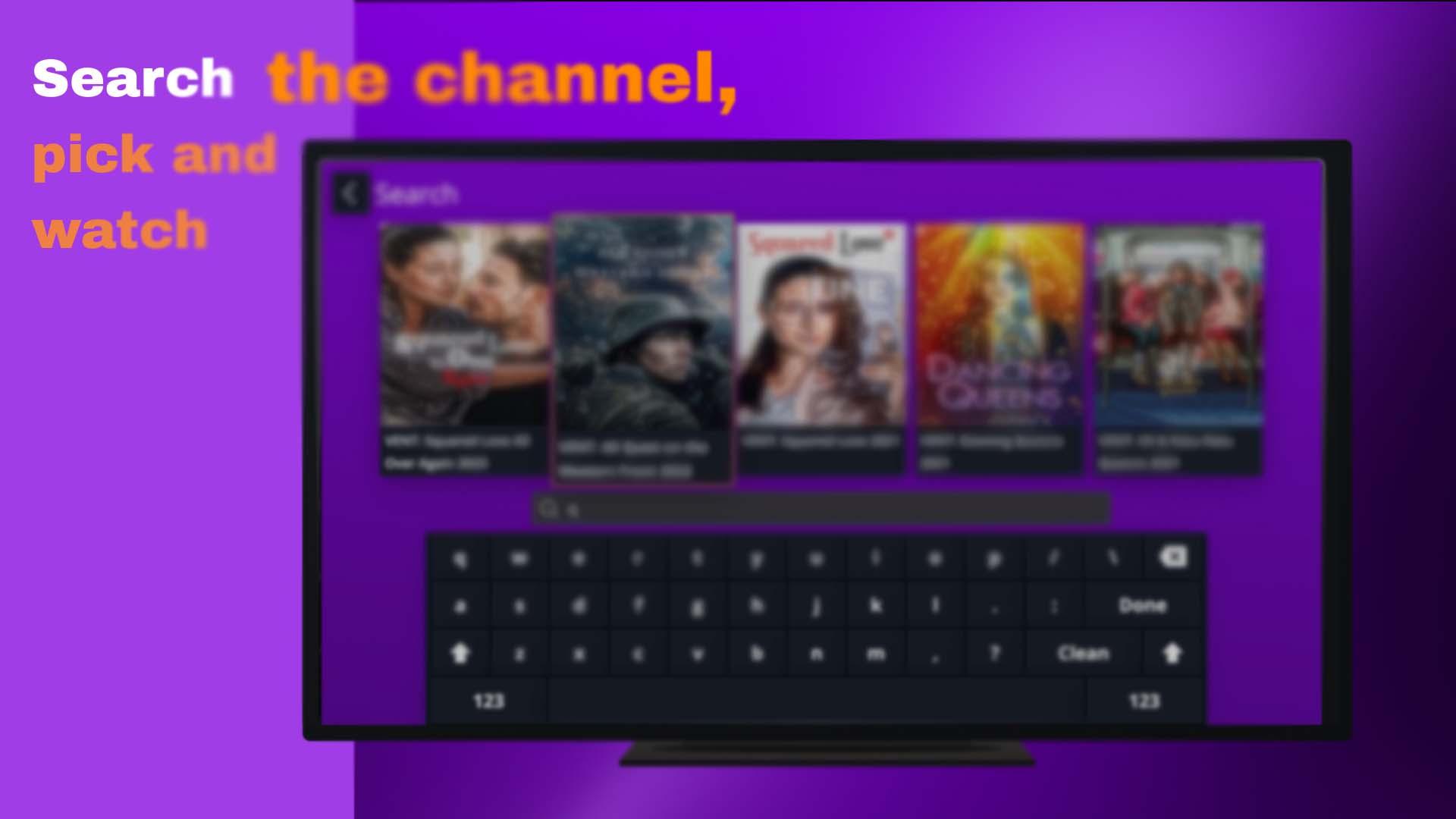
You can search once and find movies, shows, or Live TV in a single place. This unified search reduces time spent moving between menus. After locating a result, you start playback without extra steps.
Broad media format compatibility
Quick Player supports a wide range of media file formats to help different playlist setups work smoothly. This broad compatibility makes it easier to use your existing sources without conversion. It also supports varied provider configurations.
Works on smart devices
The app runs across many smart devices, including Android TV and Amazon Fire Stick. The interface is designed for remote control and large screens, while still working on phones and tablets. This makes switching devices practical during everyday viewing.
Quick Player does not provide content, playlists, or subscriptions. It is solely a player that uses what you already receive from your provider. To start, you need an active source and a playlist before installation of the Quick Player latest version makes sense for your setup.
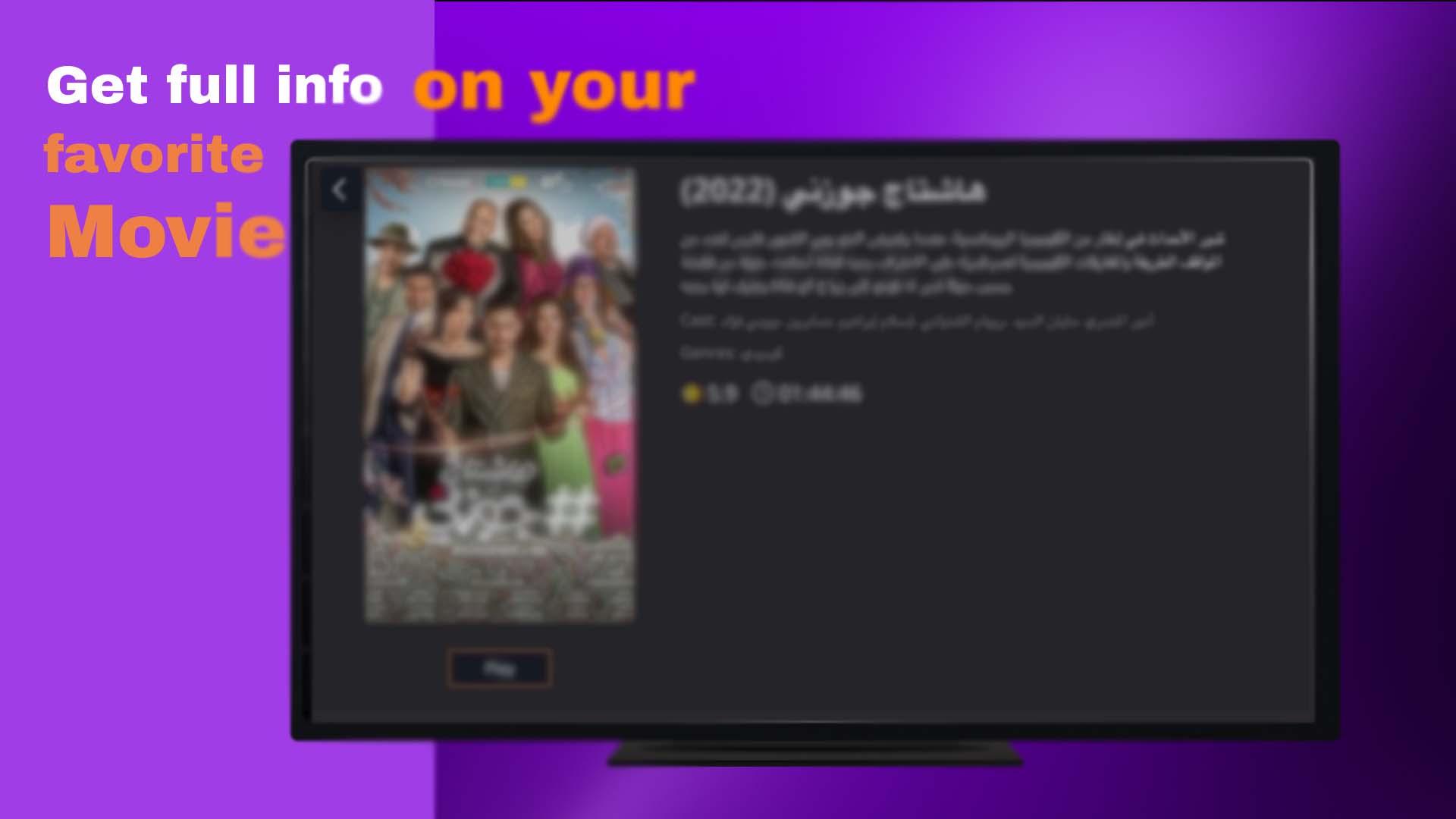
On remote based devices, navigation relies on clear sections and responsive lists. The Activation and Upload playlist pages are the key points when you first open the app. After setup, the unified search helps you reach content without moving through multiple menus.
Setup is brief and follows a simple flow from activation to viewing. If you plan to download Quick Player, have your provider details ready to complete onboarding quickly. Then you can start watching without delays.
Quick Player is a neutral media player that uses your own playlists to deliver Live TV and on demand viewing. It focuses on fast loading, clear navigation, and device coverage across Android TV and Fire Stick. To begin, install the app and then bring your sources into the Quick Player APK.
For official support and more details, use the links below.
Latest Version
2.0.2Uploaded by
احمد جمعه الكريمي
Requires Android
Android 5.0+
Category
Free Entertainment AppContent Rating
Everyone
Security Report
Report
Flag as inappropriateLast updated on Dec 15, 2024
Minor bug fixes and improvements. Install or update to the newest version to check it out!




APKPure - A multi-platform app store primarily focused on Android, providing extensive app-related content. Discover the app you want easier, faster, and safer, with quick and efficient downloads and installations.