




About Pronounce Perfect
Standard and Self-pronunciation, Precision Correction App!
Do you want to create foreign language pronunciations for commonly used phrases? Do you want to practice easily? This app is here to meet your needs!
Features:
Password setting
Recording Text Marker and Memo
Simultaneous playback of Google Translate voice and self-pronunciation
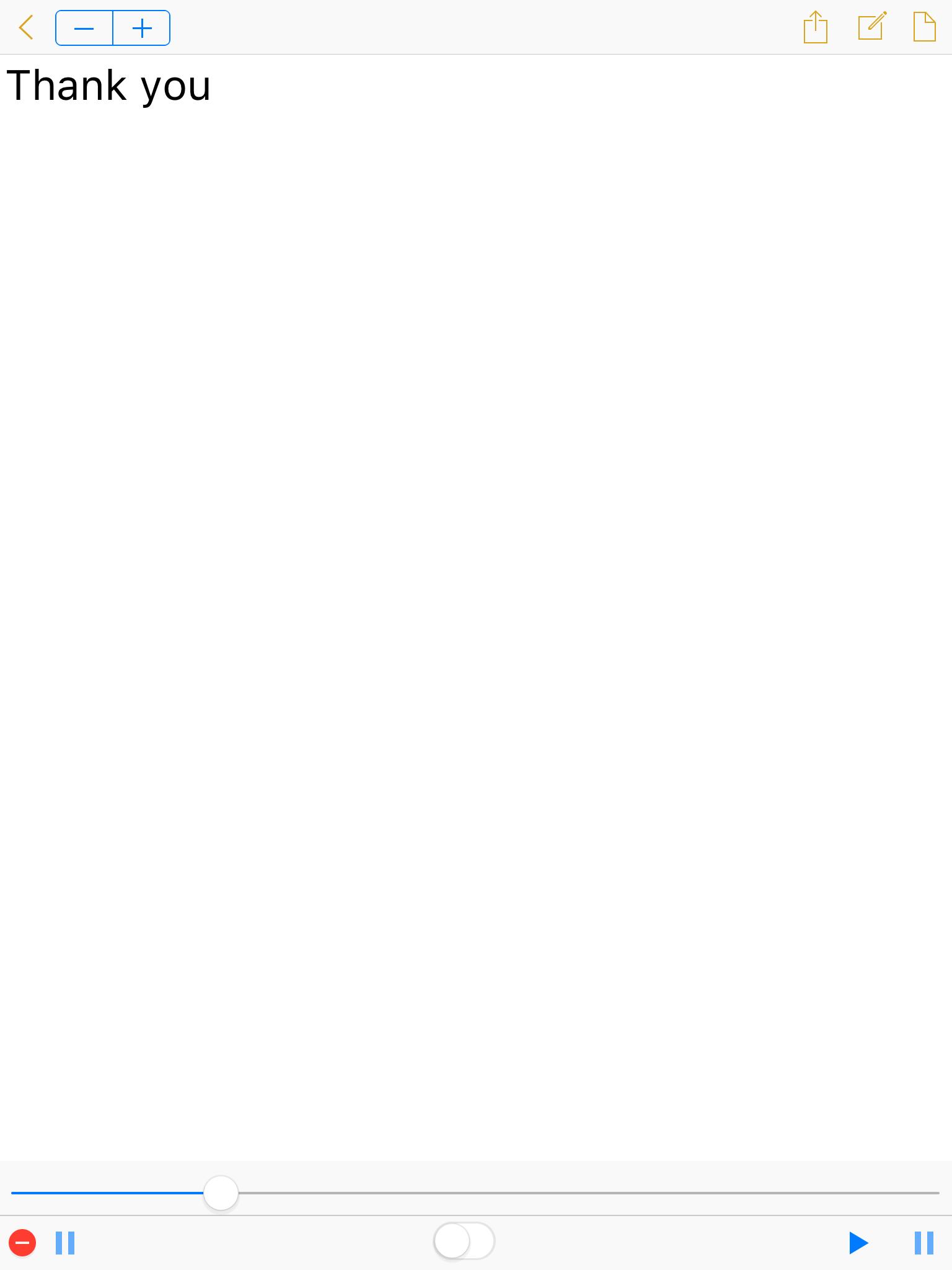
Bottom control bar: Start recording/stop recording/repeat playback switch/playback recording/pause the recording
Quick start:
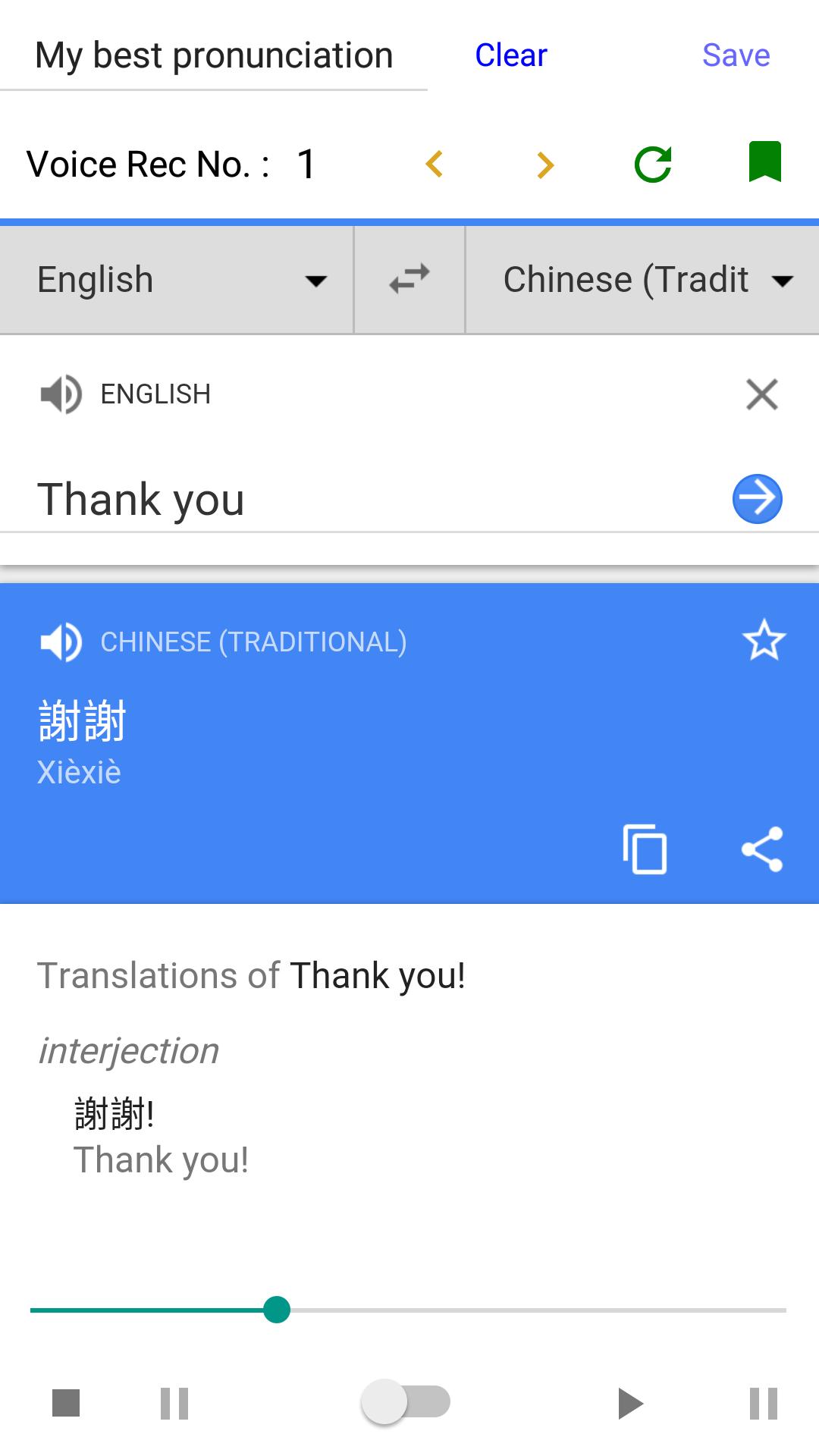
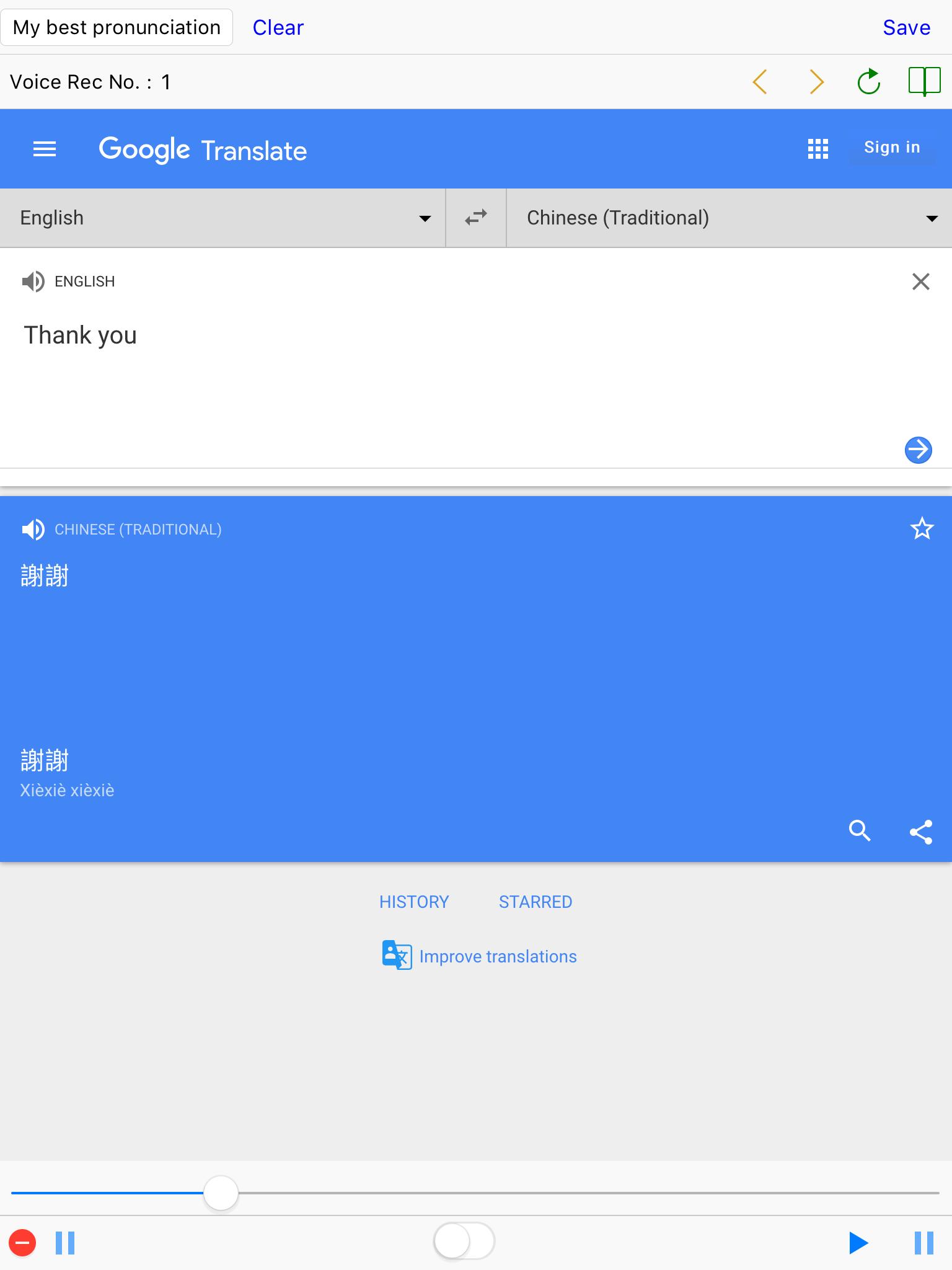
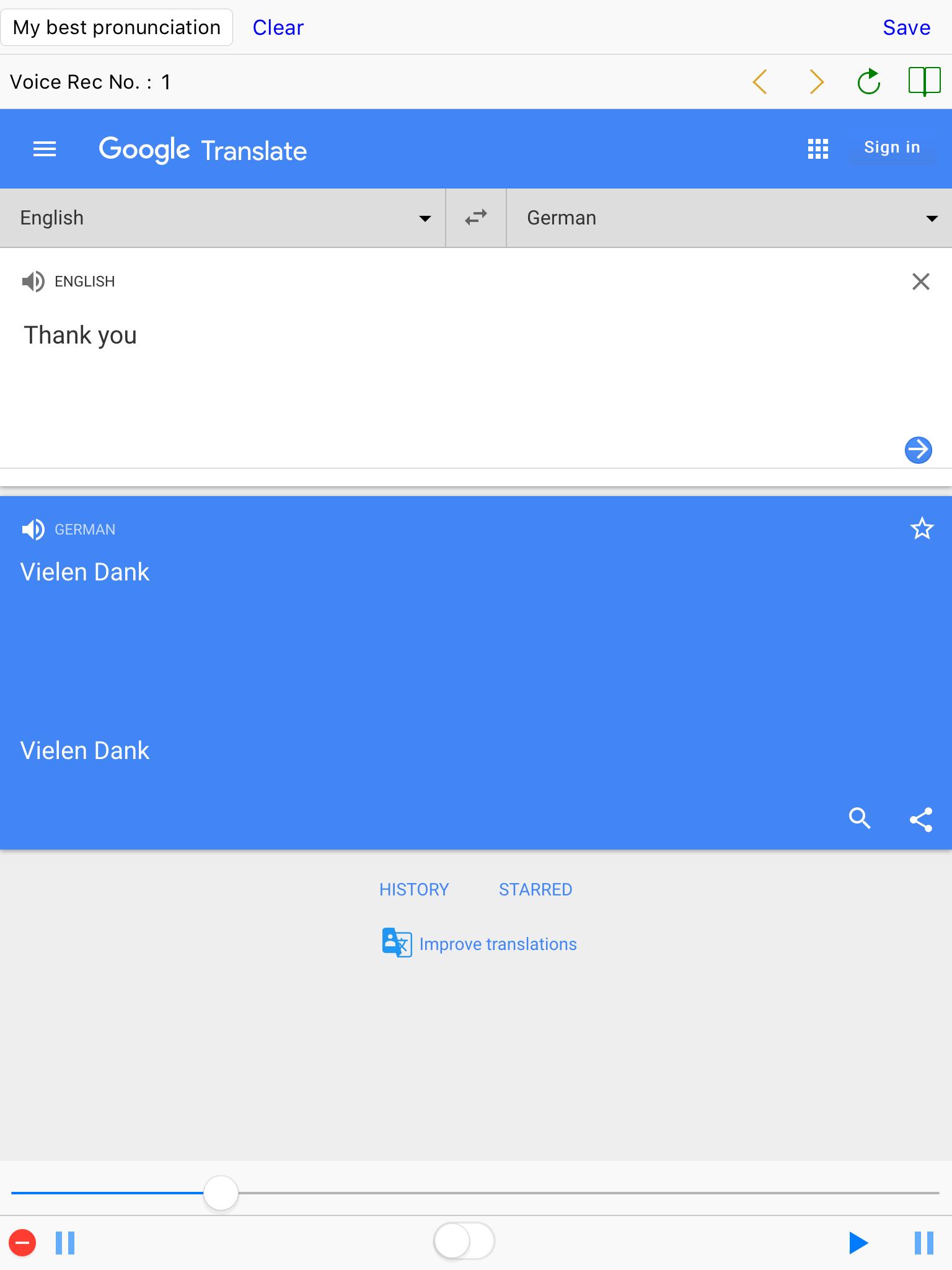
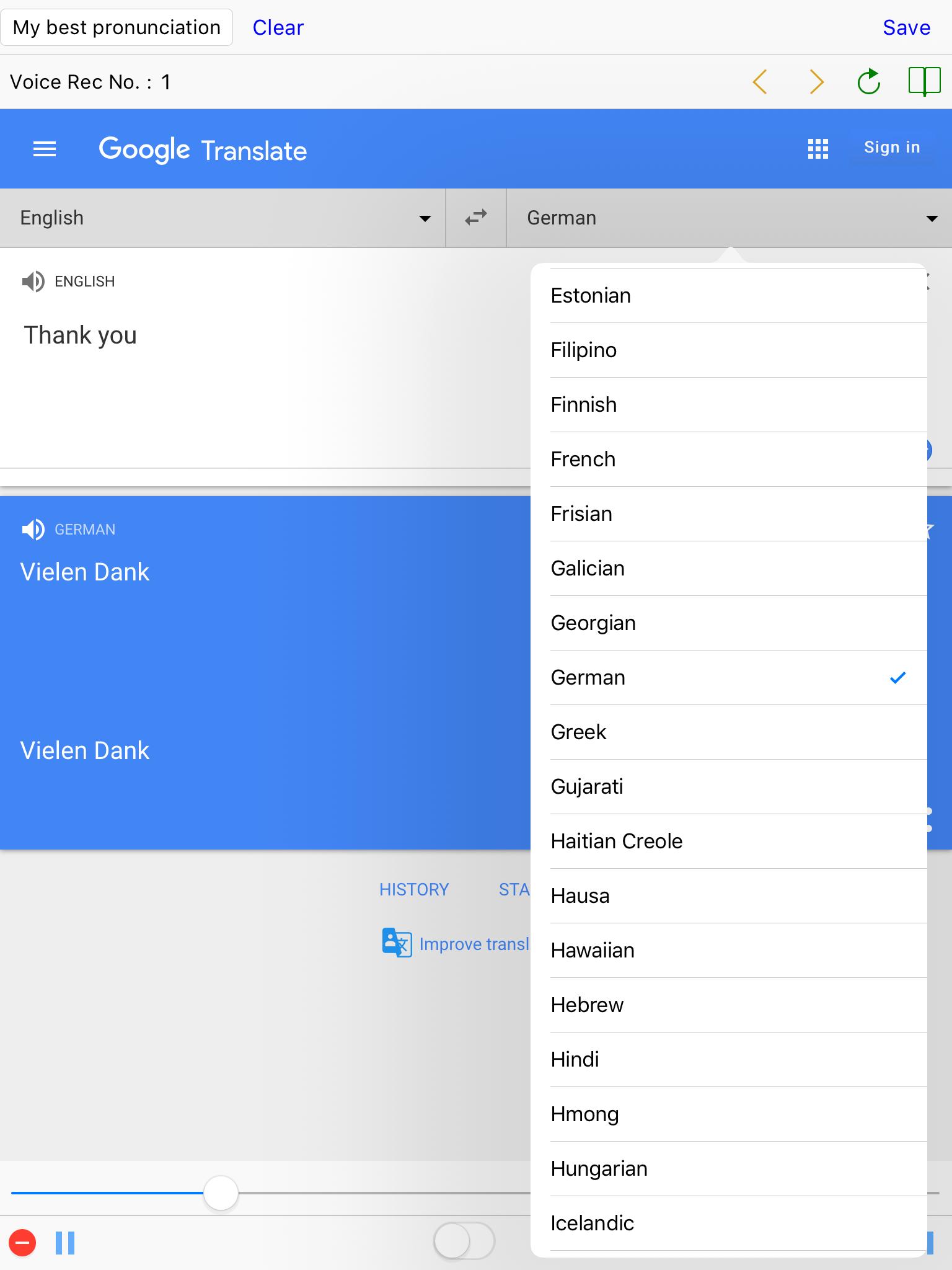
1.Enter a word or phrase.
2.Click the [Google Voice Play icon] to listen.
3.Click [Start recording] and practice pronunciation.
4.Click [Stop recording].
5.Click [repeat playback switch] and [Google Voice Play icon] to hear the comparison.
Click the switch again to stop and repeat steps (3) to (5) to correct the pronunciation.
Click [Voice No.]: to return to the history list.
Double-click [History List Date]: Quickly browse the record.
Common question:
Q: How do I set a passcode?
A: For example:
Setup: 1234
Confirm: 1234
"1234" is your passcode.
Note: Be sure to update your device's Android System WebView app to the latest version when your device can't run this app. After installing the WebView update, you will need to reboot the device.
Download Pronounce Perfect now to practice foreign language pronunciation and improve your pronunciation accuracy!
For more details, visit our website: https://hanchanglin.wixsite.com/website
Additional APP Information
Latest Version
10.17.0Uploaded by
Ismael Alves Isma
Requires Android
4.0
Category
Free Tools AppContent Rating
Everyone
Report
Flag as inappropriateWhat's New in the Latest Version 10.17.0
Last updated on Feb 13, 2023
Fix the cursor display and Recording pause issues.
Pronounce Perfect Screenshots


Old Versions of Pronounce Perfect
7.9 MBFeb 13, 2023

Related Tags











Leave a review for Pronounce Perfect
Add Reviews