Scan Date:Jan 30, 2025
Show More

PingTools suits users who need quick checks and steady oversight of home or office networks. It brings core network tests and discovery tools together so you can see what is online, verify reachability, and spot simple problems before they grow. Whether you handle a small home setup or a busy office, it keeps key checks close at hand and presents results in a clear way. If you prefer manual installs, the PingTools APK can be used to set it up on compatible Android devices.
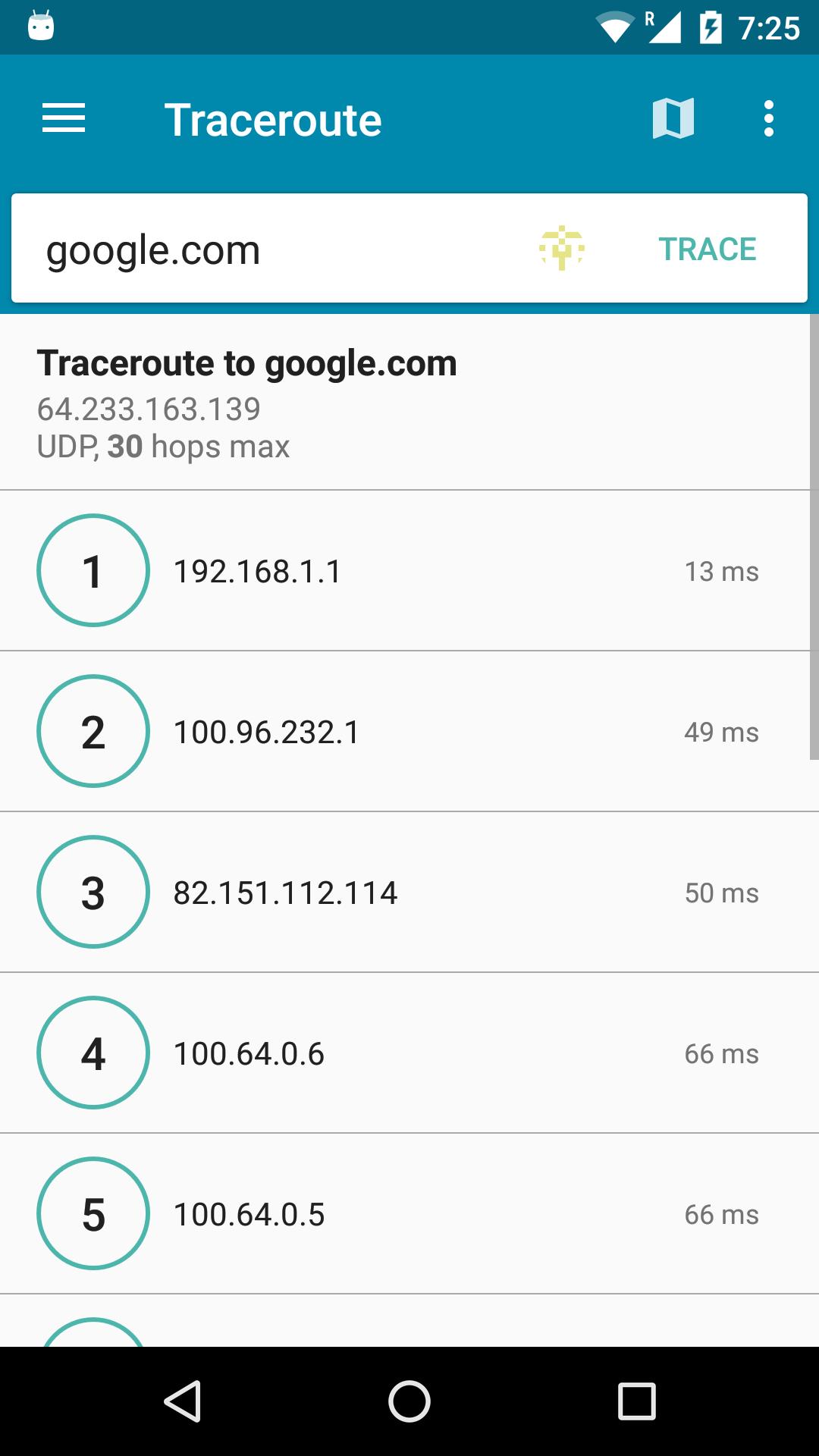
PingTools brings classic checks into a single place for fast testing. You can run ICMP or TCP or HTTP ping, trace routes with UDP or ICMP, look up DNS records, query Whois data, scan TCP ports, and do quick math with an IP calculator. This mix helps you move from simple reachability checks to deeper analysis without switching apps.
Device and WiFi discoveryBeyond basic tests, PingTools helps you see what is on your network. The local network view lists devices on your LAN, while WiFi and subnet scanners look for active hosts. It also browses UPnP or DLNA and Bonjour services so you can find printers, media boxes, or other IoT gear that announce themselves on the network.
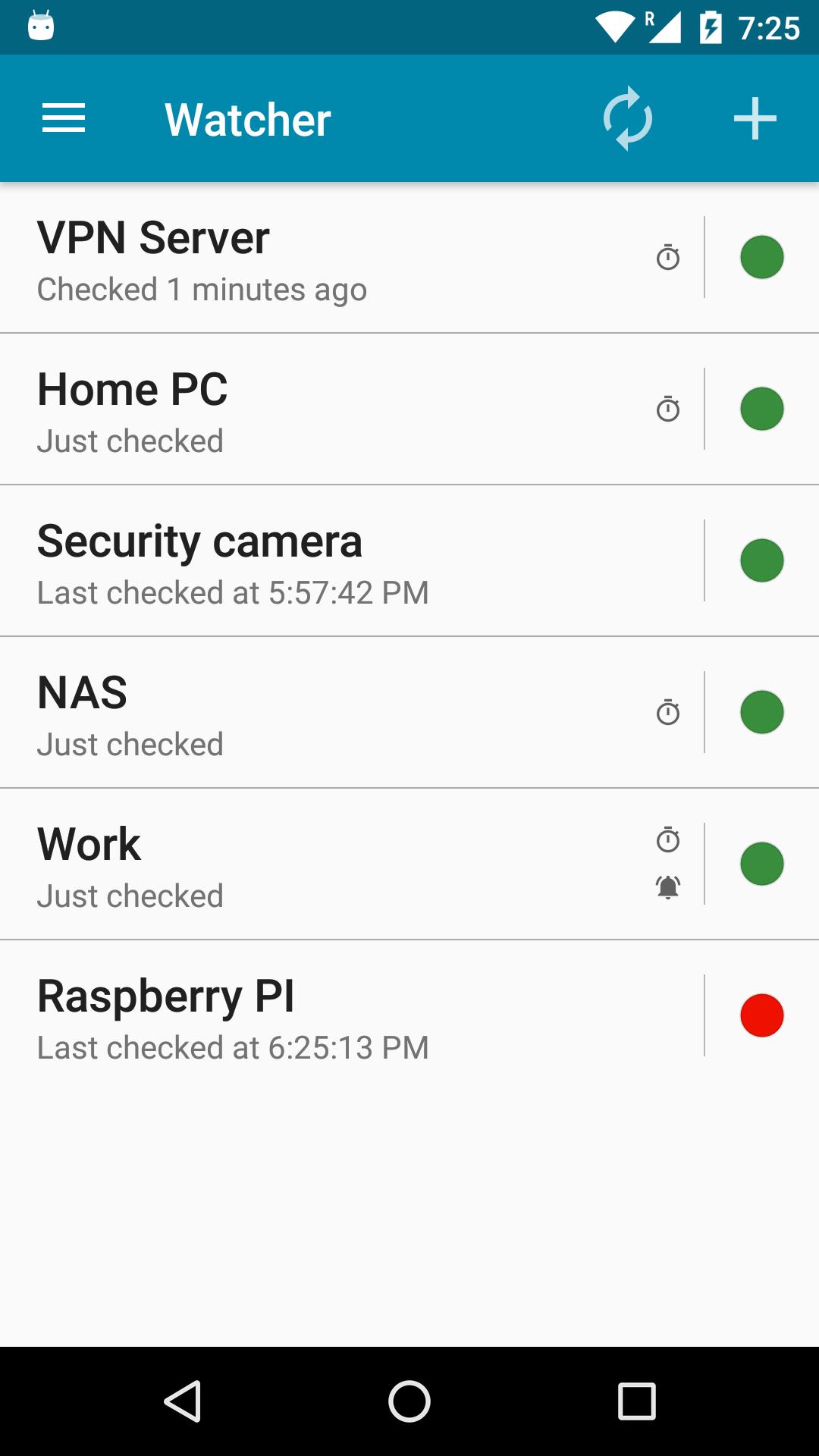
Continuous monitoring with alertsWhen you need ongoing tracking, the Watcher monitors selected hosts or resources in the background. PingTools runs checks at set intervals and can play sounds when a host goes down or comes back. This lets you step away from the screen and still notice downtime without constant manual checks.
Global reachability checksSome problems only appear for certain regions. GeoPing in PingTools tests reachability from different locations around the world, which helps you spot regional outages or content delivery issues. It is useful when a site is up locally but users in other areas report problems.
Throughput tests and shareable resultsPingTools includes iPerf and an iPerf based SpeedTest to measure bandwidth and latency. You can save or share results to include in support tickets or send to teammates when you need help. This makes it easier to compare runs over time and discuss findings with others.
PingTools is built for Android phones and tablets. There is no official iOS or Windows app, and there is no browser based online version. If you need throughput measurements, iPerf tests require a reachable iPerf server on your network or a remote host you control. Discovery and port scanning work on networks where your device has access and the necessary permissions.
This short guide helps you begin with common tasks in the app. For the best stability and tools coverage, use the PingTools latest version on your device. The steps below cover basic checks, discovery, monitoring, and throughput tests.
PingTools brings network checks, device discovery, monitoring, and performance testing into one Android app. It fits home and office use where quick answers and steady oversight are needed. To begin, download PingTools and try a few short tests to confirm reachability and speed on your network.
For official resources and support, use the links below.
Latest Version
4.64 FreeUploaded by
Kellvin Souza
Requires Android
Android 7.0+
Category
Free Tools AppContent Rating
Everyone
Security Report
Report
Flag as inappropriateLast updated on Nov 7, 2022
• Android 13 Support
• Bug fixes






APKPure - A multi-platform app store primarily focused on Android, providing extensive app-related content. Discover the app you want easier, faster, and safer, with quick and efficient downloads and installations.