Package Name:com.bd.my
SHA-256:8067b091dbe180799205984ed0929e1ef1a5f94a998cbd07b5e05653d94a87a9
Show More

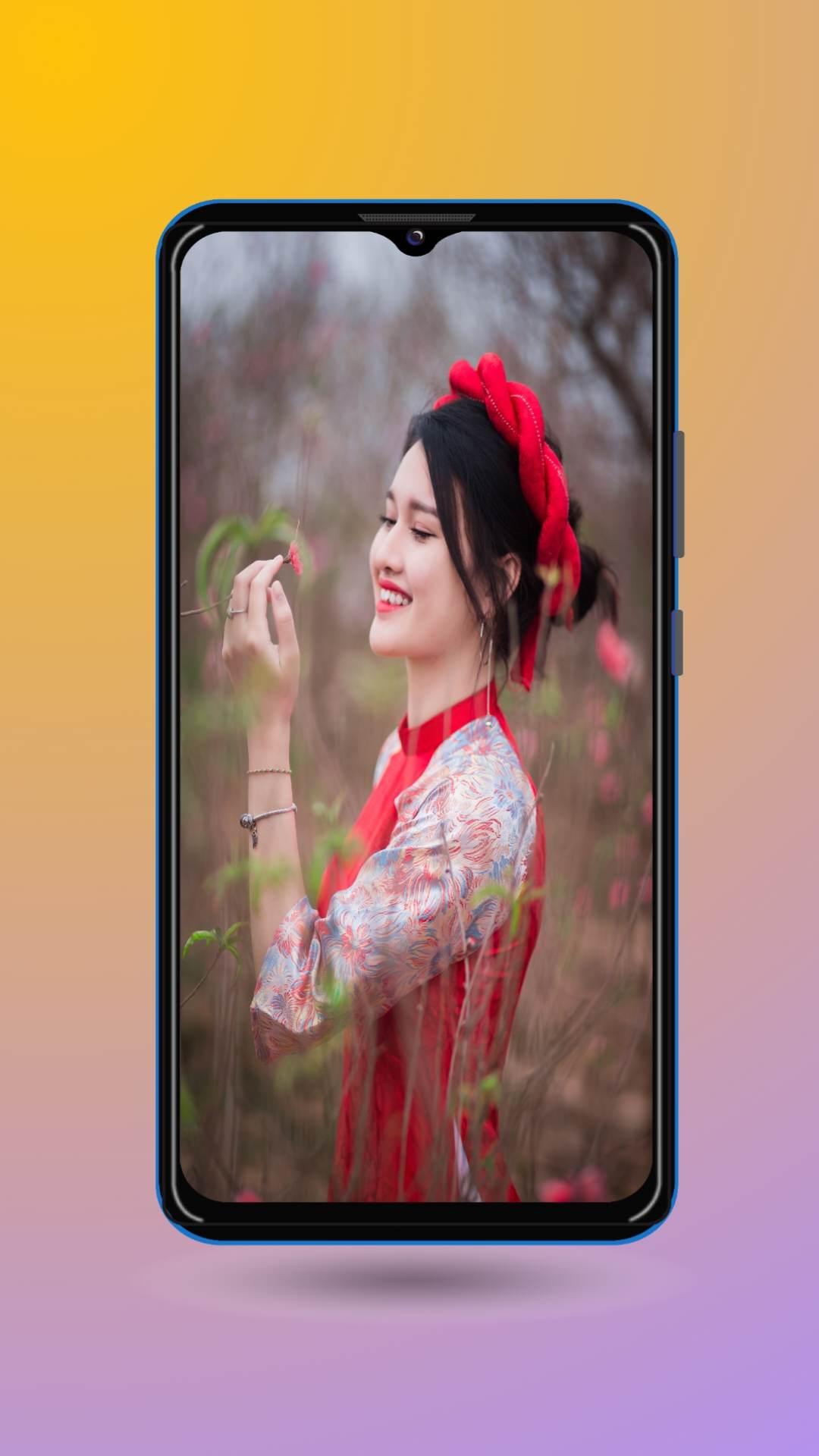
A photo editor is a versatile software application or mobile app that empowers users to modify, enhance, and transform digital images. It provides a comprehensive range of tools and features to manipulate various aspects of a photograph, allowing users to unleash their creativity and achieve their desired visual results.
One of the primary functions of a photo editor is to adjust and fine-tune the overall appearance of an image. Users can modify parameters such as brightness, contrast, color balance, saturation, and exposure to enhance the image's overall quality and make it more visually appealing. These adjustments are particularly useful for correcting underexposed or overexposed images, balancing colors, and creating a more vibrant or muted aesthetic.
In addition to global adjustments, a photo editor also allows users to make targeted edits to specific areas of an image. This is accomplished through tools like selective editing, where users can apply adjustments to specific regions or objects within the photograph. By selectively adjusting brightness, contrast, or color saturation, users can bring focus to certain elements or create a sense of depth and dimension in their images.
Cropping, resizing, and rotating are other essential features of a photo editor. These tools enable users to refine the composition of their photographs, remove unwanted elements, or change the aspect ratio to fit specific requirements. Cropping is particularly useful for eliminating distractions, improving the overall composition, or creating custom-sized images for various purposes.
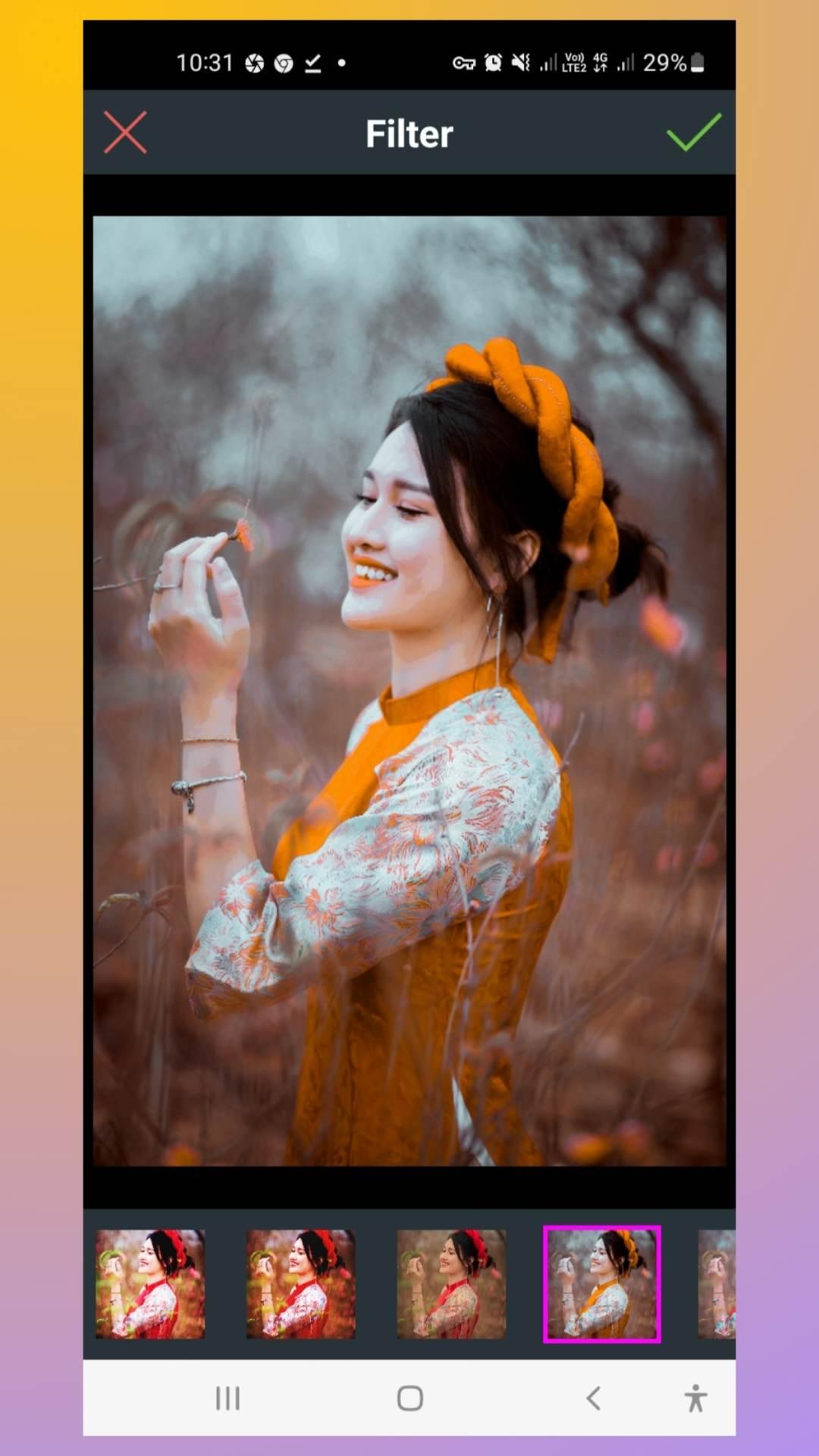
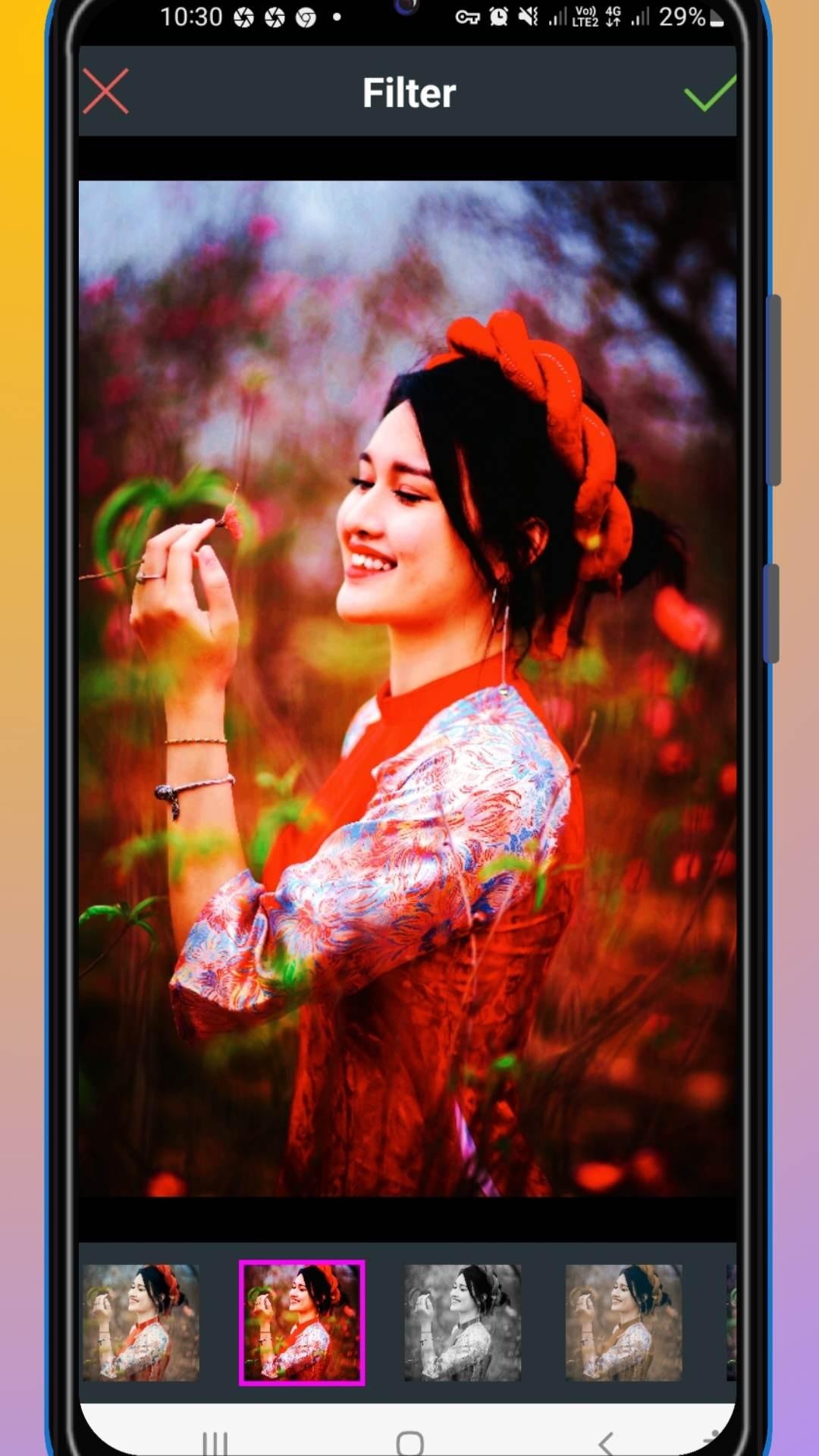
A photo editor also offers a wide range of creative options to add artistic effects and filters to images. Users can apply various filters to alter the mood and tone of the photograph, such as vintage, black and white, or cinematic styles. Additionally, users can experiment with special effects like blurring, vignetting, or adding textures to give their images a unique and personalized look.
Text overlays and graphic elements are another feature commonly found in photo editors. Users can add text captions, quotes, or watermarks to their images, allowing them to personalize and brand their photographs. The ability to layer text and graphic elements on top of the image gives users endless possibilities for creating eye-catching designs or promotional material.
Advanced photo editors often provide more sophisticated features such as layers and masks. Layers allow users to stack multiple images or elements on top of each other, enabling complex compositions and seamless blending of different elements. Masks, on the other hand, enable users to selectively apply effects or adjustments to specific areas of an image, providing precise control over the editing process.
Retouching tools are also commonly available in photo editors, allowing users to remove blemishes, wrinkles, or other imperfections from portraits or photos. These tools provide the means to achieve professional-looking results by smoothing skin, whitening teeth, or even altering facial features subtly.
The final output of a photo editor can vary depending on the user's preferences and requirements. Most editors offer options to save images in various formats such as JPEG, PNG, or TIFF, as well as control the image quality and resolution. This flexibility ensures that users can produce images suitable for specific purposes, whether it's for online sharing, printing, or professional use.
In summary, a photo editor is a powerful tool that enables users to modify, enhance, and transform their digital images. From basic adjustments to advanced editing techniques, a photo editor provides a vast array of tools and features to bring out the best in any photograph. Whether you're a casual user looking to enhance your personal photos or a professional photographer seeking to create stunning visual masterpieces, a photo editor is an indispensable tool for you
Latest Version
5.0Uploaded by
Ku Bíík
Requires Android
Android 7.0+
Category
Free Photography AppContent Rating
Everyone
Security Report
Check Now
Report
Flag as inappropriateLast updated on Aug 9, 2024
Minor bug fixes and improvements. Install or update to the newest version to check it out!

APKPure - A multi-platform app store primarily focused on Android, providing extensive app-related content. Discover the app you want easier, faster, and safer, with quick and efficient downloads and installations.