



About NotifyRDS
Get remote support of your mobile device from any computer with NotifyRDS.
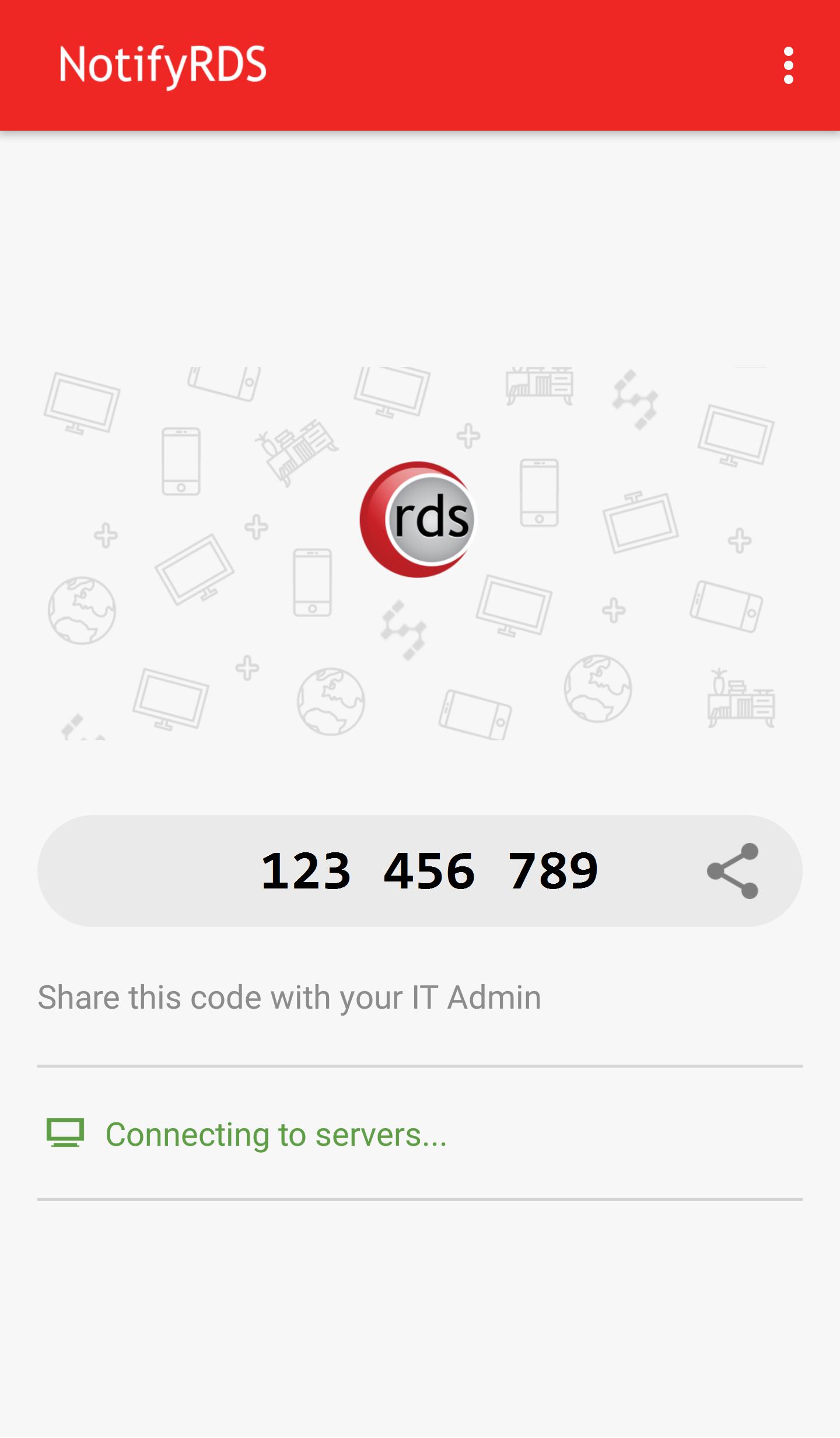
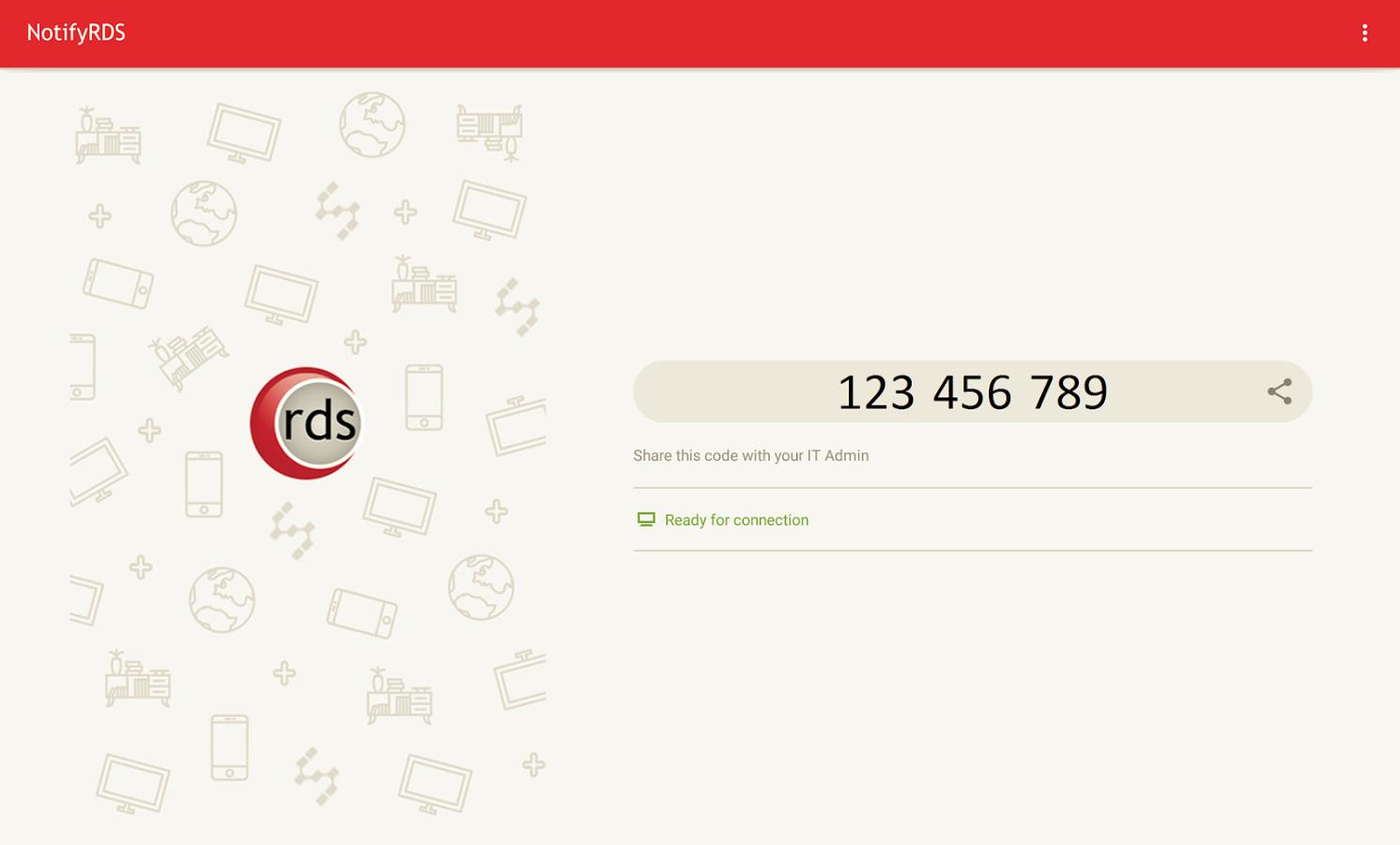
User can real-time screen share to remote technician. Technician will be able to share clicking pointer remotely to help guide the user. Session connection is encrypted using 256-bit AES / TLS .
For selective Android devices (i.e. Samsung & LG), remote control is possible, enabling remote technician to control your mobile device. Note: This app requires the use of 'Device Administrator' for remote control features.
Quick Guide:
1. Download and launch the NotifyRDS app on your mobile device.
2. Share the session ID to your remote technician who has NotifyRDS Account.
Additional APP Information
Latest Version
3.5.5Uploaded by
Rachid Hamid
Requires Android
Android 5.0+
Category
Free Tools AppContent Rating
Everyone
Report
Flag as inappropriateWhat's New in the Latest Version 3.5.5
Last updated on Dec 22, 2021
Various bug fixes and improvements.
NotifyRDS Screenshots
Old Versions of NotifyRDS
All Versions
Related Tags













Leave a review for NotifyRDS
Add Reviews