




About Notebook
Notebook, a beautifully simple app designed to make note-taking enjoyable.
Notebook, a beautifully simple app designed to make note-taking enjoyable. Be more productive with this beautifully simple note-taking app that helps you keep your life in order.
A productive day's work requires planning and structure. Notebook is an immensely useful piece of application that works like a digital notepad.
It's just as handy for the home as it is for the office, and you'll soon find yourself making lists wherever you go.
Capture, organize, and share notes from anywhere. Your best ideas are always with you and always in sync. Organize your work and declutter your life. Collect everything that matters in one place and find it when you need it, fast.
There are plenty of ways to take notes. You could carry a notebook and pen in your pocket, or scribble thoughts on a napkin at lunch. Or, better yet, you could use a notebook app, so you always have a way to store your thoughts- even if there's not a pen nearby.
Whether you’re capturing a thought, creating a checklist, recording an idea, or snapping a moment, note-taking can be fun with Notebook.
It makes note-taking fun by providing an interactive experience. You can take notes and even attach your free hand drawing, everything in style and completely without papers!
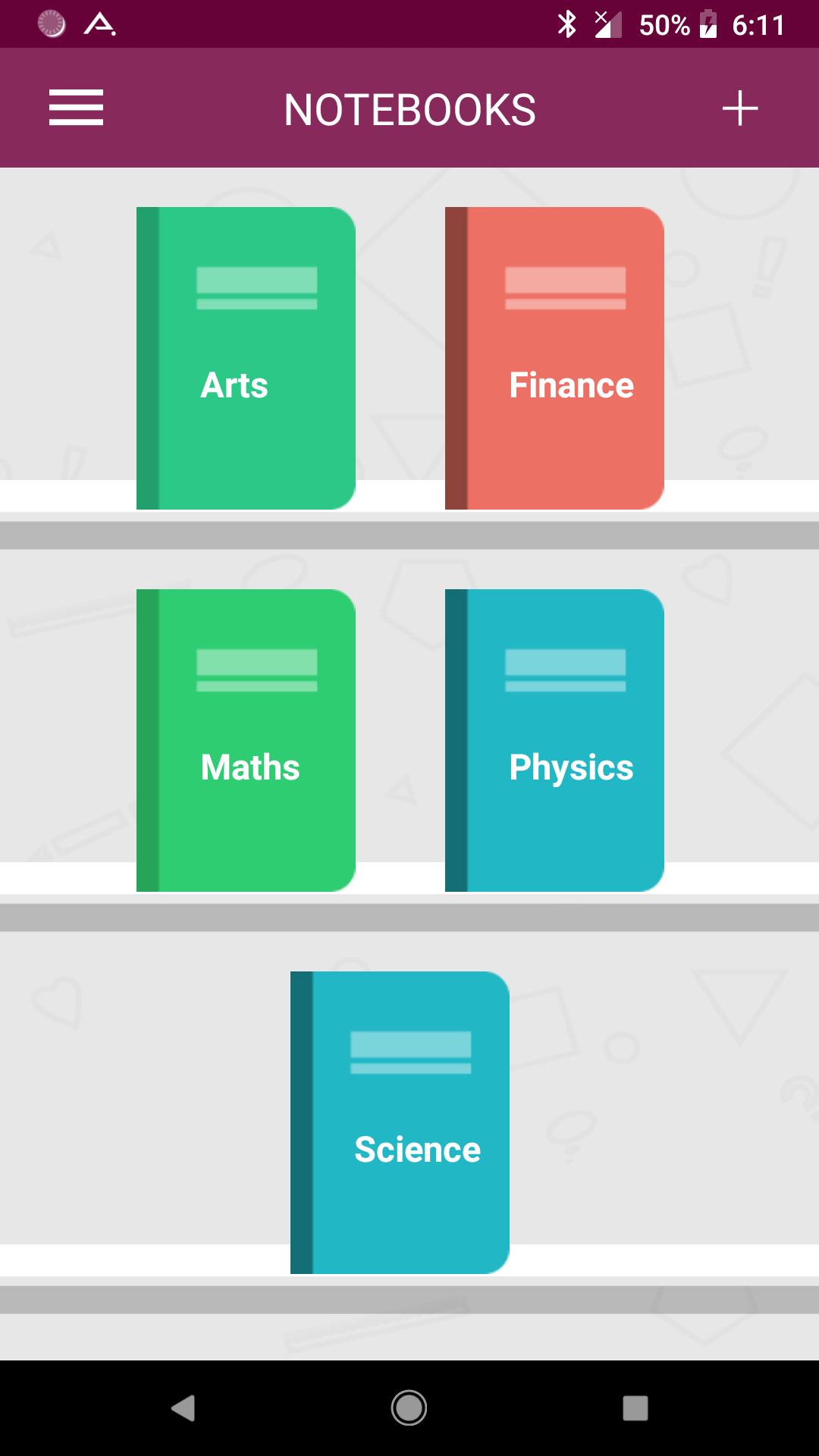
Create multiple notebooks for every subject and avoid messing up your notes.
Ever feel like you’re struggling to remember everything?
Don’t worry, download Notebook and give it a try!!!
***** Notebook Features *****
★ Password protected.
★ Create multiple notebooks.
★ Customizable cover, title, number of pages and page style for every notebook.
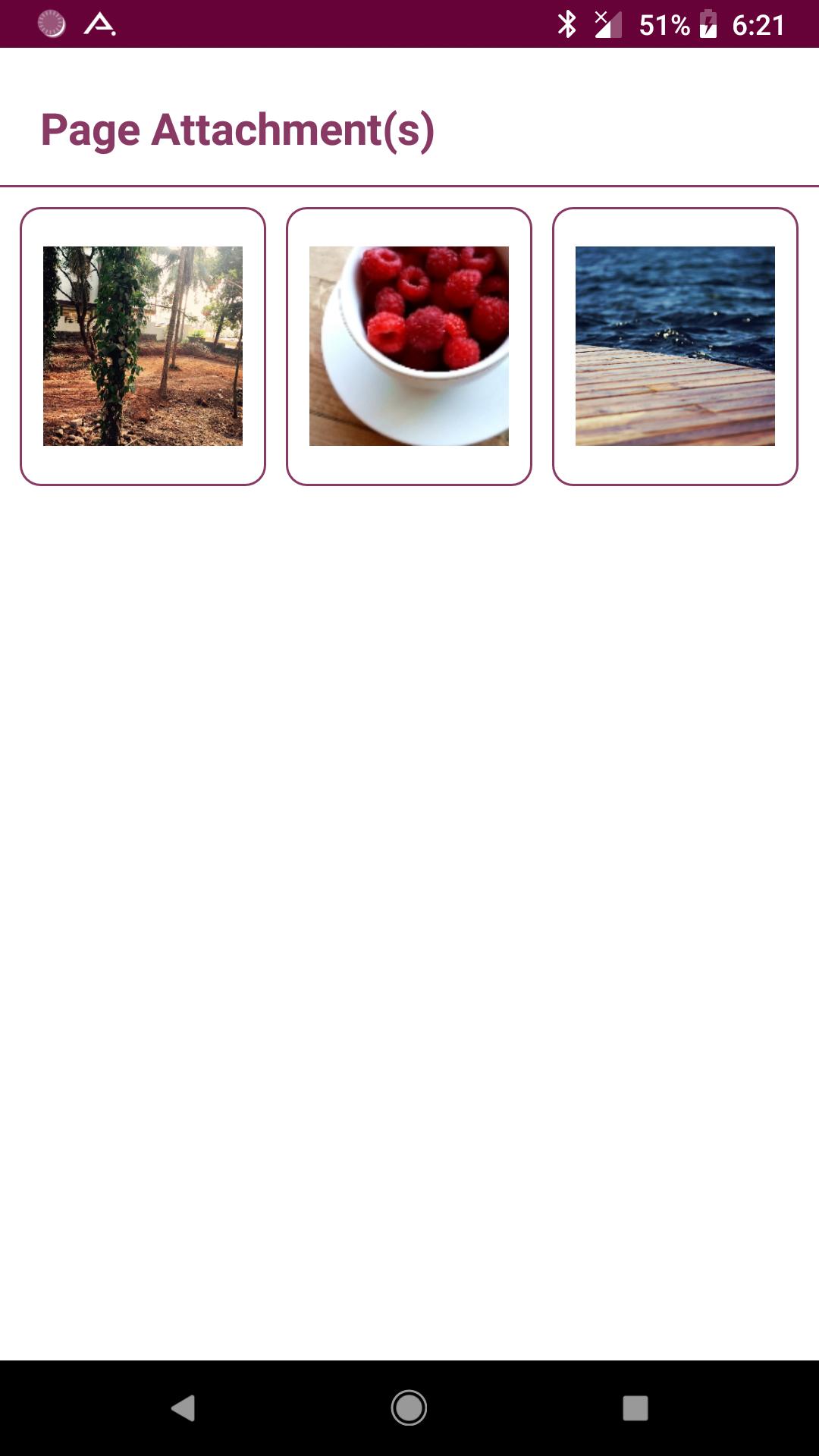
★ Attach image files.
★ Set a title for every page.
★ Instant search within each notebook.
★ Custom fonts for each notebooks.
★ Bookmark a page.
★ Set theme for each notebook.
★ Easily find your entries.
★ Create your own free hand drawing.
★ Convert the entire Notebook to PDF with attachments. (Currently supports English only)
★ Backup/Restore.
How to use?
1. Use '+' mark in the home screen to create new books.
2. Long tap on any book to edit/delete the book.
3. Use 'Password' option to set/reset the password.
4. On the Page tap on Page Header to set the Title for the page.
5. Make use of different editing options provided at the bottom of the page.
Please take your time to rate your experience with this all in one Notebook application and write a short review.
We will be grateful to hear your opinions and improve - whenever needed - in future versions.
Have a nice time using Notebook!
Additional APP Information
Latest Version
6.0Uploaded by
Waiz Joe
Requires Android
Android 4.1+
Category
Free Productivity AppContent Rating
Everyone
Report
Flag as inappropriateWhat's New in the Latest Version 6.0
Last updated on Nov 21, 2019
Internal defect fixes.
Notebook Screenshots


Old Versions of Notebook
All Versions
Related Tags













Leave a review for Notebook
Add Reviews