Over File Manager
Meer dan alleen file manager.Voor zowel geworteld en niet geworteld apparaten.
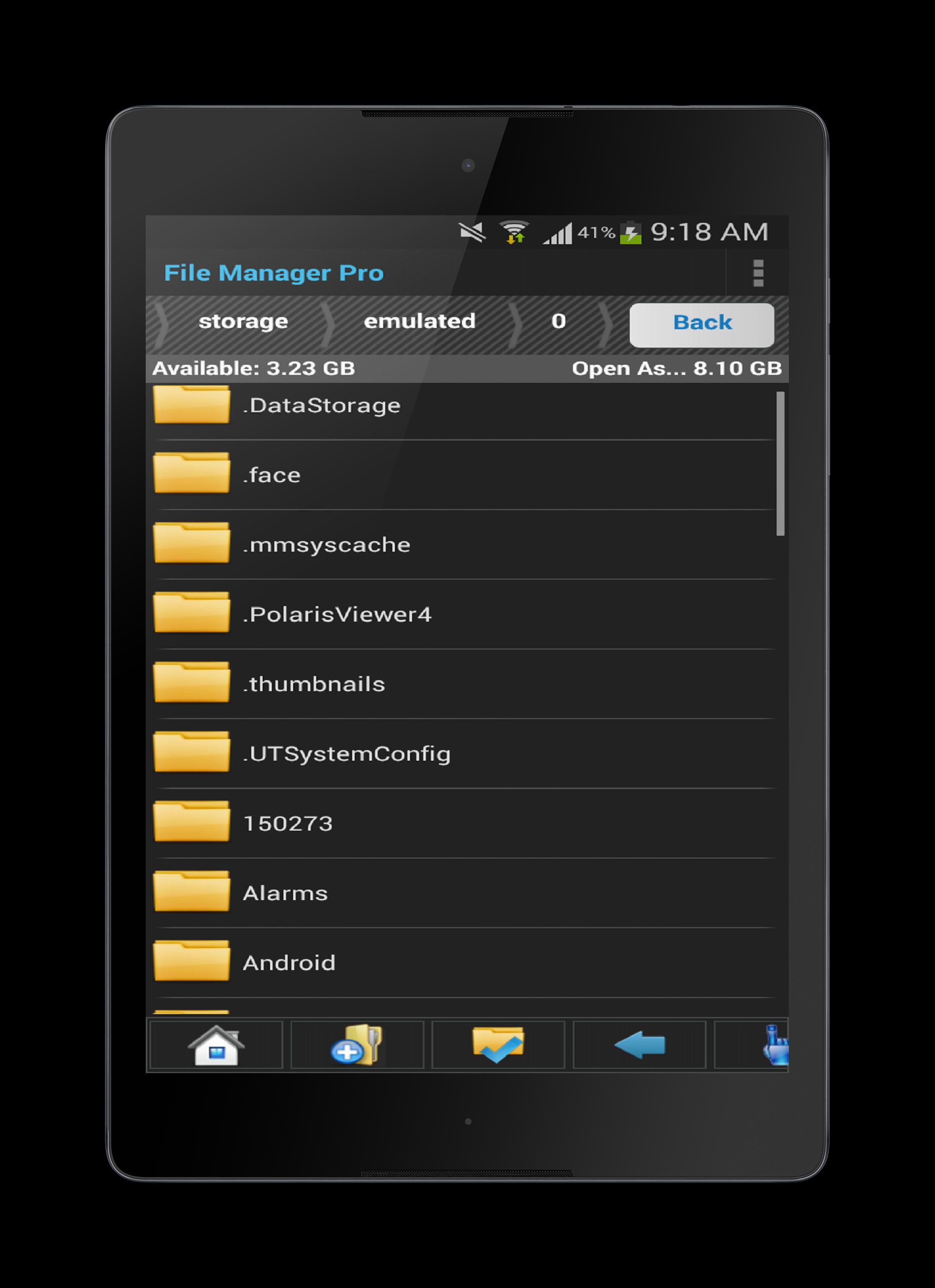
File Manager has been built for people who want a modern looking File Manager application.
Organize and manage your files and content such as pictures, music, videos or documents on your phone or tablet.
Rooted users can access the whole of the Android File System, such as restricted and protected system files .
This mobile app is more than just a File Manager, you also get a Process Manager and Backup Manager included within as a bonus. This helps you manage more of your device and the current running processes and backup the applications that you love, within this you can kill selected processes or kill all running processes and backup mobile apps or uninstall them or view them on the Google Play Store.
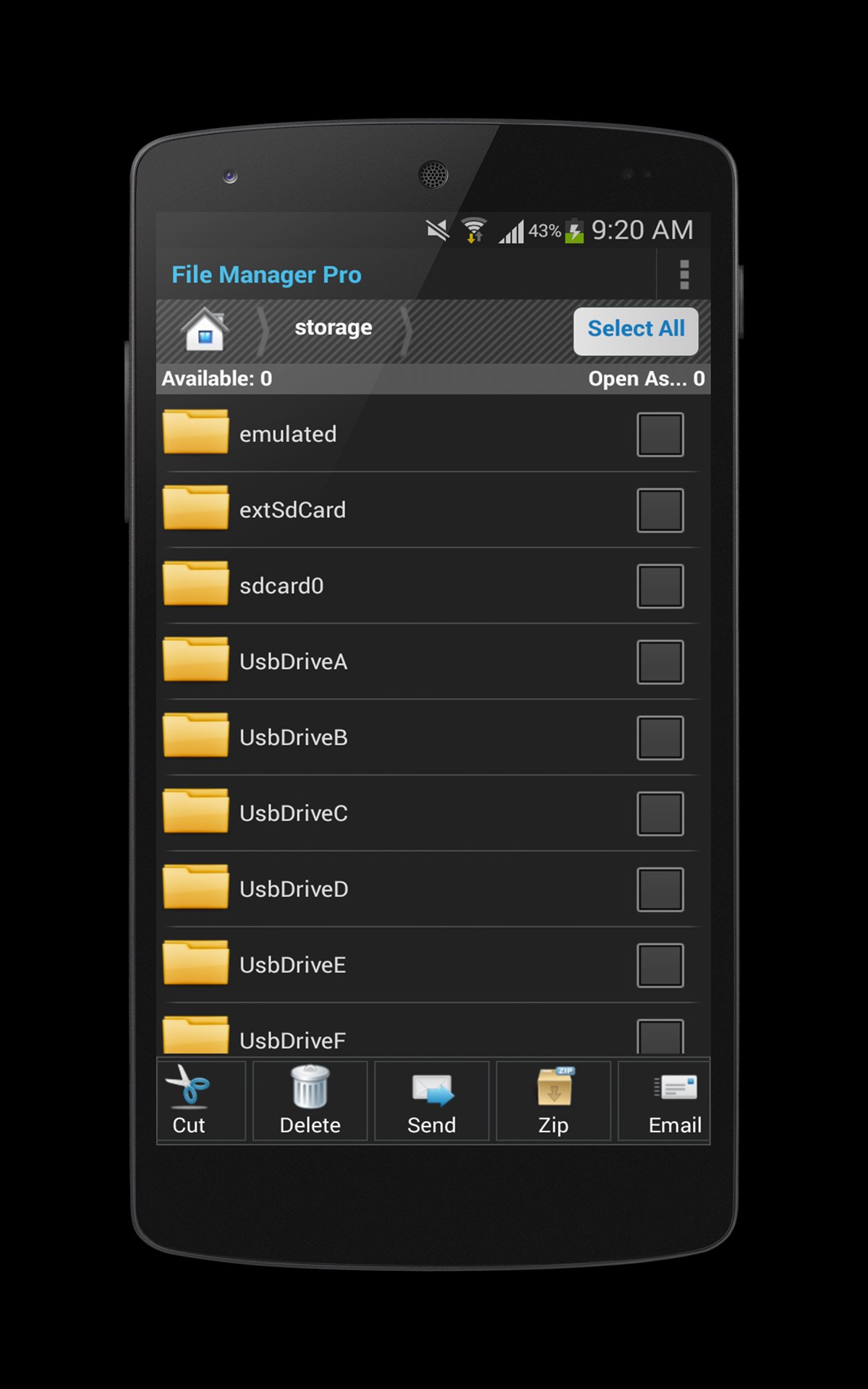
Through this application you can access your SD-card and your other files.
Features :
*Tablet Compatible
* Process Manager
* Backup Manager
* Gesture Library
* Zip-Unzip Files
* Send Share options
* Multiple selection to operate on more than one files or folders
* Search and share files
* Compress and extract support for Zip files
* Cut, copy, paste, delete, rename, move (for both files and folders)
* Create and delete folders (directories)
* Thumbnail for photos and application Apk files
* For both rooted and non-rooted devices Information / Properties View
* Create New Folders
* Create New Text Files
* Multi Select Option
* Copy
* Cut
* Paste
* Delete
* Extract
* Refresh
* Change to Grid View
* Lots more...
Aanvullende APP -informatie
Laatste Versie
1.3Geüpload door
정기욱
Android vereist
Android 2.3.2+
Categorie
Gratis Tools APPInhoudsbeoordeling
Everyone
Melden
Rapporteer als ongepastWat is er nieuw in de nieuwste versie 1.3
Last updated on Apr 30, 2016
Bugs Fixed.
File Manager Screenshots