




About My Android Tools
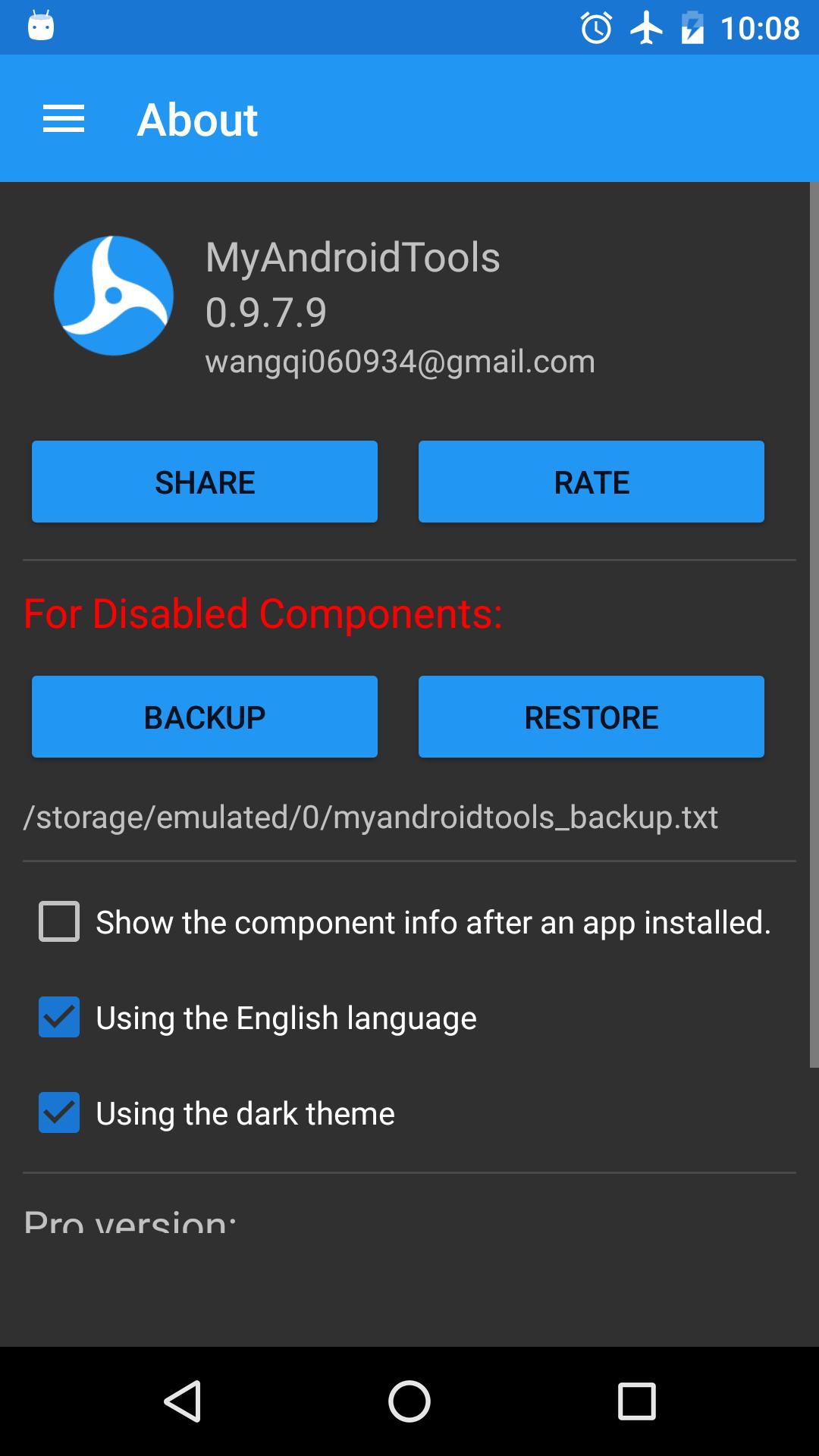
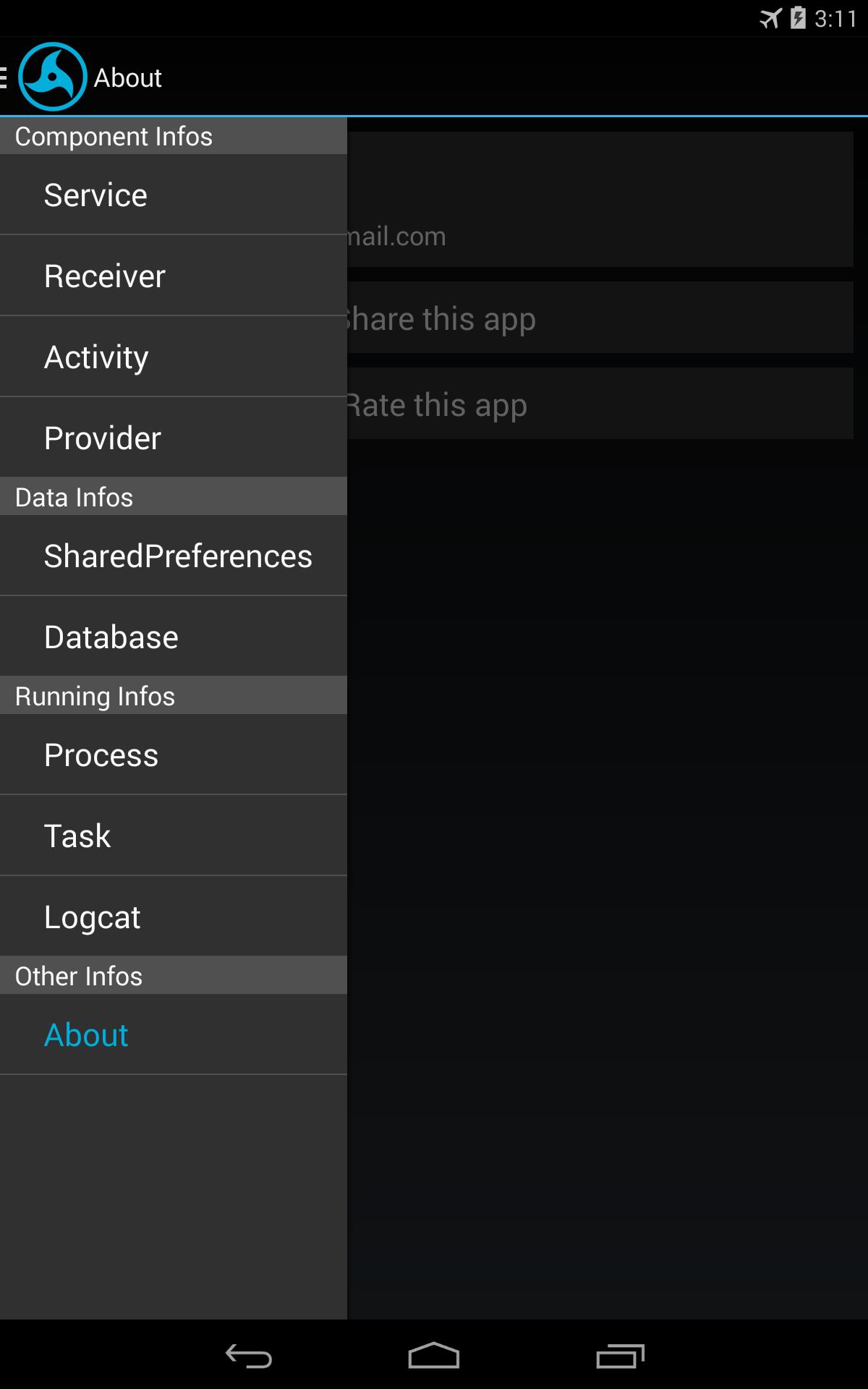
MyAndroidTools helps you manage your apps.
(Note:need root access)
My android tools :
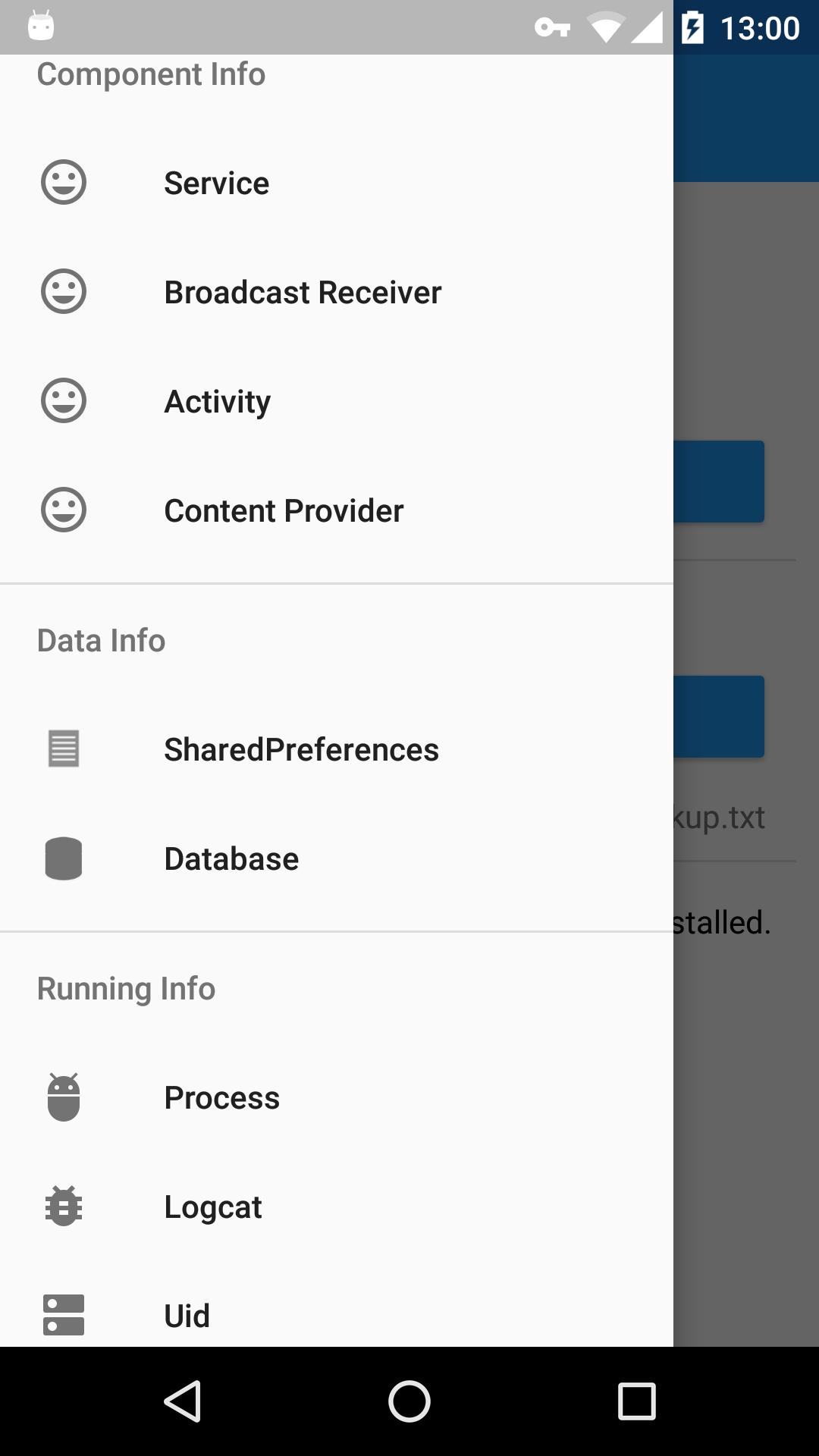
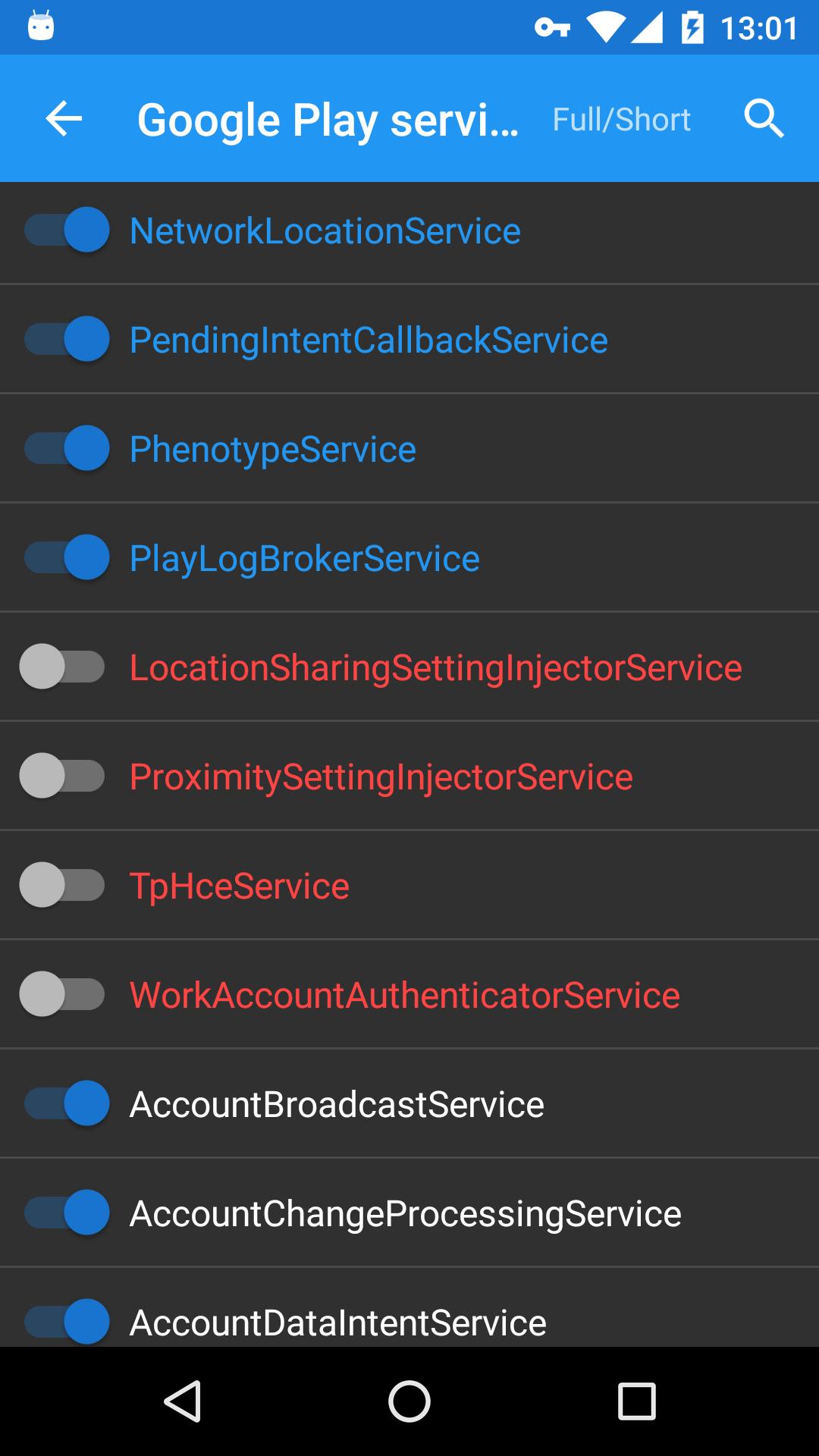
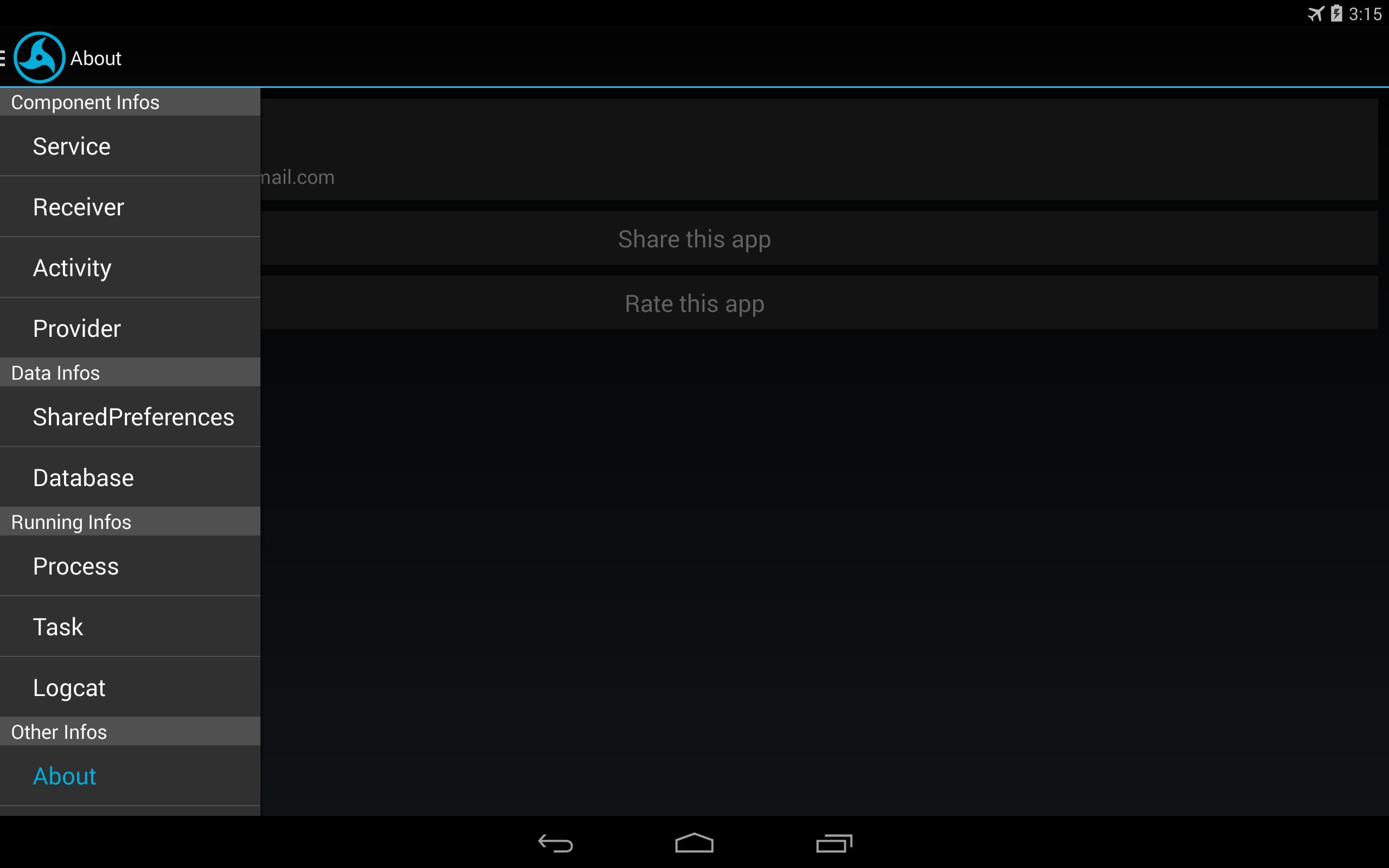
1. enable/disable components(activity,service,receiver,provider)
★red:disabled.
★blue:running currently (just for service)
2. show all running tasks and processes(with pid and uid)
3. show the logcat
4. show the sharedpreferences and sqlite database of all apps
5. enable/disable apps
----------------------------------
(P.S. the icon coms from Itachi's Mangekyō Sharingan)
Pro version:https://play.google.com/store/apps/details?id=cn.wq.myandroidtoolspro
----------------------------------
★Activity: An activity represents a single screen with a user interface.
★Service: A service is a component that runs in the background to perform long-running operations or to perform work for remote processes.
★Content providers: A content provider manages a shared set of app data.Through the content provider, other apps can query or even modify the data (if the content provider allows it).
★Broadcast receivers: A broadcast receiver is a component that responds to system-wide broadcast announcements.
★Shared Preferences: Store private primitive data in key-value pairs.
Additional APP Information
Latest Version
1.6.9.betaUploaded by
WangQi
Requires Android
Android 4.1+
Category
Free Tools AppContent Rating
Everyone
Report
Flag as inappropriateWhat's New in the Latest Version 1.6.9.beta
Last updated on Jan 31, 2024
This release includes minor bug fixes and general improvements. Update to the latest version for the best experience.
My Android Tools Screenshots
Old Versions of My Android Tools
All Versions
Related Tags





















All ReviewsAdd Reviews