
Mengenai Split-screen creator
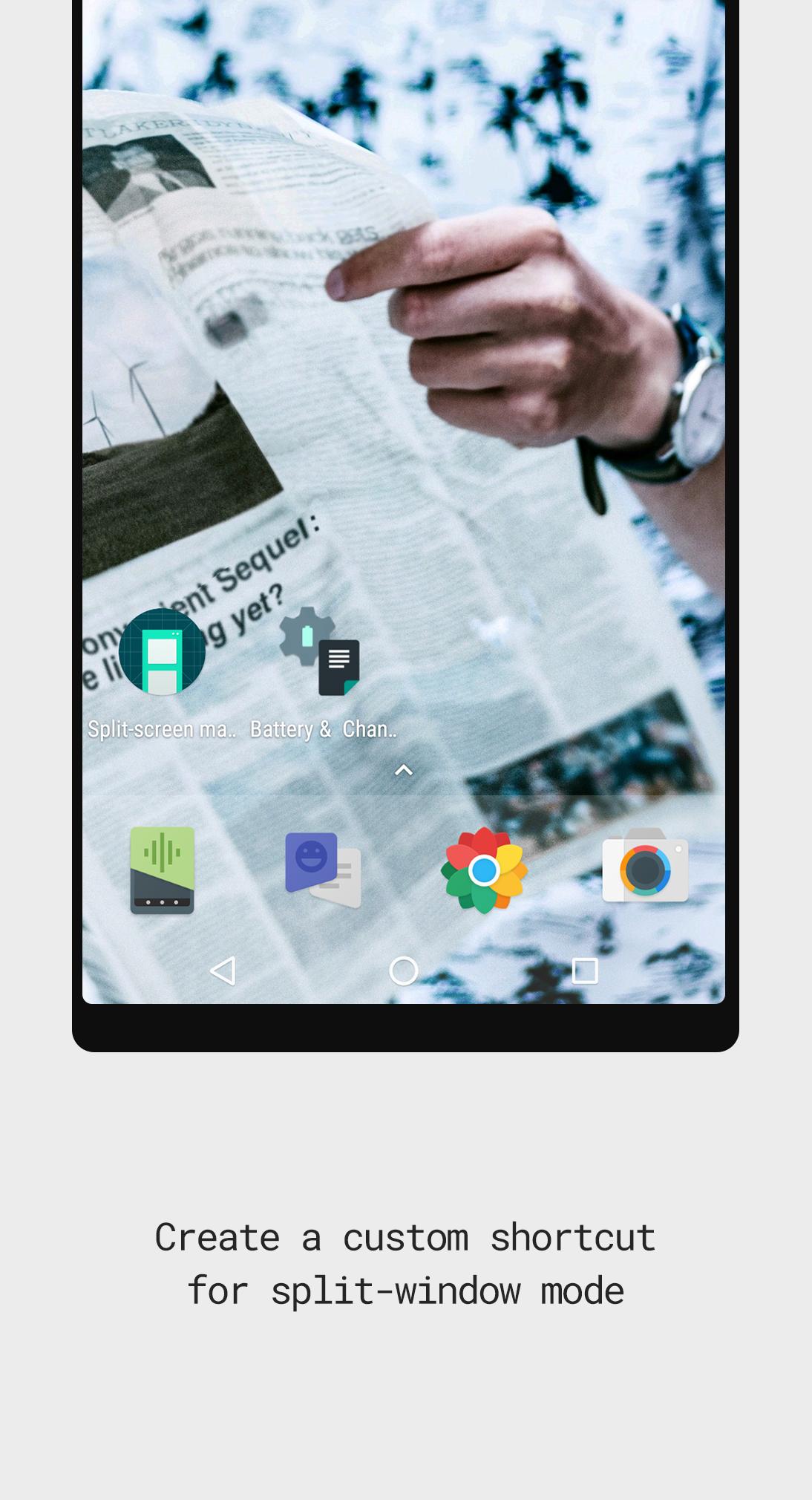
Create shortcuts to launch two apps in split-window mode automatically.
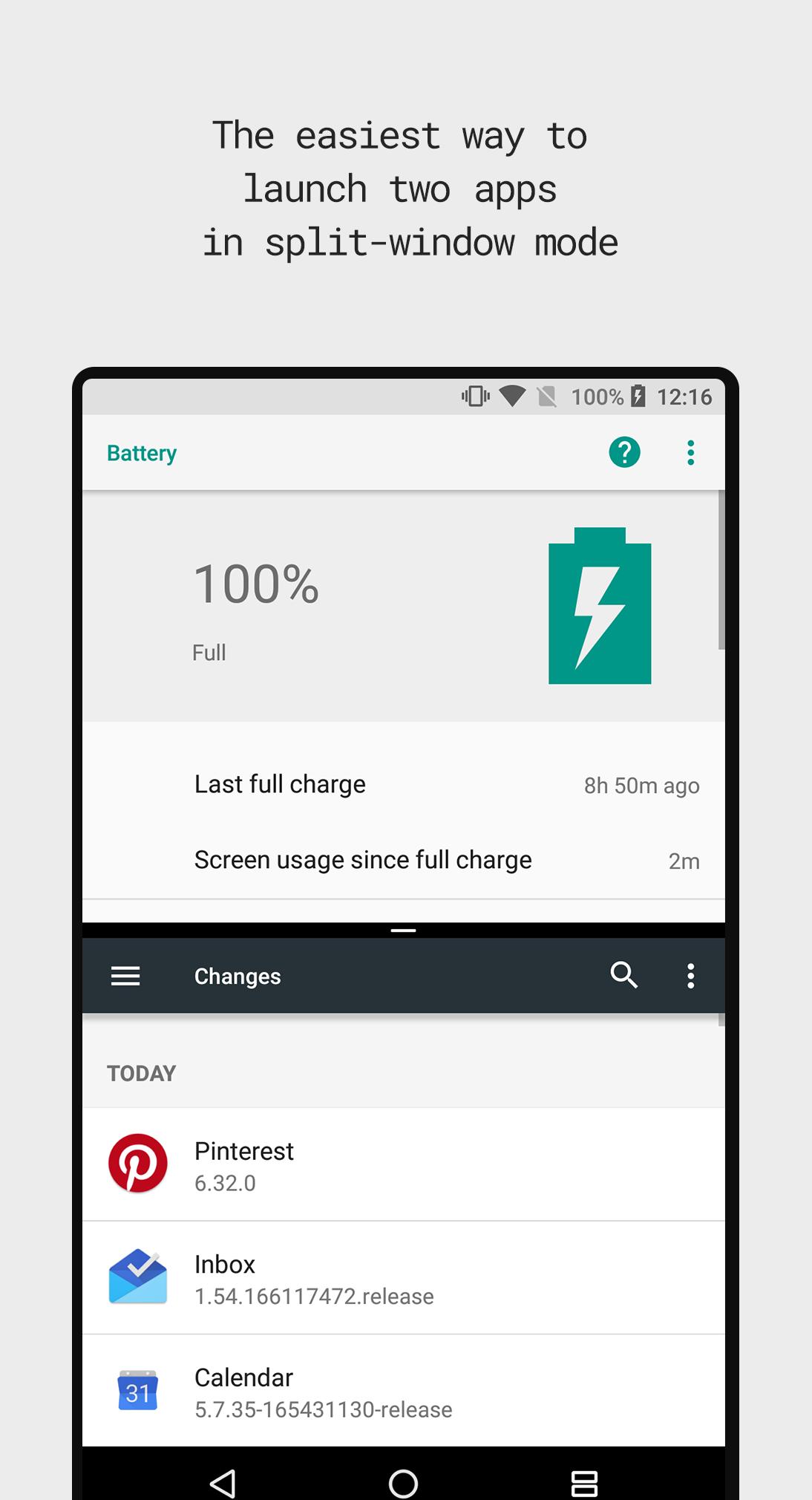
Split-Screen Creator makes a shortcut to instantly launch two apps in multi-window mode
Split-screen creator is a tool that allows Android users to launch two apps in split-window mode automatically, instead of having to manually open one app, launch split-window mode and select a second app.
Features
- Create unlimited shortcuts to automatically launch two apps in split-screen mode;
- Launch the same app in two different windows.
- Supports other app shortcuts;
- 3rd party icon packs support;
- Hide icon from home launcher;
Usage
On supported launchers, go to widgets & shortcuts and find Split-screen creator on the list. Add a new shortcut to the home launcher then select two apps/shortcuts and you're done.
FAQ
- Does the Split-screen creator work on MIUI?
Unfortunately the app is not compatible with this ROM.
- Does the Split-screen creator work on Android 6.0?
The app requires Android 7.0+ to be able to run.
- Only one app is being launched after tapping the shortcut?
Some app combinations don't work well, you can try to create a new shortcut and select the apps in a different order.
- Why does the app need the accessibility service?
This option is essential for the app to work since it's required to toggle Android's split-window mode.
❤ Do you like the app? ❤
To help keep the development of app active, please consider sharing the app with your friends, leave a positive review on Google Play or unlock the pro version for extra features.
Permissions
No permissions required.
Maklumat APLIKASI tambahan
Versi Terbaru
1.3.2Dimuat naik oleh
Baderldin Aelhakim
Memerlukan Android
Android 7.0+
Category
PERCUMA Produktiviti APLIKASIPenilaian Kandungan
Everyone
Laporkan
Tandai sebagai tidak sesuaiApa yang baru dalam versi terkini 1.3.2
Last updated on Sep 12, 2017
Improved stability & app launching;
Fixed version not working on some devices;
Fixed other bugs that caused crashes.
Split-screen creator Tangkapan skrin