




Mengenai Map Contacts
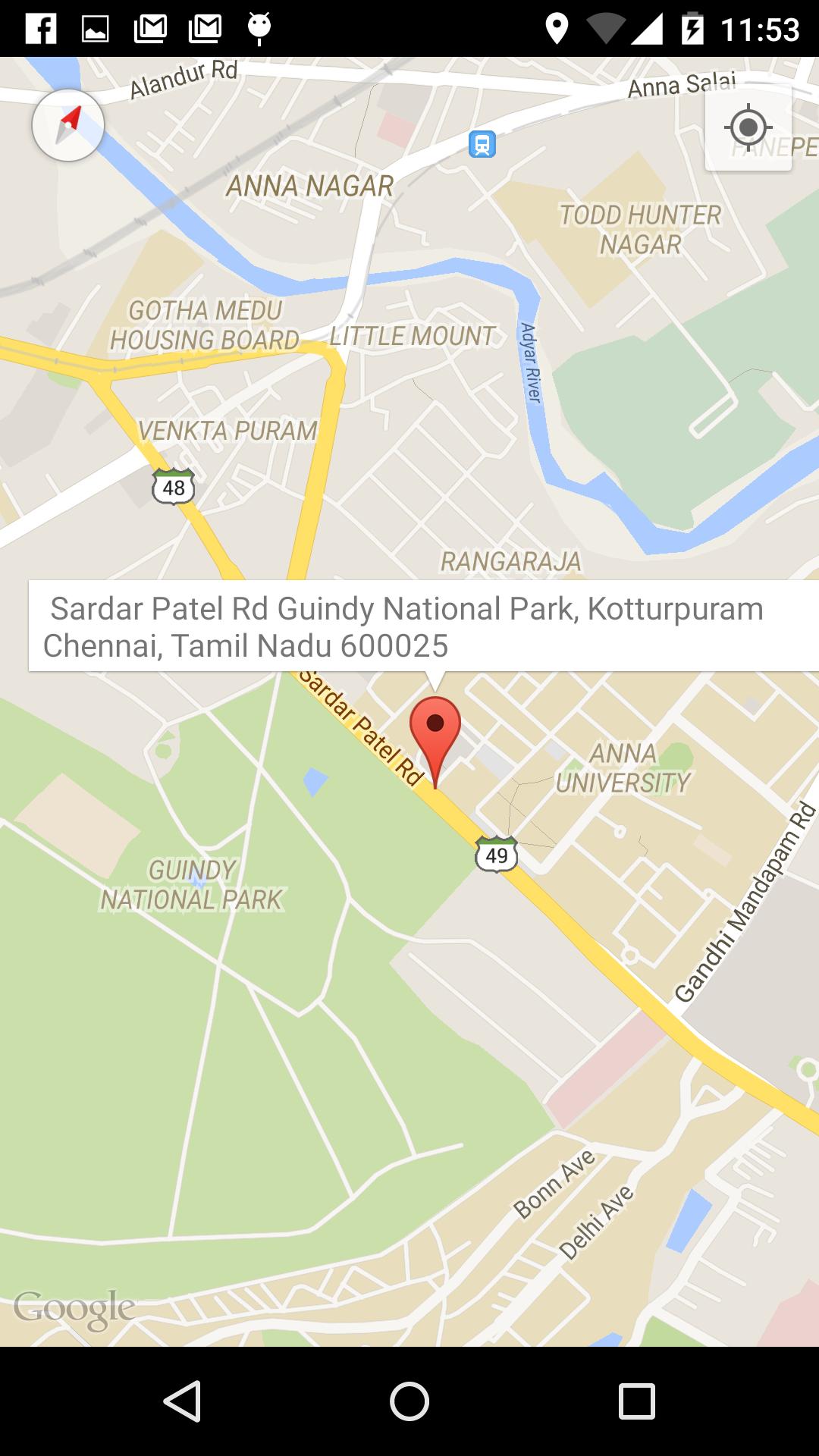
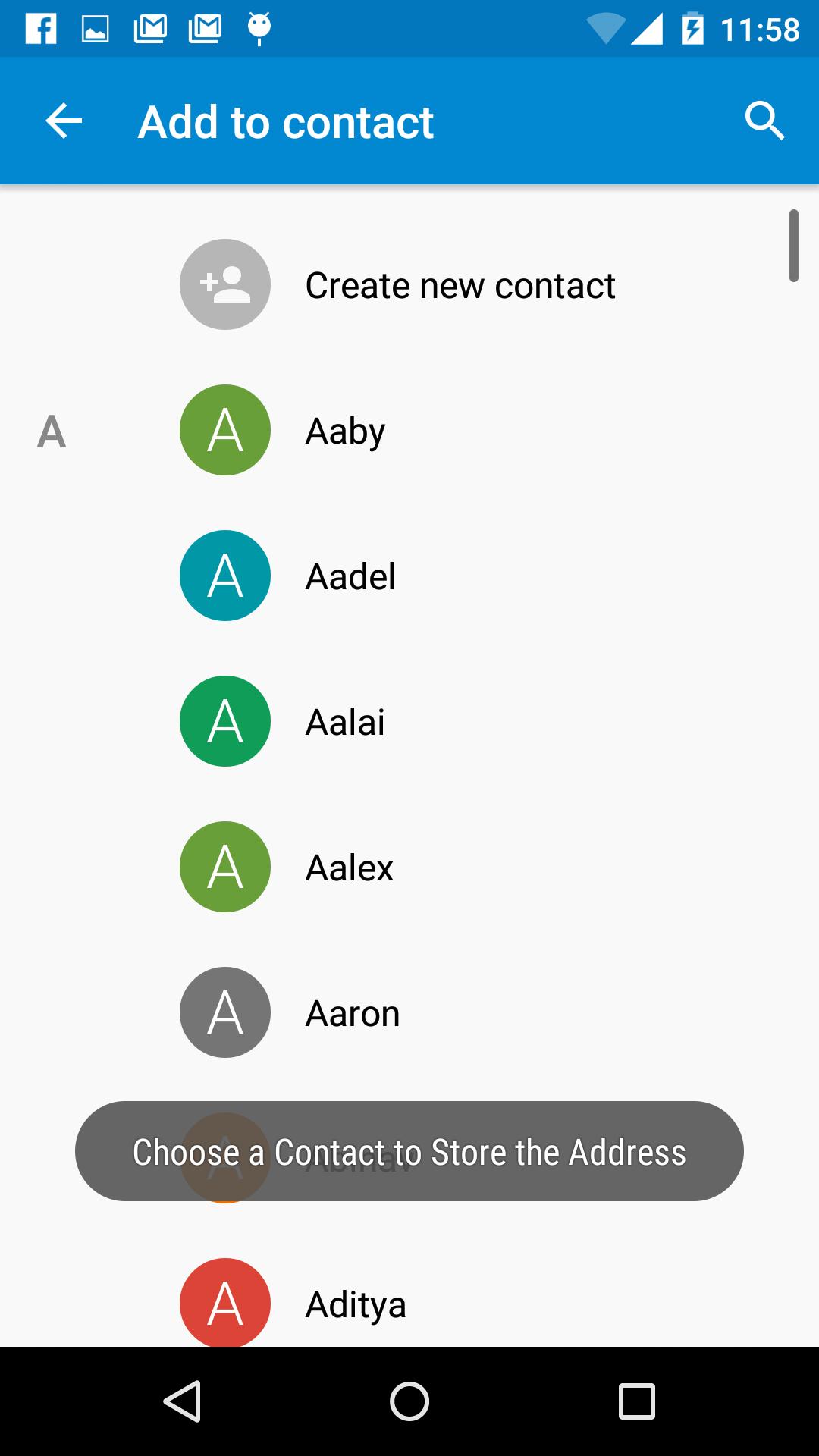
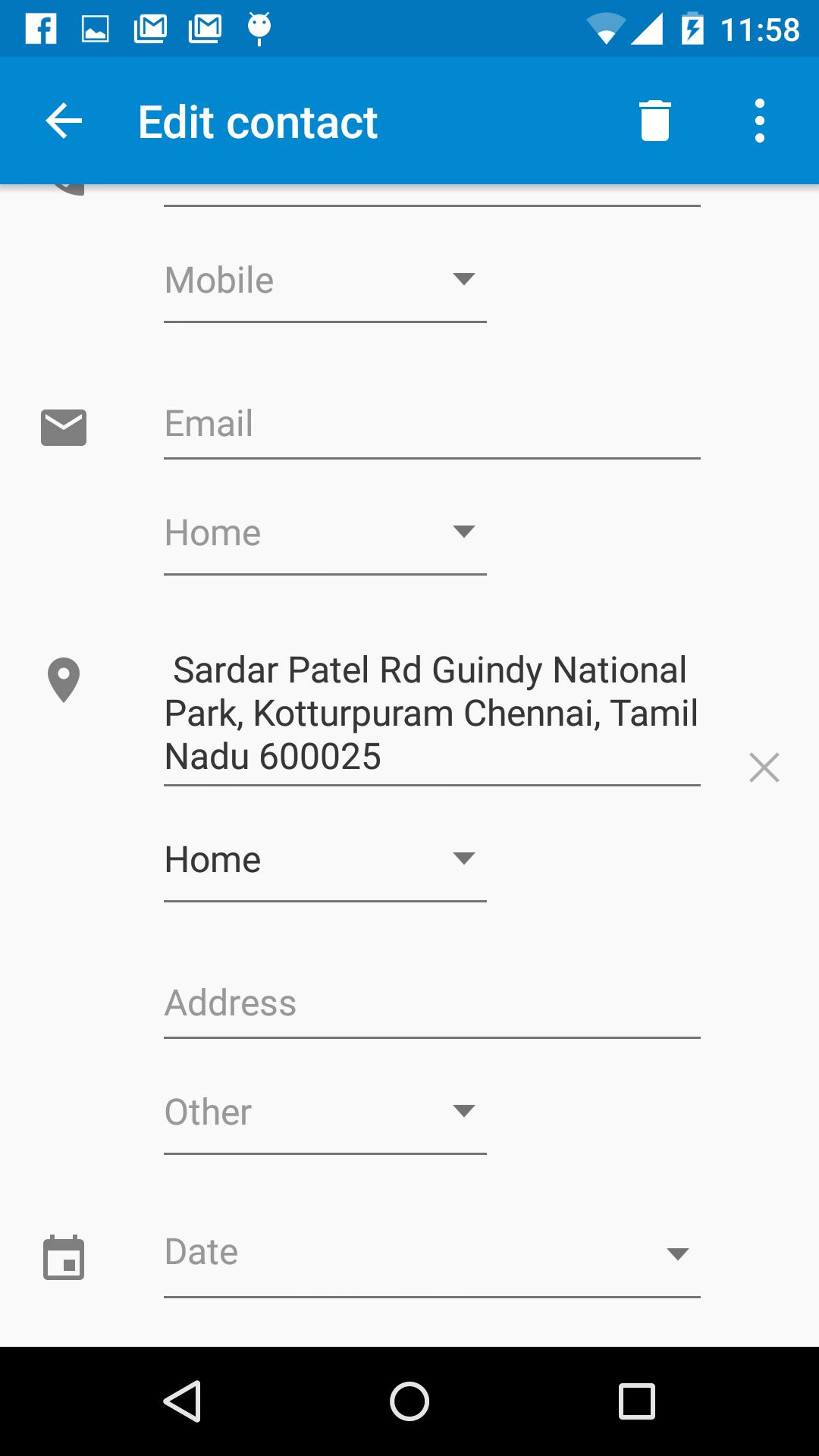
Locate your Contacts address in the Map and add it to the Contact.
View your contacts in the map.
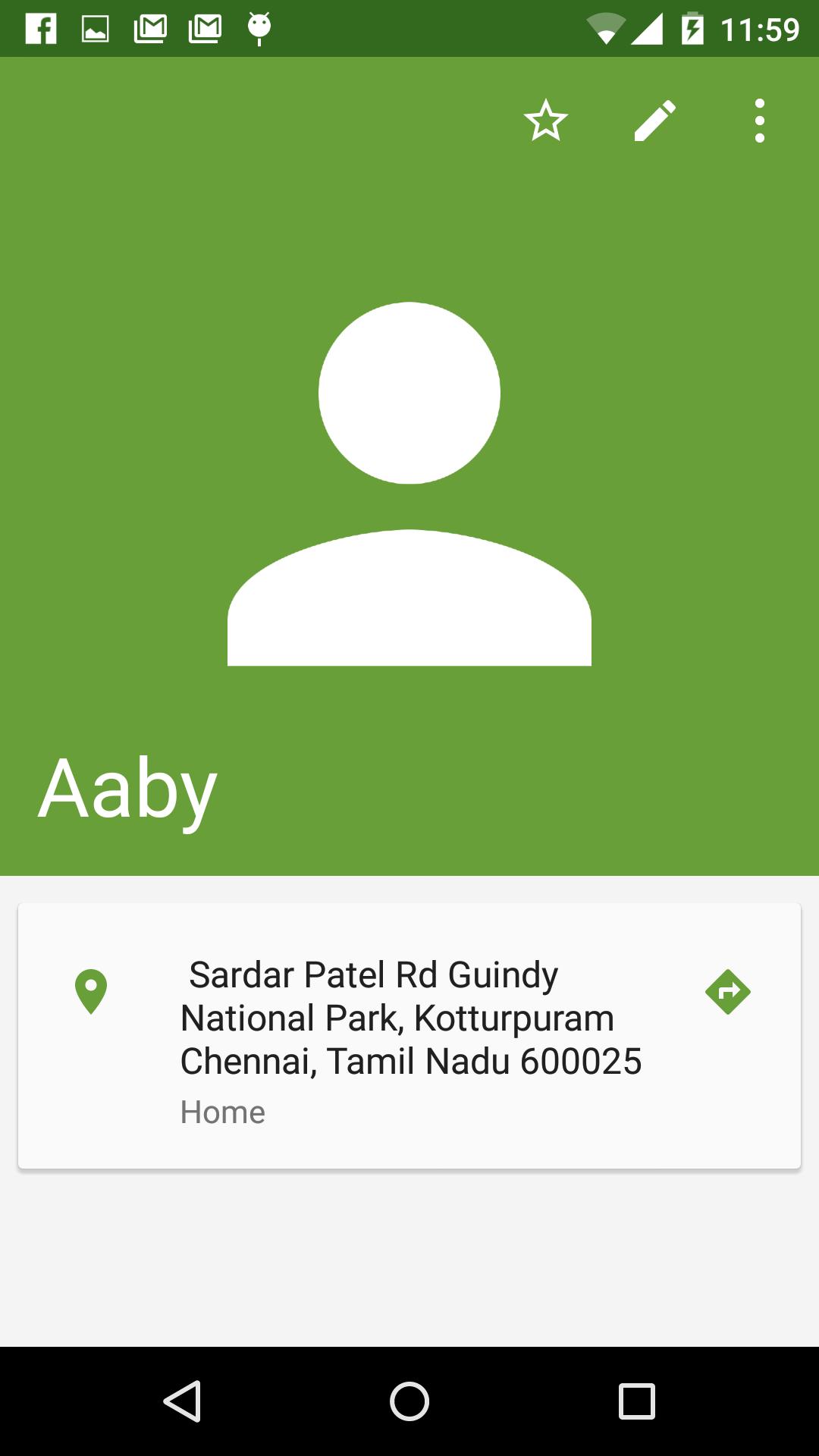
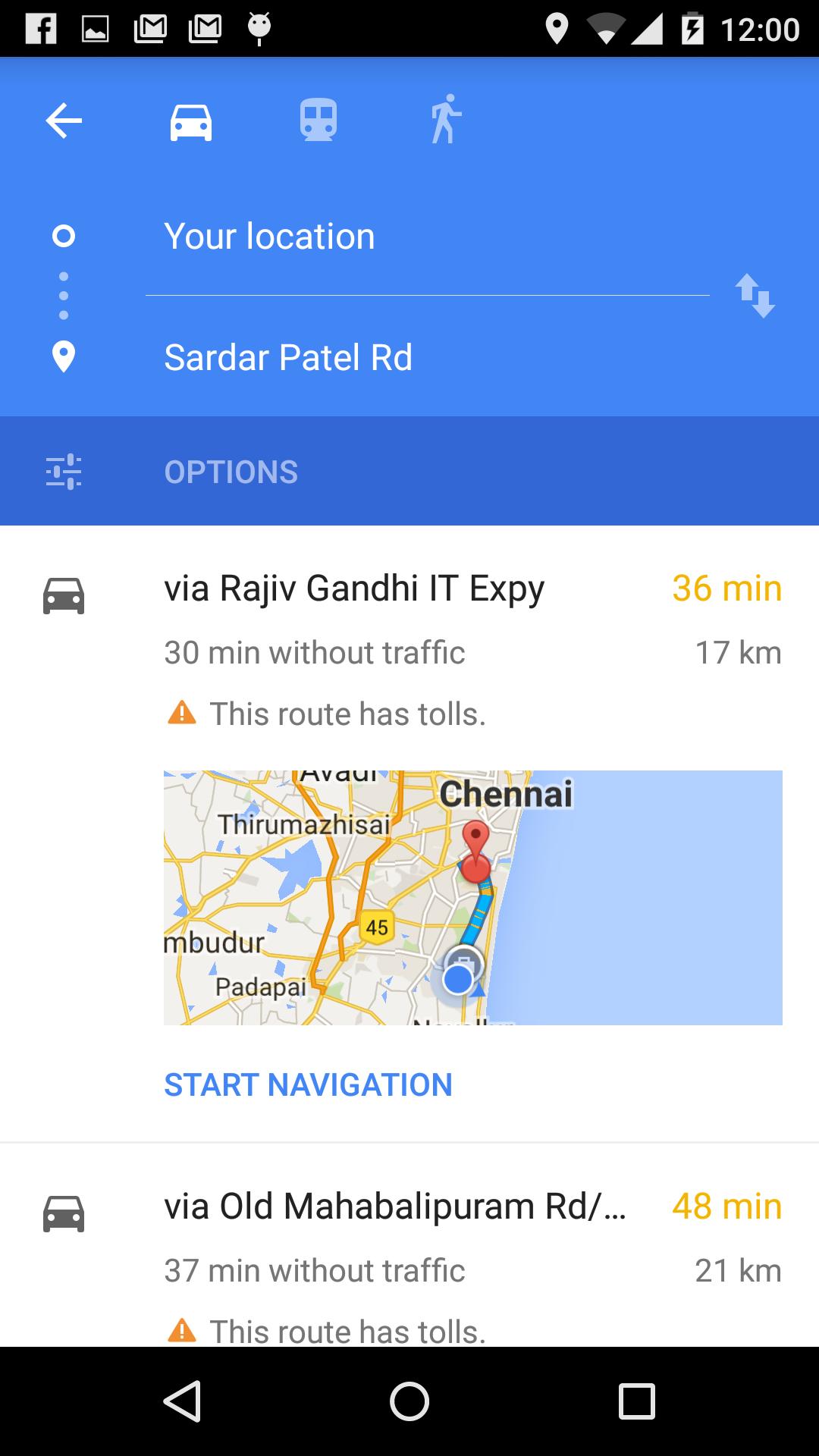
Navigating to your Contacts home or Office will be much easier if you have updated your Contact with the Address.
This app simplifies that by helping you locate your contacts address in the map and adding it to the Contact.
Features:
1. Locate a Address in the map and the Street Address is displayed.
2. Click on the Address Info Window to store the address to a Contact.
3. One Touch Navigation to Contacts Home/Address from Contact using Google Navigation.
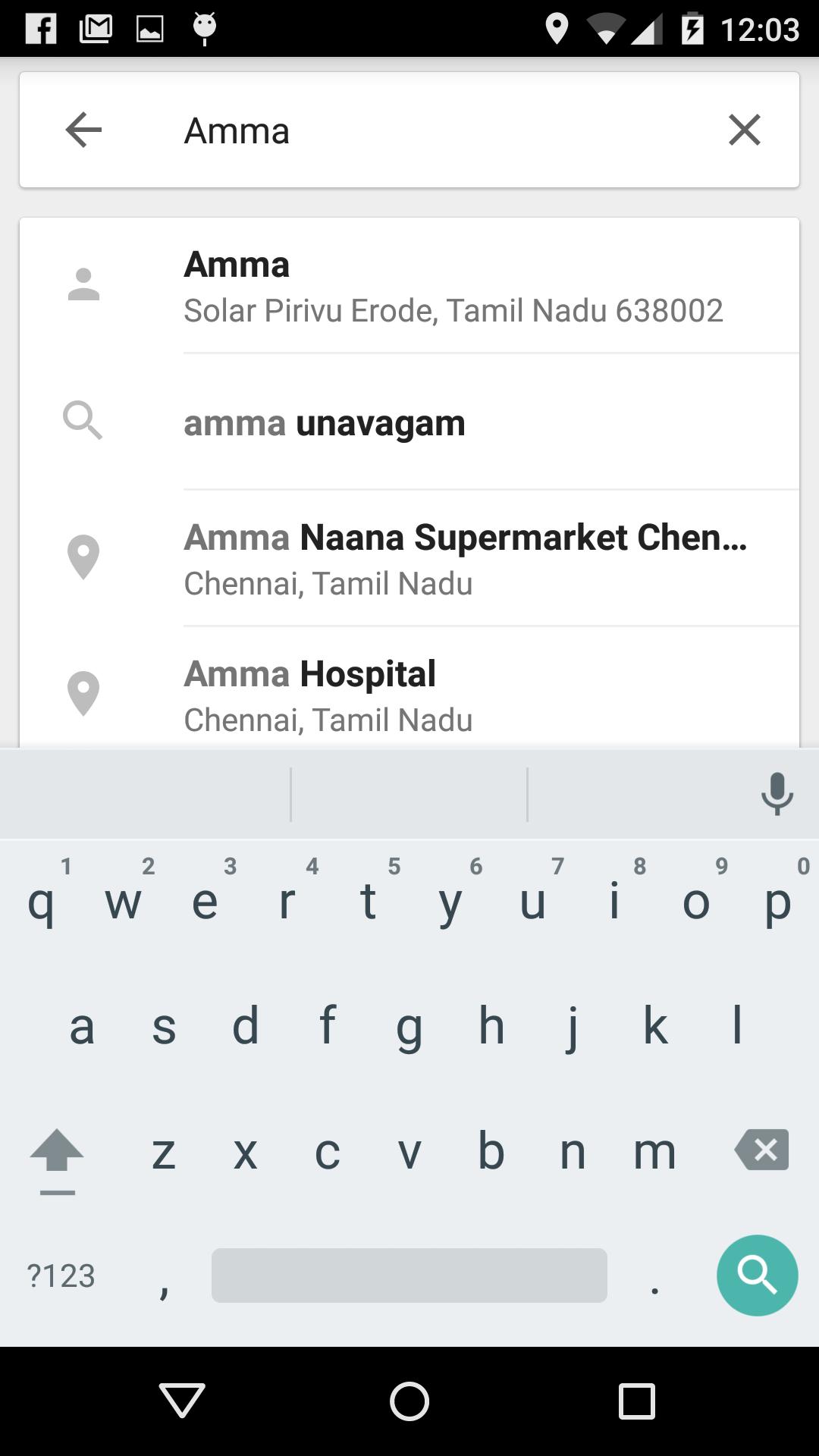
4. Search for your Contact name in the Google Maps for the Address.
Maklumat APLIKASI tambahan
Versi Terbaru
1.8Dimuat naik oleh
Tin Ko Ko
Memerlukan Android
Android 4.0.3+
Category
PERCUMA Alatan APLIKASIPenilaian Kandungan
All ages
Laporkan
Tandai sebagai tidak sesuaiApa yang baru dalam versi terkini 1.8
Last updated on Oct 8, 2016
Added feature to view all contacts in the map view
Option to search and locate an area in the map added.
Ads Removed
Map Contacts Tangkapan skrin

Tag Berkaitan












Tinggalkan ulasan untuk Map Contacts
Tambah Ulasan