




Mengenai dnet
Combine PC and android devices into secure network
The program allow combine your PC and android devices into private network and then:
- login from PC to android shell (root privileges are not needed)
- type shell command on android device and run it on PC
- copy files between PC/android hosts
- forward tcp/udp ports from one host to another
and so on.
All connections are protected by RSA keys. Keys are generated on the first run of application.
Supported PC systems:
- Linux x86-64
- Windows 10 with bash environment
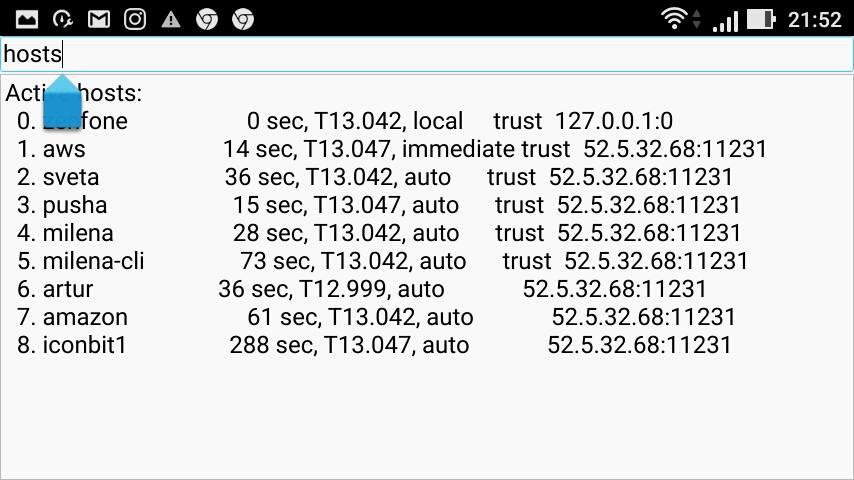
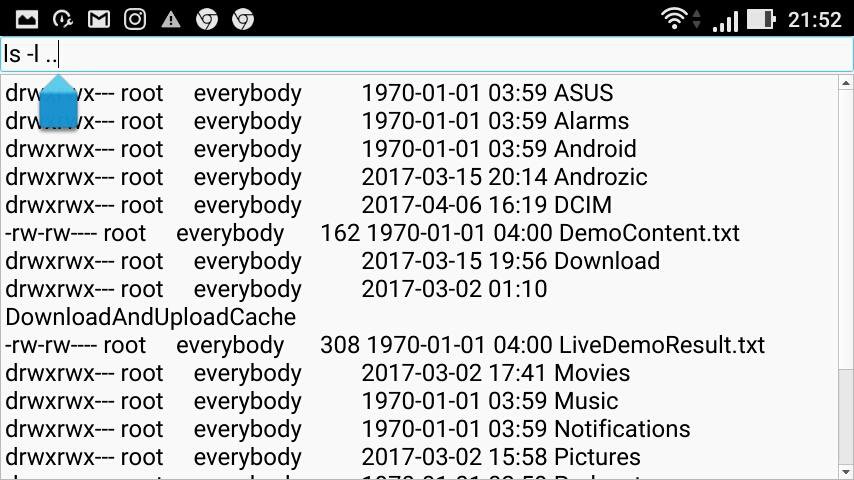
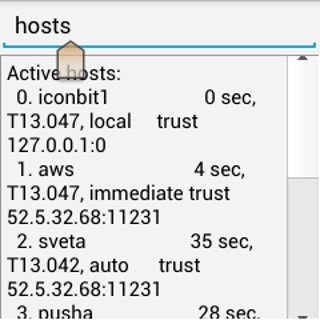
After starting the android application wait few seconds to generate RSA keys and then type commands on the top text field and see output at the bottom field.
Command examples:
help - print all commands
host - print name of this android host in the dnet network
rename old new - rename this host
copy src host:dst - copy file src from android to file dst on another host
copy host:src dst - copy file src from host to file dst on android
host cmd - run shell command on another host
How to run the program on PC (simple way):
$ wget dcherukhin.info/dnet
$ chmod +x ./dnet
$ ./dnet
Generating keys... OK
dnet>
Now you can type command like above.
For further information see sources of the project on
https://github.com/dcherukhin/dnet .
Maklumat APLIKASI tambahan
Versi Terbaru
1.0Dimuat naik oleh
Mark Schrader
Memerlukan Android
Android 4.1+
Category
PERCUMA Alatan APLIKASIPenilaian Kandungan
Everyone
Laporkan
Tandai sebagai tidak sesuaiApa yang baru dalam versi terkini 1.0
Last updated on Feb 14, 2018
First release. Go.
dnet Tangkapan skrin
Versi lama dnet
6.0 MBFeb 14, 2018

Tag Berkaitan



















Tinggalkan ulasan untuk dnet
Tambah Ulasan