
Mengenai Clip Layer
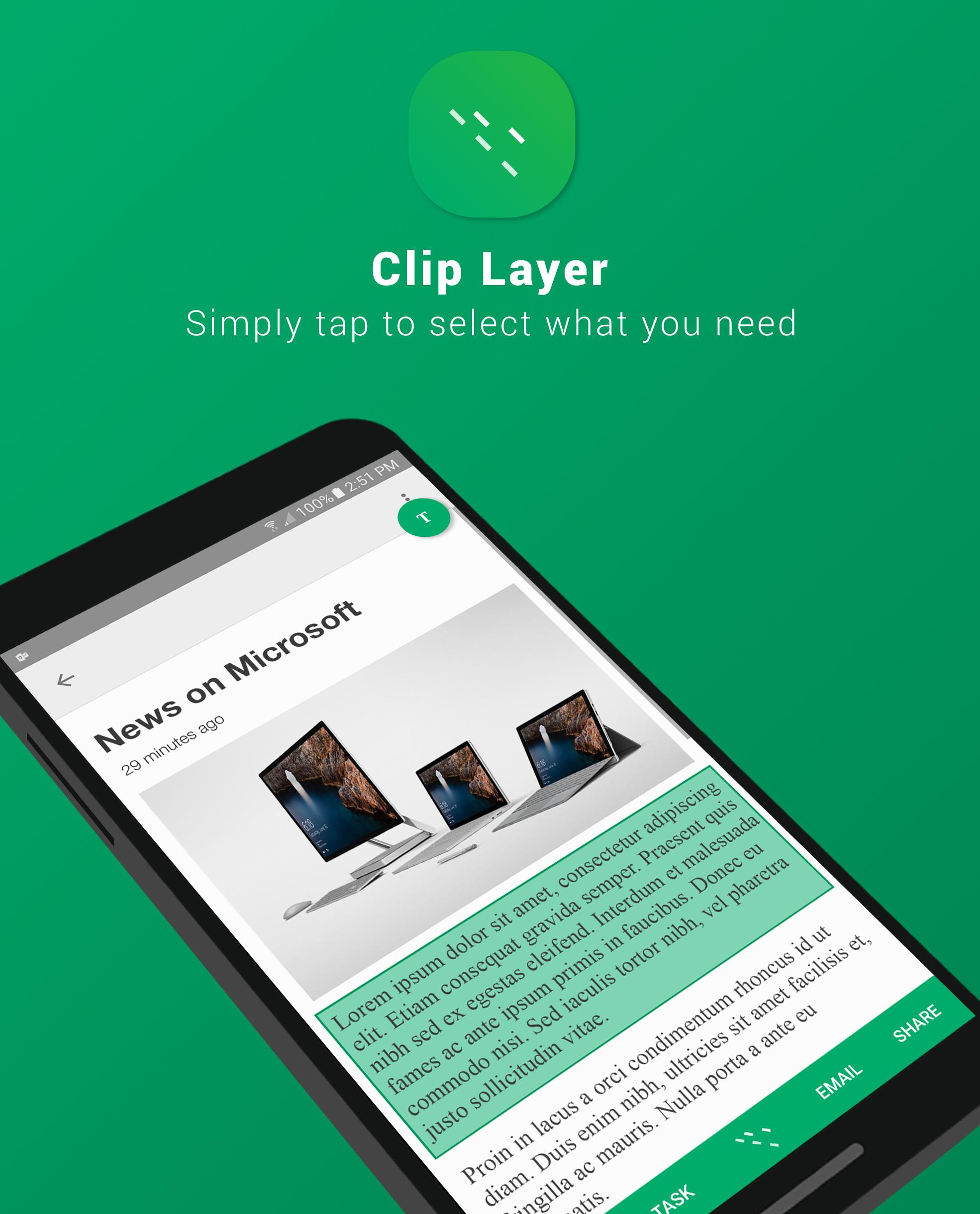
Simply tap to select what you need
Across different apps, screens, and context on a smartphone, there are snippets of information that a user wants to make use of
However, there are many apps where you just aren’t able to select or copy anything because it’s blocked by the app. Even in the apps where you can, pressing and holding an area then to drag two ends of the grabbers require much precision. It’s just not as easy as it should be.
Clip Layer, a Microsoft Garage Project, can be launched over any screen so you can select, copy, and act on snippets you care about in simple series of taps.
After selecting a snippet, copy it to clipboard, add it to Wunderlist to have it accessible across different devices, email it, or share it to any other app installed on your phone.
We would love to hear your feedback here!
http://aka.ms/tapselectfeedback
Story:
http://blogs.microsoft.com/firehose/2016/11/29/new-microsoft-garage-mobile-app-clip-layer-provides-easy-sharing-of-information-across-android-apps/
The Microsoft Garage is an outlet for experimental projects for you to try. Learn more at http://garage.microsoft.com.
Maklumat APLIKASI tambahan
Versi Terbaru
1.0Dimuat naik oleh
Quốc Cường
Memerlukan Android
Android 6.0+
Category
PERCUMA Produktiviti APLIKASIPenilaian Kandungan
Everyone
Laporkan
Tandai sebagai tidak sesuaiApa yang baru dalam versi terkini 1.0
Last updated on Jan 11, 2017
Versi ini mengandungi pembaikan pepijat kecil dan penambahbaikan umum. Kemas kini kepada versi terkini untuk pengalaman terbaik.
Clip Layer Tangkapan skrin


Versi lama Clip Layer
1.9 MBJan 11, 2017