Scan Date:Jan 11, 2025
Show More

***This app requires Mixcraft to be installed on a Windows computer!***
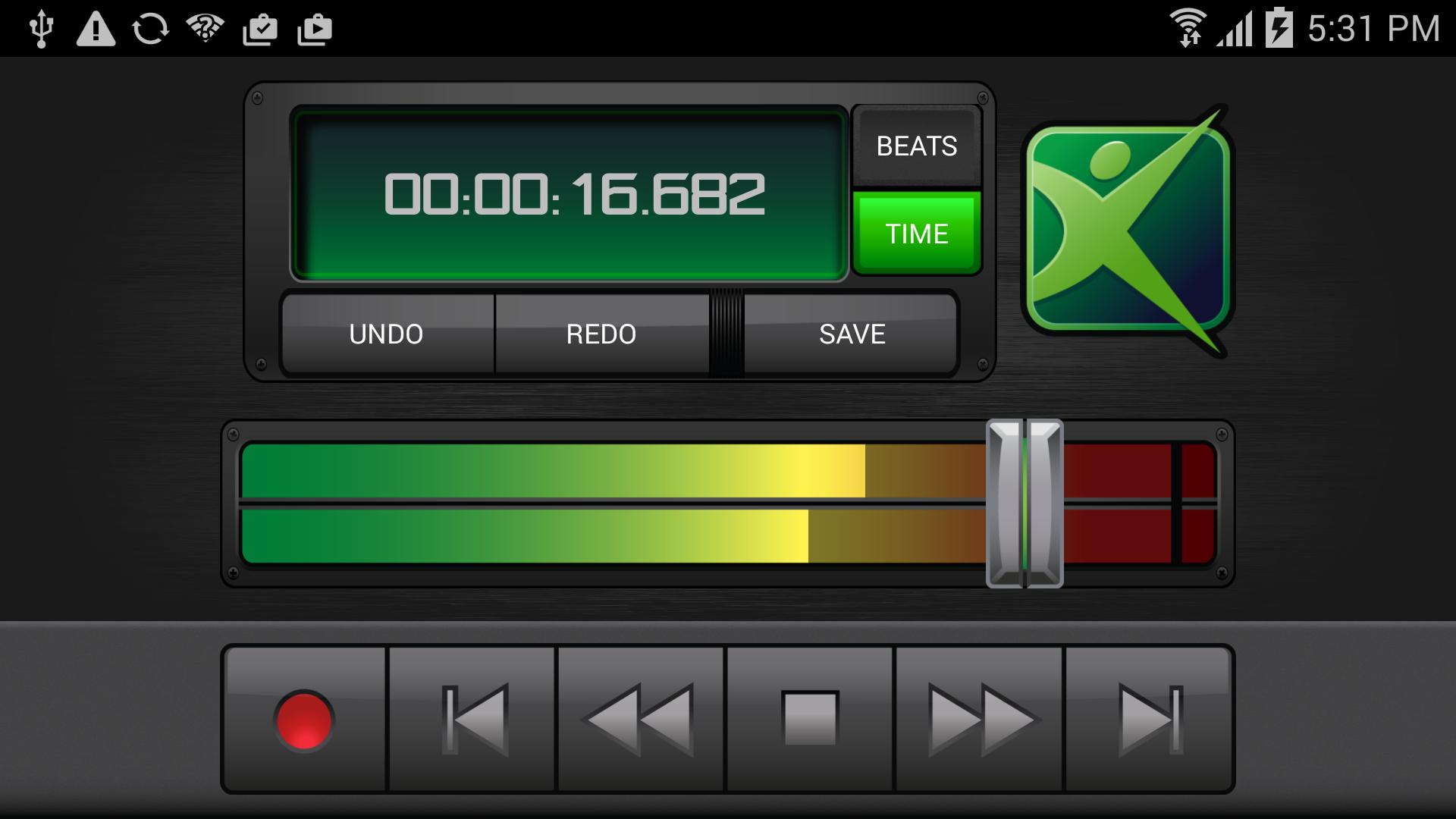
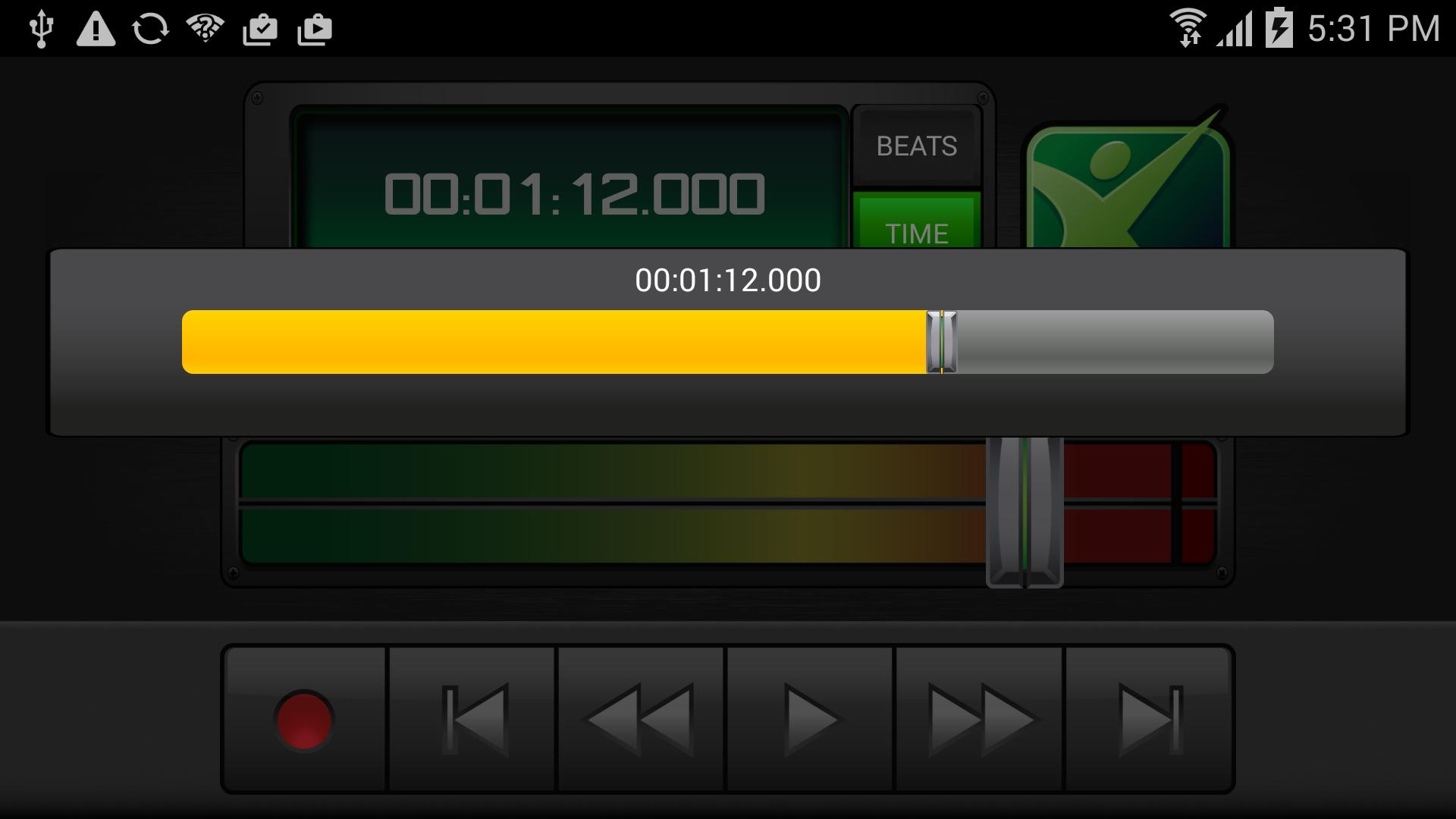
The Mixcraft Remote App lets you easily control your Mixcraft recording software from your Android phone or tablet. You can start recording and playback, change the recording & playback position, control the master volume, undo and redo actions, and save your Mixcraft project from anywhere in your studio. Strap on your guitar, adjust your microphone, and start recording right from your Android device, from across the room or across the hall!
Just connect your device to your wireless network and follow the included instructions.
Break away from your mouse with the Mixcraft Remote!
Latest Version
2.11Uploaded by
Thet Naing Win
Requires Android
Android 8.0+
Category
Free Music & Audio AppContent Rating
Everyone
Security Report
Report
Flag as inappropriateLast updated on Jul 10, 2024
Changed targetSdk to 34, per Google requirements

APKPure - A multi-platform app store primarily focused on Android, providing extensive app-related content. Discover the app you want easier, faster, and safer, with quick and efficient downloads and installations.