
About Minecraft

Reviewed byMolly ReaganContent Editor
Minecraft is a sandbox game that lets you build, explore, and survive in procedurally generated worlds.
Minecraft suits quick sessions on your phone and longer builds when you have time. It focuses on open ended play where you create, explore, and handle survival challenges at your own pace. Because the mobile edition uses the Bedrock interface, menus and controls feel consistent if you move between devices. As you begin, you can learn touch controls before taking on tougher goals. Many players use the term Minecraft APK when referring to the mobile edition and its updates.
Key features in Minecraft
Creative and Survival modes
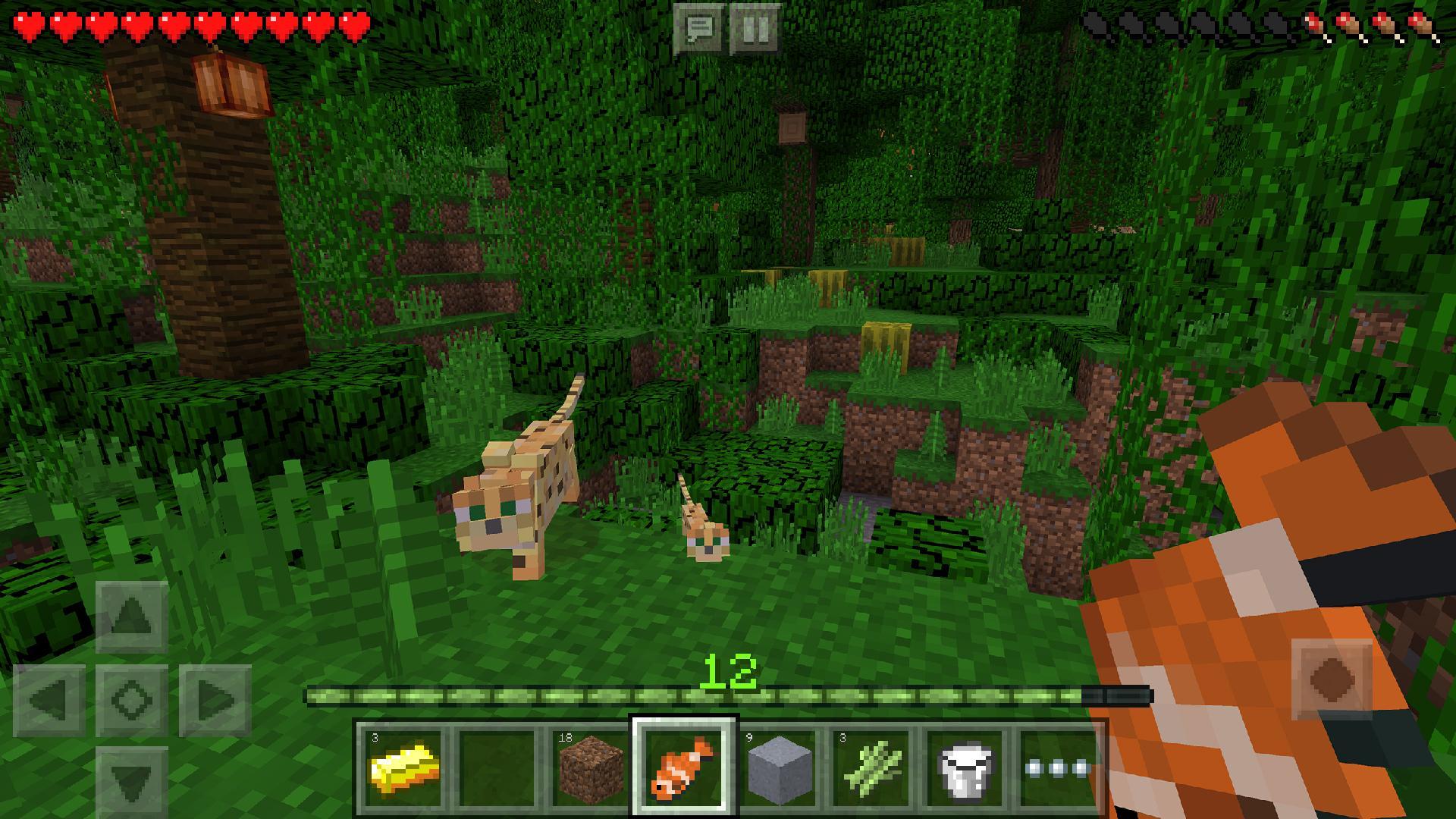
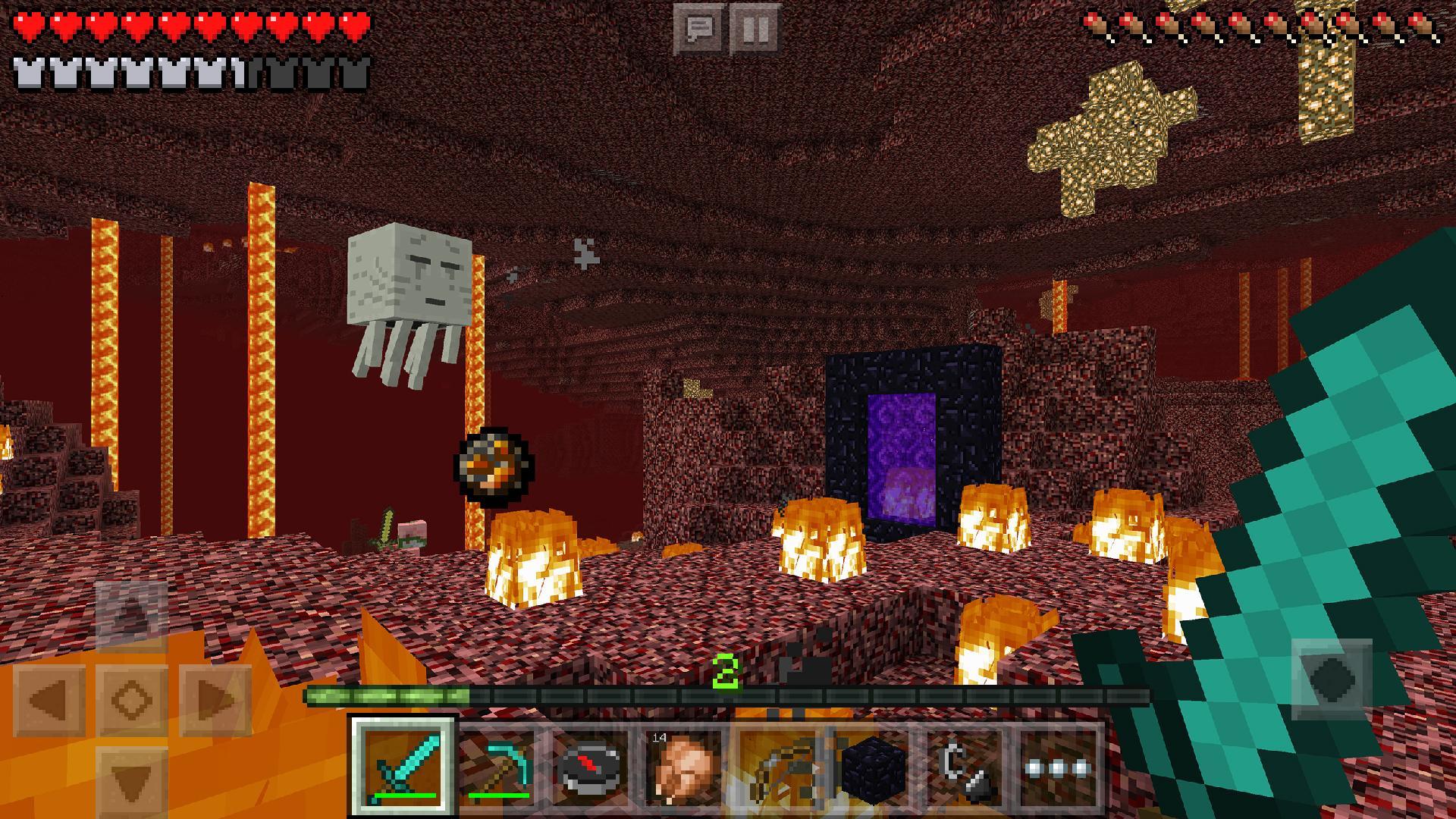
You can choose Creative to build freely with unlimited resources or switch to Survival to gather, craft, and manage health and hunger. Creative helps you learn touch controls, building tools, and menus without pressure. Once you understand the basics, Survival offers day and night cycles, hostile mobs, and progression that rewards planning.
Cross platform multiplayer
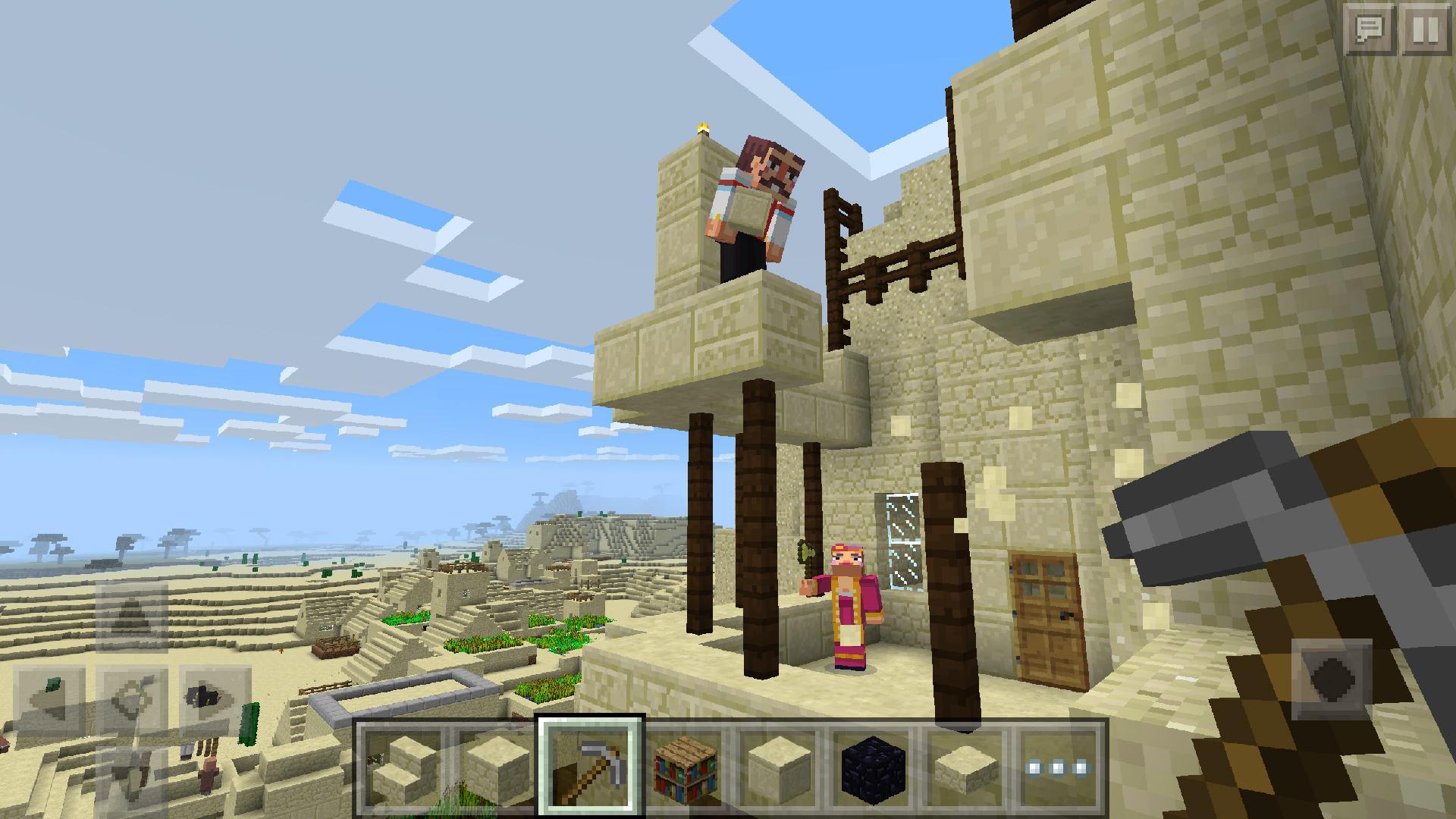
Minecraft supports play with friends across Bedrock platforms when everyone is on a matching version. You can join friends from the in game menus and build together in shared worlds. Keeping your game updated helps sessions run smoothly and prevents version mismatch issues.
In game Servers
You can browse community servers directly from the menu and join large lobbies with mini games and themed maps. This is useful when you want fast action or structured goals instead of open building. Server lists show player counts and descriptions so you can pick an activity that fits your time and mood.
Realms and Realms Plus
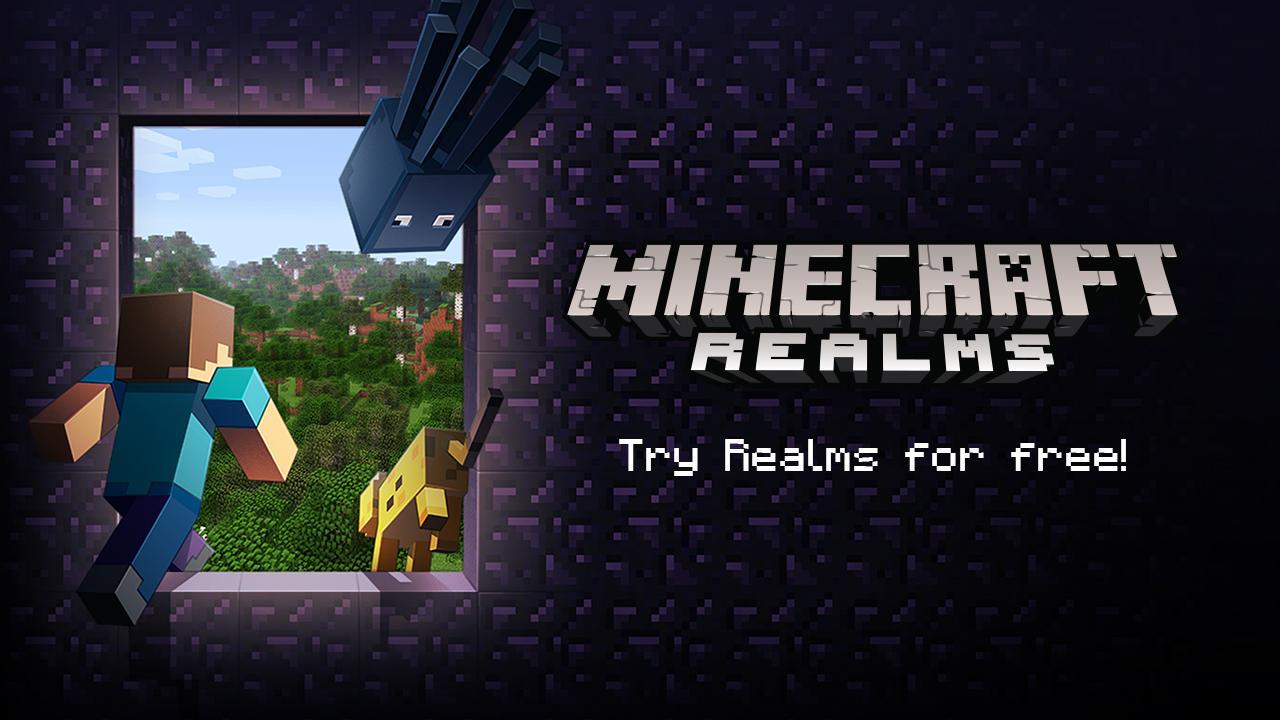
Minecraft offers Realms so you can host a persistent world that stays online for invited friends. People you invite can drop in whenever the Realm is active, which helps groups progress without coordinating schedules. Upgrading to Realms Plus adds curated content for your world, providing extra maps and experiences to explore together.
Marketplace with Minecoins
You can personalize play through the Marketplace, where skins, texture packs, and curated worlds are available for purchase with Minecoins. Skins change your character’s look, texture packs adjust visuals, and curated worlds add scenarios made by creators. These items layer on variety without changing the core building and survival systems.
How to play Minecraft on Android
After you download Minecraft, the Bedrock menus guide you into your first world with clear options. Start simple, learn the touch layout, and pick a mode that fits your pace. From there, follow the steps below in a single session
Tap Play and create a new world, then name it and choose Creative if you want to learn controls or Survival if you prefer progression.
Confirm your settings and start the world, then practice movement, camera look, jumping, and opening your inventory with on screen buttons.
In Creative, try placing blocks, breaking blocks, and using the inventory search to build simple structures and test materials.
In Survival, gather wood from trees, craft basic tools, and prepare shelter before night so you can handle mobs and keep your items safe.
When ready to play with others, open the Friends or Servers tab to join sessions that match your version, or create a Realm to host a persistent world for your group.
Get started with Minecraft on mobile
Minecraft brings the Bedrock experience to your phone with building, survival, and social play in the same unified interface. It works for short play breaks and longer projects, whether you build solo or with friends. To keep shared sessions smooth, make sure the Minecraft latest version is installed before you join others.
For official information and community news, visit the site below.
Official website: https://www.minecraft.net/en-us
Additional Game Information
Latest Version
Varies with deviceRequires Android
Varies with device
Category
Arcade GameContent Rating
Everyone 10+ · Fantasy Violence
Report
Flag as inappropriateWhat's New in the Latest Version Varies with device
Last updated on Dec 21, 2017
Minor bug fixes and improvements. Install or update to the newest version to check it out!
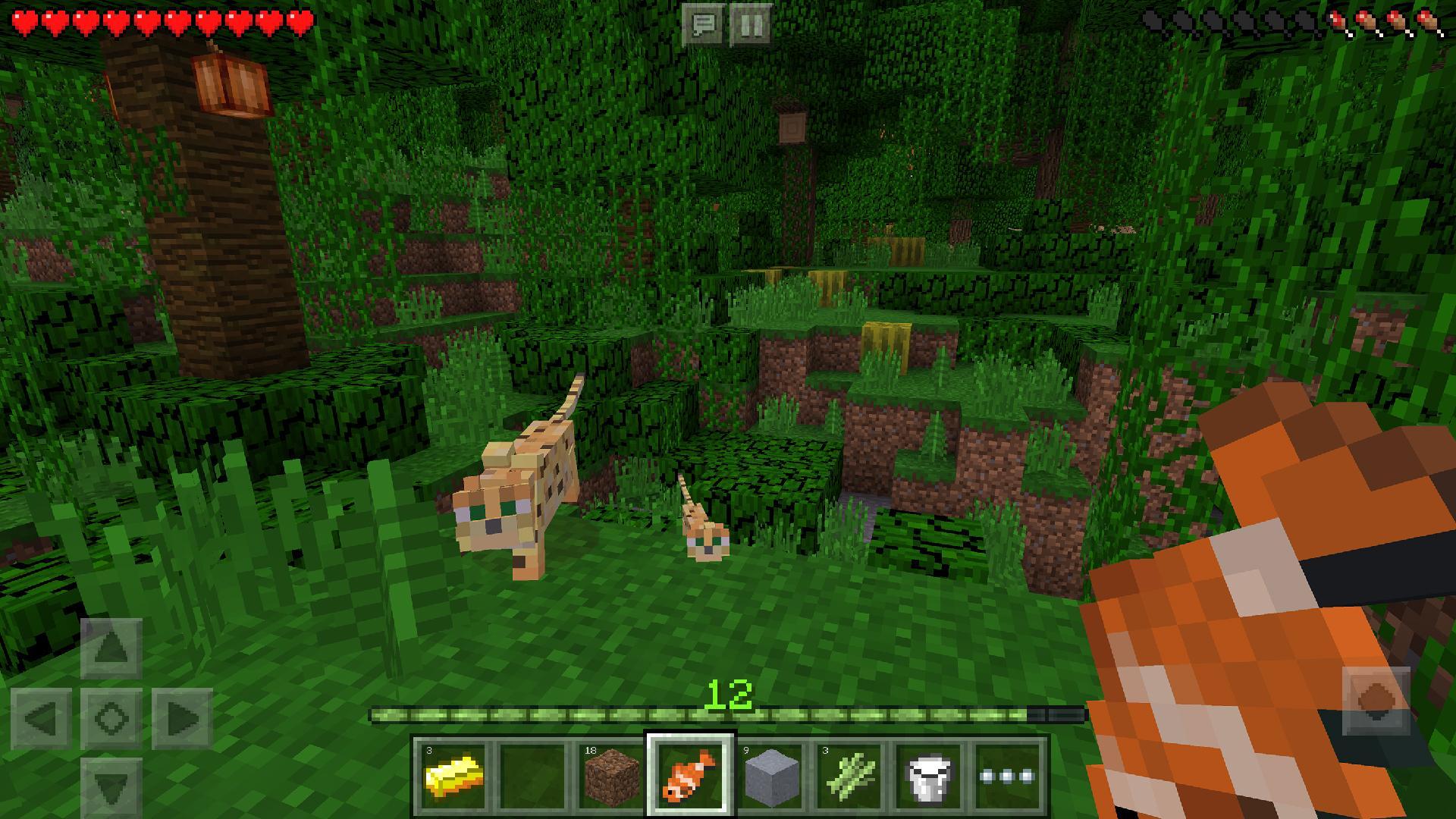
Minecraft Screenshots



Also available for other platforms












Minecraft Articles
- Minecraft 26.31: Changes, bug fixes, and new features in the Bedrock Edition hotfix
- Minecraft 26.30: Sulphur Caves, New Blocks, the Sulphur Cube, and Other New Features
- Minecraft 1.26.21 Hotfix: Key changes, bug fixes, and improvements in Bedrock Edition
- Minecraft 1.26.20: What's New, Changes, and a Complete Guide to the Bedrock Update