
About micro:bit Blue
Play with the Bluetooth capabilities of your BBC micro:bit
Users are advised to use Bitty Blue or Bitty Controller from Bitty Software ( https://bittysoftware.blogspot.com/) instead of this application, which is no longer actively supported.
https://play.google.com/store/apps/details?id=com.bittysoftware.bittyblue.BittyBlue
https://play.google.com/store/apps/details?id=com.bittysoftware.bittycontroller
The BBC micro:bit is an exciting, programmable device which one million, excited British schoolchildren recently received. It has buttons, a display, an accelerometer, magnetometer, an edge connector to connect electronic things to and... it has Bluetooth.
micro:bit Blue is maintained by Bitty Software.
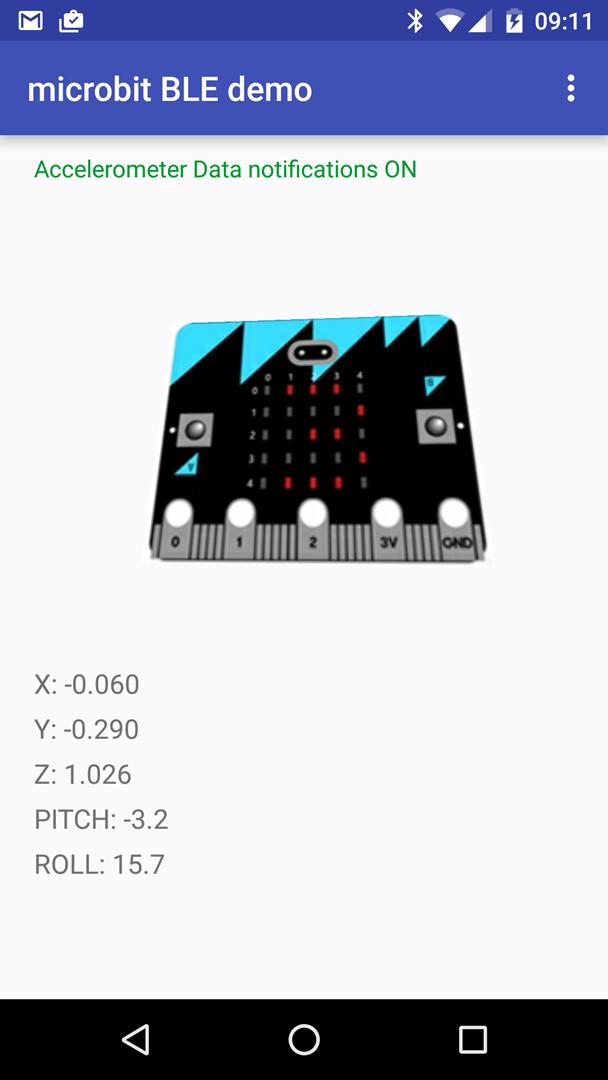
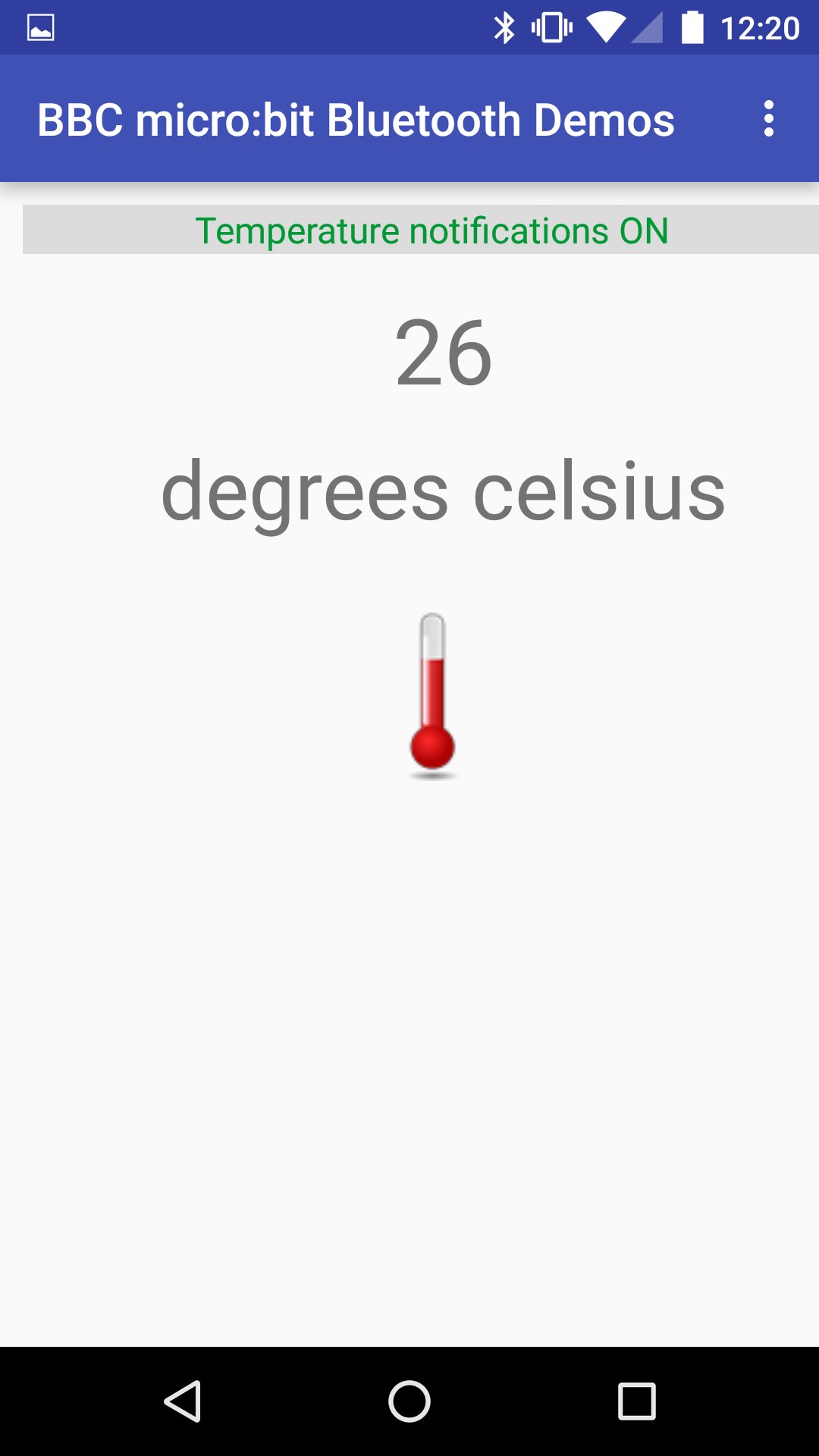
micro:bit Blue will let you explore and play with examples of some of the kinds of things Bluetooth makes possible with your micro:bit. The menu contains icons for a series of demonstrations which show various aspects of the micro:bit can be used from another device like an Android smartphone over Bluetooth. Each screen has a help page attached to it which explains what the demo does and how it works.
You can follow Bitty Software on Twitter at @bittysoftware
Here are a few of the things you can do with this application and a BBC micro:bit
- Control a 3D image of a micro:bit on the screen of your phone, rotating it in space by moving your real micro:bit
- Monitor the temperature of your micro:bit's processor
- Use your phone as a trivia scoreboard and award coloured stars by pressing buttons on your micro:bit
- Connect your phone to a Bluetooth heart rate monitor and watch a histogram of your heart rate develop as you exercise. Watch the same histogram reflected on the display of your micro:bit so you can wear the micro:bit and keep your phone out of sight in a bag
- Play the Animal Vegetable Mineral guessing game
- Count things with your micro:bit by pressing button A and when done send the accumulated counter value to your phone using button B. Your phone doesn't need to be involved when counting, only when uploading the final value. You could even count squirrels. Or something else :-)
You'll need the right code on your micro:bit. If in doubt, visit https://github.com/bittysoftware/microbit_blue_device_code where you'll find some handy hex files available for download.
Additional APP Information
Latest Version
2.1.4Uploaded by
Rafael Francisco Florez
Requires Android
Android 6.0+
Category
Free Education AppContent Rating
Everyone
Report
Flag as inappropriateWhat's New in the Latest Version 2.1.4
Last updated on Nov 18, 2020
Fixed Animal Vegetable Minder game which had been broken by a change to the official microbit firmware. See https://github.com/bittysoftware/microbit_blue_device_code for device code.
micro:bit Blue Screenshots