




About Lowe's

Reviewed byBernadine WisokyContent Editor
Lowe's is a home improvement shopping app that helps users browse, buy, and manage products.
Lowe's supports people who are planning repairs, shopping for supplies, or checking past purchases while away from a desk. It brings store and product information into one place, so you can move from an idea to a purchase with less back and forth. In addition, Lowe's latest version is useful when you need to compare items, check store availability, or keep order details close while working on a home project.
Main Lowe's Features
Shop home improvement products
Lowe's lets you search across many product types, including appliances, paint, lumber, tools, flooring, grills, outdoor furniture, and outdoor power equipment. You can browse items from an Android phone before visiting a store or placing an order. This helps you narrow down choices when planning a DIY task or buying supplies for a professional job.
Review product details before buying
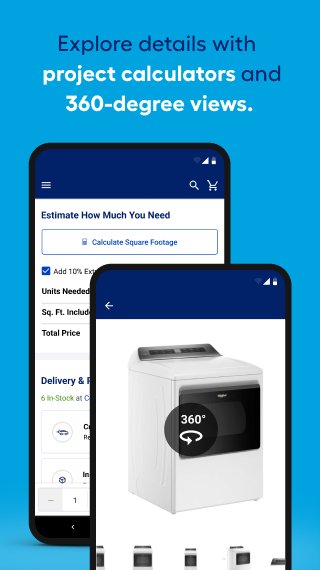
You can open product pages to view larger images, zoom in on details, and check 360 degree product views when they are available. Lowe's also shows customer ratings, written reviews, and community Q&A, which can help you understand how an item may fit your needs. As a result, the Lowe's app gives you more context before adding a product to your cart.
Check local store inventory
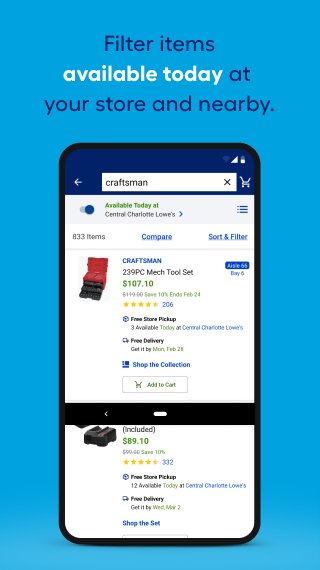
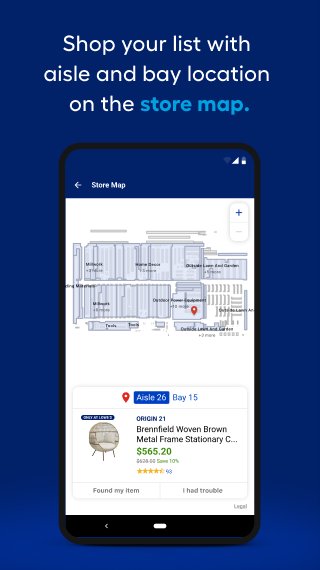
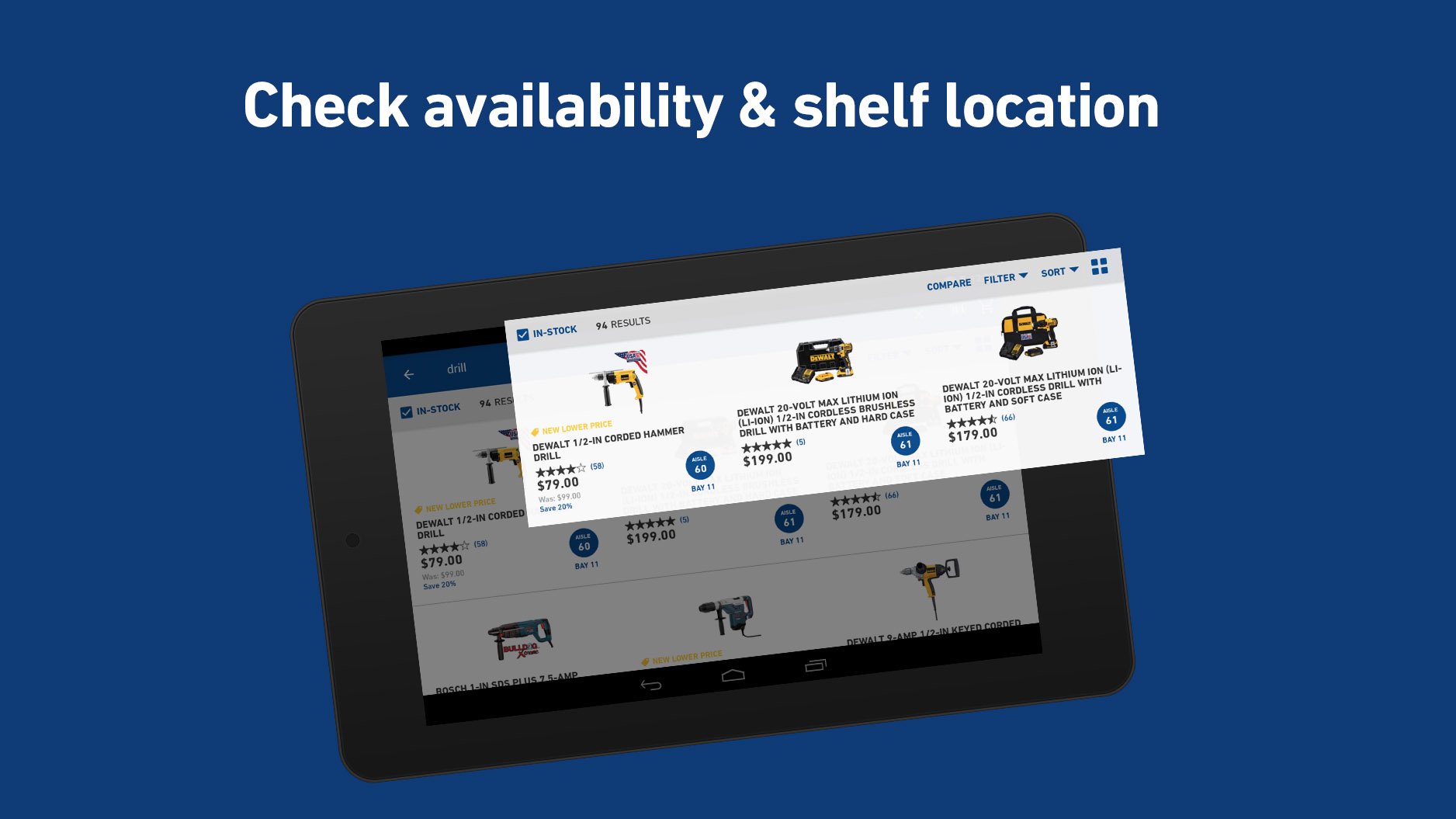
Lowe's helps you see whether products are available at nearby stores before you travel. You can filter for in stock pickup items and view aisle and bay details for supported products. This is useful when you need to find materials quickly inside a store instead of searching through several departments.
Find nearby Lowe's stores
You can use the store finder to locate Lowe's stores near your current area or a selected location. The app can show addresses, phone numbers, directions, drive time estimates, local pricing, and product availability. For users comparing store options, this information helps decide where to shop before starting the trip.
Manage orders and saved products
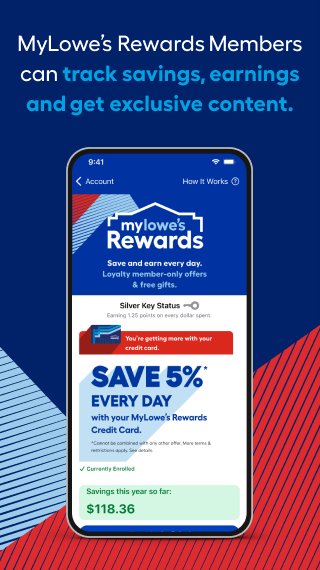
Lowe's allows signed in users to track pickup orders, check order history, and view digital receipts from past purchases. You can also save products to favorite lists, add notes, scan barcodes in store, and view weekly deals. In addition, custom widgets can keep saved lists or a mylowes card easier to access from the phone screen.
What to Know About Lowe's Before Downloading
Lowe's Home Improvement is more than a product catalog, because several tools depend on the store you choose. Inventory, pickup options, aisle details, pricing, and product availability can vary by location. Before using Lowe's APK download, it is helpful to set a preferred store so the app can show information that matches where you plan to shop.
Some account features work best after signing in or creating a Lowe's account. For example, order history, digital receipts, saved lists, and past purchases are easier to manage when they are tied to your account. The app may also support device remembering or passkey sign in, which can reduce repeated login steps on your own phone.
In Store Use With Lowe's
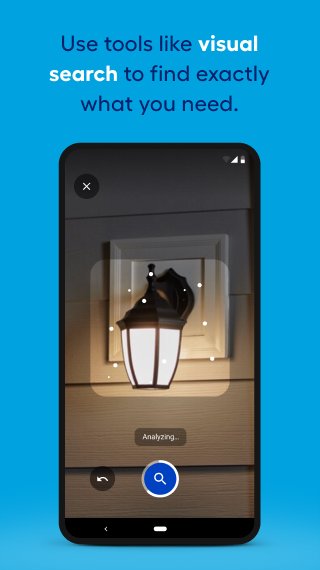
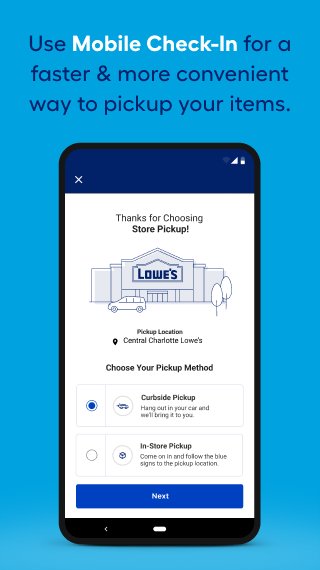
Lowe's can also support shopping while you are already inside a store. Barcode scanning can help you look up product details from the shelf, while store maps, aisle information, and bay numbers may help you locate items faster. In some supported shopping flows, mobile check in or Scan to Pay options may also appear, depending on store support and app availability.
How to Use Lowe's on Android
After installing Lowe's APK, open the app and choose the store that matches where you want to shop. Then sign in or create an account if you want to keep receipts, saved products, and order records connected to your profile.
- Open Lowe's and search for the product or category related to your project, such as paint, tools, flooring, or outdoor equipment.
- Tap a product to review images, ratings, reviews, questions, and product details before deciding whether it fits your needs.
- Set or confirm your local store, then check inventory, pickup availability, pricing, and aisle or bay information when it is shown.
- Add the product to your cart, save it to a list, or scan a barcode in store if you want to compare the shelf item with its app details.
- After placing an order, return to the app to track pickup progress, view order history, or open digital receipts for later reference.
Get Started With Lowe's
Lowe's gives Android users a practical way to research products, check store availability, shop for home improvement supplies, and manage purchase records from one app. If these tools match your project or shopping needs, you can download Lowe's from APKPure and review the current app details before installation.
Official information is available from the source below.
- Website: https://www.lowes.com/
Additional APP Information
Latest Version
26.9.8Uploaded by
Fenizio Mayto
Requires Android
Category
Free Shopping AppContent Rating
Everyone
Report
Flag as inappropriateWhat's New in the Latest Version 26.9.8
Last updated on Oct 1, 2026
Shopping and finding inspiration is easier than ever with the Lowe's App now with:
SAME-DAY DELIVERY
Order by 2pm and get same-day delivery of available app purchases.
LOWE'S PAY
Now you can pay for your purchases with Lowe's Pay.
FIND ONLINE PURCHASE HISTORY
Search for past orders by entering the item name, order number or text from the item description.
IN-STORE MODE
Navigate your local store easily and find all the products you need quickly with Lowe's new In-Store Mode.
Lowe's Screenshots

Old Versions of Lowe's
All Versions
Related Tags
Also available for other platforms















Leave a review for Lowe's
Add Reviews