Package Name:idv.wuba.ll2linktimer
SHA-256:8e68e7fab09c64db613c4360f877d118f5b7c69bf884c66a4be3dfabdfe6be6e
Show More

After LL2Link released the first driving posture recorder L2D2 in 2020 and matched with the exclusive LL2Link APP, it launched a new APP to cater to many riders who love timing and sharing-LL2Link Timer.
The Chinese name of LL2Link Timer is [track/section timer]. This APP inherits the core concept of LL2Link: "Record, watch, and share". Through the convenience of handheld devices, the timing information can be directly converted into images. The files are stored in the built-in storage space of the handheld device, and the timing information can be played directly through the built-in file management APP or the photo album APP of the mobile phone; when you see a paragraph worth sharing, you can also directly upload and share it to the social platform, no need to Use a personal computer to perform complex procedures such as post-editing.
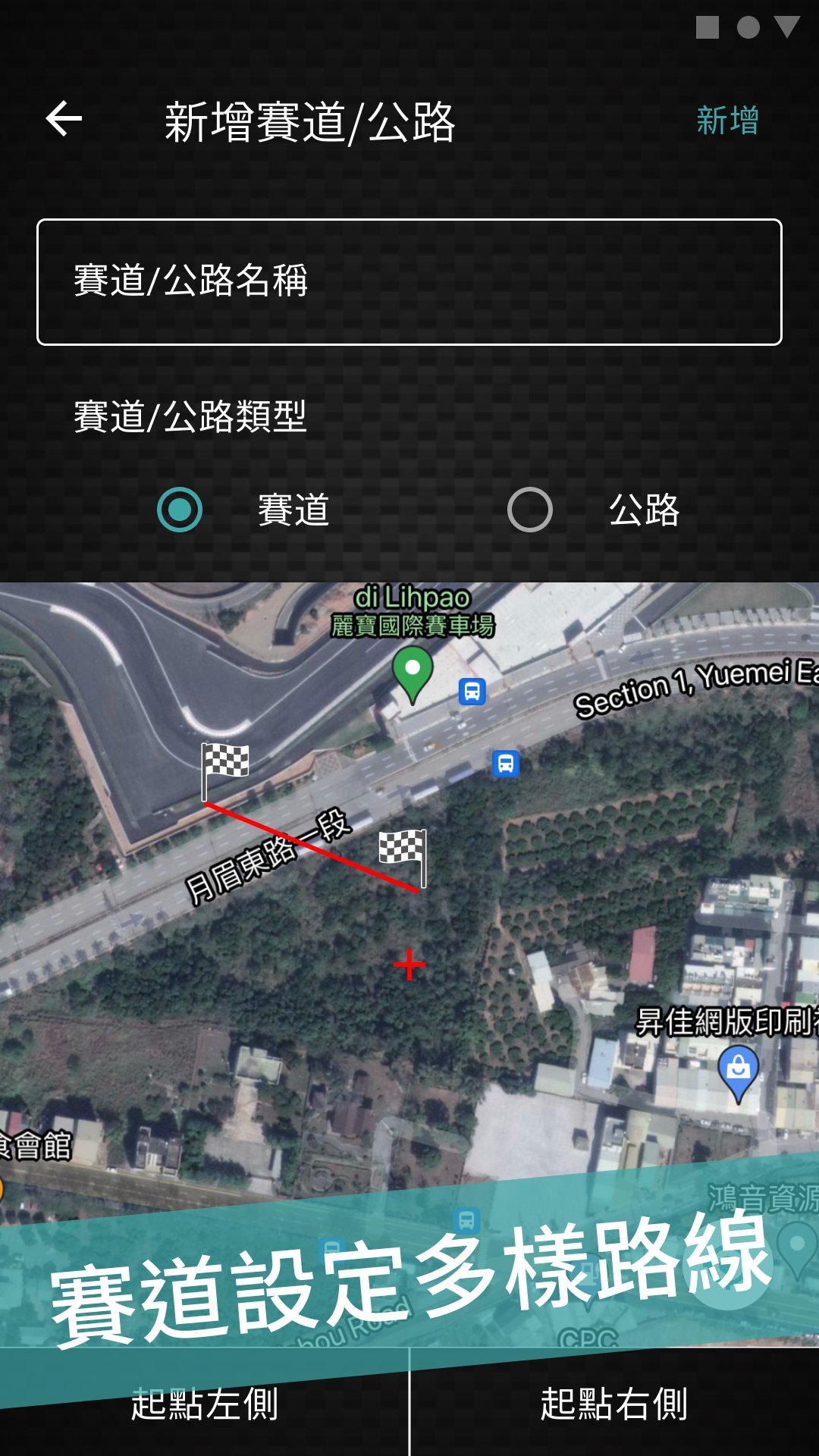
The timing planning of LL2Link Timer is divided into two types of settings: track and section. The setting method adopts an open architecture, allowing riders to plan the finish line by themselves. If it is used in a closed field or a regular track or even an airspace , Select [Track] to set, the timing start and finish line only needs to click two points on the map position you preset, and the APP will turn into a start and finish line. If it is used for routes such as highways, rivers, forest roads, etc., select [section] to set, and the setting method is the same as the setting method of [track] to plan the starting line and the finishing line.
LL2Link Timer information content and function summary
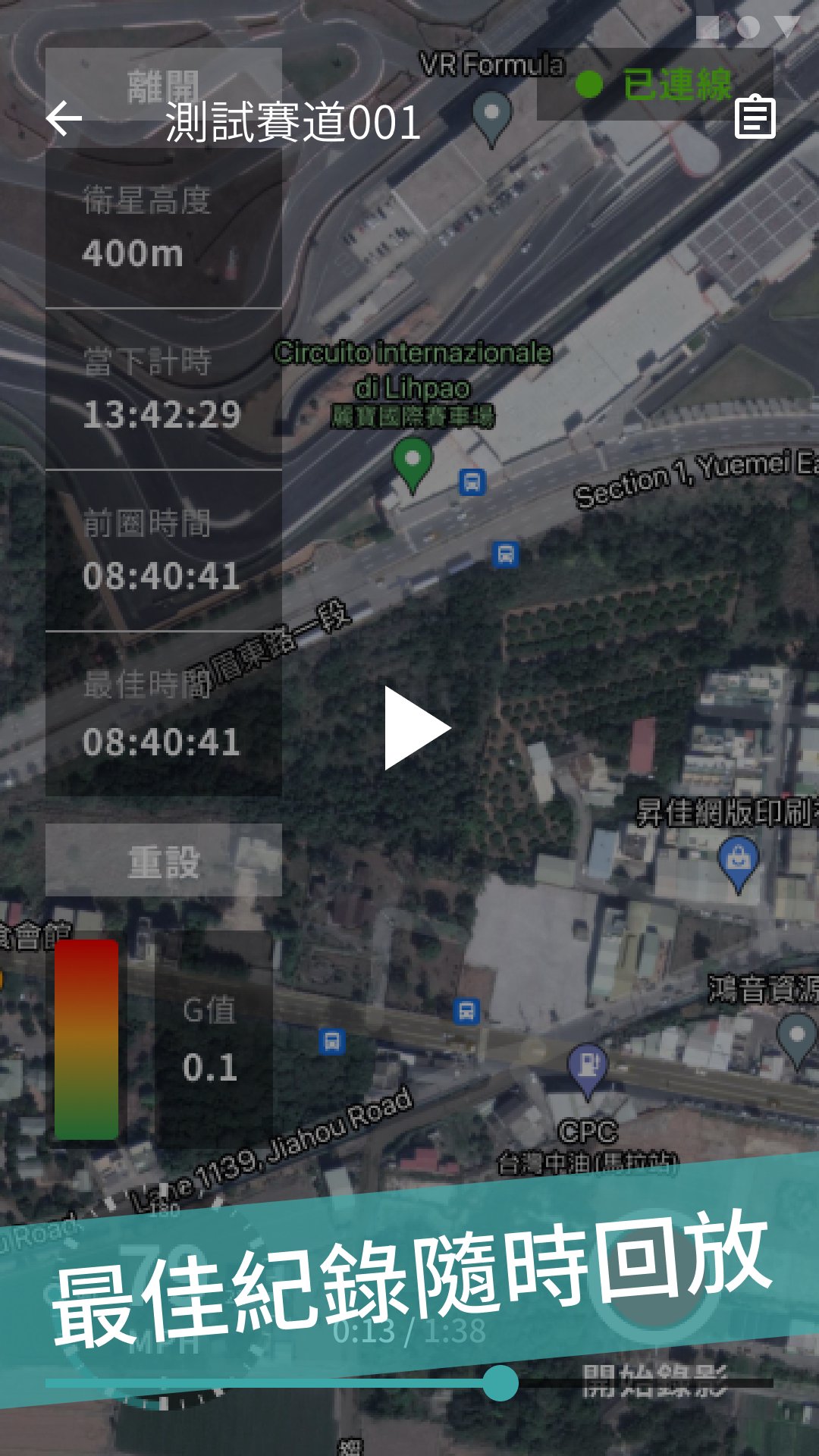
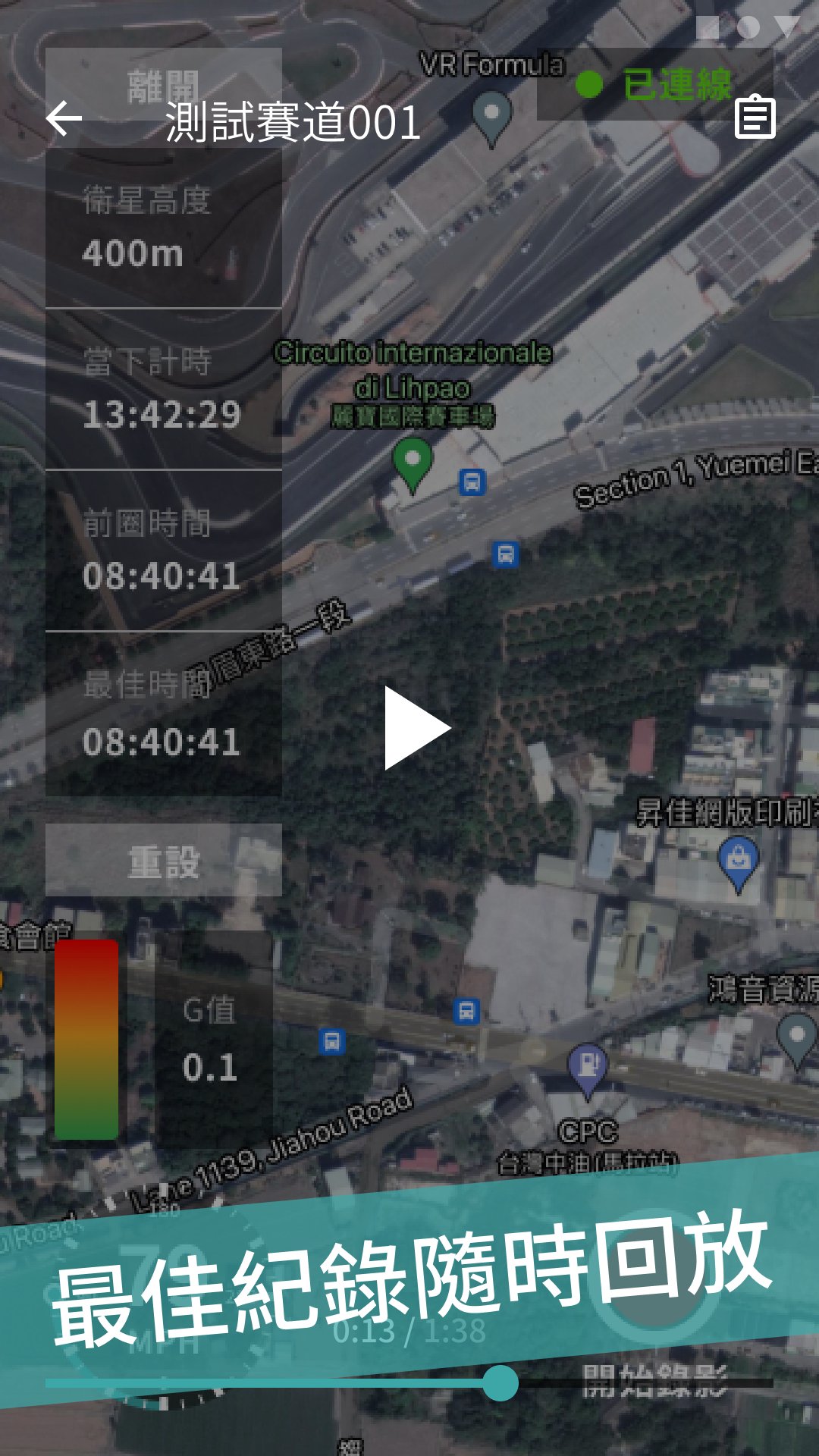
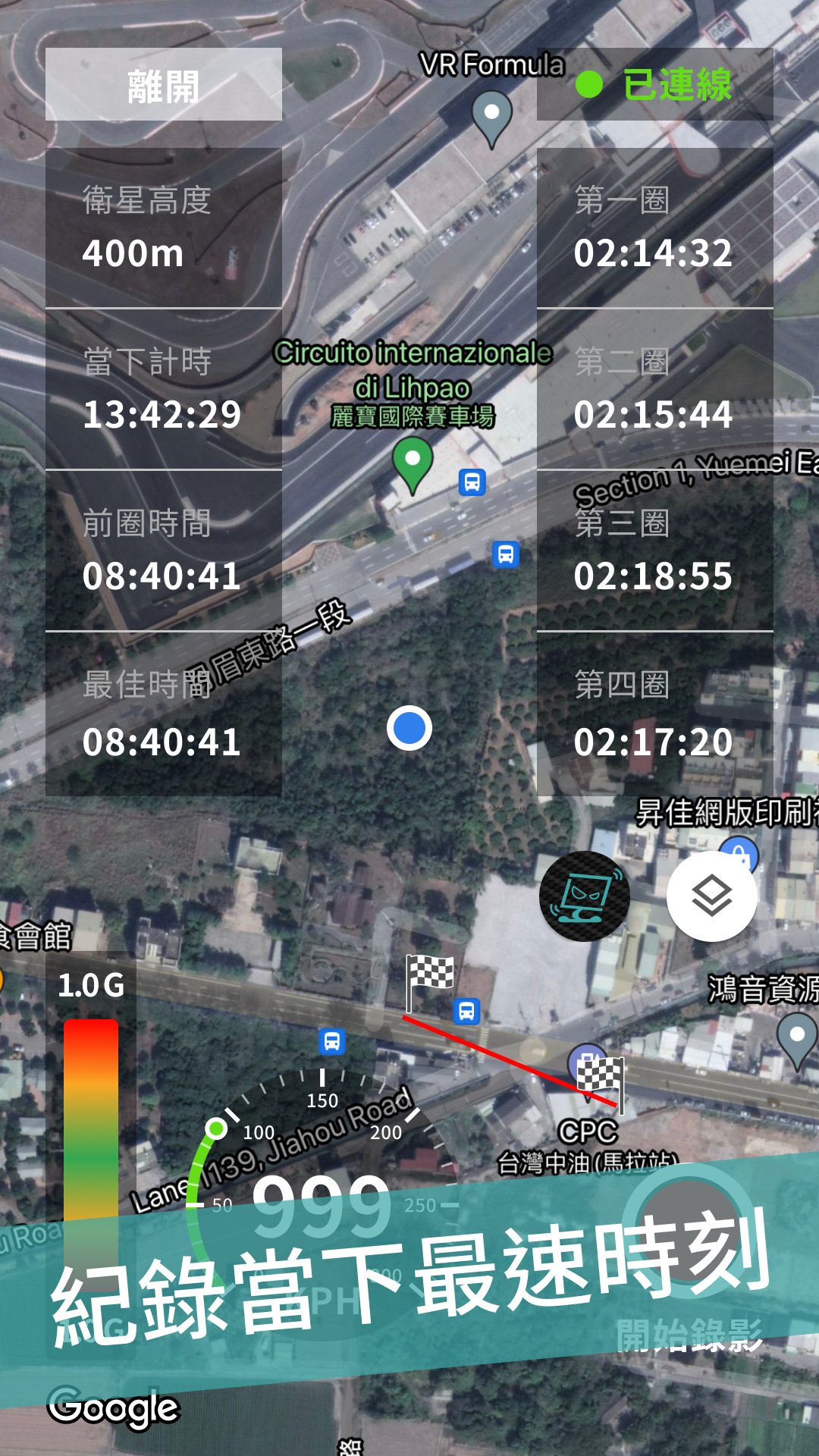
Common information: speed (KPH/MPH), satellite altitude, acceleration and deceleration G force diagram.
Track mode: last lap time, best lap, time lap time, first two lap timetable.
Section mode: current timing.
Map information: Google Map (satellite/normal mode switch and far/middle/near map ratio).
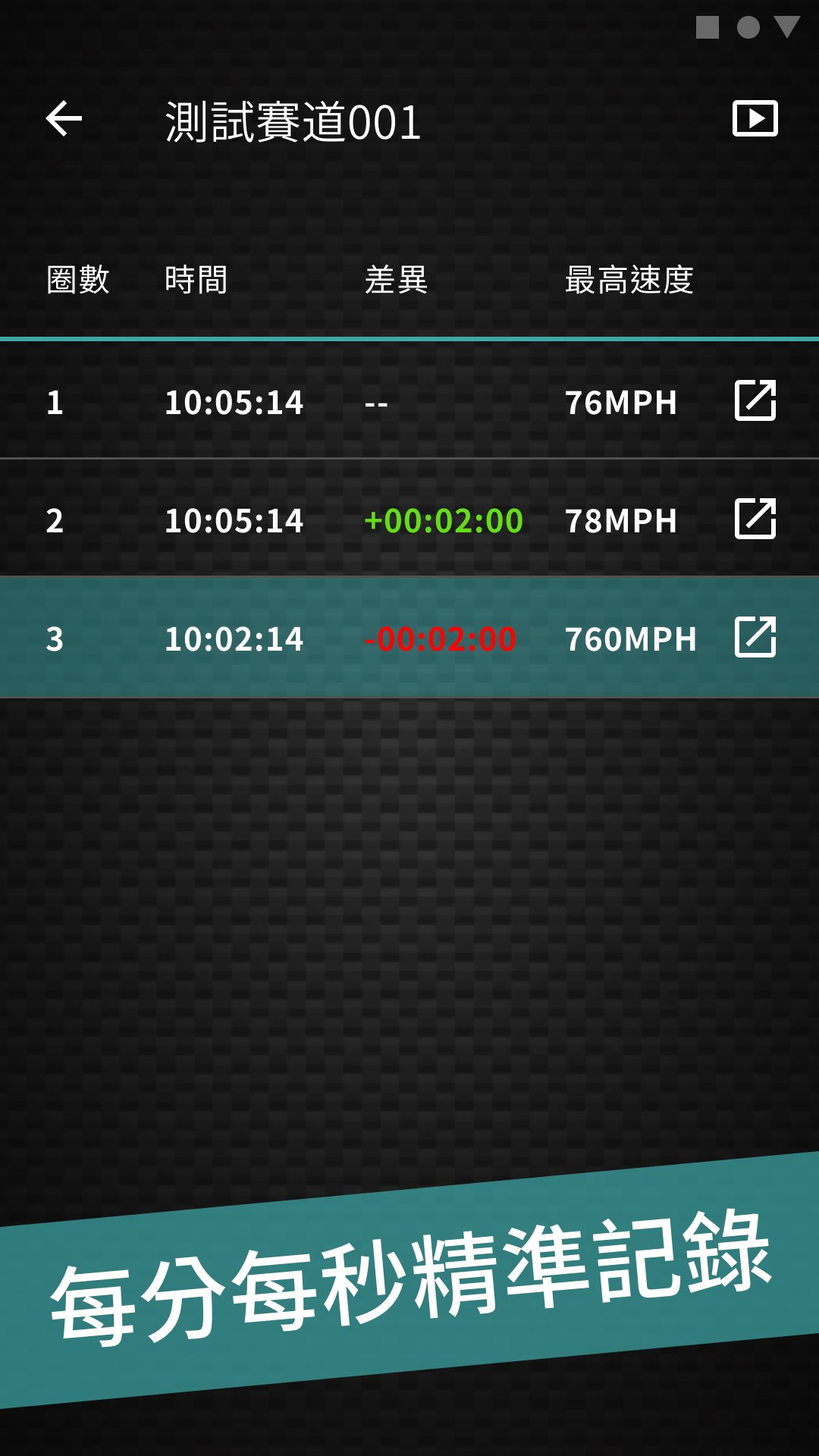
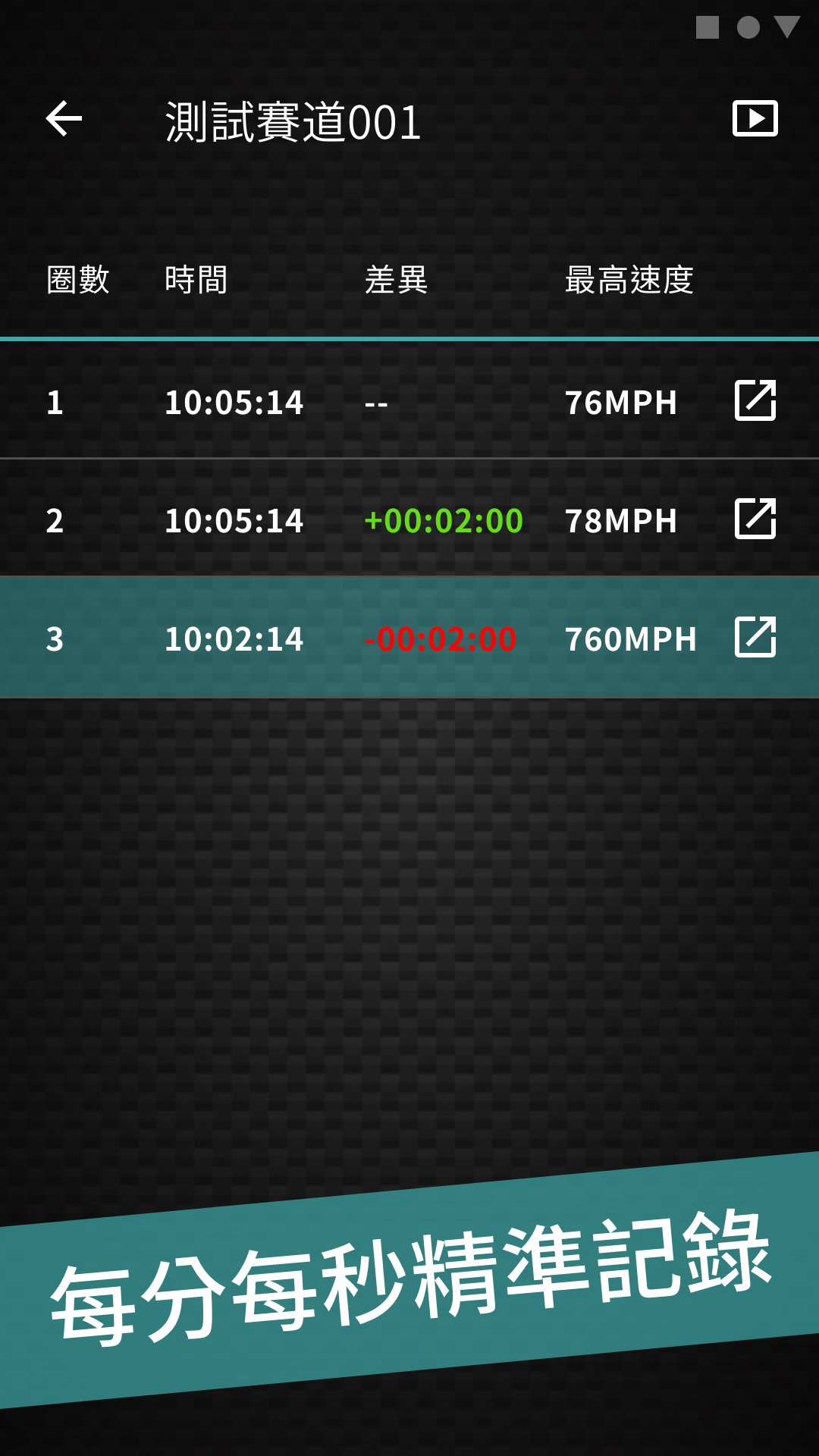
Results record: single lap results, lap seconds difference, top speed.
LL2Link Timer can currently be matched with four models: L2D2 / L2D1 / L2D1-AG / L2D1-TL.
Latest Version
1.14.0Uploaded by
وراد جيوري وردجيوري
Requires Android
Android 8.0+
Category
Free Auto & Vehicles AppContent Rating
Everyone
Security Report
Check Now
Report
Flag as inappropriateLast updated on May 30, 2026
龍虎榜新增場內旗號資訊



APKPure - A multi-platform app store primarily focused on Android, providing extensive app-related content. Discover the app you want easier, faster, and safer, with quick and efficient downloads and installations.