

Task Center 정보
Task Center is a task scheduler and automation tool
Create task to run periodically automatic actions and preserve the battery.
You are tired of putting your phone in silent mode when arriving at work ? You want to know tomorrow weather forecasts ? You forget every night to stop Wi- Fi ? You want to known where you boyfriend is located ? And you forget each time to send your best friend a message for his birthday ? Then this application is for you. It allows you to compute automatically various manual manipulations that you repeat every time.
Simply define tasks on your phone. These tasks consist of triggers, scheduling and actions. (No need to have a rooted phone)
1 . Triggers are used to define events that will fire actions. These triggers are :
- The time (trigger occurs at a time of the day)
- The battery level (trigger occurs when the battery reaches a certain level)
- The location (trigger occurs when the phone enters or leaves a certain area, it can take between 0 and a few minutes. Cell towers, Wi-Fi or GPS location and access to phone location must be enable)
- The Wi-Fi network (trigger occurs when Wi -Fi is in a certain state)
- The mobile network (trigger occurs when the mobile connection is in a certain state)
- The Bluetooth state (trigger occurs when Bluetooth is paired or not with a device)
- The weather (trigger occurs when tomorrow forecasts has certain temperature and condition)
- Keyword (trigger occurs when a keyword is found in sms text from predefined contact list)
Several triggers can be selected at the same time, It means that all conditions must be met to fire actions . New triggers are under development (ideas are welcome) .
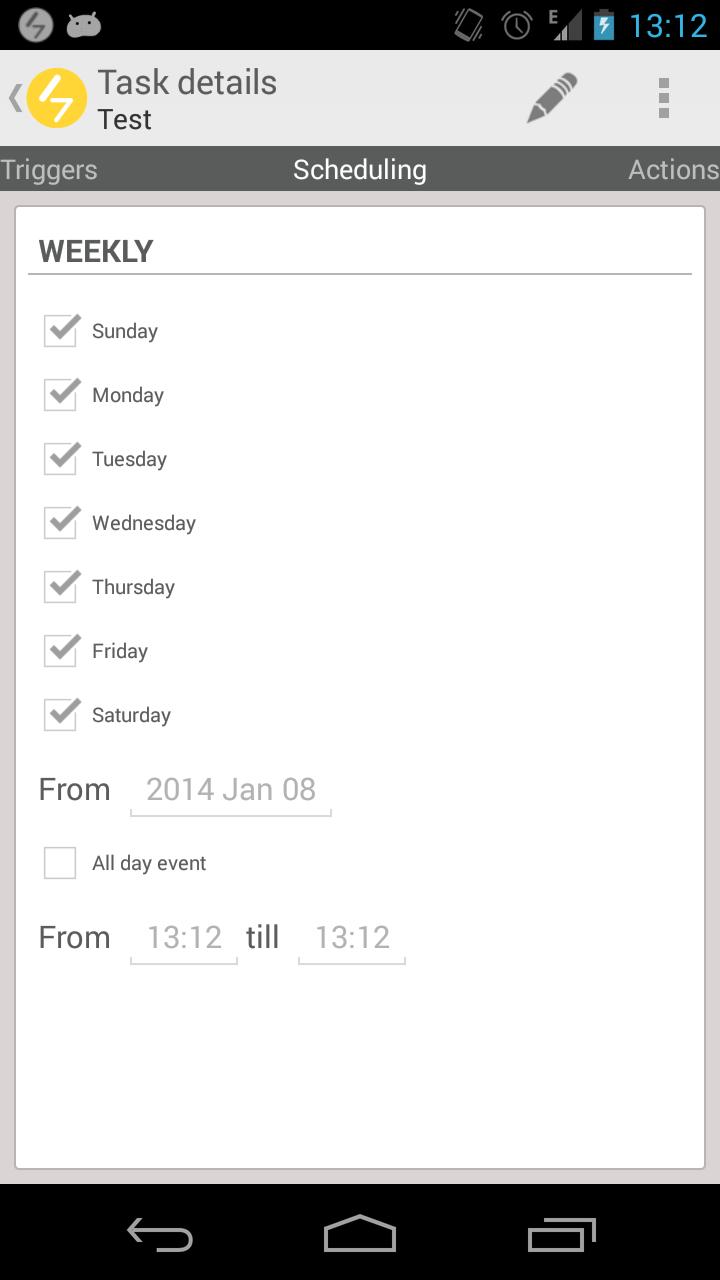
2 . Scheduling is used to narrow triggers ranges on some points:
- The (s ) day (s )
- The start date
- The start time and end
For example, we can imagine that a trigger called "Battery 15%" would fire only on Mondays and Tuesdays starting on January 20th between 16h and 22h.
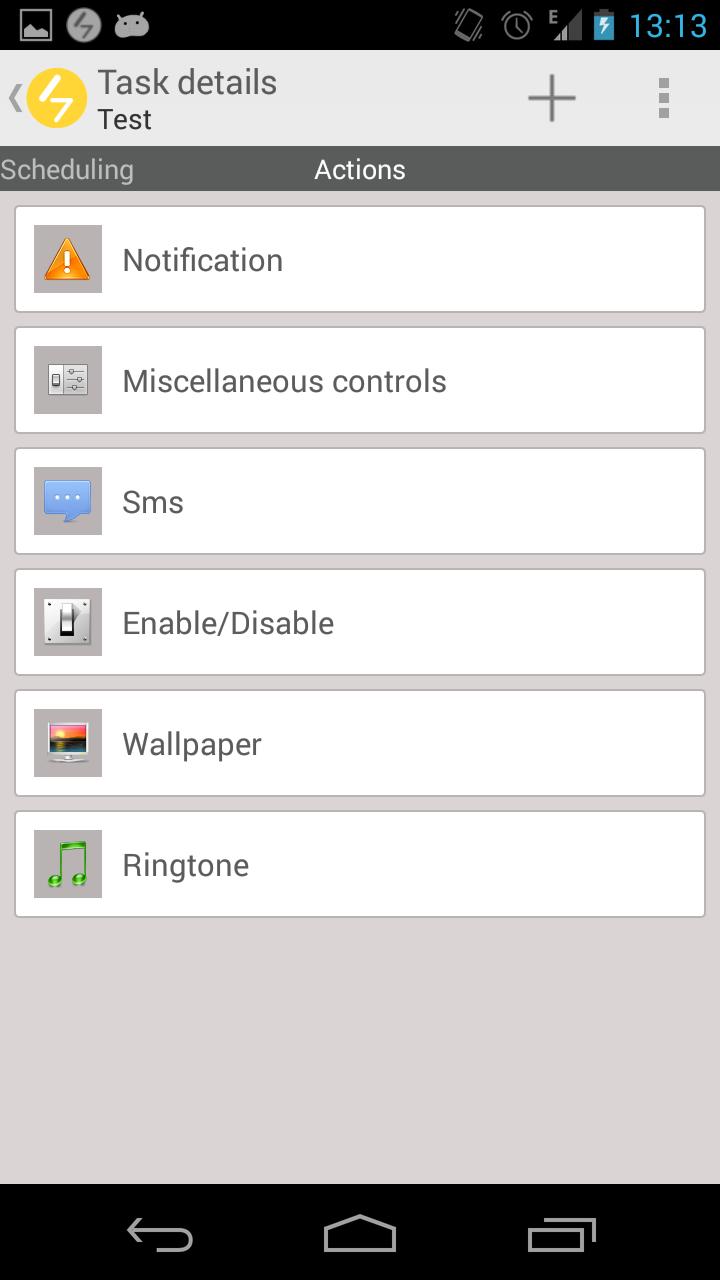
3 . Actions allow you to automatically run some processing :
- Enable / disable Wi -Fi
- Enable / disable bluetooth
- Enable / disable mobile data
- Enable / disable auto synchronization
- Enable / disable screen rotation
- Adjust the sound games, multimedia, music, video, ringtone, notification, alarm
- Adjust the brightness (intensity and auto)
- Insert a notification in the status bar
- Video record
- Audio record
- Photo
- Phone location
- Send parametrized sms(contact(s), location, text, weather)
- Send parametrized email (contact(s), location, text, image gallery, audio and video record, photo, weather)
- Change the ringtone ( notifications, calls)
- Change the wallpaper
- Schedule/Unchedule task
(Forecasts from OpenWeatherMap)
The application uses the latest technologies developed by Google(Google Play Services - Location APIs ) . These are optimized for performance and use of the battery , the algorithms do not determine the entering or leaving zone directly ( between 0 and a few minutes ), which helps preserve the battery .
The application follow rules and recommendations of Google using action bar, menus , navigation between pages, multiple selections in lists. It will then fit your existing Android.
Known issues :
* Some devices need to be restarted after enable location access (Settings > Location Acces).
최신 버전 1.4.2의 새로운 기능
Last updated on Apr 2, 2016
- Unlimited core components are now free
- bug fix
Task Center 스크린 샷




Task Center의 오래된 버전
2.1 MBApr 2, 2016