
Screen Dimmer 정보
광기 화면과 화면이 어두워집니다.
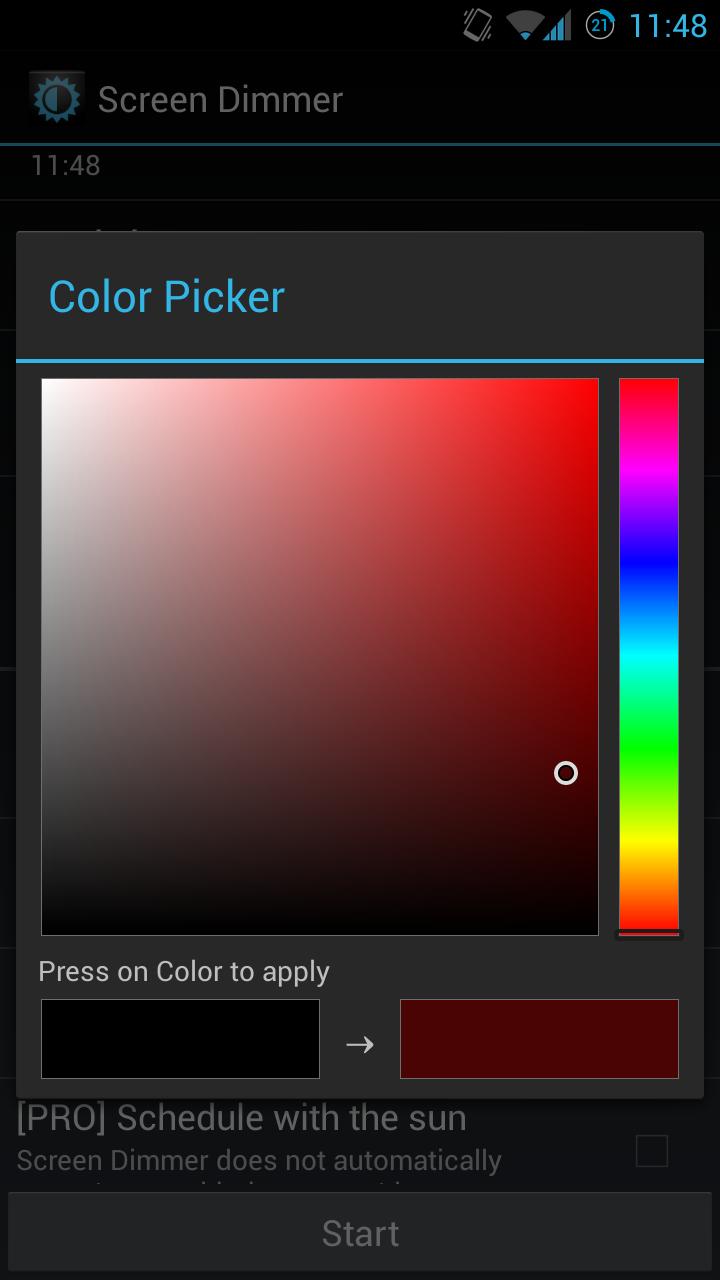
Screen Dimmer enable you to low the brightness of your phone or tablet even lower than what you can do by default in order to avoid headache and eye pain in a dark environment or at night. If you own an Amoled screen, this app will even save your battery because the black pixels actually turn off on an Amoled screen (http://en.wikipedia.org/wiki/AMOLED#Comparison_to_other_technologies). It is also scientifically proved that blue radiations can cause insomnia (http://chriskresser.com/how-artificial-light-is-wrecking-your-sleep-and-what-to-do-about-it), preserve your sleep by changing the filter's color to red or brown! (pro version only)
Its design is simple and appreciable, you can't dislike it!
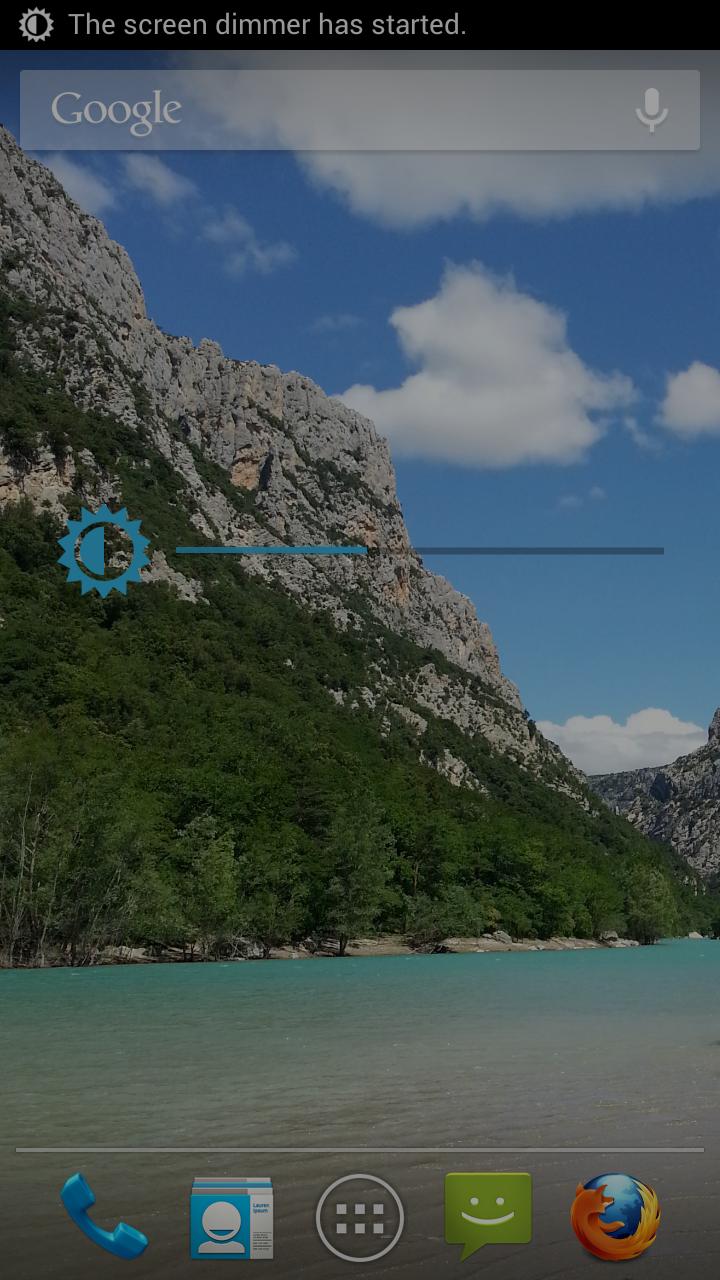
Great notification : click on the brightness icon to stop Screen Dimmer or click on the progress bar to change the filter's opacity (Version of Android earlier than 3.0).
• Functions:
- Variable opacity.
- Display a notification or not when Screen Dimmer is on.
- Scheduling.
- Minimize or not the screen's brightness.
- Disable the button's backlight.
- Quick launch widget and widget of opacity adjusting.
- [PRO] Change the colour of the filter and the widget.
- [PRO] Automatically toggle the app with the sunset/rise to use Screen Dimmer at night.
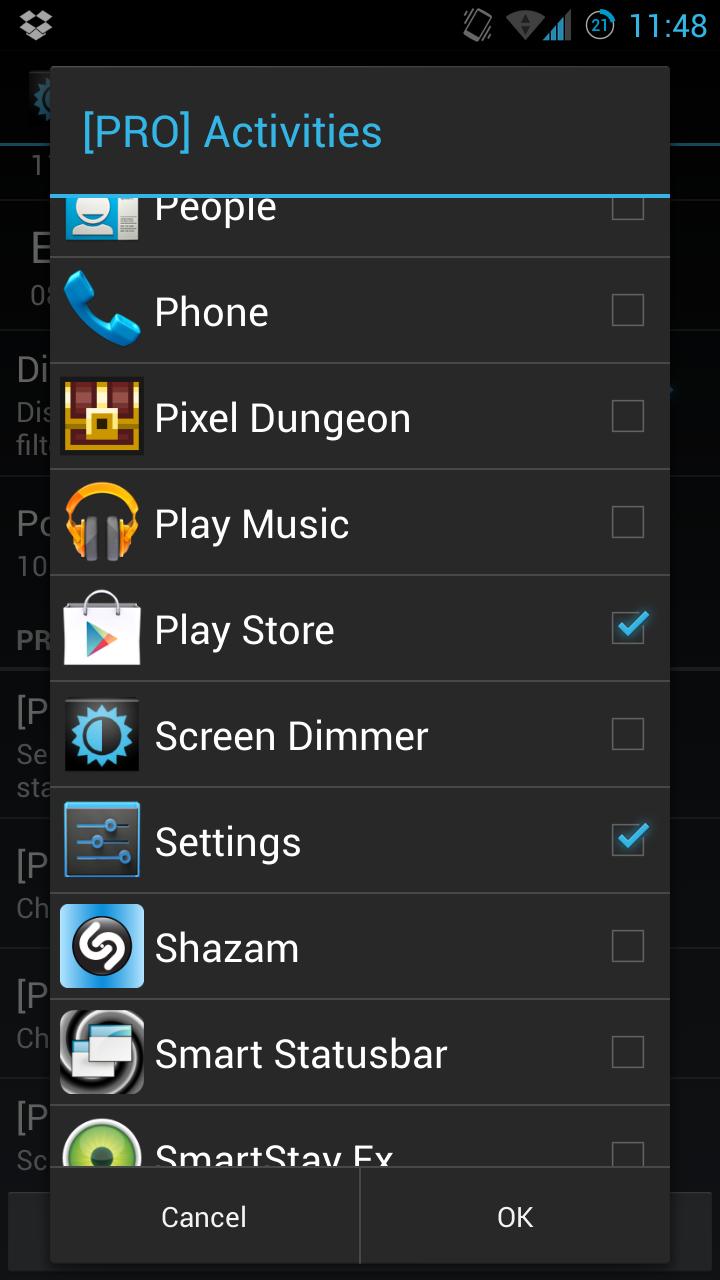
- [PRO] Choose the apps to launch when Screen Dimmer starts.
- [PRO] Activate the silent mode when Screen Dimmer starts.
- [PRO] Do an opacity transition when the launch of Screen Dimmer is scheduled.
If you like my app, feel free to rate it and buy the PRO version (in app) to support its development and unlock the pro features!
• Permissions :
- DRAW OVER OTHER APPS: needed to display the filter over other apps.
- RECEIVE BOOT COMPLETED: needed to preserve scheduling over reboots.
- COARSE LOCATION: needed by the sun scheduling feature.
• Known issues :
- When Screen Dimmer is on, you can't install apps manually or allow root access with SuperSu, please disable Screen Dimmer when doing so.
- Disabling key's backlights doesn't work on most Samsung devices.
• Tasker support:
- sebmorand.brightcom.action.START
- sebmorand.brightcom.action.STOP
- sebmorand.brightcom.action.TOGGLE
- sebmorand.brightcom.action.MORE_OPACITY
- sebmorand.brightcom.action.LESS_OPACITY
추가 앱 정보
최신 버전 2.3.3a의 새로운 기능
Last updated on Jun 12, 2015
• 2.3.3a:
Hotfix concernig pro users (thanks for reporting errors).
• 2.3.3:
Various fixes.
Added opacity transition [PRO].
Swipe has been updated too, check it out! (Android > 3.0).
• 2.3.2:
Added Tasker support.
You can now toggle the Silent Mode in the donator version.
• 2.3.1:
Some small fixes.
Check out my new app, Swipe!
• 2.3:
Enhanced notification : click on the brightness icon to stop Screen Dimmer or click on the progress bar to change the filter's opacity.
Some bug fixes.
Screen Dimmer 스크린 샷



Screen Dimmer의 오래된 버전
315.8 KBJun 12, 2015